
Latest Trends in Laptop Display Technology

Latest Trends in Laptop Display Technology
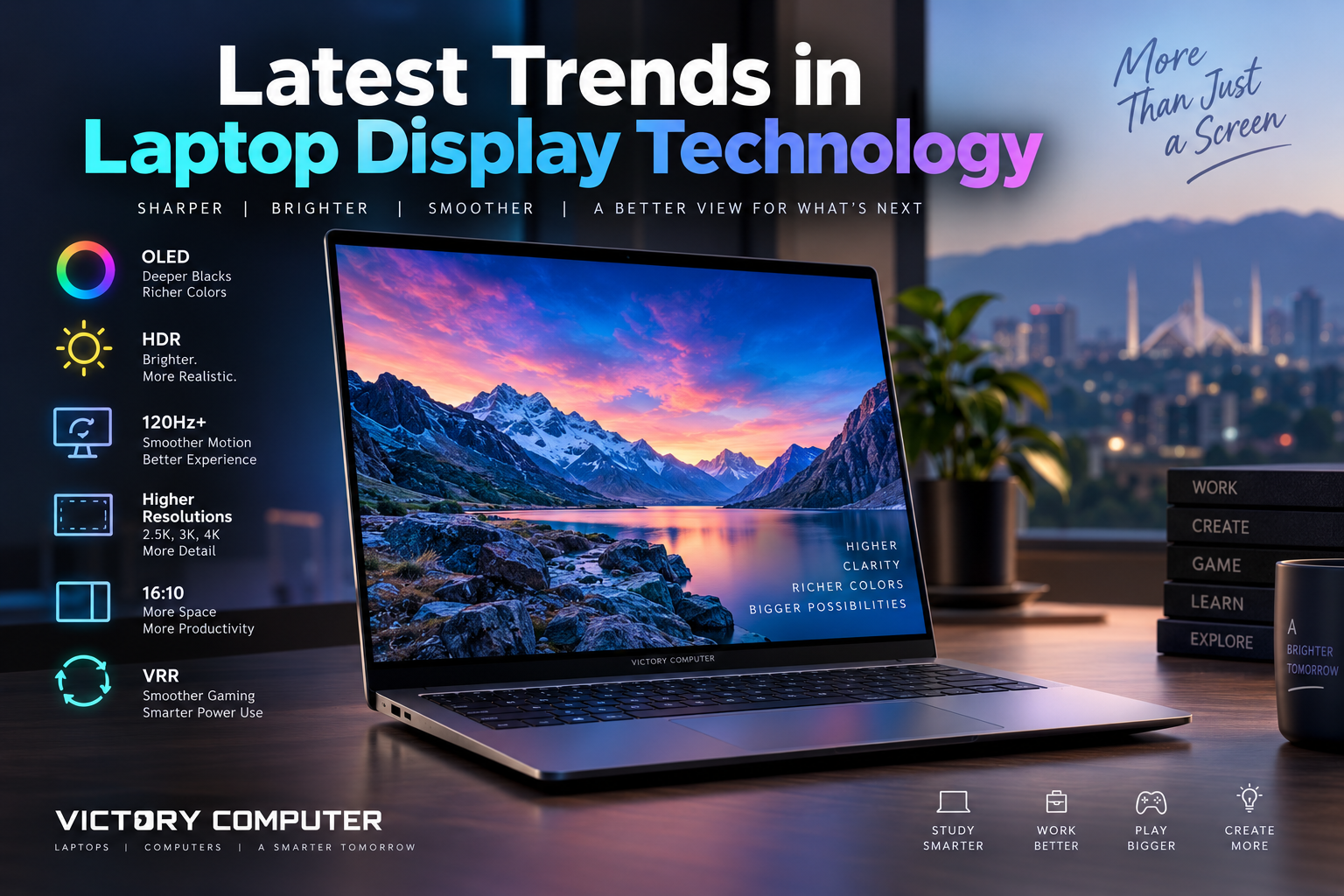
Laptop Display Technology in 2026 is moving toward brighter Tandem OLED panels, 120Hz-and-higher refresh rates, stronger HDR, variable refresh rate, and sharper 16:10 screens. OLED is spreading across premium and gaming laptops, while IPS and Mini-LED remain practical choices where price, sustained brightness, battery life, or specific workloads matter more.
What Are the Biggest Laptop Display Technology Trends in 2026?
The strongest Laptop Display Technology trends are not simply about increasing resolution. Manufacturers are improving contrast, HDR brightness, motion clarity, refresh-rate control, color accuracy, and panel efficiency at the same time. The result is a wider gap between a basic office screen and a premium creator or gaming display.
| Trend | What It Changes | Best For | Main Trade-off |
|---|---|---|---|
| Tandem OLED | Higher brightness and improved OLED efficiency | Creators, premium laptops, HDR work | Usually limited to higher-priced models |
| 120Hz–240Hz refresh | Smoother scrolling, gaming and motion | Gaming, productivity, pen input | Can increase power use |
| Stronger HDR | Brighter highlights with deeper dark detail | Movies, editing, HDR content | HDR quality varies greatly by panel |
| 2.5K–3K+ 16:10 screens | More workspace and sharper text | Creators, office users, students | More pixels can reduce battery runtime |
| VRR and smart refresh | Matches refresh behavior to content | Gaming and mobile productivity | Support depends on the exact laptop |
1. Tandem OLED Is the Most Important Premium Display Shift
Tandem OLED is one of the clearest 2026 advances in Laptop Display Technology. Instead of relying on a single OLED light-emitting structure, tandem designs use stacked emissive layers to improve brightness and efficiency. Samsung Display announced full-scale supply of laptop tandem OLED panels capable of reaching up to 1,600 nits peak brightness, while Lenovo lists a 16-inch 3.2K Tandem OLED option running at 120Hz on the Yoga Pro 9 series.
For buyers, the practical benefit is not the “tandem” label by itself. The value comes from combining OLED-level black depth with much stronger HDR brightness and better suitability for bright rooms and demanding visual work. If you want a deeper look at panel differences, Victory Computer’s Mini-LED vs OLED comparison explains the strengths and trade-offs of both approaches.
2. 120Hz Is Becoming an Everyday Premium Feature While Gaming Pushes 240Hz
High refresh rate is no longer only a gaming specification. A 120Hz screen can make scrolling, window movement, animation, and pen input feel more responsive than a conventional 60Hz display. Premium creator laptops increasingly combine 120Hz with OLED and high resolution, while gaming laptops are pushing much higher.
The 2026 Razer Blade 16, for example, uses a QHD+ 240Hz OLED panel with a stated 0.2ms response time. That combination demonstrates how modern Laptop Display Technology is merging image quality and speed instead of forcing buyers to choose between the two.
Gamers should still match refresh rate with actual GPU performance. A 240Hz panel becomes most useful when the laptop can produce high frame rates in the games being played. For a related explanation of adaptive high-refresh displays, see Victory Computer’s guide on whether high-refresh ProMotion changes the laptop experience.
3. HDR Is Becoming Brighter and More Meaningful
An HDR label alone does not guarantee a strong HDR experience. Peak brightness, black level, local contrast, color volume, and sustained brightness all affect the result. In 2026, premium OLED technology is pushing considerably higher peak brightness than earlier laptop OLED generations.
Samsung Display’s tandem OLED laptop panels are designed for VESA DisplayHDR True Black 1400-class performance. This development shows how high-end OLED is addressing one of its traditional limitations: producing very bright HDR highlights while preserving deep blacks. The improvement makes Laptop Display Technology more relevant for HDR video, games, and creative workflows rather than simply producing saturated demonstration images.
Creators should still evaluate HDR separately from SDR color accuracy. A bright HDR screen may look impressive while not necessarily being the correct reference for every editing task. Victory Computer’s article about HDR brightness on professional laptop displays explains that distinction in more detail.
4. 16:10 and 2.5K–3K Resolutions Are Often More Useful Than Chasing 4K
Another Laptop Display Technology trend is the move toward taller 16:10 panels and resolutions such as 2560×1600, 2880×1800, and 3200×2000. On 14-inch and 16-inch laptops, these resolutions can provide very sharp text and useful workspace without demanding as many pixels as a full 4K panel.
The 16:10 aspect ratio also provides more vertical room for documents, code, timelines, spreadsheets, and web pages. For many users, panel quality, brightness, refresh rate, and color coverage matter more than simply buying the highest resolution available.
This balance helps explain why premium laptops do not universally use 4K panels. Victory Computer’s 4K laptop display discussion explores the resolution trade-off from another perspective.
5. Variable Refresh Rate and Dynamic Refresh Rate Improve the Smoothness-to-Battery Balance
Higher refresh rates feel smoother, but they can require additional power. Modern Laptop Display Technology increasingly uses variable refresh rate and software-controlled refresh behavior to reduce that penalty.
Windows 11 Dynamic Refresh Rate can automatically change the refresh rate according to what the user is doing. Microsoft’s current requirements state that compatible hardware needs variable refresh rate support and a display capable of at least 120Hz.
A compatible laptop can therefore use a smoother refresh rate during scrolling or digital-pen input and reduce unnecessary refresh activity during more static work. For buyers, VRR or DRR support can sometimes be more useful than a high maximum refresh number that operates at full speed continuously.
6. Color Accuracy, Surface Finish and Touch Matter More Than Marketing Names
Display quality is becoming increasingly workload-specific. Content creators should check color-gamut coverage, factory calibration, and how the display behaves in the color space they use. Office users may care more about anti-glare treatment and readable brightness. Students may value touch or 2-in-1 functionality, while gamers normally prioritize refresh rate, response behavior, and VRR.
Glossy OLED panels can deliver excellent contrast but may show stronger reflections in bright rooms. Matte and anti-reflection coatings can improve practical visibility, although results depend on the particular panel and coating.
For users doing color-sensitive work, Victory Computer’s article about glossy displays and creator color accuracy provides additional context.
OLED vs IPS vs Mini-LED: Which Laptop Display Technology Makes Sense?
| Panel Type | Main Advantage | Best For | What to Check |
|---|---|---|---|
| OLED / Tandem OLED | Deep blacks, very high contrast and fast pixel response | Creators, movies and premium gaming | Brightness, refresh rate, coating and exact panel specification |
| IPS | Good balance of cost, clarity and widespread availability | Office, study and mainstream laptops | Brightness, color gamut and refresh rate vary greatly |
| Mini-LED LCD | Strong HDR brightness with local dimming | HDR creation and premium multimedia | Dimming quality, blooming behavior and power consumption |
Pros of Current Display Trends
- Better contrast and HDR performance on premium laptops.
- Smoother 120Hz-and-higher motion across more workloads.
- Sharper 16:10 panels provide more useful vertical workspace.
- VRR and dynamic refresh can reduce the battery penalty associated with higher refresh rates.
- Buyers have meaningful choices between OLED, IPS, and Mini-LED instead of one dominant premium panel type.
Trade-offs to Consider
- High resolution, high brightness, and high refresh rate can all increase power consumption.
- Premium OLED and Mini-LED configurations can add considerably to a laptop’s cost.
- The same laptop family may use different displays in different regional configurations.
- A strong specification sheet does not automatically guarantee excellent calibration, reflection control, or real-world HDR performance.
What Should Laptop Buyers in Pakistan Choose?
For buyers in Pakistan, the right Laptop Display Technology depends on the workload and exact model number rather than the panel name alone. Always verify the display specification for the specific SKU because imported variants of the same laptop family can differ in resolution, brightness, touch support, color gamut, and refresh rate.
- Competitive gaming: prioritize 165Hz–240Hz, low response time, and VRR before paying extra solely for very high resolution. Browse gaming laptops in Pakistan and compare the exact panel specifications.
- Video editing and design: prioritize accurate color, wide-gamut coverage, strong contrast, and useful HDR performance. A 2.8K or 3K OLED or a strong Mini-LED panel can suit these workloads better than a basic high-refresh IPS screen.
- Business and office use: 16:10, readable brightness, anti-glare treatment, and good battery efficiency usually matter more than 240Hz. Compare business laptops in Pakistan by their exact display option.
- Students and general users: a good 1200p or 1600p IPS display can remain a sensible value choice if OLED or high refresh pushes the laptop beyond the available budget.
What Should You Check Before Buying a Laptop Screen?
Do not judge Laptop Display Technology from one number. A good Laptop Display Technology comparison evaluates the panel as a complete system. Read the full display specification supplied for the exact laptop model rather than relying only on terms such as OLED, Retina, gaming, or HDR.
- Panel type: OLED, Tandem OLED, IPS, or Mini-LED.
- Resolution and aspect ratio: 16:10 can provide useful extra workspace.
- Brightness: compare SDR and HDR figures separately where available.
- Refresh rate: 120Hz benefits more than gaming, while 165Hz–240Hz mainly targets gaming and fast motion.
- VRR or DRR support: useful for gaming smoothness and intelligent power management.
- Color gamut and calibration: important for photography, design, and video production.
- Screen surface: glossy, matte, and anti-reflection treatments can significantly affect bright-room usability.
- Touch support: useful for 2-in-1 use, drawing, and annotation, but unnecessary for many conventional laptops.
Why These Trends Matter More Than the Panel Name
The biggest improvement in Laptop Display Technology is that manufacturers are combining features that were previously separated. OLED can now be both bright and fast. High refresh rates can use dynamic control to reduce unnecessary power consumption. High-resolution screens can provide useful 16:10 workspace instead of simply chasing 4K.
The right approach is to buy the display for the job. A creator may benefit from Tandem OLED and wide-gamut calibration. A competitive gamer may prefer a 240Hz OLED or fast IPS display. A business user may get more value from a bright 120Hz 16:10 IPS panel with sensible battery behavior.
For more laptop and computer technology guides, visit Victory Computer’s technology guides.
Frequently Asked Questions
What is the biggest laptop display technology trend in 2026?
Tandem OLED is one of the most important premium developments because it can increase OLED brightness and efficiency while preserving the deep blacks and fast response associated with OLED.
Is OLED better than IPS for laptops?
OLED normally provides much deeper blacks and higher contrast, but IPS can still offer lower cost, practical matte-screen options, and strong efficiency. The better choice depends on the exact panel and workload.
Is 120Hz worth it on a laptop that is not used for gaming?
Yes. Many users can benefit from smoother scrolling, animation, and pen input at 120Hz. The trade-off is potentially higher power consumption, although compatible DRR and VRR systems can reduce unnecessary refresh activity.
Do I need a 4K laptop display?
Usually not. On a 14-inch to 16-inch laptop, 2.5K to 3K-class resolutions can already provide very sharp text and detailed images while placing less demand on the GPU and battery than 4K.
Is Mini-LED still relevant now that Tandem OLED is improving?
Yes. Mini-LED remains useful for buyers who value strong HDR brightness and sustained luminance. OLED, Mini-LED, and IPS continue to serve different budgets and workloads.
What display specification matters most for gaming laptops?
Refresh rate, response behavior, VRR support, brightness, resolution, and GPU performance should be considered together. A 240Hz panel provides the greatest benefit when the laptop can generate frame rates high enough to use it.
“`

About Victory Computer Editorial Team
Victory Computer Editorial Team The Victory Computer Editorial Team publishes informative, research-based content about laptops, computers, monitors, printers, hardware, and technology trends in Pakistan. Our goal is to help readers understand product specifications, compare available options, and make informed purchasing decisions.
View all posts by Victory Computer Editorial Team
7 thoughts on “Latest Trends in Laptop Display Technology”