
Is ProMotion Just a Gimmick, or Does It Really Change the MacBook Experience? | Expert Review

Is ProMotion Just a Gimmick
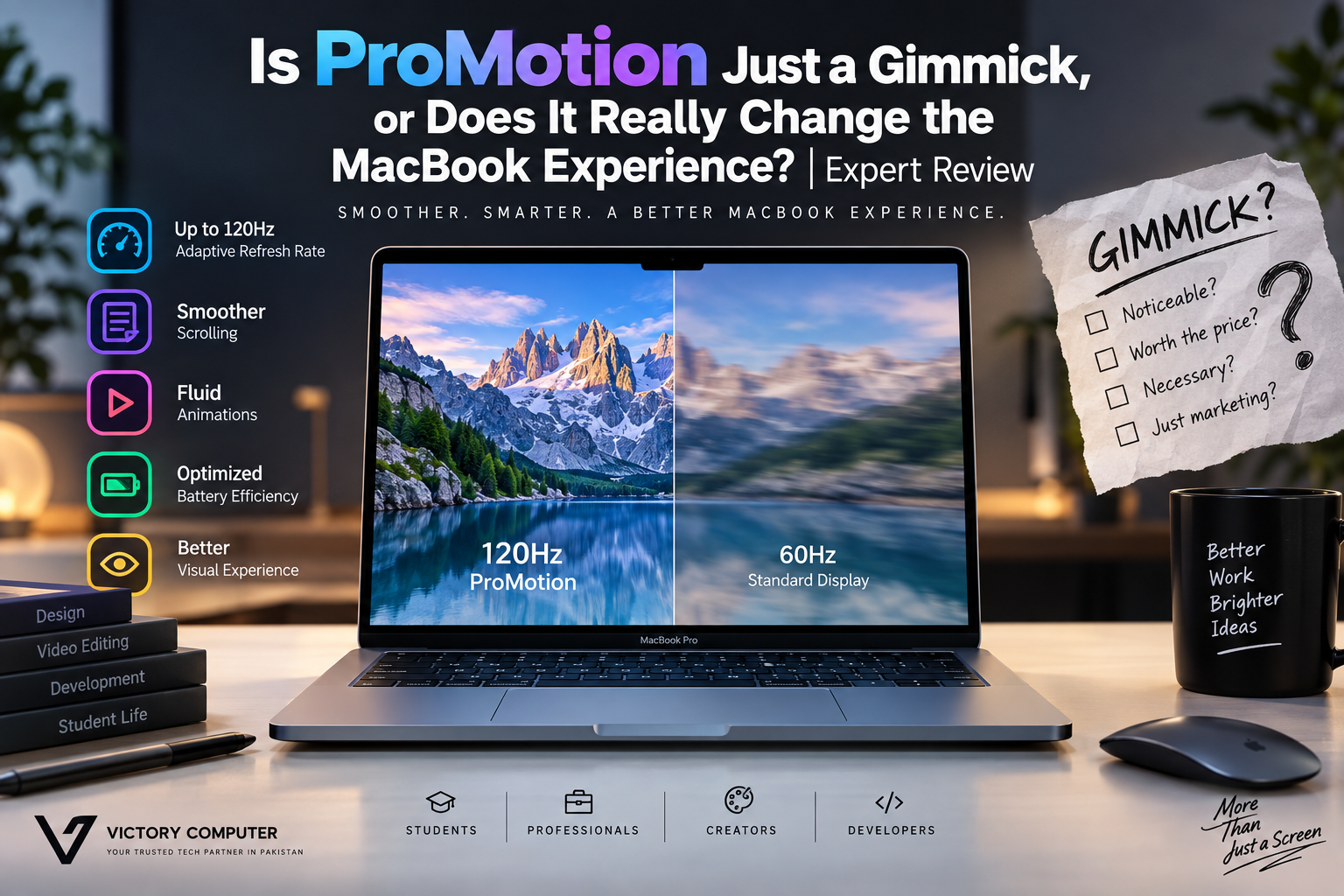
MacBook ProMotion is not just a gimmick: the adaptive refresh rate of up to 120Hz can make scrolling, animations and motion appear noticeably smoother than on a conventional 60Hz laptop display. However, ProMotion is not equally valuable for everyone. For basic browsing, documents and study, a 60Hz MacBook can still provide an excellent experience.
What Is MacBook ProMotion?
ProMotion is Apple’s adaptive refresh-rate technology. On current 14-inch and 16-inch MacBook Pro models, Apple specifies adaptive refresh rates of up to 120Hz. Instead of treating the screen as a simple fixed 60Hz panel, ProMotion can vary its refresh behavior according to the content being displayed.
Apple also provides fixed refresh-rate choices including 47.95Hz, 48Hz, 50Hz, 59.94Hz and 60Hz. Apple specifically notes that professionals can choose a refresh rate that aligns with the frame rate of video content.
You can review the current Apple MacBook Pro specifications or Apple’s guide explaining how to change the MacBook Pro refresh rate.
Does ProMotion Really Make a Difference?
Yes, but how much you notice depends on what you do. Moving from a 60Hz display to a display capable of refreshing at up to 120Hz can make motion appear smoother, particularly while scrolling quickly through webpages, moving windows and navigating macOS.
The difference tends to become easier to appreciate after using a high-refresh display regularly and then returning to 60Hz. The actual content does not become sharper simply because of ProMotion; the main improvement is the perceived fluidity of motion and interface response.
That distinction matters. ProMotion should not be confused with resolution, HDR capability, colour reproduction or brightness. Those are separate display characteristics. Our discussion of Apple’s display strategy explores some of those broader display choices.
Where Does MacBook ProMotion Matter Most?
ProMotion is most useful when your work involves frequent motion or frame-rate-sensitive content. Apple specifically allows MacBook Pro users to select fixed refresh rates to match video content, which can be useful in professional video workflows.
- Video editors: Fixed refresh-rate choices can help align the display with particular video frame rates.
- Designers: Interface movement, scrolling and animations can appear more fluid.
- Developers: Frequent scrolling through long documents, webpages and code can benefit from smoother motion.
- Everyday users: macOS animations and scrolling look smoother, although this is primarily an experience improvement rather than a productivity requirement.
ProMotion is therefore only one reason to consider the Pro. Buyers should evaluate the complete display and hardware package rather than purchasing a MacBook Pro solely because the specification says 120Hz. See our broader MacBook Pro display review for more context.
MacBook ProMotion Pros and Cons
Pros
- Up to 120Hz adaptive refresh: Motion and scrolling can appear significantly smoother than on a standard 60Hz display.
- Adaptive operation: ProMotion is designed to vary the refresh behavior instead of forcing the display to operate at its maximum refresh rate constantly.
- Useful fixed refresh rates: MacBook Pro provides several fixed rates for workflows such as video editing.
- Smoother macOS experience: Window movement, animations and fast scrolling benefit from the higher refresh capability.
- Strong professional display package: ProMotion is integrated into the MacBook Pro’s broader Liquid Retina XDR display system.
Cons
- Not essential for basic tasks: Email, Word documents, web research and many study tasks work perfectly well at 60Hz.
- Not every workload benefits equally: Static documents and still images gain little from a higher refresh rate.
- It should not determine the entire purchase: Processor performance, memory, storage, display size, ports and budget may matter more.
- High refresh rate is not unique to Apple: Buyers comparing platforms should evaluate competing high-refresh laptop displays as well.
Why We Recommend It
We recommend treating MacBook ProMotion as a valuable premium display feature rather than the main reason to buy a MacBook Pro. Creators, developers and users who spend hours looking at moving content are more likely to appreciate it. Students and everyday users should first decide whether they actually need the other advantages of a MacBook Pro.
MacBook ProMotion vs 60Hz: What Actually Changes?
| Area | 60Hz Display | ProMotion up to 120Hz |
|---|---|---|
| Scrolling | Normal | Smoother perceived motion |
| macOS animations | Good | More fluid |
| Documents | Excellent | Limited practical advantage |
| Video workflow | Suitable for normal use | More refresh-rate options |
| Static images | Little refresh-rate disadvantage | Little refresh-rate advantage |
| Best suited to | General computing | Premium and professional workflows |
The important point is that 120Hz does not make the MacBook twice as productive as a 60Hz machine. Refresh rate affects how frequently the display can update; it does not double processor performance, application speed or image resolution.
MacBook Air vs MacBook Pro: Should ProMotion Decide?
No. ProMotion alone should rarely determine whether you buy a MacBook Air or MacBook Pro. The two product families are designed around different combinations of portability, performance, cooling, connectivity and display capabilities.
If your workload is relatively light and you value portability, paying more primarily to obtain ProMotion may not make sense. If your workload already justifies a MacBook Pro, ProMotion becomes a meaningful additional advantage.
For a broader purchasing decision, see our MacBook Air vs MacBook Pro comparison.
What About High-Refresh Windows Laptops?
ProMotion should not be evaluated in isolation. High-refresh displays are also widely available on Windows laptops, and different models may prioritize OLED panels, gaming refresh rates, touch capability or other display characteristics.
The better choice therefore depends on the complete laptop rather than the refresh-rate number alone. Professionals deciding between ecosystems can also read our MacBook vs Windows laptop comparison.
Is ProMotion Worth It on a MacBook Pro?
ProMotion is worth having if you already need a MacBook Pro, but it usually is not worth buying a Pro solely for 120Hz. The improvement in scrolling and motion is real, while professional users also gain useful refresh-rate controls for video workflows.
For everyday browsing, office work, university assignments and static content, ProMotion is better described as a premium comfort feature than an essential requirement.
That makes the answer straightforward: ProMotion is useful technology, not a gimmick—but its value depends heavily on the user.
Buying a MacBook in Pakistan
Pakistani buyers should compare the complete MacBook configuration rather than focusing only on ProMotion. Check the exact model, processor, memory, SSD capacity, display size and warranty terms before purchasing, particularly when comparing imported configurations.
You can visit Victory Computer to check available computers and current listings. Because inventory and prices can change, confirm the current product details and warranty information shown for the specific device before ordering.
Frequently Asked Questions
Is MacBook ProMotion really noticeable?
Yes. The difference is most apparent during scrolling, animations and other moving interface elements. Users who spend most of their time viewing static content may value the difference less.
What is the maximum MacBook ProMotion refresh rate?
Apple currently specifies ProMotion technology with adaptive refresh rates of up to 120Hz on its current MacBook Pro displays.
Is ProMotion better than 60Hz?
For motion smoothness, yes. For static documents, photos and basic productivity, the practical difference is much smaller.
Do video editors benefit from ProMotion?
ProMotion can be useful for video workflows. Apple also provides fixed refresh-rate options so professionals can select a rate appropriate to the frame rate of their content.
Should I buy a MacBook Pro just for ProMotion?
Usually not. Buy a MacBook Pro when its overall performance, display, connectivity and other capabilities suit your workload; consider ProMotion an additional benefit.
Is ProMotion just an Apple marketing gimmick?
No. The higher adaptive refresh capability produces a genuine visual difference. The debatable part is not whether ProMotion works, but whether that difference is valuable enough for your particular workload.

About Victory Computer Editorial Team
Victory Computer Editorial Team The Victory Computer Editorial Team publishes informative, research-based content about laptops, computers, monitors, printers, hardware, and technology trends in Pakistan. Our goal is to help readers understand product specifications, compare available options, and make informed purchasing decisions.
View all posts by Victory Computer Editorial Team
4 thoughts on “Is ProMotion Just a Gimmick, or Does It Really Change the MacBook Experience? | Expert Review”