
Is the MacBook Pro Display Really Worth the Hype, or Just Marketing? | Expert Review

Is the MacBook Pro Display
Yes, the MacBook Pro display largely deserves the hype—but not every buyer needs to pay for it. Liquid Retina XDR combines Mini-LED backlighting, high HDR brightness, wide P3 color and ProMotion up to 120Hz. These advantages matter most for photographers, video editors, designers and other professionals working with visual content.
MacBook Pro Display: Marketing Hype or Actually Worth It?
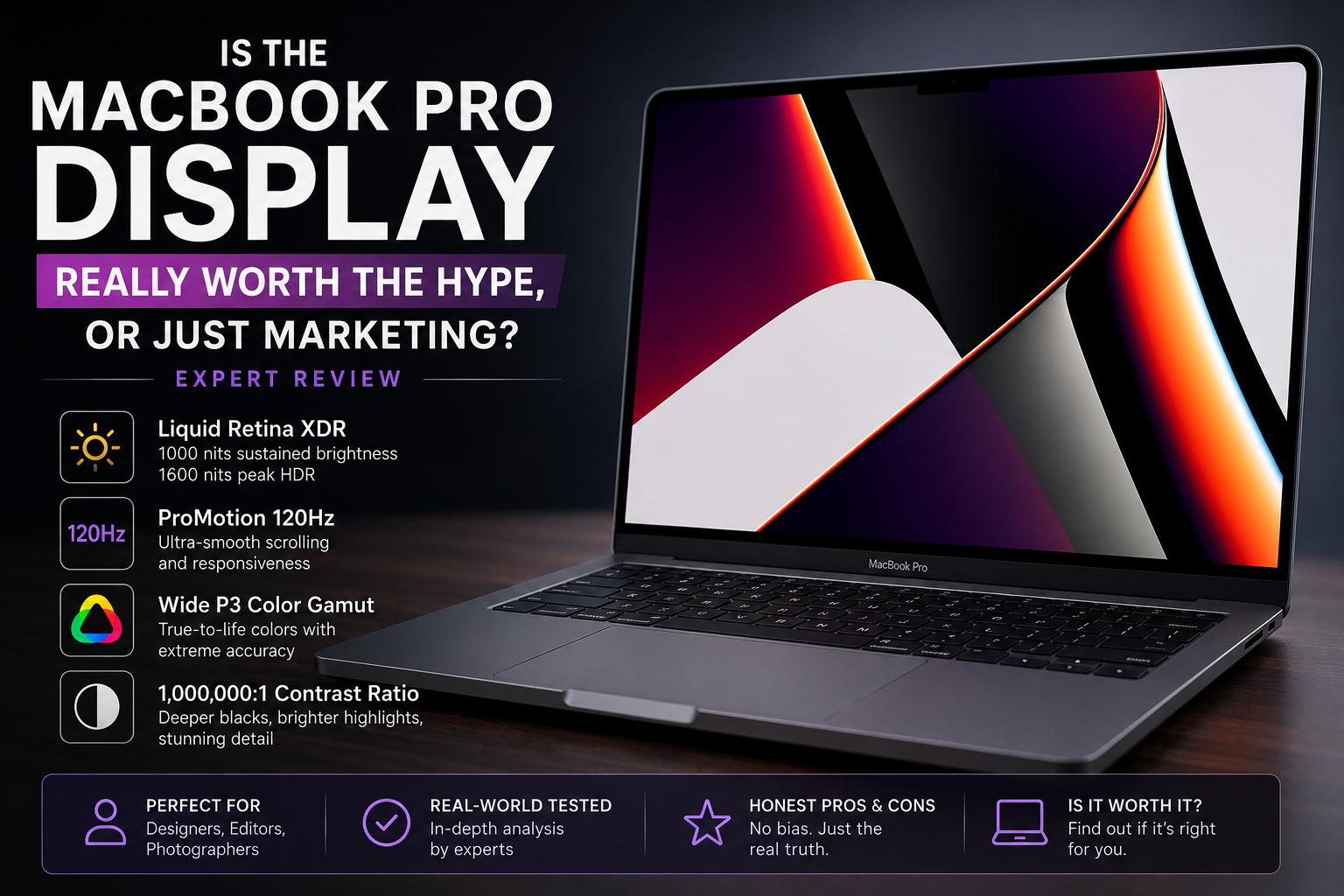
The hardware behind Apple’s display marketing is real. Current MacBook Pro models use a Liquid Retina XDR display with a 1,000,000:1 contrast ratio, 1,000 nits sustained full-screen XDR brightness and up to 1,600 nits peak brightness for HDR content. Apple also specifies wide P3 color, support for 1 billion colors, True Tone and ProMotion adaptive refresh rates up to 120Hz.
Those characteristics make the screen particularly attractive for HDR video, photography and other color-sensitive work. The important question is not whether the MacBook Pro has an excellent screen—it does—but whether your workload benefits enough to justify buying a MacBook Pro instead of a less expensive laptop.
7 Reasons the MacBook Pro Display Stands Out
1. Liquid Retina XDR Is More Than a Marketing Name
The MacBook Pro uses Mini-LED backlighting rather than a conventional edge-lit LCD. Local dimming allows different areas of the screen to vary their brightness, producing stronger contrast and much more convincing HDR than a basic IPS laptop display.
2. HDR Brightness Is a Genuine Advantage
Apple specifies 1,000 nits sustained full-screen XDR brightness and 1,600 nits peak brightness for HDR content. That is particularly useful when reviewing HDR video because bright highlights can be displayed with considerably more intensity than on an ordinary laptop panel.
3. ProMotion Up to 120Hz Makes macOS Feel Smoother
The MacBook Pro ProMotion system supports adaptive refresh rates up to 120Hz. Scrolling, animations and moving content can therefore appear smoother than on a conventional 60Hz screen.
The adaptive design is equally important. The display does not simply need to operate at maximum refresh rate constantly; macOS can adjust refresh behavior depending on the content being displayed.
4. Wide P3 Color Matters for Creative Work
The MacBook Pro supports Wide Color (P3) and 1 billion colors. For photographers, designers and video professionals working within color-managed workflows, this is considerably more useful than simply advertising a high display resolution.
5. High Pixel Density Keeps Content Sharp
Current 14-inch and 16-inch MacBook Pro displays have a pixel density of approximately 254 pixels per inch. Text, interface elements and detailed images therefore appear extremely sharp at normal laptop viewing distances.
6. The Screen Works Particularly Well With Apple’s Creative Ecosystem
Final Cut Pro, professional photo applications and other color-managed creative workflows can take advantage of the combination of HDR capability, resolution, color reproduction and macOS display management.
Professionals deciding between a built-in laptop screen and a desktop Apple display can also read our MacBook Pro vs Studio Display comparison.
7. Nano-Texture Is Now an Option
Current MacBook Pro configurations can also be ordered with a nano-texture display. The option is particularly relevant to users who frequently work in environments where reflections and glare interfere with the standard glossy screen.
MacBook Pro Display Specifications That Actually Matter
| Feature | Current MacBook Pro | Why It Matters |
|---|---|---|
| Display technology | Liquid Retina XDR / Mini-LED | Strong HDR performance and local dimming |
| Contrast ratio | 1,000,000:1 | Deeper blacks and stronger highlight separation |
| XDR brightness | 1,000 nits sustained full-screen | Useful for HDR workflows |
| Peak HDR brightness | 1,600 nits | Bright HDR highlights |
| Refresh rate | ProMotion up to 120Hz | Smoother scrolling and motion |
| Color | Wide P3, 1 billion colors | Useful for color-sensitive creative work |
| True Tone | Yes | Adjusts appearance according to ambient lighting |
These specifications are based on Apple’s current MacBook Pro technical specifications. Buyers comparing different generations should check the specifications of the exact model because display characteristics can vary between generations.
MacBook Pro Mini-LED vs OLED: Which Is Better?
OLED is not automatically better than the MacBook Pro’s Mini-LED display. The technologies have different strengths.
| Area | MacBook Pro Mini-LED | OLED Laptop |
|---|---|---|
| Black level | Excellent, but local-dimming based | Pixel-level black |
| HDR brightness | Major strength | Varies significantly by panel |
| Blooming | Can occur around bright objects | No Mini-LED blooming |
| Refresh rate | Up to 120Hz | Varies; some models exceed 120Hz |
| Burn-in concern | No OLED burn-in mechanism | Long-term image retention is a consideration |
The biggest visual weakness of Mini-LED is blooming. A bright object against a nearly black background can produce a visible halo because one backlight zone illuminates more than an individual pixel.
OLED controls light at the pixel level, so it can produce true blacks without Mini-LED blooming. Anyone specifically considering this difference should read our analysis of why the MacBook Pro display still isn’t OLED.
You can also explore our guide to the latest laptop display technologies for broader context around OLED, IPS and other modern laptop panels.
Who Actually Benefits From the MacBook Pro Display?
Video Editors
Video editors are among the strongest candidates. HDR brightness, P3 color and a high-resolution panel make the MacBook Pro particularly useful for reviewing video without always requiring a separate external monitor.
Photographers
Photographers benefit from sharp resolution, wide color support and strong contrast. A controlled color workflow still matters, however; an expensive display does not eliminate the need for correct color-management practices.
Graphic Designers
Designers working with color-sensitive material can make meaningful use of the MacBook Pro display. The benefit is much smaller for someone primarily producing documents, spreadsheets or basic web content.
Office and University Users
For Word documents, browsing, email, presentations and general university work, the screen is excellent but usually unnecessary. A good IPS or OLED laptop can provide a very pleasant experience for substantially less money.
Gamers
ProMotion up to 120Hz makes gaming smoother than a 60Hz panel, but MacBook Pro should not be selected purely because of the screen for competitive gaming. Windows gaming laptops commonly offer 144Hz, 165Hz, 240Hz or higher refresh rates alongside broader PC game compatibility.
MacBook Pro Display Pros and Cons
Pros
- Excellent HDR capability with up to 1,600 nits peak HDR brightness.
- 1,000,000:1 contrast ratio provides strong dark-scene performance.
- ProMotion up to 120Hz produces smooth motion and scrolling.
- Wide P3 color and 1 billion colors are valuable for professional creative workflows.
- High pixel density makes text, photos and detailed interfaces look extremely sharp.
Cons
- Mini-LED blooming can still occur around bright objects on very dark backgrounds.
- It is not OLED, so individual pixels cannot switch off independently to create true pixel-level black.
- The premium is unnecessary for many buyers who mainly browse, study or use office applications.
- 120Hz is not class-leading for competitive gaming, where high-end gaming laptops can offer substantially faster refresh rates.
Why We Recommend It
The MacBook Pro display makes the most sense for photographers, designers, filmmakers, editors and professionals who can actually use its HDR, color and brightness capabilities. For general productivity, studying and everyday browsing, the display quality is impressive but should not be the main reason to spend significantly more on a laptop.
So, Is the MacBook Pro Display Worth the Extra Money?
Yes—for the right user.
- Choose MacBook Pro if HDR video, photography, design or professional visual work is central to your workflow.
- Consider MacBook Air if portability, everyday productivity and lower cost matter more than XDR performance.
- Consider an OLED Windows laptop if pixel-level blacks and OLED characteristics are priorities.
- Consider a gaming laptop if high-refresh competitive gaming is your primary requirement.
The biggest mistake is assuming that an objectively better display automatically makes the MacBook Pro the better laptop for everyone. Display quality should be evaluated alongside performance, software compatibility, portability, battery requirements and budget.
Buying a MacBook Pro in Pakistan
Pakistani buyers should compare the exact MacBook Pro generation, chip, screen size, memory, storage, keyboard configuration and warranty terms rather than buying based only on the words “Liquid Retina XDR.” Different generations and configurations can affect the overall value of the purchase.
You can explore current MacBooks and laptops available through Victory Computer or visit the Victory Computer website for current product listings and availability.
For buyers considering an older machine to reduce the purchase cost, our used MacBook Pro buying guide for Pakistan explains additional checks worth making before purchasing.
Frequently Asked Questions
Is the MacBook Pro display really worth it?
Yes, particularly for users who work with HDR video, photography, design or other visually demanding content. General productivity users may not benefit enough to justify buying a MacBook Pro specifically for the display.
Is the MacBook Pro display OLED?
No. Current MacBook Pro models use Apple’s Liquid Retina XDR display with Mini-LED backlighting rather than OLED.
Does MacBook Pro have a 120Hz display?
Yes. ProMotion supports adaptive refresh rates up to 120Hz on current MacBook Pro models.
Is OLED better than the MacBook Pro Liquid Retina XDR display?
Not universally. OLED provides pixel-level blacks and eliminates Mini-LED blooming, while the MacBook Pro’s Liquid Retina XDR display offers strong HDR brightness and excellent professional display characteristics.
Is the MacBook Pro display good for video editing?
Yes. Its XDR brightness, P3 wide color, high resolution and HDR capabilities make the MacBook Pro particularly well suited to professional video workflows.
Is MacBook Pro worth buying only for the screen?
Usually not. Buyers should also consider processing performance, memory, storage, software requirements, portability and budget before choosing a MacBook Pro.
Final Verdict: Real Technology, Not Just Marketing
The MacBook Pro display deserves most of its reputation. Liquid Retina XDR combines high HDR brightness, strong contrast, P3 color, high pixel density and ProMotion up to 120Hz in one laptop screen. Those are measurable hardware advantages rather than marketing language alone.
But “excellent” does not mean “best for everyone.” OLED has advantages in black levels, gaming laptops can offer much higher refresh rates, and ordinary users may see little practical return from paying for professional-grade display capabilities.
For photographers, video editors, designers and other visual professionals, the MacBook Pro display is one of the strongest reasons to consider the machine. For everyday users, it is a premium feature rather than a necessity.

About Victory Computer Editorial Team
Victory Computer Editorial Team The Victory Computer Editorial Team publishes informative, research-based content about laptops, computers, monitors, printers, hardware, and technology trends in Pakistan. Our goal is to help readers understand product specifications, compare available options, and make informed purchasing decisions.
View all posts by Victory Computer Editorial Team
2 thoughts on “Is the MacBook Pro Display Really Worth the Hype, or Just Marketing? | Expert Review”