
Why Apple Refuses to Add Touch Displays to MacBooks (Unlike Windows PCs) | Expert Review

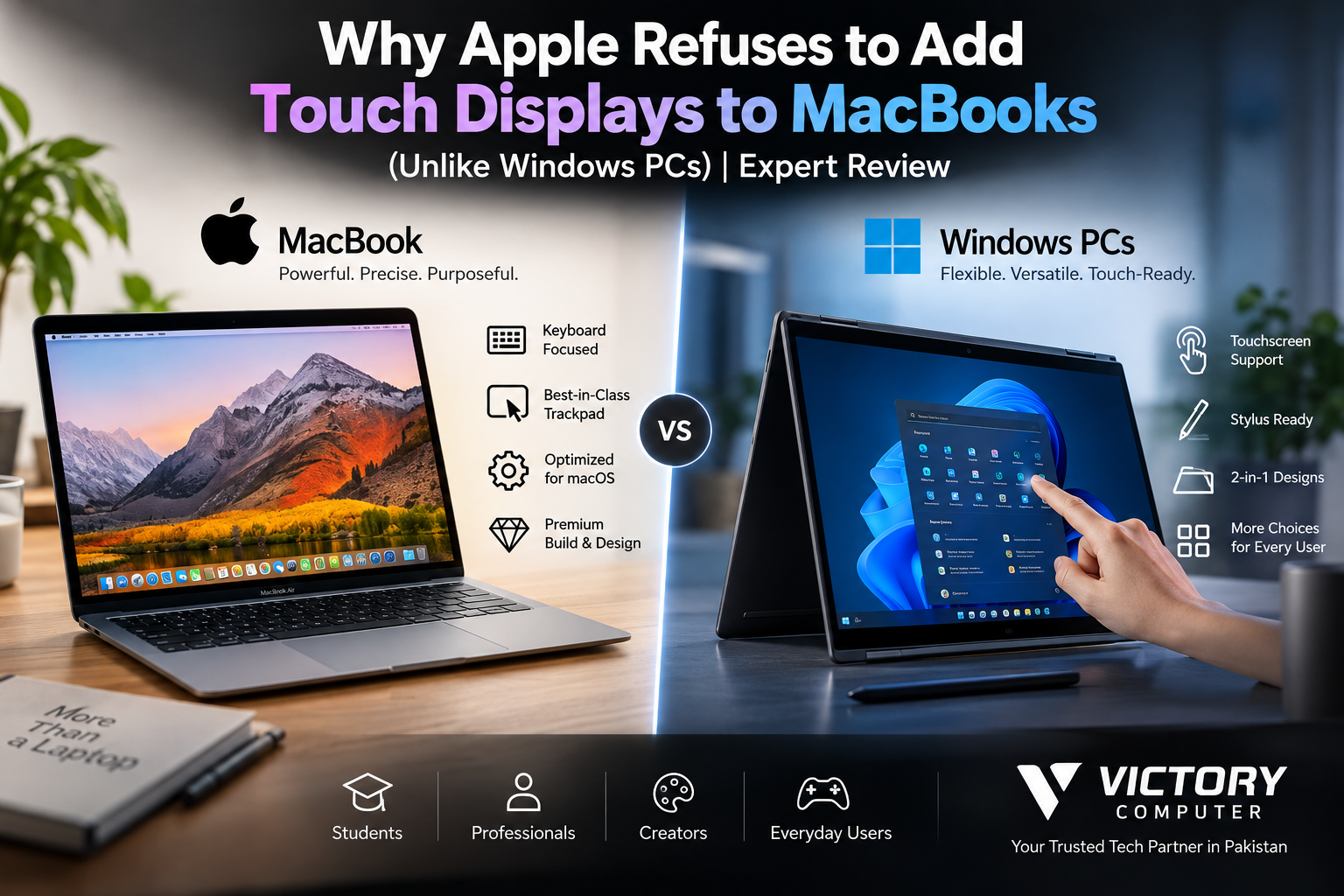
Why Apple Refuses to Add Touch Displays to MacBooks
Touch displays on MacBooks remain absent from Apple’s current laptop lineup because the Mac has historically been designed around keyboard, mouse, and trackpad input rather than direct screen interaction. Windows PCs took a different route, supporting touchscreens and convertible designs. However, Apple’s position may finally be changing as reports point toward future touch-enabled Mac hardware.
Why Current MacBooks Still Don’t Have Touchscreens
Apple’s current MacBook strategy still treats the trackpad and keyboard as the primary ways to interact with macOS. The 2026 MacBook Pro uses a Force Touch trackpad and a Liquid Retina XDR display with ProMotion up to 120Hz, but Apple does not list touchscreen capability for the display.
The current MacBook Air follows the same basic philosophy: a conventional laptop display combined with a large Force Touch trackpad rather than direct screen input.
This makes Apple’s approach very different from Windows, where touch input is supported across many traditional laptops, detachable devices, and 2-in-1 convertibles.
Why Has Apple Avoided Touch Displays on MacBooks?
Apple’s decision makes more sense when the Mac is viewed as a complete input system rather than just a laptop missing one feature.
1. macOS Was Built Around Pointer-Based Input
macOS has historically been optimized for precise pointer control. Menus, window controls, professional applications, file management, and multitasking work naturally with a mouse or trackpad.
Adding touch is therefore more complicated than placing a touch-sensitive layer over the existing display. A comfortable touchscreen Mac also requires interface elements and gestures that work properly with fingers.
2. The Force Touch Trackpad Already Handles Multi-Touch Gestures
MacBooks have unusually large trackpads capable of Multi-Touch gestures. Users can scroll, zoom, switch desktops, access Mission Control, and perform other navigation without reaching toward the display.
For many desk-based workflows, this reduces the practical need for a touchscreen.
3. Apple Has Historically Kept the iPad and Mac Distinct
The iPad is Apple’s touch-first computing platform, while the Mac remains primarily keyboard-and-pointer driven. Keeping those experiences distinct has allowed Apple to optimize each operating system around its main form of input.
That does not prove Apple withheld touch simply to make customers buy two devices. That claim would be speculative. Product differentiation is a factor, but interface design and hardware priorities are also important.
4. A Touchscreen Changes Laptop Hardware Design
A laptop display that users regularly press needs to remain stable during interaction. Touch hardware can also affect display construction, thickness, cost, power consumption, and hinge design.
Apple has historically prioritized thin laptop displays and highly developed trackpad interaction instead.
MacBook vs Windows Touchscreen Laptops
The biggest advantage Windows has is choice. Microsoft supports touch gestures in Windows, and Windows 11 can adapt automatically when compatible convertible hardware changes between laptop and tablet configurations.
Buyers can therefore choose conventional non-touch notebooks, touchscreen laptops, stylus-compatible systems, or convertible 2-in-1 designs.
Our touchscreen vs non-touchscreen laptops comparison explains when paying extra for touch actually makes sense.
| Feature | Current MacBook | Touch Windows Laptop |
|---|---|---|
| Touchscreen | No | Available on many models |
| Trackpad | Force Touch with Multi-Touch gestures | Varies by manufacturer |
| 2-in-1 designs | No | Widely available |
| Stylus support on built-in display | No | Available on supported models |
| Tablet-style use | No | Available on convertible models |
Touch is therefore a genuine Windows advantage for handwriting, drawing, presentations, classroom interaction, and convertible use. However, touchscreen capability alone does not determine which operating system or laptop is better.
For a broader decision, see our MacBook vs Windows laptop comparison for professionals in Pakistan.
Pros and Cons of Apple’s Non-Touch MacBook Approach
Pros
- Excellent trackpad experience: Multi-Touch gestures provide fast navigation without reaching for the screen.
- Consistent laptop interface: macOS remains optimized around keyboard and pointer input.
- Less need to touch the display: The screen is less likely to collect fingerprints during normal use.
- Clear device roles: MacBooks remain conventional productivity laptops while iPads handle touch-first workflows.
Cons
- No direct screen interaction: Users cannot simply tap buttons, links, photos, or controls.
- No built-in stylus workflow: Artists and note-takers cannot draw directly on a MacBook display.
- No 2-in-1 mode: A MacBook cannot fold or convert into a tablet like many Windows PCs.
- Less flexibility: Buyers who want keyboard, trackpad, touch, and pen input in one computer have more options on Windows.
Why We Recommend It
A current MacBook makes sense for buyers who primarily work with a keyboard and trackpad and value macOS, battery life, portability, and Apple’s ecosystem. Buyers who regularly draw, annotate documents, take handwritten notes, or use a laptop as a tablet should also consider a touchscreen Windows device.
Does a MacBook Actually Need a Touchscreen?
Not every MacBook user needs touch. For coding, office work, video editing, browsing, research, and other keyboard-heavy workflows, a touchscreen may provide limited additional value.
Touch becomes much more useful for digital art, handwritten notes, classroom work, presenting information to clients, quickly navigating while standing, and convertible tablet use.
The better question is therefore not whether touchscreens are universally better. It is whether direct touch improves your workflow.
Readers comparing display features can also see our guide to current laptop display technology.
Will Apple Finally Release a Touchscreen MacBook?
Possibly, but buyers should separate current products from reported future plans.
As of September 2026, Apple’s current MacBook Pro specifications still describe Liquid Retina XDR displays, ProMotion, and Force Touch trackpads without listing touchscreen support. Current MacBook Air specifications likewise do not list a touchscreen.
However, multiple industry reports now suggest Apple is developing a redesigned high-end MacBook with an OLED touchscreen. Reports have also suggested that macOS could become more touch-friendly to support this hardware.
These reports should still be treated as rumors until Apple officially announces a touchscreen Mac. Product name, specifications, pricing, availability, and release timing can change before launch.
If the reports prove accurate, Apple’s strategy may be shifting from “no touchscreen Mac” toward a Mac that remains keyboard-and-trackpad focused while offering touch as an additional input method.
Buying a MacBook or Touchscreen Laptop in Pakistan
Pakistani buyers should choose based on workflow rather than assuming one display type is automatically better.
Choose a MacBook if macOS, Apple’s ecosystem, trackpad navigation, battery efficiency, and conventional laptop use matter most.
Consider a Windows touchscreen laptop if you need pen input, handwritten notes, direct touch controls, a convertible hinge, or tablet-style operation.
You can browse laptops available in Pakistan or visit Victory Computer to compare available laptop options before buying.
Because models, specifications, prices, and availability change, always verify the exact display configuration before purchasing. Two laptops in the same product family may use different display options.
Frequently Asked Questions
Why doesn’t the current MacBook have a touchscreen?
Apple’s current MacBook hardware and macOS experience remain primarily designed around keyboard, trackpad, and pointer input. Current MacBook Air and MacBook Pro specifications do not list touchscreen displays.
Will Apple release a touchscreen MacBook?
Reports in 2026 suggest Apple is developing a high-end OLED touchscreen MacBook, but buyers should treat the feature as unconfirmed until Apple officially announces the product.
Are Windows touchscreen laptops better than MacBooks?
Not universally. Windows touchscreen laptops are better suited to direct touch, pen input, and convertible use, while MacBooks may suit users who prefer macOS and keyboard-and-trackpad workflows.
Is a touchscreen useful for students?
A touchscreen can be valuable for handwritten notes, diagrams, annotations, and interactive study. Students mainly writing assignments, researching, coding, or browsing may not need one.
Can I use Apple Pencil on a MacBook screen?
No. Current MacBook displays do not support direct Apple Pencil input.
Should I wait for a touchscreen MacBook?
Wait only if touchscreen input is important to you and you are comfortable waiting for an official Apple announcement. If you need a laptop now and touch is essential, compatible Windows laptops already provide that option.
Final Verdict
The absence of touch displays on MacBooks is best understood as a long-standing design decision rather than proof that Apple is technically unable to build a touchscreen laptop. Apple has historically optimized the Mac around precise keyboard and trackpad input while leaving touch-first computing to the iPad.
Windows manufacturers offer greater flexibility today, particularly for buyers who want touch, stylus support, or 2-in-1 designs. At the same time, a touchscreen is not essential for every laptop workflow.
Most importantly, Apple’s position may be changing. Current MacBooks remain non-touch, but 2026 reports of an OLED touchscreen MacBook mean the old assumption that Apple will never bring touch to the Mac is becoming increasingly difficult to maintain.

About Victory Computer Editorial Team
Victory Computer Editorial Team The Victory Computer Editorial Team publishes informative, research-based content about laptops, computers, monitors, printers, hardware, and technology trends in Pakistan. Our goal is to help readers understand product specifications, compare available options, and make informed purchasing decisions.
View all posts by Victory Computer Editorial Team
2 thoughts on “Why Apple Refuses to Add Touch Displays to MacBooks (Unlike Windows PCs) | Expert Review”