
Are Retina Displays Overrated in 2025? The Truth Behind Apple’s Branding | Expert Review

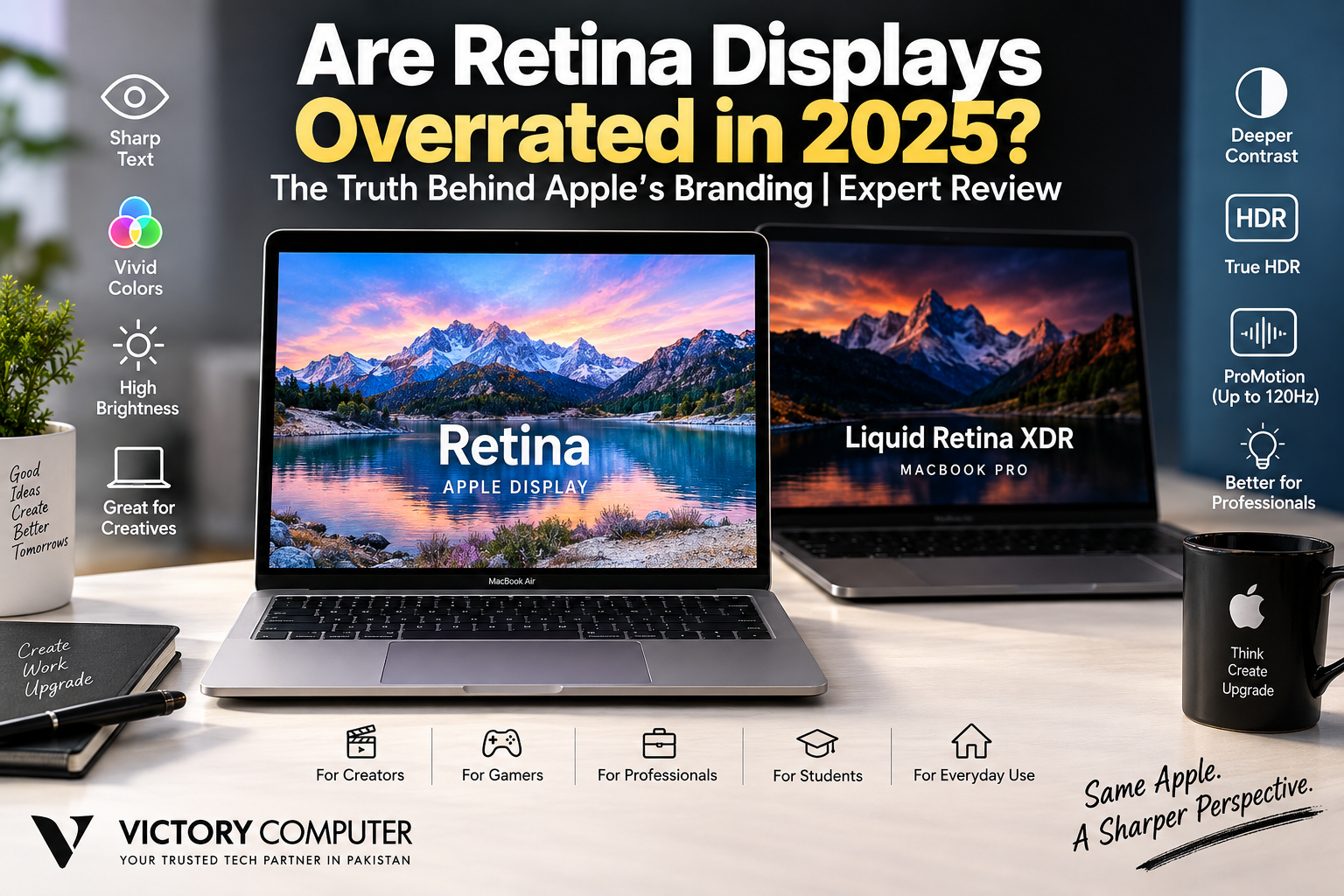
Are Retina Displays Overrated in 2025?
Retina displays were not overrated in 2025, but the Retina name alone was no longer enough to make an Apple screen exceptional. Modern OLED and Mini-LED laptops had narrowed or surpassed Apple’s advantage in areas such as black levels, contrast and refresh rate. Apple’s real strengths remained sharp text, color consistency and, on MacBook Pro models, advanced Liquid Retina XDR technology.
What Does Retina Actually Mean?
Retina is an Apple branding term rather than a separate type of display panel. Apple uses the name across products with sufficiently high pixel density for sharp text and images at their intended viewing distances. That means two devices carrying Retina branding can use different display technologies and specifications.
For example, the 13-inch M4 MacBook Air sold in 2025 used a 13.6-inch LED-backlit IPS Liquid Retina display with a 2560 × 1664 resolution at 224 pixels per inch. It also supported P3 wide color, one billion colors, True Tone and 500-nit brightness.
Those characteristics make the screen sharp and suitable for everyday productivity, media consumption and many creative tasks. However, high pixel density is no longer unusual among premium laptops, which is why buyers should look beyond the Retina label itself.
Retina and Liquid Retina XDR Are Not the Same Thing
The biggest mistake is treating every Retina-branded Mac display as equivalent. A MacBook Air Liquid Retina screen and a MacBook Pro Liquid Retina XDR screen belong to substantially different display classes.
The 14-inch M4 MacBook Pro available during 2025 used a 3024 × 1964 Liquid Retina XDR display at 254 pixels per inch. Apple specified a 1,000,000:1 contrast ratio, up to 1,600 nits peak brightness for HDR content, P3 wide color and ProMotion adaptive refresh rates up to 120Hz.
That makes the MacBook Pro much more capable for HDR workflows and motion than a standard MacBook Air display. Buyers interested in the brightness trade-offs should also read our guide to MacBook Pro HDR brightness for professional work.
Retina vs Modern Display Technologies in 2025
Retina displays faced much stronger competition by 2025 than they did when Apple originally popularized the branding. Premium Windows laptops increasingly offered high-resolution OLED panels, while Mini-LED provided another route to high brightness and strong HDR performance.
| Display Type | Main Strength | Main Trade-off | Best For |
|---|---|---|---|
| Liquid Retina IPS | Sharp text, consistent color | Limited black level compared with OLED | General productivity |
| Liquid Retina XDR | High HDR brightness and strong contrast | Local dimming can produce blooming | HDR and professional workflows |
| OLED | Pixel-level blacks and excellent contrast | Potential burn-in considerations | Movies, creative work and premium multimedia |
| High-refresh IPS | Fast refresh rates with broad availability | Weaker black levels than OLED | Gaming |
Apple’s XDR technology also has trade-offs. Local-dimming LCD technology cannot control light at the individual-pixel level in the same way as OLED, so blooming around bright objects against dark backgrounds can occur.
For a broader look at how screen technology is changing, see our guide to latest laptop display technologies.
Pros and Cons of Retina Displays
Pros
- Excellent text clarity: High pixel density makes fonts, icons and interface elements appear sharp at normal laptop viewing distances.
- Strong color capabilities: Current MacBook displays support P3 wide color, while Apple’s professional XDR displays add more advanced HDR capabilities.
- Consistent macOS experience: Apple controls both the hardware and operating system, allowing display scaling and interface rendering to work together predictably.
- Strong professional options: Liquid Retina XDR on MacBook Pro provides significantly more HDR capability than the standard Liquid Retina panel in MacBook Air.
- Good overall balance: Retina displays combine resolution, brightness, color and usability rather than competing on resolution alone.
Cons
- Retina does not automatically mean best-in-class: The name describes Apple’s display approach, not a guarantee that a particular MacBook beats every competing laptop.
- Standard MacBook Air remains IPS: Buyers wanting OLED-style pixel-level blacks will need to compare alternatives.
- Mini-LED has limitations: Local dimming on XDR displays can show blooming in demanding dark scenes.
- Glossy surfaces can create reflections: Display quality does not eliminate the practical effect of reflections in bright environments. Our Apple glossy display analysis explains this trade-off in more detail.
Why We Still Recommend Retina Displays
Retina displays remain a strong choice for users who value sharp text, predictable scaling, color quality and integration with macOS. The key is to buy based on the actual panel specifications and your workload, rather than assuming that the Retina name automatically makes one MacBook superior to every Windows alternative.
Are Retina Displays Still Good for Designers and Creators?
Yes, particularly when color consistency and sharp interface rendering matter, but professional buyers should distinguish MacBook Air from MacBook Pro.
The standard Liquid Retina display in the MacBook Air is capable enough for photography, design, web development, office work and general content creation. Professionals working heavily with HDR video should pay closer attention to the Liquid Retina XDR display available on MacBook Pro models.
Creators should also consider their working environment. Reflections, ambient lighting and external-monitor requirements can matter as much as pixel density. Users concerned about long sessions can read our discussion of MacBook Retina displays and eye strain.
Are Retina Displays Good for Gaming?
Display sharpness alone does not make a laptop ideal for gaming. Refresh rate, response behavior, GPU performance, game compatibility and native resolution all affect the experience.
MacBook Pro’s ProMotion technology supports adaptive refresh rates up to 120Hz, but buyers choosing primarily for gaming should compare the complete system against high-refresh Windows gaming laptops rather than focusing on Retina branding. See our detailed analysis of MacBook displays for gaming for the broader trade-offs.
So, Are Retina Displays Overrated?
The technology is not overrated, but the branding can be overvalued. Retina once provided an easy way for buyers to identify unusually sharp displays. By 2025, high pixel density had become common across premium laptops, so the Retina name itself told buyers less about competitive display quality.
The more useful questions are now:
- Is the panel IPS, Mini-LED or OLED?
- What is its pixel density?
- How bright does it get?
- What color gamut does it support?
- What refresh rate is available?
- How well does it handle HDR?
- Does the display suit your actual workload?
This is also why a direct MacBook vs high-end Windows display comparison is more useful than comparing brand names alone.
Should You Buy a MacBook Because of the Retina Display?
Buy the MacBook for the complete display experience, not simply because Apple calls the screen Retina.
A MacBook Air is a sensible option for students, office users, programmers and general creators who want sharp text, P3 color and a high-resolution IPS display. A MacBook Pro is better suited to users who specifically need higher HDR capability, stronger contrast and adaptive refresh rates up to 120Hz.
Buyers comparing laptops in Pakistan should also consider the exact model, configuration, warranty terms, price and after-sales support rather than choosing from display branding alone. You can explore available computers and current options through Victory Computer or contact the team on WhatsApp at 0300 9466881.
Frequently Asked Questions
Are Retina displays overrated in 2025?
No. Retina displays remain high-quality, but high pixel density is no longer unique to Apple. The actual panel technology and specifications now matter more than the Retina name.
What makes an Apple Retina display different?
Retina is Apple’s branding for displays designed to provide very high pixel density and sharp visual output at intended viewing distances. Different Retina-branded products can still use different display technologies.
Is OLED better than Retina?
That comparison is not exact because Retina is a brand term while OLED is a panel technology. OLED provides pixel-level blacks and very high contrast, while Apple’s Retina-branded displays may use IPS LCD or more advanced backlighting systems depending on the product.
Is Liquid Retina XDR better than regular Liquid Retina?
For HDR and professional display work, generally yes. MacBook Pro’s Liquid Retina XDR offers much higher HDR brightness, stronger contrast and ProMotion, while MacBook Air’s standard Liquid Retina display uses a more conventional IPS design.
Are Retina displays good for graphic designers?
Yes. Their sharpness and P3 wide-color support can suit design work, but professionals should choose the exact MacBook and display technology according to their color, HDR and workflow requirements.
Should I choose a MacBook or an OLED Windows laptop for the display?
Choose based on workload rather than branding. OLED is attractive for deep blacks and contrast, while MacBook displays offer strong color handling, macOS integration and, on MacBook Pro, advanced XDR and ProMotion capabilities.

About Victory Computer Editorial Team
Victory Computer Editorial Team The Victory Computer Editorial Team publishes informative, research-based content about laptops, computers, monitors, printers, hardware, and technology trends in Pakistan. Our goal is to help readers understand product specifications, compare available options, and make informed purchasing decisions.
View all posts by Victory Computer Editorial Team