
MacBook Pro Display Controversy: Is HDR Too Bright for Real Work? | Expert Review

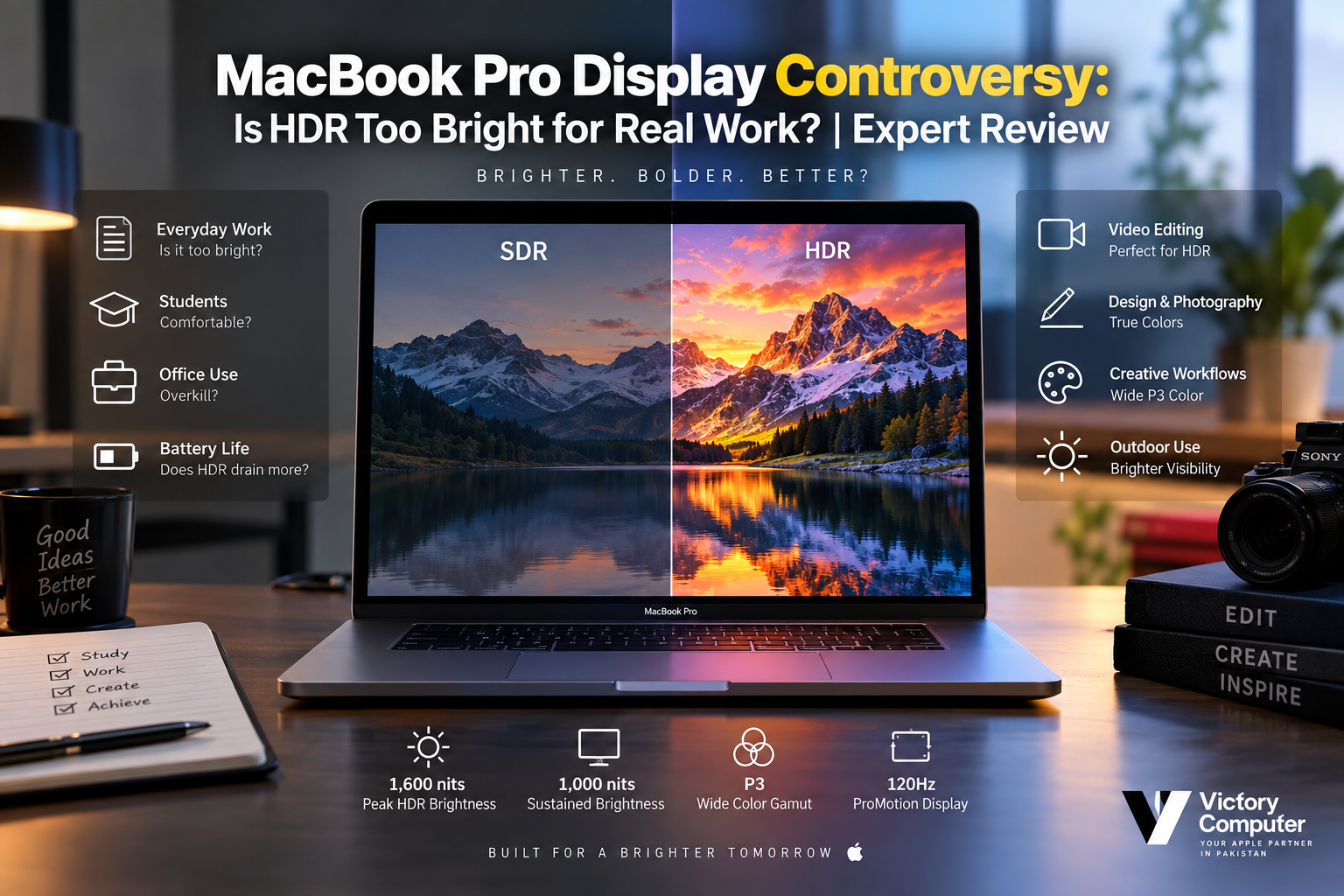
MacBook Pro Display Controversy
The MacBook Pro Display Controversy largely comes down to how HDR brightness is used. MacBook Pro can produce extremely bright HDR highlights, but that does not mean the entire display must remain at maximum brightness during normal work. For video editors and HDR creators, the extra luminance is valuable; for writing, browsing and office work, much lower brightness is usually more comfortable.
How Bright Is the MacBook Pro Liquid Retina XDR Display?
Apple’s current MacBook Pro specifications list its Liquid Retina XDR display at up to 1,000 nits sustained full-screen brightness and 1,600 nits peak brightness for HDR content. The display also supports a wide P3 color gamut, one billion colors and ProMotion adaptive refresh rates up to 120Hz.
Those figures help explain the MacBook Pro Display Controversy. A conventional office monitor does not need 1,600-nit highlights for spreadsheets, emails or web browsing. HDR brightness exists primarily to reproduce bright highlights and greater dynamic range in compatible content rather than to make every white webpage painfully bright.
Apple publishes the current figures on its MacBook Pro specifications page.
Why Can HDR on MacBook Pro Feel Too Bright?
HDR can feel excessive when the viewing environment or workload does not benefit from high luminance. A bright highlight in an HDR film or professionally graded video can look impressive in a controlled workflow, while similar perceived intensity may become distracting during long periods of reading or document work.
Ambient lighting also matters. A display setting that feels comfortable near a bright window can feel aggressive in a dark room. That is why judging the MacBook Pro only by its maximum nit specification misses an important point: maximum capability and comfortable everyday brightness are not the same thing.
The display technology itself is also part of the discussion. Readers comparing panel technologies can see our detailed Mini-LED vs OLED MacBook comparison.
MacBook Pro HDR Pros and Cons
| Pros | Cons |
|---|---|
| Excellent HDR highlight capability for professional video | Maximum brightness is unnecessary for ordinary office work |
| Strong contrast from the Liquid Retina XDR system | Very bright content may feel uncomfortable in darker rooms |
| Wide P3 color support for creative workflows | Display capability may be excessive for users who mainly browse and type documents |
| ProMotion supports adaptive refresh rates up to 120Hz | Sustained high display brightness can require more power than using moderate brightness |
| Reference modes help professionals match different workflows | Users unfamiliar with professional display settings may not use those controls effectively |
Why We Recommend It
The MacBook Pro display makes the most sense for photographers, video editors, colorists and other professionals who can genuinely use HDR, wide color and high contrast. Users mainly working in browsers, Microsoft Office, accounting software or university documents should choose a MacBook Pro for its complete performance package rather than buying it solely for its HDR capability.
Who Actually Benefits From MacBook Pro HDR?
Video professionals receive the clearest benefit. HDR footage contains bright highlights and a wider luminance range that an ordinary SDR display cannot reproduce in the same way. The Liquid Retina XDR display therefore gives editors a more capable built-in viewing environment for HDR-oriented workflows.
Photographers and designers can also benefit from the MacBook Pro’s wide P3 color support. However, professional color work still requires an appropriate workflow, suitable reference mode and controlled viewing environment. High maximum brightness by itself does not guarantee accurate work.
Apple provides built-in display presets and reference modes designed around different media workflows. These settings can adjust display color and brightness behavior for the selected task. Apple’s display preset documentation explains how these modes work.
Creators concerned about reflections should also understand the separate issue of surface finish. Our analysis of glossy MacBook displays for color-sensitive work explains why ambient reflections can matter even when the panel itself is highly capable.
HDR Brightness vs Everyday Work
| Workload | Value of HDR | Practical Assessment |
|---|---|---|
| HDR video editing | High | One of the strongest reasons to value the XDR display |
| Photography | Moderate to High | Wide color and contrast can be useful |
| Graphic design | Moderate | Color capability matters more than maximum brightness |
| Programming | Low | Sharpness and comfortable brightness matter more |
| Office work | Low | HDR is usually unnecessary |
| Web browsing | Low | Normal comfortable brightness is generally preferable |
How to Make the MacBook Pro Display More Comfortable
The simplest solution to the MacBook Pro Display Controversy is not to treat maximum brightness as the default setting.
- Reduce display brightness during writing, browsing and office work.
- Match brightness to the room instead of keeping the screen unnecessarily bright in a dark environment.
- Use the appropriate display preset when working in professional color or video workflows.
- Avoid using HDR content as a reference for normal desktop brightness.
- Control reflections and ambient lighting if visual comfort is a priority.
Users experiencing discomfort during extended sessions may also find our MacBook display and eye-strain discussion useful. Display comfort depends on more than HDR alone, including viewing distance, ambient light, text size, reflections and session length.
Does MacBook Pro HDR Reduce Battery Life?
Higher display brightness generally requires more power than moderate brightness. That does not mean simply owning an HDR-capable MacBook Pro causes poor battery life. The practical difference depends on actual screen brightness, displayed content, applications and overall system workload.
If maximum battery endurance matters more than HDR impact, reducing unnecessary screen brightness during ordinary tasks is a sensible approach. Users editing HDR footage while running demanding applications should naturally expect a different power profile from someone writing documents at moderate brightness.
Is MacBook Pro HDR Worth It for Real Work?
Yes—for the right type of work. The MacBook Pro Display Controversy should not be framed as “HDR is good” versus “HDR is too bright.” The real question is whether your workload benefits from the display’s additional dynamic range.
Choose MacBook Pro for HDR-focused work if you edit HDR video, grade footage, work with professional visual content or value a high-performance integrated display.
Do not choose MacBook Pro solely because it reaches 1,600-nit HDR peaks if most of your day involves emails, Word documents, spreadsheets, coding or web applications. Those workloads rarely depend on extreme HDR luminance.
Professionals considering a separate display may also want to compare the built-in panel with Apple’s desktop display options in our MacBook Pro vs Studio Display comparison.
Buying a MacBook Pro in Pakistan
Pakistani buyers should focus on the exact MacBook Pro model, chip, memory, storage, display configuration, keyboard layout and warranty terms offered with the unit. Do not assume every imported MacBook has identical warranty or support conditions.
Also note that PTA approval does not normally apply to a standard Wi-Fi MacBook. PTA registration is relevant to devices using cellular networks, so describing ordinary MacBooks as “PTA approved” is misleading.
You can browse current computer listings through the Victory Computer shop or contact Victory Computer to confirm the exact configuration, availability and warranty terms before purchase.
Frequently Asked Questions
Is HDR too bright on MacBook Pro for normal use?
It can feel too bright if the display or HDR content is viewed at unnecessarily high brightness, particularly in a dark room. Normal office work does not require maximum HDR luminance.
How bright is the MacBook Pro Liquid Retina XDR display?
Apple currently specifies up to 1,000 nits sustained full-screen and 1,600 nits peak brightness for HDR content on the Liquid Retina XDR display.
Is MacBook Pro HDR good for video editing?
Yes. HDR capability, wide P3 color and Apple’s reference modes make the display particularly relevant for professional video and color workflows.
Can I reduce MacBook Pro HDR brightness?
Yes. Normal screen brightness can be adjusted, while supported MacBook Pro displays also provide reference presets for different viewing and production workflows.
Does HDR use more battery on MacBook Pro?
Operating the display at higher brightness can increase power consumption. Actual battery life depends on brightness, applications, workload and other system activity.
Is the MacBook Pro display worth paying more for?
It is easier to justify for video editors, photographers and visual professionals. For basic office or study use, extreme HDR capability should not be the main reason to buy a MacBook Pro.
Final Verdict
The MacBook Pro Display Controversy is mainly a question of workload rather than a flaw in HDR itself. Apple’s high peak brightness is valuable because HDR content needs bright highlights and strong contrast, not because users are expected to run normal desktop applications at maximum brightness.
For editors, photographers and creators, Liquid Retina XDR remains a meaningful professional feature. For everyday users, lowering brightness and choosing comfortable display settings makes far more sense than avoiding the MacBook Pro simply because its panel is capable of extreme HDR output.
For current laptop options and buying guidance in Pakistan, visit Victory Computer or contact the Lahore team before ordering.

About Victory Computer Editorial Team
Victory Computer Editorial Team The Victory Computer Editorial Team publishes informative, research-based content about laptops, computers, monitors, printers, hardware, and technology trends in Pakistan. Our goal is to help readers understand product specifications, compare available options, and make informed purchasing decisions.
View all posts by Victory Computer Editorial Team
2 thoughts on “MacBook Pro Display Controversy: Is HDR Too Bright for Real Work? | Expert Review”