
Best Laptops for Graphic Designers in Pakistan | Expert review

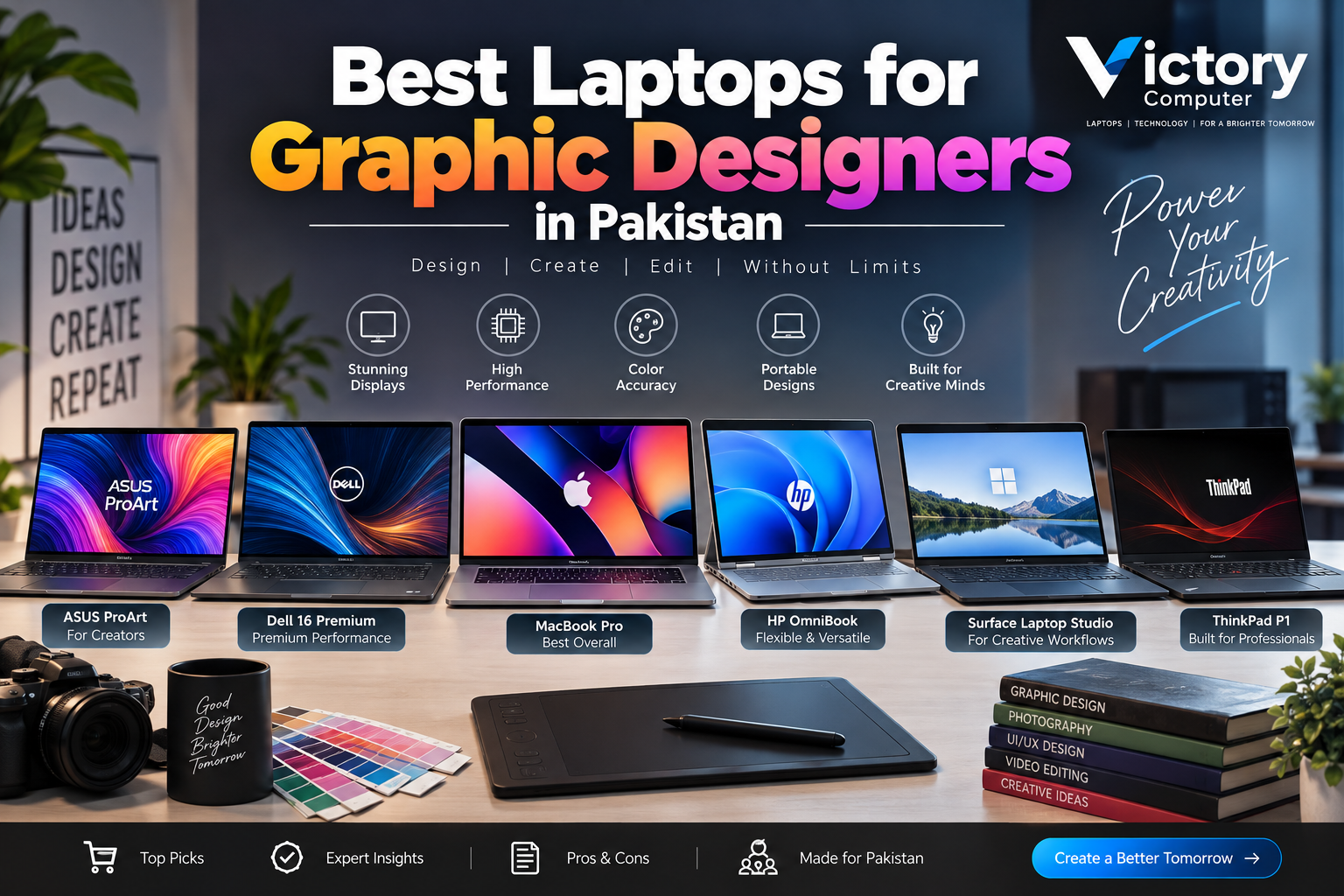
Best Laptops for Graphic Designers in Pakistan
The best laptops for graphic designers combine a color-accurate display, sufficient memory for large creative files, fast SSD storage, and graphics performance matched to the actual workload. For most professional designers, 16GB RAM should be the practical starting point, while 32GB is safer for large Photoshop projects, After Effects, 3D work, and heavy multitasking.
What Should Graphic Designers Look for in a Laptop?
For graphic designers, the display matters almost as much as the processor. Prioritize accurate color reproduction, a quality IPS, OLED, or professional HDR panel, at least 16GB of memory, and 512GB or more of SSD storage. Adobe recommends 16GB or more RAM for Photoshop, making 16GB a sensible target for modern professional creative work.
A dedicated NVIDIA GPU is useful for 3D rendering, video effects, AI-assisted creative applications, and GPU-accelerated workflows. However, not all graphic designers need an expensive discrete GPU. Designers working mainly with Photoshop, Illustrator, Figma, Canva, branding, and web layouts can often prioritize display quality, memory, portability, and battery life.
Buyers in Pakistan should also check the exact model number, display panel, keyboard layout, charger, warranty terms, and configuration before purchasing. Imported laptops can have different RAM, storage, display, or GPU specifications even when the product family name is identical.
Quick Comparison: Best Laptops for Graphic Designers
| Laptop | Best For | Main Advantage | Main Trade-off |
|---|---|---|---|
| MacBook Pro 14/16 M5 Pro or M5 Max | Professional Adobe, photography and video work | Excellent XDR display and strong creative performance | Premium pricing and limited hardware upgrades |
| ASUS ProArt P16 | 3D, motion graphics and Windows creators | Creator-focused OLED display with RTX graphics | Higher configurations are expensive |
| Dell 16 Premium | Premium Windows creative work | 4K OLED option and RTX graphics | Onboard RAM limits upgrades |
| HP OmniBook Ultra Flip 14 | Illustration, UI/UX and mobile design | OLED touchscreen and convertible design | Integrated graphics limit heavy 3D workloads |
| Surface Laptop Studio 2 | Pen-first design and sketching | Adjustable touchscreen creative canvas | Older hardware platform |
| Lenovo ThinkPad P1 Gen 8 | Workstation and professional creative work | OLED and professional RTX options | High workstation pricing |
1. MacBook Pro M5 Pro / M5 Max — Best Overall for Professional Graphic Designers
The current 14-inch and 16-inch MacBook Pro models with M5 Pro or M5 Max are excellent choices for graphic designers working with Photoshop, Illustrator, Lightroom, high-resolution photography, motion graphics, and video production. Apple combines strong processing performance with its Liquid Retina XDR display, wide P3 color support, and ProMotion refresh rates up to 120Hz.
The MacBook Pro is particularly attractive to creative professionals who regularly move between photography, design, video, and presentation work.
Pros
- Excellent Liquid Retina XDR display with wide P3 color support.
- Strong performance for Adobe applications and mixed creative workloads.
- Very good battery life for a professional performance laptop.
- SDXC, HDMI and Thunderbolt connectivity suit creator workflows.
Cons
- Expensive, especially after increasing memory and storage.
- Memory and internal storage are not normally user-upgradeable.
- Some Windows-only professional applications and plugins may require alternatives.
Why We Recommend It
The MacBook Pro is one of the strongest options for graphic designers who prioritize display quality, portability, battery life, and macOS creative applications. Designers dependent on Windows-only software or NVIDIA-specific workflows should consider the ProArt P16 or ThinkPad P1 instead.
Designers deciding between Apple’s lighter and professional notebooks can also read the MacBook Air vs MacBook Pro comparison.
2. ASUS ProArt P16 — Best Windows Laptop for Graphic Designers
The ASUS ProArt P16 is designed specifically around professional creative workloads. Current configurations combine AMD Ryzen AI processors with NVIDIA GeForce RTX graphics, while available OLED displays provide wide DCI-P3 color coverage and Pantone validation.
That makes the ProArt P16 especially suitable for graphic designers whose work extends into Premiere Pro, After Effects, Blender, 3D visualization, animation, or AI-assisted creative software.
Pros
- Creator-focused OLED display options with wide color coverage.
- Powerful NVIDIA RTX GPU configurations.
- High memory and SSD capacities available.
- Stylus support on applicable display configurations.
Cons
- High-end configurations are costly.
- Powerful CPU and GPU hardware can consume more battery under heavy workloads.
- Display and GPU specifications differ between configurations and regions.
Why We Recommend It
Choose the ProArt P16 if you need Windows, excellent display quality, and dedicated NVIDIA graphics. For graphic designers working with 3D, motion graphics, or GPU-heavy Adobe workflows, it provides capabilities that thin productivity laptops cannot match.
3. Dell 16 Premium — Best Premium Windows All-Rounder
The Dell 16 Premium continues Dell’s premium large-screen creator positioning and is available with a 16.3-inch 4K OLED touchscreen covering 100% DCI-P3, along with NVIDIA GeForce RTX graphics options reaching the RTX 5070.
The large display makes Photoshop toolbars, Illustrator artboards, Figma projects, and video timelines easier to manage without constantly rearranging windows.
Pros
- Optional 4K OLED display with 100% DCI-P3 coverage.
- Discrete NVIDIA RTX graphics available.
- Large 16.3-inch workspace.
- Premium design suitable for client and office environments.
Cons
- RAM is onboard rather than traditionally upgradeable.
- OLED and RTX configurations increase the price significantly.
- Entry configurations do not provide the same display or graphics capability.
Why We Recommend It
The Dell 16 Premium is a good option for graphic designers who want one premium Windows laptop for creative applications, office work, presentations, and occasional GPU-heavy projects. Verify the exact display before purchasing because Dell offers different panel configurations.
4. HP OmniBook Ultra Flip 14 — Best 2-in-1 for Illustrators and UI/UX Designers
The HP OmniBook Ultra Flip 14 combines portability with a 14-inch 2.8K OLED touchscreen, up to a 120Hz refresh rate, and wide DCI-P3 color coverage on documented configurations. The convertible hinge makes the laptop useful for presenting concepts, reviewing layouts, sketching, and working directly on the touchscreen.
Pros
- Sharp OLED touchscreen with wide color coverage.
- Convertible form factor for drawing and presentations.
- Portable 14-inch size for freelancers and mobile professionals.
- Modern Intel Core Ultra platform.
Cons
- Integrated graphics are less suitable for heavy 3D rendering.
- Onboard memory reduces upgrade flexibility.
- Glossy touchscreen panels can produce reflections in bright environments.
Why We Recommend It
The OmniBook Ultra Flip is a strong choice for graphic designers working in UI/UX, branding, illustration, social-media design, client presentations, and general Adobe applications. Choose a laptop with dedicated graphics instead if heavy Blender, 3D, or GPU rendering is part of your workflow.
5. Microsoft Surface Laptop Studio 2 — Best for Pen and Canvas Workflows
The Surface Laptop Studio 2 remains unusual because its display can move between conventional laptop, angled stage, and studio-style canvas positions. Its 14.4-inch PixelSense Flow touchscreen supports refresh rates up to 120Hz, while higher configurations include NVIDIA discrete graphics.
This flexibility makes the Surface especially interesting for graphic designers who frequently sketch, annotate, present concepts, or interact directly with their artwork.
Pros
- Laptop, Stage and Studio display positions.
- Excellent touch and Surface Slim Pen workflow.
- 3:2 display provides useful vertical workspace.
- NVIDIA GPU options on higher configurations.
Cons
- The hardware platform is older than newer 2026 creator laptops.
- Relatively heavy for a 14-inch-class notebook.
- Surface Slim Pen may need to be purchased separately.
Why We Recommend It
Choose Surface Laptop Studio 2 if pen input and its adjustable screen directly improve your design workflow. Buyers interested primarily in maximum computing performance should compare newer creator laptops first.
6. Lenovo ThinkPad P1 Gen 8 — Best Mobile Workstation
The ThinkPad P1 Gen 8 targets professional workloads and offers configurations with a 16-inch OLED display and NVIDIA RTX PRO Blackwell graphics. Lenovo also supports substantial memory and dual M.2 SSD storage, making the P1 suitable for design work that overlaps with engineering, CAD, visualization, 3D modeling, or large production files.
Pros
- Professional NVIDIA RTX graphics options.
- High-resolution OLED display configuration available.
- Dual M.2 SSD storage capability.
- Designed for demanding professional workloads.
Cons
- Workstation configurations can become expensive.
- More performance than many basic Photoshop or Canva users need.
- Display, GPU and memory specifications depend on configuration.
Why We Recommend It
The ThinkPad P1 Gen 8 is best for graphic designers whose projects extend beyond conventional 2D design into 3D, CAD, visualization, or other workstation workloads. Designers working mainly in Photoshop, Illustrator, Canva, or Figma can often choose a less expensive machine.
Which Laptop Specifications Matter Most for Graphic Design?
| Component | Recommended Starting Point | Consider More If You… |
|---|---|---|
| RAM | 16GB | Use large Photoshop files, After Effects, 3D or heavy multitasking |
| Storage | 512GB SSD | Keep RAW photos, videos and large asset libraries locally |
| Display | Color-accurate IPS/OLED/XDR-class panel | Do professional photography, print or color-critical work |
| GPU | Modern integrated graphics for standard 2D work | Use 3D, rendering, effects or advanced video workflows |
| Processor | Modern Core Ultra, Ryzen or Apple M-series | Run complex creative projects and several applications together |
Readers whose design work also includes Premiere Pro or heavier multimedia projects should compare our guide to laptops for video editing in Pakistan.
OLED vs IPS vs Liquid Retina XDR for Graphic Designers
OLED displays provide deep blacks, high contrast, and wide color potential, making them attractive to many graphic designers. High-quality IPS displays remain useful where matte finishes, consistent brightness, affordability, or reduced reflection are priorities.
Apple’s Liquid Retina XDR displays use a different technology but are also designed around high contrast, wide color, HDR content, and professional creative workflows.
No display type automatically guarantees perfect accuracy. Professionals working on print-critical material should use proper color management and appropriate calibration instead of choosing a laptop based only on the words OLED, IPS, or XDR.
You can also read about current laptop display technologies before choosing a panel.
Final Verdict: Which Laptop Should a Graphic Designer Buy?
For many professional graphic designers, the MacBook Pro M5 Pro provides an excellent combination of display quality, creative performance, battery life, and portability. Windows users requiring NVIDIA graphics should give the ASUS ProArt P16 serious consideration.
The Dell 16 Premium is a strong premium Windows all-rounder. The HP OmniBook Ultra Flip 14 and Surface Laptop Studio 2 make more sense when touch and pen input are central to the workflow, while the Lenovo ThinkPad P1 Gen 8 is better suited to designers who also handle workstation-level 3D, CAD, or visualization.
There is no single laptop that is best for every designer. A UI/UX designer, illustrator, print designer, photographer, motion-graphics artist, and 3D designer can have very different hardware requirements.
Pakistan prices and inventory for creator laptops can change, particularly for imported models. Compare the exact model number, display, RAM, SSD, GPU, warranty terms, and seller support rather than relying only on the laptop family name.
Explore more laptop buying guides or visit Victory Computer for current laptop options and buying assistance in Pakistan. You can also contact Victory Computer on WhatsApp at 0300 9466881.
Frequently Asked Questions
How much RAM do graphic designers need?
16GB is a practical starting point for modern Photoshop and general Adobe work. Choose 32GB or more for large layered files, After Effects, 3D projects, or heavy multitasking.
Do graphic designers need a dedicated GPU?
Not always. Modern integrated graphics can handle many 2D design applications, while dedicated NVIDIA graphics become more useful for 3D, rendering, motion graphics, advanced video editing, and GPU-accelerated effects.
Is OLED better than IPS for graphic design?
OLED provides excellent contrast and wide color potential, but a high-quality calibrated IPS display can also be suitable for professional work. Color accuracy, gamut, calibration, brightness, and surface finish matter more than the panel label alone.
Is MacBook Pro better than Windows for graphic designers?
MacBook Pro is excellent for designers who prefer macOS, strong battery life, and Apple’s professional displays. Windows laptops can be better for NVIDIA GPU workflows, touch and pen input, Windows-only applications, and broader hardware choices.
What storage size is best for graphic design?
512GB is a practical minimum for many users. A 1TB or larger SSD is preferable if you store large PSD files, RAW photos, videos, fonts, mockups, and project archives locally.
Where can I buy laptops for graphic designers in Pakistan?
Compare the exact model number, specifications, warranty terms, and current availability before purchase. Victory Computer in Lahore can help buyers compare suitable laptop configurations for different creative workloads.

About Victory Computer Editorial Team
Victory Computer Editorial Team The Victory Computer Editorial Team publishes informative, research-based content about laptops, computers, monitors, printers, hardware, and technology trends in Pakistan. Our goal is to help readers understand product specifications, compare available options, and make informed purchasing decisions.
View all posts by Victory Computer Editorial Team