
The Real Reason Apple Doesn’t Put 4K Displays in All MacBooks | Expert Review

4K displays in MacBooks
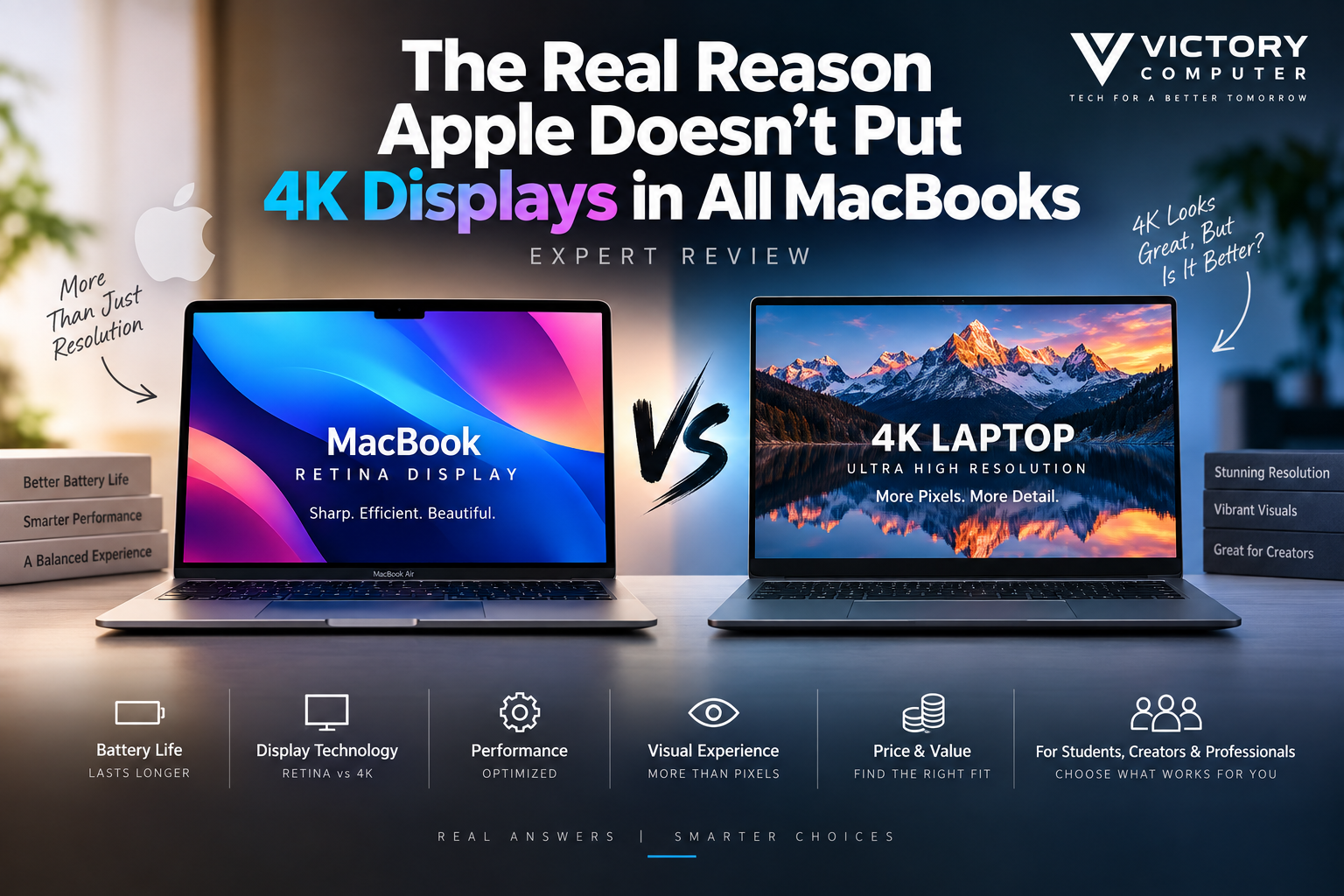
Apple does not put literal 4K displays in all MacBooks because display quality depends on more than resolution. Apple instead balances pixel density, battery consumption, GPU workload, brightness, color, HDR and refresh rate. Current MacBooks already use high-resolution Retina panels, while MacBook Pro models add Liquid Retina XDR and ProMotion.
Why Doesn’t Apple Put 4K Displays in All MacBooks?
The simplest answer is that Apple does not treat the 4K label as the primary measure of laptop display quality. Instead, the company uses resolutions selected around screen size and pixel density while combining them with features such as wide P3 color, True Tone and, on MacBook Pro, high-brightness XDR and adaptive refresh rates.
For example, Apple’s 2026 13-inch MacBook Air M5 has a 2560-by-1664 native resolution at 224 pixels per inch, while the 15-inch model uses 2880-by-1864 at the same 224 ppi. The current 14-inch MacBook Pro uses a 3024-by-1964 Liquid Retina XDR display at 254 ppi. These are not conventional 3840-by-2160 4K panels, but they already provide high pixel density for laptop viewing distances.
MacBook Display Resolution vs 4K Laptops
The difference becomes clearer when native resolution is compared directly.
| Display | Native Resolution | Pixel Density | Key Strength |
|---|---|---|---|
| 13-inch MacBook Air M5 | 2560 × 1664 | 224 ppi | Efficiency and portability |
| 15-inch MacBook Air M5 | 2880 × 1864 | 224 ppi | Larger workspace |
| 14-inch MacBook Pro M5 | 3024 × 1964 | 254 ppi | XDR, HDR and ProMotion |
| Dell XPS 16 4K+ OLED option | 3840 × 2400 | 278.1 ppi | Very high resolution and OLED |
A Windows laptop can therefore offer more physical pixels than a MacBook. Dell, for example, has offered a 3840-by-2400 OLED panel on the XPS 16. That does not automatically make every aspect of the display better; it means the Windows laptop provides higher native pixel density while other factors such as brightness, refresh rate, HDR behavior and power consumption still need comparison.
5 Reasons Apple Skips Literal 4K Displays in MacBooks
1. Retina Is Designed Around Pixel Density
Apple’s approach emphasizes how densely pixels are packed at a normal viewing distance rather than chasing a familiar resolution label. A 13-inch laptop does not require the same resolution as a 27-inch monitor to produce sharp text and detailed interface elements.
This is why comparing a MacBook Retina display with a 4K laptop solely by counting horizontal pixels gives an incomplete picture.
2. More Pixels Can Require More Display Power
A higher-resolution panel can carry an efficiency cost. A useful real-world example comes from Dell’s own XPS documentation: an older XPS 13 configuration listed maximum panel power consumption of 6.60W for its 3840-by-2400 UHD+ display versus 2.90W for its 1920-by-1200 FHD+ options.
That does not mean every 4K panel consumes the same amount of power, but it demonstrates why resolution can affect laptop power design. Apple has historically made battery life a major part of the MacBook Air proposition.
3. Higher Resolution Also Means More Pixels to Process
A 3840-by-2400 display contains more than nine million pixels. Rendering interfaces, effects, video and 3D workloads across more pixels can increase graphics workload compared with a lower native resolution.
Modern Apple silicon has substantial graphics capability, so a 4K-class internal display is technically possible. The more relevant question is whether Apple considers the additional native resolution worthwhile on a 13-to-16-inch laptop.
4. Apple Prioritizes Other Display Characteristics
The MacBook Pro Liquid Retina XDR display illustrates Apple’s priorities particularly well. Current 14-inch MacBook Pro specifications include a 1,000,000:1 contrast ratio, up to 1,600 nits peak XDR brightness for HDR content, wide P3 color and ProMotion adaptive refresh rates up to 120Hz.
For HDR video, animation and everyday scrolling, those characteristics can matter more to the experience than changing the resolution label from Retina to 4K.
You can explore this distinction further in Victory Computer’s guide to ProMotion on MacBook.
5. Resolution Alone Doesn’t Define a Premium Display
Some Windows laptops demonstrate why the discussion is more complicated than Apple versus 4K. ASUS, for example, offers creator laptops with 3840-by-2400 OLED panels, while other premium Windows machines prioritize 2.5K or 3K OLED panels with high refresh rates.
The wider laptop industry is increasingly balancing resolution against OLED technology, refresh rate, HDR, brightness, color coverage and battery requirements rather than treating 4K as the only premium target.
Is Retina Better Than 4K?
Neither Retina nor 4K is automatically better. Retina is Apple’s branding for displays designed to provide high perceived sharpness, while 4K describes a resolution class. The terms therefore describe different concepts.
A 4K OLED laptop may be preferable for a creator who values very high native resolution and OLED blacks. A MacBook Pro may be preferable for someone who values XDR HDR performance, ProMotion, macOS scaling and battery efficiency.
For a broader look at where laptop panels are heading, see our guide to laptop display technology. Buyers comparing panel technologies can also read Mini-LED vs OLED for MacBooks.
Pros and Cons of Apple’s Non-4K MacBook Display Strategy
Pros
- High pixel density: Retina displays remain sharp at typical laptop viewing distances.
- Efficiency-focused design: Apple can balance resolution with battery and thermal requirements.
- Strong display features: MacBook Pro combines high resolution with XDR, wide color and up to 120Hz ProMotion.
- Consistent macOS scaling: Apple’s hardware and software are designed together around its selected panel resolutions.
- Resolution is not prioritized at the expense of everything else: brightness, HDR, color and refresh rate remain part of the design decision.
Cons
- No literal 4K internal panel: Buyers who specifically need a 3840-pixel-class laptop display may prefer certain Windows alternatives.
- Lower native pixel count than some competitors: Premium 4K+ Windows laptops can provide more pixels and higher PPI.
- MacBook Air lacks ProMotion: The Air does not provide the same adaptive 120Hz experience as MacBook Pro.
- Limited panel choice: Windows manufacturers often provide more display configurations, including OLED, touch and different resolution options.
Why We Recommend Looking Beyond 4K
Do not choose a laptop simply because its specification sheet says 4K. Compare pixel density, brightness, color gamut, HDR capability, refresh rate, battery life and the applications you actually use. For many buyers, the complete display system matters more than the resolution badge.
Who Actually Benefits From a 4K Laptop Display?
A true 4K or 4K+ laptop can make sense for photographers, video editors and visual professionals who value very high native resolution. It can also be attractive for buyers who specifically want an OLED panel combined with a dense workspace.
For students, office users, programmers and general productivity, the difference between a high-density Retina panel and 4K may be less important than battery life, screen size, brightness and overall laptop performance.
Creators should also remember that the MacBook can drive high-resolution external monitors. The current MacBook Air supports external displays up to 8K at 60Hz under supported configurations, so users who need a large high-resolution desktop workspace are not limited to the laptop’s built-in panel.
MacBook vs Windows 4K Laptop: Which Should You Choose?
| Priority | Better Fit | Reason |
|---|---|---|
| Literal 4K/4K+ internal resolution | Selected Windows laptops | Models with 3840 × 2400 panels are available |
| OLED internal display | Selected Windows laptops | OLED options are widely available in premium models |
| Battery-focused thin laptop | MacBook Air | Apple prioritizes efficiency and high-density Retina resolution |
| HDR and adaptive refresh | MacBook Pro | Liquid Retina XDR and ProMotion up to 120Hz |
| Maximum display configuration choice | Windows laptops | More manufacturers offer touch, OLED and multiple resolutions |
There is therefore no universal winner. For another perspective, read our comparison of MacBook displays vs high-end Windows laptops.
What Should MacBook Buyers in Pakistan Consider?
Pakistani buyers should focus on the exact MacBook model rather than assuming every Retina display offers the same experience. MacBook Air and MacBook Pro target different users, and their display capabilities differ significantly.
Before buying, compare:
- Screen size and native resolution
- MacBook Air Liquid Retina vs MacBook Pro Liquid Retina XDR
- 60Hz-class Air experience vs ProMotion on supported Pro models
- HDR requirements
- Internal display versus external-monitor workflow
- RAM, storage and processor configuration
- Seller warranty terms and return/replacement policy
You can browse computers and current listings through Victory Computer in Pakistan. Always verify the exact model, configuration, current price, availability and applicable warranty before ordering.
Frequently Asked Questions
Why doesn’t Apple put 4K displays in all MacBooks?
Apple uses high-density Retina resolutions selected around screen size rather than making literal 4K resolution standard. The company also balances resolution against efficiency, HDR, brightness, color and refresh rate.
Does the MacBook Pro have a 4K display?
No. Current MacBook Pro internal displays use Apple’s Liquid Retina XDR resolutions rather than standard 3840-by-2160 4K. The 14-inch model, for example, uses 3024-by-1964 resolution.
Is Retina better than 4K?
Not automatically. Retina describes Apple’s high-pixel-density display approach, while 4K primarily describes resolution. Panel technology, HDR, brightness, color accuracy and refresh rate also affect display quality.
Are Windows 4K laptops sharper than MacBooks?
A 3840-by-2400 laptop panel can have higher native pixel density than a comparable MacBook display. How noticeable that advantage is depends on screen size, viewing distance, scaling and workload.
Does a 4K laptop display use more battery?
Higher-resolution panels can consume more power, although actual consumption varies by panel technology and implementation. Dell documentation has shown substantially different panel-power figures between UHD+ and FHD+ options on the same laptop family.
Should I avoid a MacBook because it isn’t 4K?
No. Buy based on the complete display and laptop experience. Choose a 4K Windows laptop if maximum native resolution or a particular OLED panel is essential; consider a MacBook when its display characteristics, battery life and macOS workflow better fit your needs.

About Victory Computer Editorial Team
Victory Computer Editorial Team The Victory Computer Editorial Team publishes informative, research-based content about laptops, computers, monitors, printers, hardware, and technology trends in Pakistan. Our goal is to help readers understand product specifications, compare available options, and make informed purchasing decisions.
View all posts by Victory Computer Editorial Team
4 thoughts on “The Real Reason Apple Doesn’t Put 4K Displays in All MacBooks | Expert Review”