
Does Apple Intentionally Hold Back Display Tech to Sell More Models? | Expert Review

Apple display strategy
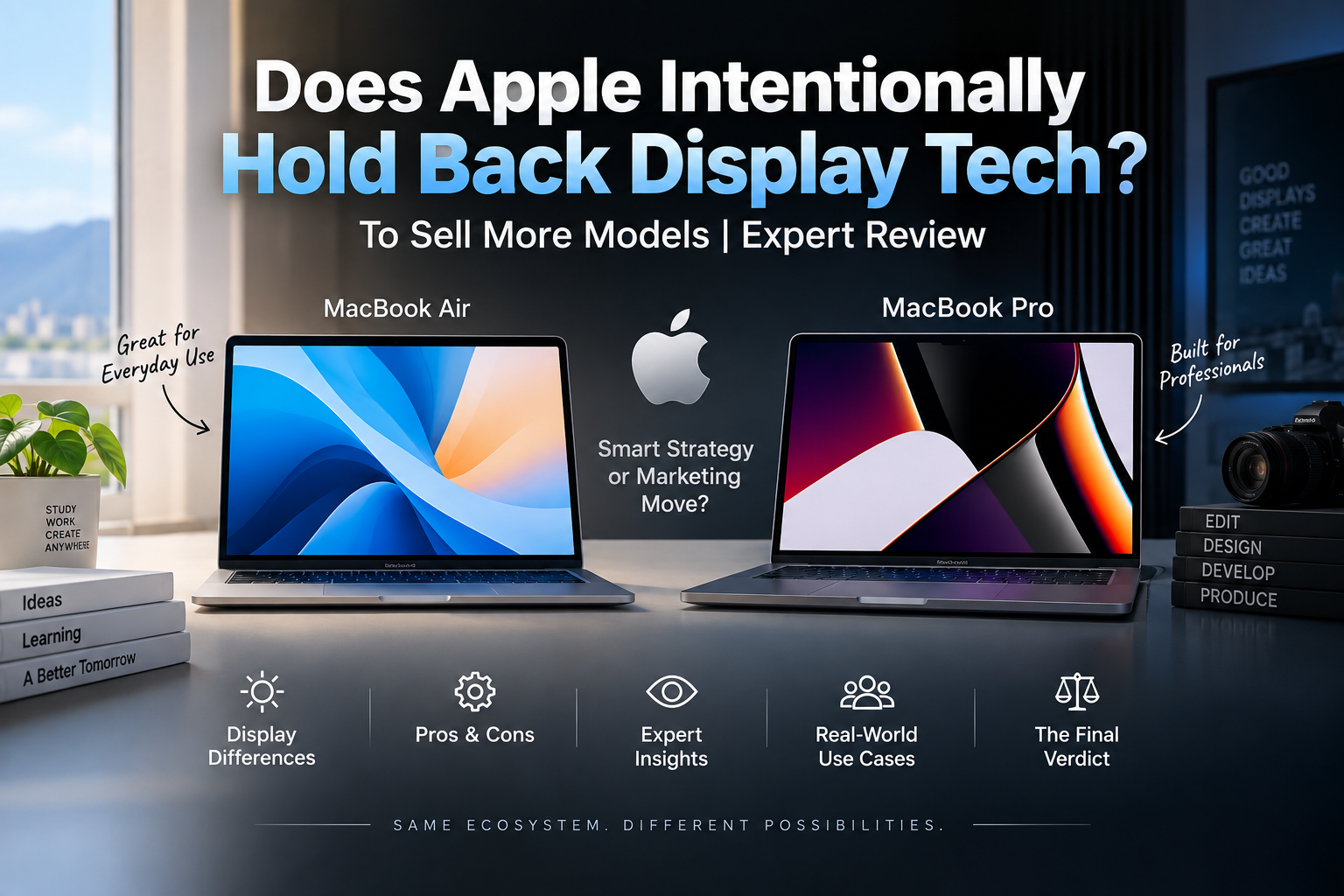
Does Apple intentionally hold back display tech to sell more models? Apple clearly separates display features between MacBook Air and MacBook Pro, but there is no public evidence proving that Apple deliberately withholds technology simply to make customers buy more expensive models. The stronger explanation is product segmentation: Apple reserves advanced display capabilities for products aimed at professional buyers.
Apple’s Display Strategy Explained
Apple does not give every MacBook the same display. Instead, the company creates clear differences between the MacBook Air and MacBook Pro, allowing each model to target a different type of buyer.
The current MacBook Air uses a Liquid Retina LED-backlit IPS display. Apple lists 500 nits of brightness, P3 wide colour and support for one billion colours on current models.
The MacBook Pro moves considerably further with a Liquid Retina XDR display. Current professional models offer much higher HDR brightness, enhanced contrast and a nano-texture display option. This creates an intentional product hierarchy even though both machines provide high-quality screens.
MacBook Air vs MacBook Pro Display Differences
| Display Area | MacBook Air | MacBook Pro | What It Means |
|---|---|---|---|
| Display class | Liquid Retina | Liquid Retina XDR | Pro targets demanding visual workflows |
| Panel approach | LED-backlit IPS | Advanced XDR display system | Pro delivers stronger HDR performance |
| Brightness | 500 nits on current M5 models | Up to 1600 nits peak HDR on current M5 Pro/Max models | Pro is better suited to HDR content |
| Premium surface option | Standard display | Nano-texture option available | Pro offers greater flexibility in challenging lighting |
| Target user | Students, office users and everyday creators | Video editors, photographers and demanding professionals | Display capabilities follow the intended audience |
The important point is that the MacBook Air does not have a poor screen. Apple instead gives the MacBook Pro additional display capabilities that matter more to photographers, filmmakers, designers and other professional users.
Why Does Apple Separate Display Features?
There are several practical reasons Apple may reserve advanced display technology for higher-tier MacBooks.
1. Product Segmentation
Product segmentation is the clearest explanation. MacBook Air is positioned as the thinner mainstream notebook, while MacBook Pro is designed for more demanding professional workloads. Giving both machines identical display capabilities would reduce one of the reasons for choosing the Pro.
2. Price Differences
Advanced display hardware can increase manufacturing complexity and cost. A mainstream laptop does not necessarily need the same HDR capabilities as a machine designed for professional video and photography work.
3. Battery Life and Thermal Priorities
MacBook Air emphasizes portability, low weight, quiet operation and battery life. Apple therefore has reasons beyond marketing to avoid simply transferring every MacBook Pro feature into the Air.
4. Clear Upgrade Tiers
Apple regularly creates distinct product tiers. A buyer who needs basic productivity can choose the Air, while somebody who needs stronger sustained performance, connectivity and display capabilities has reasons to move to the Pro.
That is an upselling structure, but an upselling structure alone does not prove that Apple is intentionally delaying technology.
Is Apple Actually Holding Display Technology Back?
There is not enough evidence to say that Apple intentionally holds back display technology solely to sell more expensive MacBooks.
What can be observed is that Apple deliberately differentiates its products. MacBook Air and MacBook Pro have different displays, performance targets, cooling systems, connectivity and intended audiences.
The distinction matters because product segmentation and deliberate technological withholding are not the same claim.
Apple may already have access to technologies that are technically possible to implement in another product, but companies normally consider cost, power consumption, durability, manufacturing scale, product positioning and customer demand before adopting new hardware.
So the evidence supports saying that Apple strategically controls which display features appear at each price tier. It does not prove that Apple deliberately cripples lower models just to force an upgrade.
Does Apple’s Strategy Encourage Customers to Buy a MacBook Pro?
Yes, for buyers who care heavily about display quality. The difference between Air and Pro gives display-focused users a clear reason to spend more.
- Professional HDR editors benefit more from MacBook Pro.
- Photographers may value the stronger display capabilities and nano-texture option.
- Students and office users may have little reason to pay extra for those features.
- Users wanting a premium screen plus higher sustained performance naturally move toward the Pro line.
This is standard product differentiation. The controversy comes from the question of how large Apple makes the difference between tiers.
Pros and Cons of Apple’s Display Strategy
Pros
- Clear product choices: Buyers can select an Air for mainstream use or a Pro for demanding display workloads.
- Lower entry cost: Apple does not have to put its most expensive display hardware into every MacBook.
- Strong professional option: MacBook Pro provides significantly more capable HDR display technology.
- Efficiency: MacBook Air can remain focused on portability and battery-conscious everyday computing.
- Less unnecessary hardware: Users who mainly browse, study or work in office applications do not necessarily need professional HDR capabilities.
Cons
- Premium features remain expensive: Buyers wanting Apple’s best laptop display generally need to move up to MacBook Pro.
- Large feature gap: Display-focused buyers may feel pushed toward the more expensive model even when they do not need its additional processing performance.
- Limited choice within the Air range: Apple does not offer an Air configuration that simply adds the MacBook Pro-class display.
- Competitor pressure: Buyers should compare Windows alternatives if OLED, touch, very high refresh rates or other display characteristics are their highest priority.
Why We Recommend Comparing Displays by Use Case
Do not choose a laptop because one display specification sounds more impressive. Choose according to what you actually do.
A MacBook Air display is already suitable for web browsing, university work, programming, documents, entertainment and many general creative tasks. Paying for MacBook Pro makes more sense when its XDR capabilities, professional performance and other Pro features contribute directly to your workflow.
What Does Apple’s Display Strategy Mean for Buyers in Pakistan?
For Pakistani buyers, the practical question should be less about whether Apple is “holding back” technology and more about whether the display upgrade is worth the additional cost for your workload.
MacBooks are premium imported products in Pakistan, so unnecessarily moving from an Air to a Pro can represent a significant extra investment. Compare the complete machine rather than paying more solely because the Pro model has the better display.
Choose MacBook Air if:
- You are a student or university user.
- Your work mainly involves browsing, documents and presentations.
- You prioritize portability.
- You do general programming or business work.
- You do not require professional HDR workflows.
Choose MacBook Pro if:
- You edit HDR video professionally.
- You work with photography or colour-sensitive visual content.
- You need higher sustained performance as well as the better display.
- You regularly perform demanding creative workloads.
- The display improvements will directly affect your productivity.
Apple Display Strategy vs Windows Laptop Strategy
The Windows laptop market follows a different model because many manufacturers compete across overlapping price ranges. Buyers can find IPS, OLED, touch, high-refresh-rate and other display configurations across different laptop categories.
Apple controls both the Mac hardware lineup and macOS ecosystem, allowing the company to maintain a smaller and more clearly separated range.
Neither approach automatically makes one platform better. Windows provides considerably more hardware variety, while Apple’s smaller lineup can make choosing between models simpler.
Is the MacBook Pro Display Worth Paying More For?
It depends on your workload.
For professional HDR video, photography and demanding visual production, MacBook Pro’s display is a meaningful hardware advantage. For university assignments, web development, office applications, browsing and general entertainment, MacBook Air already provides a sharp and colour-rich display.
Buying the Pro solely because its display specification is higher may therefore provide poor value if you never use its professional capabilities.
Final Verdict: Does Apple Intentionally Hold Back Display Tech to Sell More Models?
Apple clearly uses display technology to differentiate MacBook Air from MacBook Pro, but there is no verified evidence proving that Apple intentionally withholds display technology solely to make customers spend more.
The more defensible conclusion is that Apple uses controlled product segmentation. MacBook Air receives display technology appropriate for a mainstream thin-and-light laptop, while MacBook Pro receives the company’s more advanced laptop display capabilities for professional workflows.
That strategy undeniably creates an upgrade incentive. However, manufacturing cost, battery efficiency, product positioning and professional requirements are also reasonable explanations for the differences.
For buyers in Pakistan, the best approach is simple: buy the MacBook whose display matches your actual work instead of automatically paying for the highest specification.
Frequently Asked Questions
Does Apple intentionally hold back display tech?
Apple intentionally differentiates display capabilities across its MacBook lineup, but there is no verified public evidence proving that the company withholds technology specifically to force customers to purchase more expensive models.
Does the MacBook Air have a mini-LED display?
No. Current M5 MacBook Air models use an LED-backlit Liquid Retina display with IPS technology.
Does the MacBook Pro have a better display than the MacBook Air?
Yes. Current MacBook Pro models use Liquid Retina XDR technology and provide substantially stronger HDR capabilities than MacBook Air.
Is MacBook Air good enough for students?
For most students, yes. Its display is well suited to research, documents, programming, presentations, browsing, media consumption and general academic work.
Should photographers and video editors buy MacBook Pro?
MacBook Pro makes more sense when professional HDR, colour-sensitive workflows and sustained performance are important. Casual photo and video editing does not automatically require a Pro model.
Should I choose a Windows OLED laptop instead of a MacBook?
Consider Windows alternatives if OLED, touch capability, particular refresh rates or broader display choices are your highest priorities. Choose based on the complete laptop, software requirements and workflow rather than panel technology alone.

About Victory Computer Editorial Team
Victory Computer Editorial Team The Victory Computer Editorial Team publishes informative, research-based content about laptops, computers, monitors, printers, hardware, and technology trends in Pakistan. Our goal is to help readers understand product specifications, compare available options, and make informed purchasing decisions.
View all posts by Victory Computer Editorial Team