

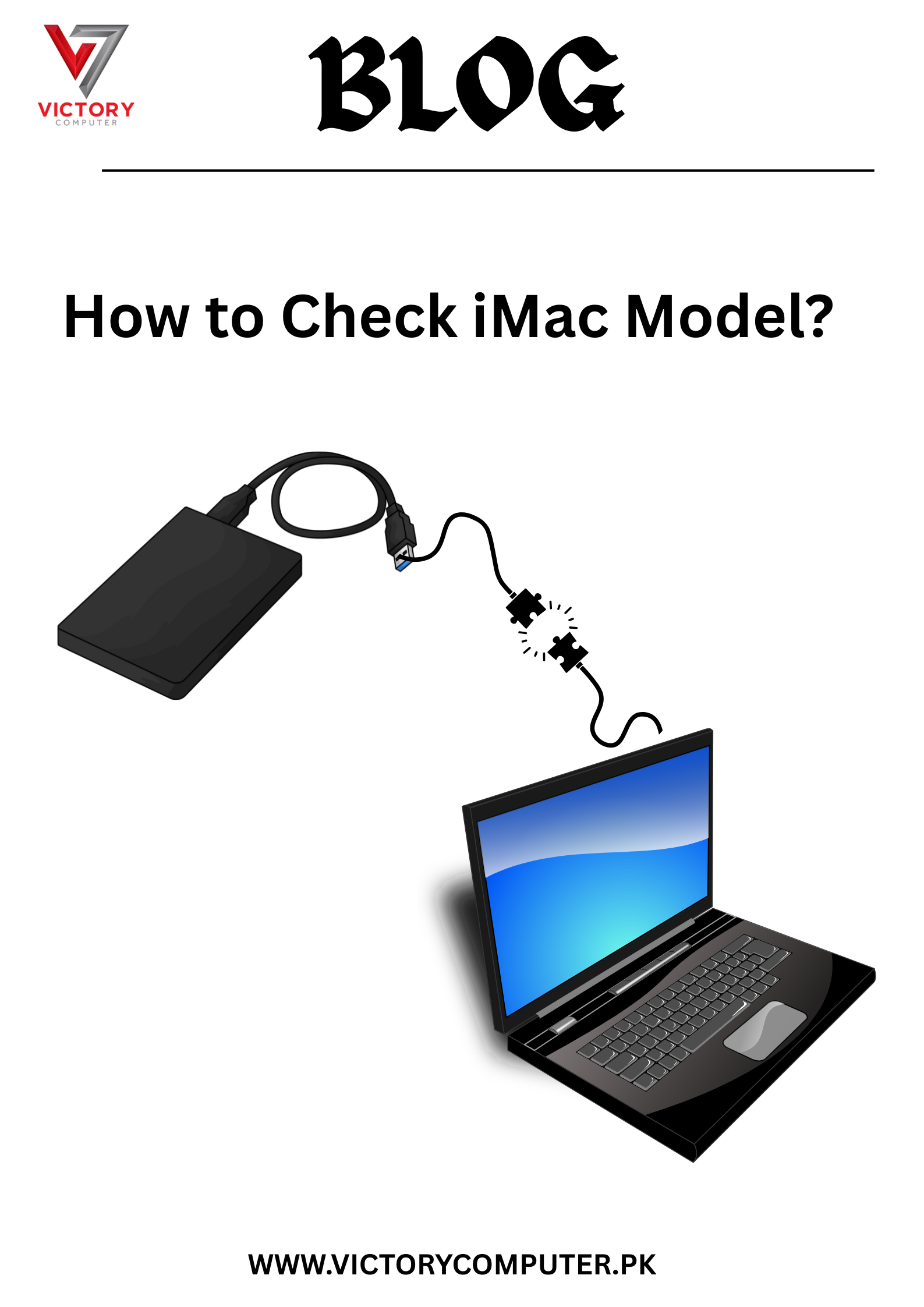
Running out of space on your laptop? ???? Or need to back up important files, movies, or games? Connecting an external hard drive to your laptop is the smartest, fastest, and easiest way to expand your storage. ????????
Whether you’re using a Windows, macOS, or even a Chromebook, this blog will guide you step-by-step on how to connect an external hard drive to your laptop and start using it right away — no technical skills needed! ✅
???? What You Need to Connect an External Hard Drive:
✔️ A working laptop (Windows or Mac)
✔️ An external hard drive (HDD or SSD – any brand like WD, Seagate, Toshiba)
✔️ A USB cable (usually comes with the hard drive)
✔️ (Optional) USB-C to USB-A adapter if your laptop only has USB-C ports
???? Step-by-Step: How to Connect an External Hard Drive to Laptop
???? For Windows Laptops:
- Plug the USB cable into the hard drive and connect it to your laptop’s USB port
- Wait a few seconds — you’ll hear a sound, and a drive will appear in This PC / My Computer
- Click on the drive to access, copy, or move files
- Format the drive if it’s not showing (Right-click > Format > Choose NTFS or exFAT)
???? Default location: This PC > [Drive Letter]
???? For macOS (MacBook / iMac):
- Connect the hard drive via USB or USB-C
- You’ll see it appear on your desktop or under Finder > Devices
- If the drive doesn’t show, open Disk Utility and check if it needs formatting
- Format to Mac OS Extended (Journaled) or exFAT for cross-platform use
???? Tip: Use exFAT if you want to use the drive on both Mac & Windows
???? Common Issues & Fixes:
- Drive not showing up?
???? Try another USB port
???? Use a different cable
???? Check in Disk Management (Windows) or Disk Utility (Mac) - Need to format?
???? WARNING: Formatting erases data. Only do this on new drives or after backing up!
???? Why Use an External Hard Drive?
✅ Backup important documents and photos
✅ Store games, movies, and heavy files
✅ Free up internal laptop storage
✅ Portable and easy to use anywhere
???? Need Help with Storage Devices?
At Victory Computers, we offer:
- ???? External hard drives (WD, Seagate, Samsung, Kingston)
- ???? Setup & configuration services
- ???? Backup solutions for personal and business use
- ???? Data recovery and formatting support
???? WhatsApp Us Now: 03009466881
???? Visit Our Website: https://victorycomputer.pk/
???? Victory Computers – Pakistan’s Trusted Storage & Laptop Experts ????????
Connect. Expand. Protect Your Data. ????????????