

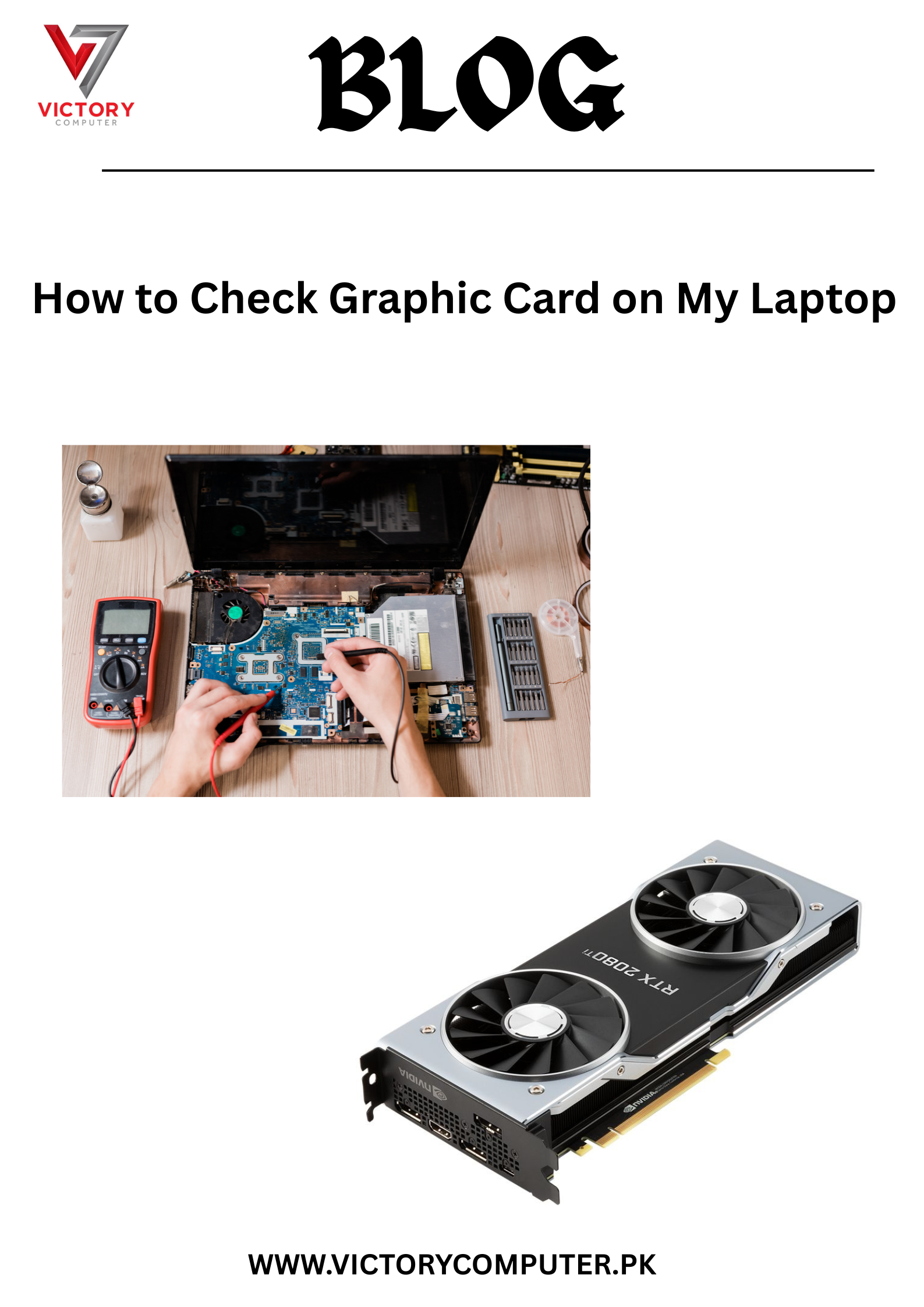
Ever wondered what graphic card your laptop has and whether it can handle gaming, video editing, or graphic design? ???? Whether you’re troubleshooting, upgrading, or just curious, learning how to check the graphic card on your laptop is essential for optimizing performance. ????
In this complete 2025 guide, we’ll show you the quickest ways to find out your laptop’s GPU model — whether you’re using Windows or Mac — and explain what it means for your system’s capabilities. ✅
???? In This Blog, You’ll Learn:
- What is a graphic card and why it’s important ????
- How to check graphic card on your laptop (Windows & Mac)
- Difference between integrated and dedicated graphics
- How to know if your graphic card supports gaming or software
- Tools & tips to check GPU health and performance
- Common signs of GPU failure or overheating ????
???? How to Check Graphic Card on Windows Laptop
???? Method 1: Using Device Manager
- Press
Windows + Xand select Device Manager - Expand Display adapters
- Your graphic card name will be listed here (e.g., Intel UHD, NVIDIA, AMD)
???? Method 2: Using DirectX Diagnostic Tool (dxdiag)
- Press
Windows + R, typedxdiag, and hit Enter - Go to the Display tab
- Check your GPU name, VRAM, and driver version ????
???? Method 3: Through Task Manager
- Press
Ctrl + Shift + Esc - Click on the Performance tab
- Select GPU to view real-time stats
???? How to Check Graphics Card on macOS Laptop
- Click the Apple logo > About This Mac
- Under the Overview tab, find your graphic card details
Example: “Intel Iris Plus Graphics 645” or “AMD Radeon Pro”
???? What’s the Difference?
- Integrated Graphics: Built into CPU (e.g., Intel Iris, AMD Vega) – good for browsing, movies, and light tasks.
- Dedicated Graphics: Separate GPU (e.g., NVIDIA GeForce, AMD Radeon) – ideal for gaming, 3D work, and editing.
????️ Tools to Monitor GPU Health:
- GPU-Z
- MSI Afterburner
- HWMonitor
- macOS Activity Monitor
⚠️ Signs Your Graphic Card Might Be Failing:
❌ Screen flickering or artifacts
❌ Sudden crashes during games
❌ Overheating or loud fan noise
❌ Display driver keeps restarting
???????? Need Help with Your Laptop’s Graphics?
Whether you’re upgrading your laptop, diagnosing performance issues, or unsure if your graphics card is strong enough for your needs — Victory Computers has your back! ????️
???? WhatsApp Now:03009466881
???? Visit Us: https://victorycomputer.pk/
???? Victory Computers – Your Trusted Laptop Repair & Upgrade Experts in Pakistan ????????
Helping you unlock the true potential of your device! ????????