
The End of 32-bit Apps: Why Many Old Programs Won’t Launch on Modern Macs | Expert Review

The End of 32-bit Apps
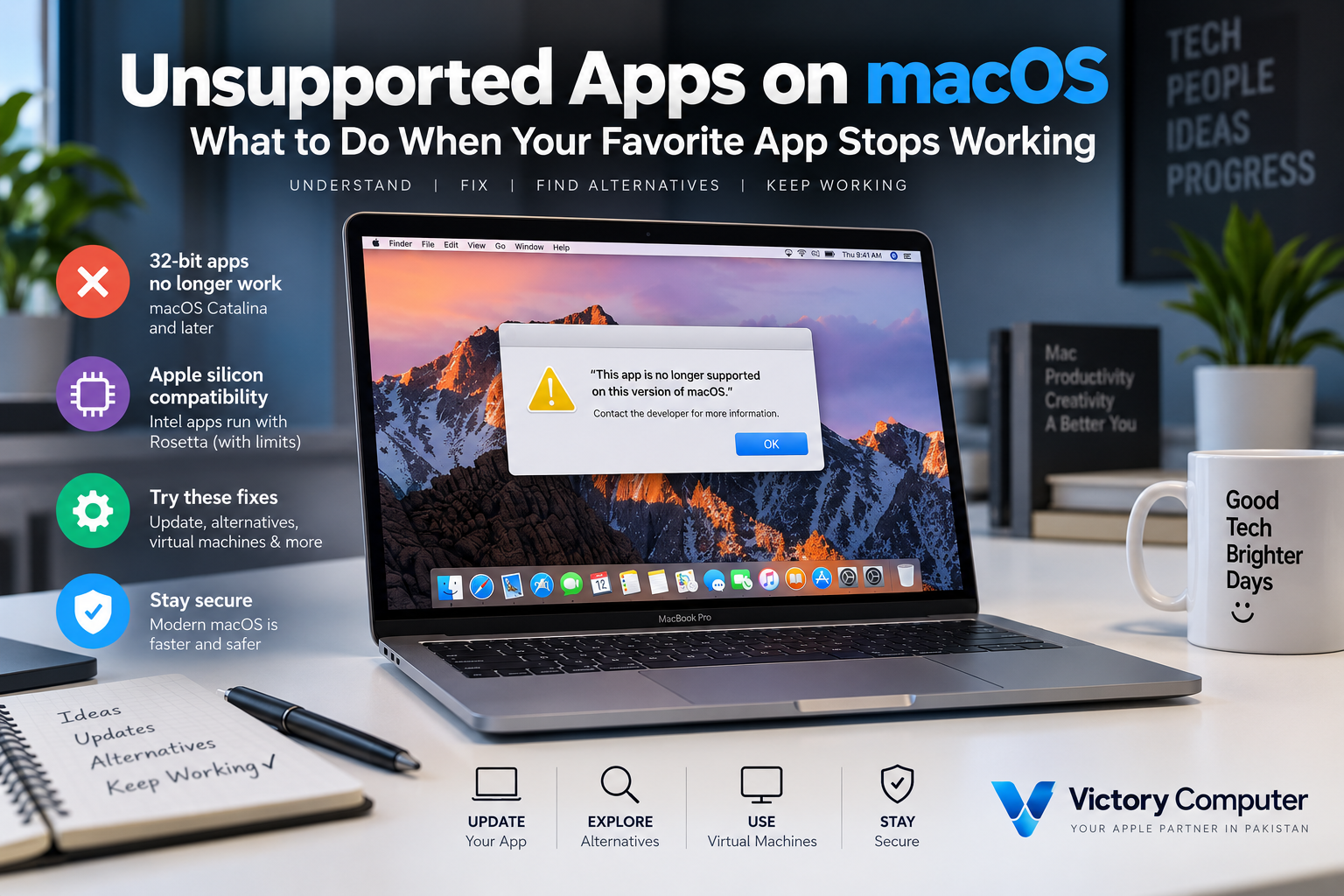
32-bit apps on Mac stopped working natively when Apple released macOS Catalina 10.15. macOS Mojave 10.14 was the final macOS version capable of running them. For users with old games, utilities, plug-ins, or discontinued professional software, upgrading macOS can therefore make legacy applications impossible to launch.
Why 32-bit Apps Stopped Working on Modern Macs
The main reason old 32-bit Mac applications fail today is a macOS compatibility change rather than simply the arrival of Apple Silicon. Apple made macOS Mojave 10.14 the final macOS release capable of running 32-bit applications. Starting with macOS Catalina 10.15, 32-bit Mac apps became incompatible with macOS.
Apple had been moving its hardware and software ecosystem toward 64-bit technology for years before Catalina. Users running older software could previously receive warnings that an application needed to be updated. Catalina turned that warning into a firm compatibility boundary.
Apple explains the transition in its official 32-bit app compatibility documentation.
What Is the Difference Between 32-bit and 64-bit Mac Apps?
A 32-bit application was designed around an older computing architecture, while a 64-bit application can work with a much larger memory address space and newer operating-system technologies. For modern software, 64-bit architecture provides a more appropriate foundation for demanding applications and current operating systems.
The important point for everyday Mac users is compatibility: a 32-bit application cannot simply become a 64-bit application through a macOS setting. The developer normally needs to provide an updated version.
For a deeper explanation, see our 32-bit vs 64-bit Mac apps comparison.
Why Did Apple End 32-bit App Support?
Apple’s move allowed macOS development to focus on modern 64-bit software rather than maintaining compatibility with an older application architecture. Apple says modern 64-bit applications can access significantly more memory, improve system performance, and take advantage of technologies used by current Macs.
| Change | Practical Effect |
|---|---|
| 64-bit application architecture | Supports modern applications and much larger memory addressing |
| Removal of legacy compatibility | Reduces the amount of old software technology macOS must continue supporting |
| Developer transition | Encouraged developers to release updated 64-bit applications |
| Modern macOS development | Allows Apple to focus the platform on current hardware and software technologies |
Pros and Cons of Ending 32-bit Apps on Mac
Pros
- Modern software foundation: macOS can focus on 64-bit applications instead of maintaining an older application architecture.
- Greater memory capability: 64-bit applications can address substantially more memory than 32-bit applications.
- Better alignment with current Macs: modern Mac hardware and macOS releases are designed around newer software technologies.
- Developer modernization: the transition pushed actively maintained applications toward newer versions.
Cons
- Legacy software was lost: abandoned 32-bit applications cannot run natively on Catalina or newer macOS releases.
- Old games can become inaccessible: titles that were never updated may require an older Mac or another workaround.
- Upgrade costs can increase: some users may need to purchase a newer application version or move to alternative software.
- Specialized workflows can break: discontinued plug-ins, drivers, utilities, and professional tools can be difficult or impossible to replace.
Why We Recommend Moving to Updated Software
For a primary work or study Mac, using a maintained 64-bit or Apple-silicon-compatible application is generally the most practical long-term option. Users who depend on irreplaceable legacy software should confirm compatibility before upgrading macOS or replacing an older Mac.
Can You Still Run Old 32-bit Mac Apps?
Not natively on macOS Catalina or later. However, losing native support does not necessarily mean your files or workflow must disappear.
Start by checking whether the developer released a newer 64-bit version. If the application has been discontinued, investigate a modern replacement that can open or import the same file formats.
For specialized legacy software, another option may be maintaining compatible older hardware or using a carefully configured virtualized older operating system where technically and legally appropriate. Virtualization compatibility depends on the Mac, guest operating system, software licensing, and application involved.
Our guide to virtual machines for unsupported Mac apps explains the virtualization route in more detail. You can also review what to do with unsupported apps on macOS.
Can Rosetta Run 32-bit Apps on Apple Silicon?
No. Rosetta should not be confused with 32-bit compatibility. Rosetta enables compatible Intel-based Mac applications to operate on Apple-silicon Macs by translating Intel code. It does not restore the 32-bit application support removed with macOS Catalina.
Apple’s current Rosetta documentation recommends moving Intel-based applications, plug-ins, and extensions toward Universal or Apple-silicon versions for future compatibility.
If an older application is 64-bit but was built only for Intel Macs, Rosetta may therefore be relevant. If the program is genuinely a legacy 32-bit Mac application, Rosetta is not the solution.
What Should You Do If an Old Mac Program Won’t Launch?
First, identify whether the problem is actually 32-bit compatibility. Not every old application failure is caused by the Catalina transition. Security requirements, outdated plug-ins, abandoned drivers, Intel-only components, or other macOS changes can also prevent software from working.
- Check for an updated version: Visit the application’s developer or official distribution source.
- Check the application’s architecture: Determine whether the program is 32-bit, Intel 64-bit, Universal, or Apple silicon.
- Protect your files first: Back up important documents and project files before changing software or operating systems.
- Find a supported alternative: Look for maintained software that supports your required file formats and workflow.
- Consider legacy environments only when necessary: Older hardware or virtualization can make sense for essential discontinued software.
For Apple-silicon-specific compatibility problems, see our guide to workarounds for unsupported apps on Apple Silicon.
Buying a Modern Mac in Pakistan: Check Your Apps First
Before replacing an older Mac in Pakistan, make a list of the applications, plug-ins, peripherals, and file formats your workflow depends on. This is particularly important for businesses, designers, editors, musicians, developers, and anyone using specialized legacy software.
A modern Mac can provide a major hardware upgrade, but buying newer hardware does not make an abandoned 32-bit application compatible. Check the developer’s current requirements before moving critical work to a new system.
You can browse currently listed computers and accessories through the Victory Computer shop. For product guidance and current availability, contact Victory Computer in Lahore at 0300 9466881.
Frequently Asked Questions
Why don’t 32-bit apps run on modern macOS?
Apple ended 32-bit Mac application compatibility beginning with macOS Catalina 10.15. macOS Mojave 10.14 was the last macOS version capable of running them.
Can a modern Mac run 32-bit Mac apps?
Modern macOS versions cannot run 32-bit Mac applications natively. Users generally need an updated application, a replacement, or an appropriate legacy environment.
Does Rosetta make 32-bit Mac applications work?
No. Rosetta translates compatible Intel-based Mac applications for Apple silicon; it does not restore macOS support for legacy 32-bit applications.
What was the last macOS version to support 32-bit applications?
macOS Mojave 10.14 was the last macOS release that could run 32-bit Mac applications.
Should I update an old Mac if I rely on legacy software?
Check every critical application, plug-in, driver, and peripheral before upgrading. If an essential application is 32-bit and has no replacement, upgrading beyond Mojave can break that workflow.
Are all old Intel Mac applications 32-bit?
No. Intel-based and 32-bit describe different compatibility issues. Many Intel Mac applications are 64-bit and may run on Apple-silicon Macs through Rosetta, while genuine 32-bit Mac applications remain incompatible with modern macOS.

About Victory Computer Editorial Team
Victory Computer Editorial Team The Victory Computer Editorial Team publishes informative, research-based content about laptops, computers, monitors, printers, hardware, and technology trends in Pakistan. Our goal is to help readers understand product specifications, compare available options, and make informed purchasing decisions.
View all posts by Victory Computer Editorial Team
3 thoughts on “The End of 32-bit Apps: Why Many Old Programs Won’t Launch on Modern Macs | Expert Review”