
32-bit vs 64-bit: Why Catalina Killed Thousands of Mac Apps | Expert Review

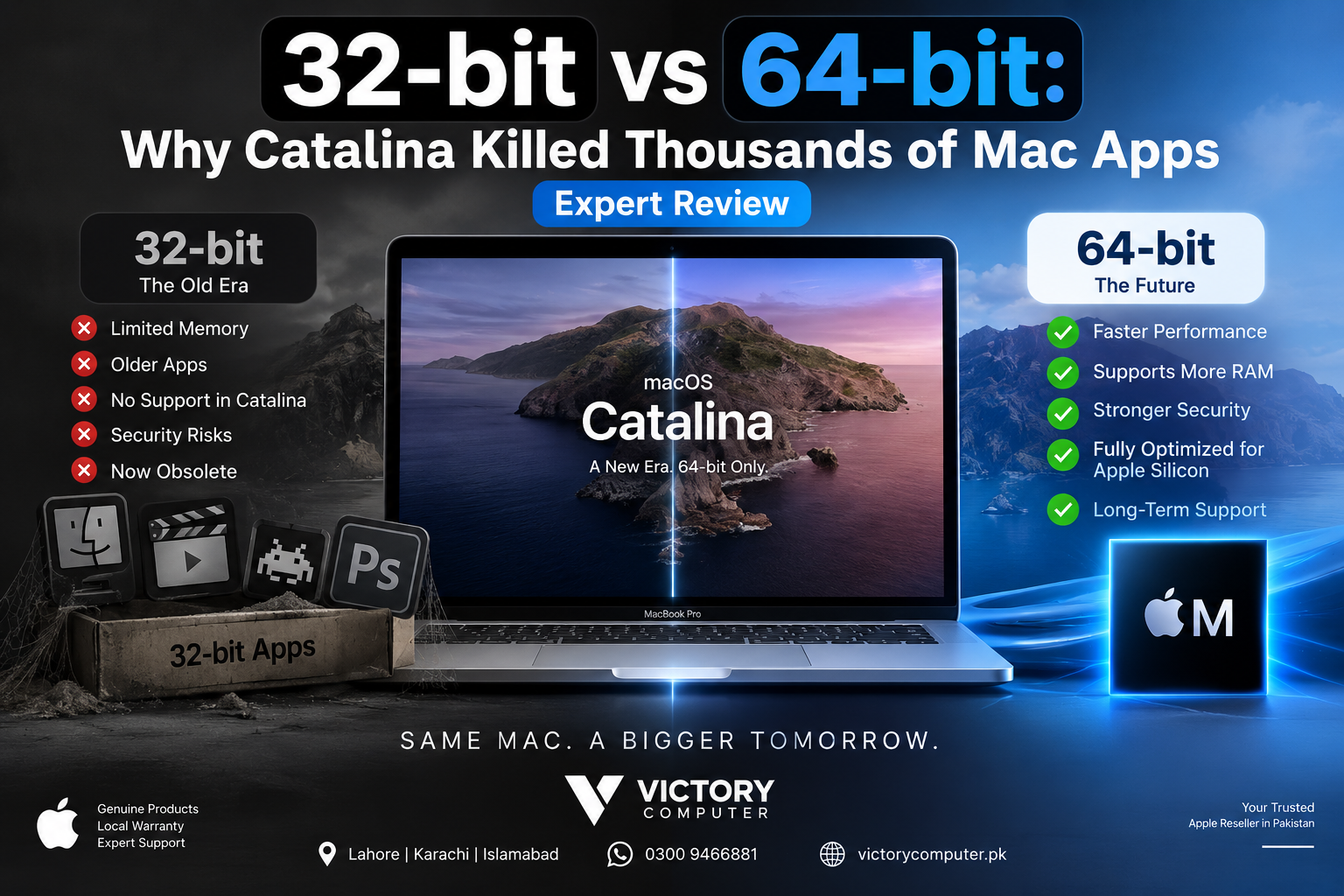
32-bit vs 64-bit: Why Catalina Killed Thousands of Mac Apps
macOS Catalina ended support for 32-bit Mac applications, which meant older software could no longer launch after upgrading. Apple had warned developers about the transition and made macOS Mojave 10.14 the final macOS version capable of running 32-bit apps. Catalina 10.15 moved macOS to 64-bit applications only.
What Does 32-bit vs 64-bit Mean?
The basic 32-bit vs 64-bit difference concerns how software and processors handle memory addresses and data. A 32-bit application has a much smaller address space than a 64-bit application, while modern 64-bit software can address far more memory and is designed around newer operating-system frameworks.
That does not mean every 64-bit application is automatically faster than every 32-bit application. Performance depends on the software, workload, hardware and code. The major advantage for modern macOS is that maintaining a 64-bit-only software environment removes the need to preserve legacy 32-bit frameworks and allows developers to target current platform technologies.
Why Did macOS Catalina Stop Running 32-bit Apps?
Apple had been moving the Mac platform toward 64-bit software for years before Catalina arrived. Apple informed developers in 2018 that macOS Mojave 10.14 would be the final macOS release to run 32-bit applications. Starting with macOS Catalina 10.15, 32-bit applications became incompatible with macOS.
Apple’s Catalina developer documentation also explains the technical change: macOS frameworks were thinned for the x86-64 architecture, while applications attempting to execute i386 code could fail with an architecture error.
This distinction matters because Catalina’s 32-bit cutoff was a software compatibility decision made before the Apple Silicon transition. Catalina was released for Intel Macs. Apple Silicon later introduced another compatibility transition from Intel x86-64 applications toward Arm-based Apple processors.
32-bit vs 64-bit on macOS: Quick Comparison
| Feature | 32-bit Apps | 64-bit Apps |
|---|---|---|
| macOS Catalina support | Not supported | Supported |
| macOS Mojave support | Supported | Supported |
| Memory addressing | Much more limited | Supports a much larger address space |
| Modern macOS | Incompatible | Required |
| Apple Silicon | Not supported by modern macOS | Modern applications can be built for Apple Silicon |
| Long-term development | Legacy architecture | Modern development target |
What Happened to Older Mac Apps After Catalina?
The biggest downside of the 32-bit vs 64-bit transition was simple: software that never received a 64-bit update could no longer launch normally on Catalina or later macOS releases.
This affected more than standalone applications. Old plug-ins, utilities, drivers, components and dependencies could also create compatibility problems. A professional application might have received a 64-bit update while an essential legacy plug-in had not.
Older productivity software is a good example. Mac users depending on legacy releases should check our guide explaining why older Microsoft Office versions don’t run on newer macOS releases.
The practical lesson is to check critical software before upgrading an older Mac. An operating-system upgrade can be technically successful while still making an essential legacy application unusable.
Pros and Cons of Apple’s 64-bit-Only Transition
Pros
- Modern memory architecture: 64-bit applications can address substantially more memory than 32-bit applications.
- Simpler platform direction: Apple and developers no longer have to maintain normal macOS application support around obsolete 32-bit execution.
- Modern framework support: Developers can build around current macOS APIs and technologies rather than maintaining compatibility with increasingly old components.
- Better long-term development path: The transition established 64-bit software as the baseline before the Mac later moved toward Apple Silicon.
Cons
- Legacy applications stopped working: A 32-bit application without a 64-bit replacement cannot run normally on Catalina or newer macOS versions.
- Older games were affected: Some classic Mac games and their dependencies were never updated for the newer architecture.
- Professional workflows could break: Old plug-ins, drivers and specialized tools sometimes mattered more than the main application itself.
- Users sometimes faced upgrade costs: Replacing an abandoned application could mean buying newer software or changing workflows.
Why Was the Change Still Reasonable?
For users relying entirely on maintained software, Apple’s move to a 64-bit-only macOS created a cleaner long-term platform. For users dependent on discontinued applications, however, the same decision could make an otherwise functional workflow impossible after an OS upgrade. The value of the transition therefore depends heavily on the software a particular user needs.
Can You Still Run 32-bit Mac Apps?
Not directly on macOS Catalina or newer. Installing the old application again does not restore the removed 32-bit compatibility layer.
The best solution is usually to find an updated 64-bit release from the original developer. Apple itself recommends contacting the application’s developer to determine whether an updated version is available.
If no compatible release exists, possible approaches include:
- finding a modern replacement application;
- keeping an older compatible Mac for legacy software;
- maintaining an older macOS installation on suitable hardware;
- using virtualization where the hardware, guest operating system and software licensing allow it.
Virtualization is not a universal fix. Hardware architecture, operating-system licensing, drivers, graphics requirements and the original application’s dependencies can determine whether a legacy environment actually works.
For additional options, see our guide to workarounds for unsupported apps on Apple Silicon Macs and our broader guide on what to do when an app becomes unsupported on macOS.
Is the 32-bit Problem the Same as Apple Silicon Compatibility?
No. The two transitions are related to application compatibility but are technically different.
macOS Catalina removed support for 32-bit applications while Macs were still primarily Intel-based. Apple Silicon later changed the Mac processor architecture from Intel x86-64 to Apple’s Arm-based architecture.
Apple’s Universal Binary system allows developers to package Intel and Apple Silicon versions of an application together. Intel-only 64-bit Mac applications may also work through Apple’s translation technology when supported, but that does not bring Catalina-era 32-bit application support back.
For a deeper explanation, read our Apple Silicon vs Intel compatibility guide.
Should You Keep an Old Mac Just for 32-bit Software?
Keeping an older Mac can make sense when a discontinued 32-bit application is essential to a specialized workflow and replacing it would be difficult. The trade-off is that an older operating system may no longer receive the same current software and security support as a modern macOS installation.
For most users, migrating files and workflows to maintained 64-bit software is the better long-term approach. Before replacing a computer, make a list of essential applications, plug-ins, peripherals and file formats so compatibility can be checked individually.
What Should You Check Before Buying or Upgrading a Mac?
Do not judge compatibility only by the Mac’s processor or memory. Check the applications that matter to your work first.
- List every essential application and plug-in.
- Check whether the developer currently supports your intended macOS version.
- Check Apple Silicon compatibility separately from 32-bit compatibility.
- Confirm support for specialist printers, audio hardware, scanners or other peripherals.
- Keep a backup before changing the operating system.
If you are shopping for a current computer in Pakistan, you can browse available systems through Victory Computer. Compatibility should still be confirmed against the exact applications and peripherals you intend to use rather than assuming every older program will work on a newer Mac.
Frequently Asked Questions
Why did Apple stop supporting 32-bit apps?
Apple transitioned macOS toward a 64-bit-only software environment after years of warning developers. macOS Catalina 10.15 was the first release that no longer supported 32-bit Mac applications.
What was the last macOS version to run 32-bit apps?
macOS Mojave 10.14 was the last macOS release capable of running 32-bit applications. Catalina 10.15 removed that compatibility.
Can macOS Catalina run a 32-bit application?
No. A 32-bit Mac application cannot run normally under macOS Catalina because Catalina removed 32-bit application support.
Can I convert a 32-bit Mac app to 64-bit myself?
Normally no. A proper conversion requires the application’s source code and developer work to rebuild or modify the software for the supported architecture and frameworks.
Does Rosetta make 32-bit Mac apps work?
No. The Apple Silicon translation issue is separate from Catalina’s removal of 32-bit macOS application support. Rosetta does not restore the 32-bit frameworks removed from modern macOS.
Is 64-bit automatically faster than 32-bit?
Not in every workload. The major advantages include a much larger address space and compatibility with modern macOS technologies, while real application speed still depends on the software and hardware involved.
Final Verdict: 32-bit vs 64-bit on Modern Macs
The 32-bit vs 64-bit transition was one of the most consequential compatibility changes in modern Mac history. macOS Catalina did not simply warn users about old 32-bit applications—it stopped supporting them.
The change gave Apple and Mac developers a clear modern platform target, but the cost was permanent compatibility loss for applications that developers never updated. If an old Mac application remains essential to your work, verify its modern replacement before upgrading macOS or moving to newer hardware.

About Victory Computer Editorial Team
Victory Computer Editorial Team The Victory Computer Editorial Team publishes informative, research-based content about laptops, computers, monitors, printers, hardware, and technology trends in Pakistan. Our goal is to help readers understand product specifications, compare available options, and make informed purchasing decisions.
View all posts by Victory Computer Editorial Team
6 thoughts on “32-bit vs 64-bit: Why Catalina Killed Thousands of Mac Apps | Expert Review”