
Apple Processor Performance | Expert Review

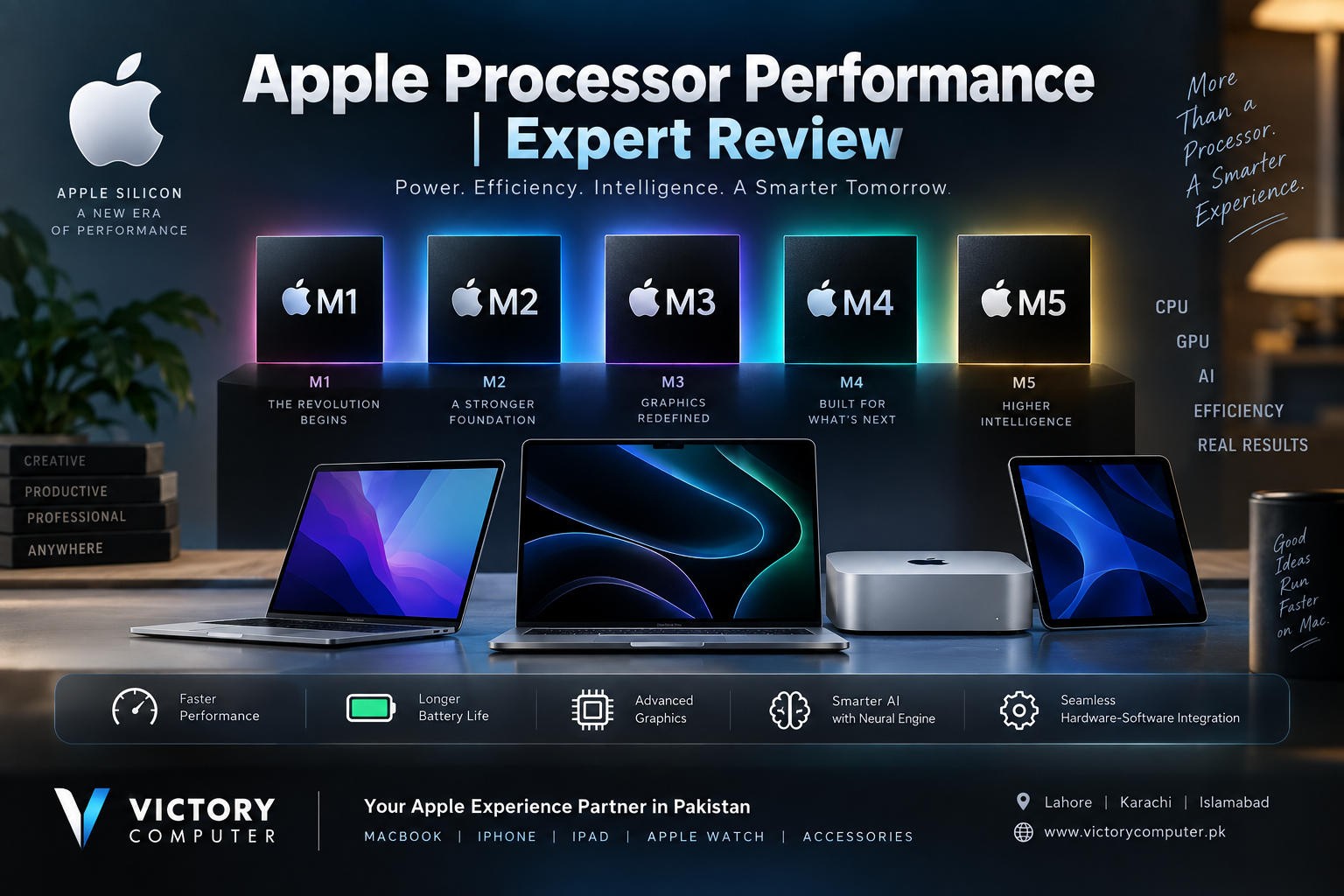
Apple Processor Performance
Apple Processor Performance has advanced considerably since Apple introduced the first M-series Macs. Apple Silicon combines the CPU, GPU, Neural Engine, unified memory architecture and dedicated media capabilities within a tightly integrated platform. The result is particularly strong performance per watt, which matters for thin laptops where speed, heat and battery consumption must be balanced.
The current picture is also very different from the early M1 era. Apple has progressed through M2, M3 and M4 to the M5 generation, including higher-performance M5 Pro and M5 Max options for demanding professional workflows. The best chip, however, depends more on what you actually do than on simply buying the newest processor.
How Apple Silicon Performance Has Evolved
The original M1 demonstrated that a Mac laptop could provide strong everyday and professional performance without relying on the traditional high-power approach of many laptop processors. Later generations progressively improved CPU performance, graphics, memory capabilities and dedicated acceleration.
M3 was particularly important for graphics because its GPU architecture introduced features such as Dynamic Caching and hardware-accelerated ray tracing. M4 pushed CPU, GPU and machine-learning capabilities further, while the M5 generation places even greater emphasis on GPU computing and on-device AI workloads.
This progression means an upgrade should be evaluated by workload. Moving from an Intel Mac or early M1 system to a modern Apple Silicon Mac can be substantial, while upgrading between two adjacent generations may deliver a less dramatic everyday difference.
Apple Processor CPU Performance
Apple uses a combination of high-performance and efficiency-focused CPU cores. This design lets the system assign demanding work to faster cores while handling lighter background tasks efficiently.
For everyday use, that translates into responsive web browsing, office applications, multitasking and productivity. Higher-tier chips become more relevant when the workload involves software development, large creative projects, data processing, professional photo workflows or sustained video production.
Apple’s M5 generation continues this approach with faster CPU designs. The M5 Pro and M5 Max extend it further for professional workloads where additional cores, memory bandwidth and sustained processing capability can save meaningful time.
Readers comparing platforms can also see our M4 vs Intel performance guide for a broader look at how the architectures differ.
GPU Performance and Gaming
Graphics performance is one of the areas where Apple Silicon has changed significantly. Modern M-series GPUs are designed for creative applications, video workflows, 3D rendering, graphics computation and supported games.
M4 includes Dynamic Caching, hardware-accelerated ray tracing and hardware-accelerated mesh shading. Apple states that its newer M5 architecture takes GPU and AI acceleration further, while M5 Pro and M5 Max target heavier professional graphics workloads.
That does not automatically make a Mac the best gaming computer for every buyer. Hardware performance is only one part of gaming: native macOS game availability, APIs, developer support and compatibility remain important considerations. A Windows gaming laptop may still make more sense for someone whose priority is the widest possible PC game library.
Apple Processor Performance for AI
AI acceleration has become an increasingly important part of Apple Silicon. M-series processors include a Neural Engine for machine-learning workloads, while the CPU and GPU can also contribute to supported AI tasks.
Apple’s M4 includes a 16-core Neural Engine rated by Apple at up to 38 trillion operations per second. The M5 generation expands the architecture further, including Neural Accelerators in GPU cores and improvements intended for local AI workloads.
For users, this matters for tasks such as image processing, transcription, creative tools, machine-learning features and applications capable of running models locally. Developers and AI professionals considering larger local models should pay particular attention to unified memory capacity and bandwidth rather than comparing chip names alone.
Performance per Watt and MacBook Battery Efficiency
Raw benchmark scores do not tell the entire story of Apple Processor Performance. Performance per watt is one of Apple Silicon’s most important characteristics because laptops have limited thermal and battery budgets.
A processor that can complete demanding work without consuming excessive power can help a MacBook remain portable while still providing strong performance. This is one reason the MacBook Air with Apple Silicon can handle substantial everyday workloads in a thin design.
Battery life still varies with screen brightness, applications, wireless activity, connected devices and workload, so advertised maximum battery figures should not be interpreted as guaranteed real-world runtime.
M1 vs M2 vs M3 vs M4 vs M5: Which Generation Is Better?
| Generation | Main Strength | Best Fit | Main Consideration |
|---|---|---|---|
| M1 | Strong basic Apple Silicon efficiency | Everyday computing and budget-conscious buyers | Older architecture and fewer newer GPU features |
| M2 | Refinement of M1 performance | Students, office work and general productivity | Upgrade from M1 may not be essential for light use |
| M3 | Major GPU architecture improvements | Creative users and graphics-focused workloads | Newer M4/M5 systems offer additional gains |
| M4 | Strong CPU, GPU and Neural Engine performance | Creators, developers and demanding general users | May be more performance than basic users require |
| M5 family | Newer AI, GPU and professional performance | Professionals, AI workloads and demanding creators | Higher-tier configurations can significantly increase cost |
If you are deciding between nearby generations, our Apple M4 vs M3 comparison and Apple M4 vs M2 guide provide more focused upgrade advice.
Pros and Cons of Apple Processors
Pros
- Excellent performance per watt: Apple Silicon combines high performance with strong energy efficiency, particularly valuable in MacBooks.
- Strong CPU responsiveness: Modern M-series processors perform well across productivity, development and many professional applications.
- Integrated media acceleration: Dedicated media capabilities can improve supported video editing, encoding and playback workflows.
- Advanced GPU architecture: Recent generations support technologies including hardware-accelerated ray tracing and increasingly capable GPU computing.
- Strong on-device AI capabilities: Neural Engine and newer GPU acceleration provide dedicated hardware for supported machine-learning and AI workloads.
Cons
- Limited upgradeability: Memory is integrated into the Apple Silicon architecture, so buyers need to choose an appropriate configuration at purchase.
- Software compatibility can still matter: Some legacy, specialist or Windows-only applications may require alternatives, virtualization or a different platform.
- Gaming library remains a limitation: Improved GPU hardware does not mean every Windows PC game is available natively on macOS.
- High-end configurations can be expensive: Pro/Max chips and larger memory or storage configurations can substantially increase the purchase price.
Why We Recommend Apple Silicon
Apple Silicon is a strong choice for users who value battery efficiency, macOS integration, creative performance and increasingly capable on-device AI. Buyers who depend on Windows-only applications, upgradeable RAM or the broadest PC gaming compatibility should check their software requirements before switching. Our Apple Silicon app compatibility guide explains this consideration in more detail.
Which Apple Processor Should You Choose?
Students and everyday users: You generally do not need the highest-tier Max processor. A standard M-series Mac with enough memory and storage for your workload is usually the more sensible choice.
Business and office users: Prioritize memory, battery life, display size and connectivity alongside processor generation. Everyday productivity rarely requires the highest GPU configuration.
Video editors and creators: Pro-series chips become more attractive when working with demanding timelines, high-resolution media, complex effects or sustained creative workloads.
3D and AI professionals: Consider GPU capability, unified memory capacity and memory bandwidth carefully. These factors may matter more than a simple M4-versus-M5 comparison.
Gamers: Check the specific games you intend to play before purchasing. Apple Silicon’s graphics hardware has improved substantially, but software availability remains an important difference from Windows PCs.
Buying an Apple Silicon MacBook in Pakistan
Pakistani buyers should compare the exact MacBook model, processor tier, unified memory, SSD capacity, keyboard configuration, warranty terms and seller support before purchasing. Two MacBooks carrying the same M-series generation can have very different capabilities depending on their configuration.
You can browse available computing products and contact Victory Computer for current model, price, availability and warranty information. Because inventory and pricing change, confirm the current configuration before placing an order.
Victory Computer
Lahore, Pakistan
WhatsApp: 0300 9466881
Frequently Asked Questions
Are Apple processors faster than Intel and AMD?
There is no universal winner across every processor and workload. Modern Apple Silicon is especially competitive in performance per watt and optimized macOS workloads, while Intel and AMD systems may be preferable for particular software, gaming or hardware configurations.
Which Apple processor is best right now?
Within Apple’s current professional MacBook lineup, M5 Pro and M5 Max target demanding workloads, while the standard M5 serves users who need strong performance without the highest-end configuration. The right choice depends on workload and budget.
Is M5 worth upgrading to from M4?
Not automatically. Users with demanding AI, graphics or professional workloads may benefit more from the newer architecture, while many M4 owners can continue using their existing Mac without an urgent upgrade.
Is Apple Silicon good for video editing?
Yes. Apple Silicon combines CPU, GPU and dedicated media acceleration that works particularly well with supported creative applications. Professional editors should still choose memory and chip tier according to project complexity.
Are Apple processors good for gaming?
The hardware is increasingly capable, especially in newer generations with hardware-accelerated ray tracing. The bigger limitation is that the macOS game library and compatibility still differ from Windows.
Where can I buy a MacBook with Apple Silicon in Pakistan?
Victory Computer offers MacBook and computing products in Pakistan. Check the current product listing or contact the store to confirm the exact processor, memory, storage, price, stock and warranty before ordering.
Final Verdict
Apple Processor Performance is strongest when CPU speed, graphics capability, power efficiency, media acceleration and software integration are considered together. M4 remains highly capable, while the M5 generation pushes Apple Silicon further into GPU-accelerated AI and demanding professional workloads.
The smartest purchase is not necessarily the fastest chip available. Choose the Mac whose processor tier, unified memory and storage match the applications you actually use. That approach usually provides better value than paying for performance that your workload will rarely use.

About Victory Computer Editorial Team
Victory Computer Editorial Team The Victory Computer Editorial Team publishes informative, research-based content about laptops, computers, monitors, printers, hardware, and technology trends in Pakistan. Our goal is to help readers understand product specifications, compare available options, and make informed purchasing decisions.
View all posts by Victory Computer Editorial Team