
Apple M4 vs M2: Is It Worth Upgrading? | Full Guide

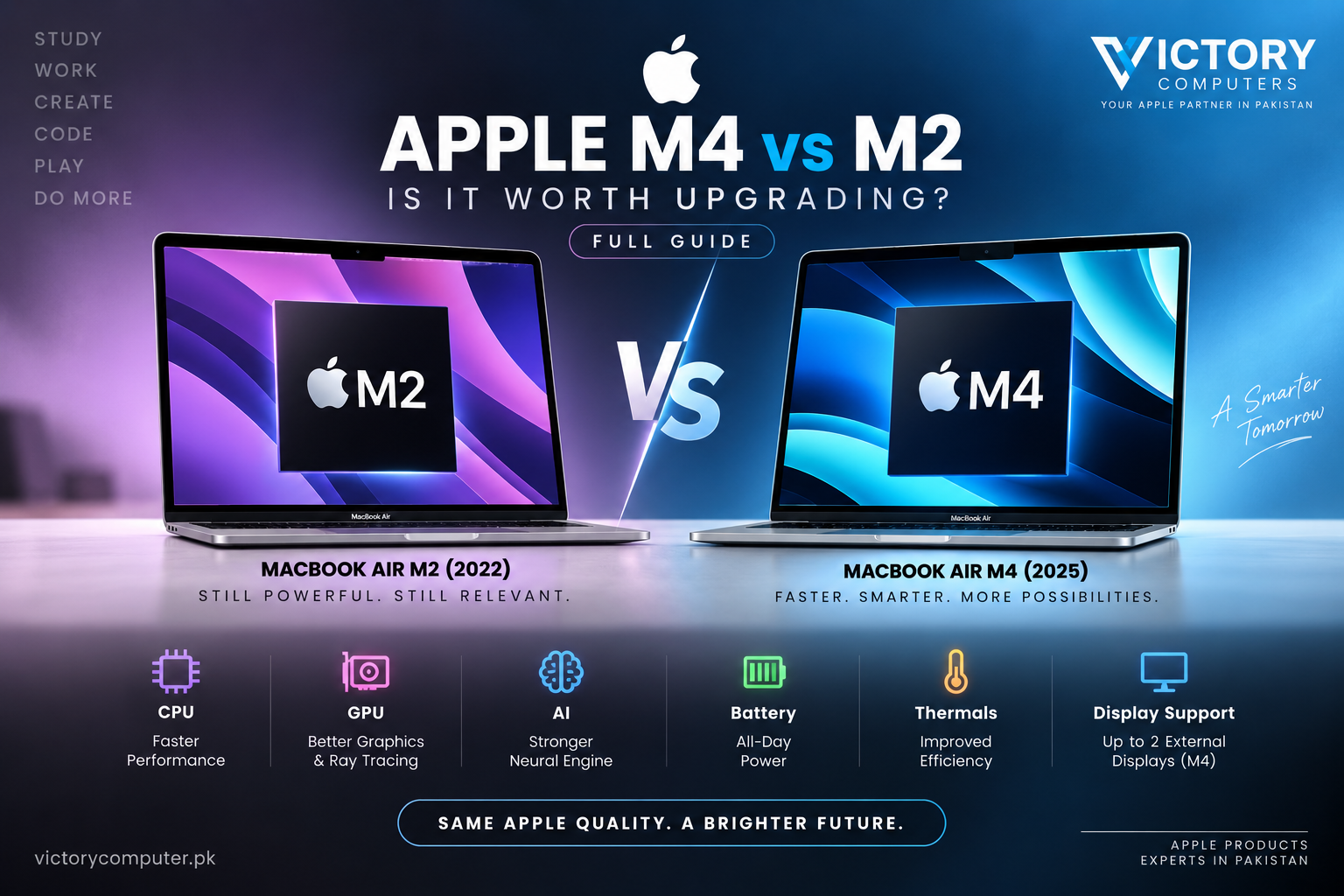
Apple M4 vs M2
Apple M4 vs M2 is a meaningful generational upgrade, but most M2 MacBook owners do not need to replace their laptop immediately. M4 delivers faster CPU performance, newer graphics technology, higher memory bandwidth and stronger AI acceleration. Upgrade if demanding creative, development or AI workloads are slowing you down; for everyday productivity, an M2 Mac remains highly capable.
Apple M4 vs M2: Quick Comparison
The biggest differences between the standard M4 and M2 are CPU architecture, graphics features, memory bandwidth and machine-learning performance. The comparison should be made between equivalent chips rather than comparing the standard M2 with M4 Pro or M4 Max.
| Feature | Apple M2 | Apple M4 |
|---|---|---|
| Manufacturing Process | 5nm | Second-generation 3nm |
| CPU | 8 cores | Up to 10 cores |
| GPU | Up to 10 cores | Up to 10 cores |
| Neural Engine | 16 cores | 16 cores, newer architecture |
| Memory Bandwidth | 100GB/s | 120GB/s on M4 MacBook Air |
| Hardware Ray Tracing | No | Yes |
| AV1 Hardware Decode | No | Yes |
| MacBook Air External Displays | One external display natively | Up to two external displays plus built-in display |
Apple states that the M4 CPU can deliver up to 1.5x the CPU performance of M2 in its comparison of M4 and M2 iPad Pro configurations. Actual Mac performance varies by application, cooling, memory and the specific computer configuration.
How Much Faster Is M4 Than M2?
M4 is clearly faster, but the difference matters most under demanding workloads. Everyday tasks such as web browsing, Microsoft Office, video calls, streaming and basic photo editing already run well on M2.
The M4 generation becomes more attractive for developers compiling large projects, creators processing high-resolution media, users running multiple demanding applications, and professionals working with computationally intensive tasks.
Apple’s standard M4 uses up to a 10-core CPU compared with the M2’s 8-core CPU. M4 also uses a newer architecture and second-generation 3nm manufacturing technology.
Readers interested in the wider development of Apple’s processors can also see our Apple Silicon journey from M1 to M4. For buyers moving from Windows, our M4 chip vs Intel comparison provides additional context.
M4 vs M2 Graphics: Which Is Better?
M4 has the more advanced graphics architecture. Core count alone does not explain the difference because both standard chips can be configured with up to 10 GPU cores.
M4 adds technologies introduced with newer Apple GPU architectures, including Dynamic Caching, hardware-accelerated ray tracing and hardware-accelerated mesh shading. These features make M4 more suitable for newer graphics workloads, 3D applications and games designed to use them.
For Photoshop, everyday photo editing and lighter video projects, M2 remains capable. M4 becomes more compelling for heavier video production, effects, rendering and graphics-intensive applications.
M4 Graphics Pros
- Newer GPU architecture
- Hardware-accelerated ray tracing
- Hardware-accelerated mesh shading
- Better suited to newer graphics-intensive workflows
- AV1 hardware decoding support
M4 Graphics Cons
- Upgrading solely for graphics may not justify the cost for basic users
- Real performance gains vary significantly between applications
- M4 does not turn the fanless MacBook Air into a replacement for every high-end workstation
Is Apple M4 Better Than M2 for AI?
Yes. M4 provides substantially stronger machine-learning hardware, although both M2 and M4 have a 16-core Neural Engine. The original claim that M4 has a 32-core Neural Engine is incorrect for the standard M4.
Apple rates the M4 Neural Engine at up to 38 trillion operations per second. The M4 also combines its Neural Engine with machine-learning accelerators in the CPU, a newer GPU and higher memory bandwidth.
This makes M4 the stronger choice for users expecting to run more on-device AI and machine-learning workloads over the life of the computer.
However, M2 owners should not assume they need M4 simply to use Apple Intelligence. Compatible Apple Silicon Macs from M1 onward can support Apple Intelligence where the relevant features, language and region are available.
Does M4 Have Better Battery Life Than M2?
Battery life alone is not a strong reason to replace an M2 MacBook Air with an M4 MacBook Air. Apple rates the 2022 M2 MacBook Air for up to 18 hours of Apple TV app movie playback and the 2025 M4 MacBook Air for up to 18 hours of video streaming.
Real battery runtime depends on display brightness, applications, wireless activity, workload and battery condition. M4’s newer manufacturing process and performance-per-watt improvements are technically significant, but buyers should not expect a guaranteed two- or three-hour battery increase over an M2 Air.
Apple M4 vs M2 Pros and Cons
Apple M4 Pros
- Faster CPU architecture for demanding workloads
- Newer GPU features including hardware ray tracing
- More capable Neural Engine for machine-learning workloads
- Higher memory bandwidth on comparable MacBook Air models
- M4 MacBook Air supports two external displays alongside its built-in display
Apple M4 Cons
- Upgrade cost may be difficult to justify for basic M2 users
- Everyday productivity does not always expose the full performance difference
- Performance gains depend on the application and workload
Apple M2 Pros
- Still fast for study, office work and everyday computing
- Strong battery-life rating
- Efficient fanless operation in MacBook Air
- Supports modern Apple Silicon software and Apple Intelligence requirements
- May offer better value on the used or refurbished market
Apple M2 Cons
- Older GPU architecture without hardware-accelerated ray tracing
- Lower memory bandwidth than M4 MacBook Air
- M2 MacBook Air natively supports only one external display
- Less headroom for increasingly demanding professional and AI workloads
Why We Recommend It
Choose M4 when buying a new Mac and the budget comfortably allows it, particularly for professional work, development, creative applications, multiple external displays or heavier long-term use. Existing M2 owners should upgrade only when M4 solves a real limitation in their current workflow rather than upgrading simply because a newer chip exists.
Should You Upgrade from M2 to M4?
For most M2 owners, the answer is not automatically yes. The correct decision depends on what currently limits your Mac.
| User | Recommendation | Reason |
|---|---|---|
| Student | Usually keep M2 | M2 remains strong for research, assignments, browsing and productivity |
| Office User | Usually keep M2 | Typical productivity workloads rarely require M4 performance |
| Programmer | Consider M4 | Faster CPU performance can help demanding development workflows |
| Video Editor | Consider M4 | Newer CPU, GPU and media capabilities provide more headroom |
| 3D / Graphics User | M4 strongly preferred | New GPU architecture and hardware ray tracing are meaningful upgrades |
| AI / ML User | M4 preferred | Stronger Neural Engine and newer machine-learning hardware |
| Dual-Monitor Air User | M4 preferred | M4 MacBook Air supports two external displays plus its built-in screen |
If your M2 MacBook is fast enough, has sufficient unified memory and storage, and comfortably handles your daily applications, keeping it is usually the more economical choice.
Buying an M2 or M4 MacBook in Pakistan
Pakistani buyers should compare more than the processor generation. Check the exact MacBook model, RAM, SSD capacity, keyboard layout, charger, battery condition on used machines, warranty terms and seller return/replacement policy before purchasing.
An M2 machine at the right price can still make sense for students and everyday users. Buyers considering second-hand hardware can review our used MacBook Pro buying guide for Pakistan and guide to buying a refurbished MacBook.
Current MacBook availability and configurations can also be checked through Victory Computer. Because prices and inventory change, compare the current listed configuration rather than relying on an old price quoted in an article.
Frequently Asked Questions
Is Apple M4 much faster than M2?
Yes, M4 has a newer CPU architecture and Apple has demonstrated substantial performance improvements over M2 in selected workloads. The difference is most valuable in demanding professional tasks rather than basic browsing and office work.
Should I upgrade my M2 MacBook Air to M4?
Upgrade if CPU performance, graphics capability, memory capacity or external-display support is limiting your M2 MacBook Air. Otherwise, M2 remains capable enough that an immediate upgrade is unnecessary for many users.
Does M4 have twice as many Neural Engine cores as M2?
No. The standard M2 and standard M4 both use a 16-core Neural Engine. M4’s Neural Engine is a much newer and faster design.
Is M4 better for video editing?
Yes. M4 provides faster processing, newer graphics capabilities and an updated media engine, making it the better choice for demanding video workflows.
Is M2 still worth using?
Yes. M2 remains well suited to study, office productivity, programming, web use, media consumption and many creative workloads. Existing owners should upgrade based on workload limitations rather than chip generation alone.
Which should I buy today: M2 or M4?
M4 is the better long-term choice when buying new and the price difference fits your budget. M2 can still offer strong value when available at a meaningfully lower price and your workload does not require M4’s newer capabilities.
Final Verdict: Is the M4 Upgrade Worth It?
Apple M4 vs M2 has a clear technical winner: M4. It provides faster processing, newer graphics technology, stronger machine-learning performance, higher memory bandwidth on MacBook Air and better external-display support.
That does not make every M2 Mac obsolete. Students, office users and everyday MacBook owners can continue using M2 comfortably if performance remains adequate. Creators, developers, graphics professionals, AI users and buyers purchasing a new Mac for several years of demanding use have stronger reasons to choose M4.
The best upgrade is therefore not simply the newest processor. Choose M4 when its additional capabilities solve a workload you actually have; keep M2 when it already does everything you need.

About Victory Computer Editorial Team
Victory Computer Editorial Team The Victory Computer Editorial Team publishes informative, research-based content about laptops, computers, monitors, printers, hardware, and technology trends in Pakistan. Our goal is to help readers understand product specifications, compare available options, and make informed purchasing decisions.
View all posts by Victory Computer Editorial Team