
M4 Chip vs Intel: Why Apple Silicon Keeps Winning | Expert Review

M4 Chip vs Intel: Why Apple Silicon Keeps Winning
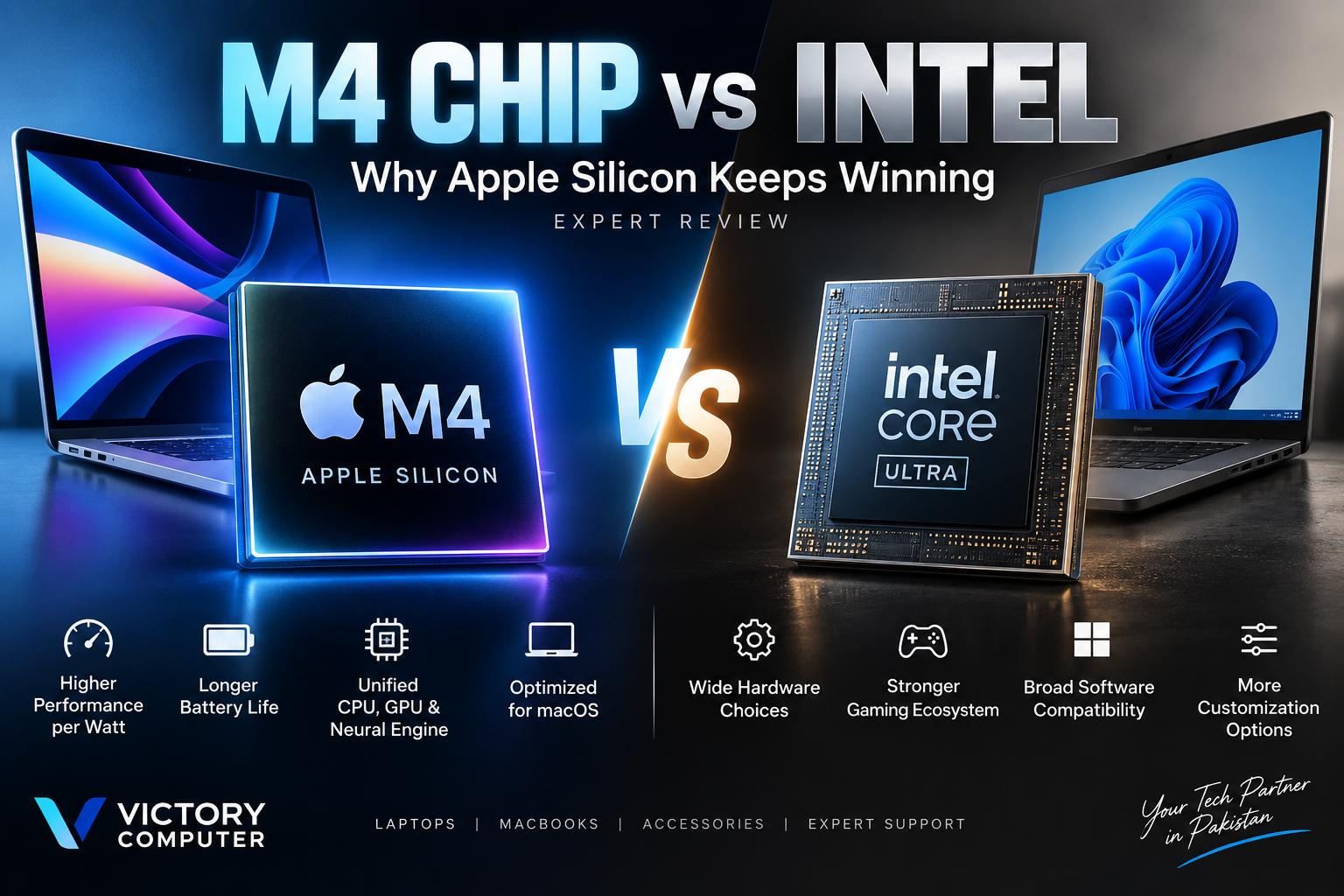
M4 Chip vs Intel is not a simple case of one processor winning every benchmark. Apple M4 stands out for performance-per-watt, tight hardware-software integration and strong media and creative workflows. Modern Intel Core Ultra laptops fight back with Windows compatibility, dedicated gaming options, broader hardware choice and increasingly competitive efficiency.
M4 Chip vs Intel: Quick Comparison
Apple M4 is particularly compelling for buyers who prioritize efficiency, macOS, portability and optimized creative applications. Intel remains highly relevant for buyers who need Windows, broader software and peripheral compatibility, more laptop configurations or access to powerful discrete GPUs.
| Area | Apple M4 | Modern Intel Core Ultra |
|---|---|---|
| Architecture | ARM-based Apple Silicon SoC | x86-based Intel platform |
| CPU + GPU | Integrated into Apple-designed SoC | Integrated CPU/GPU with discrete GPU options depending on laptop |
| AI Acceleration | 16-core Neural Engine on M4 | Dedicated NPU on current Core Ultra platforms |
| Efficiency | Major platform strength | Much improved on newer Core Ultra generations |
| Operating System | macOS | Primarily Windows/Linux PCs |
| Gaming Choice | Improving but limited by game availability | Much broader Windows gaming ecosystem |
| Hardware Choice | Apple-controlled Mac lineup | Large range of brands, designs and configurations |
| Best Fit | Creators, students and macOS-focused professionals | Gamers, Windows users, businesses and buyers needing configuration flexibility |
What Makes the Apple M4 Chip Different?
M4 follows Apple’s system-on-a-chip approach. The processor combines CPU, GPU, Neural Engine, memory architecture and other specialized components into a tightly integrated platform rather than treating the CPU as an isolated component.
Apple’s base M4 design can include an up-to-10-core CPU and 10-core GPU, while its 16-core Neural Engine is rated at up to 38 trillion operations per second. The GPU architecture also supports hardware-accelerated ray tracing, mesh shading and Dynamic Caching.
This integration is one reason the Apple Silicon vs Intel comparison cannot be reduced to CPU clock speeds or core counts. The operating system, application optimization, memory architecture, graphics and power management all affect the experience.
For more background, read Victory Computer’s Apple Silicon journey from M1 to M4.
M4 Chip vs Intel Performance: Is Apple Actually Faster?
There is no universal performance winner. M4 can be extremely fast in workloads optimized for Apple Silicon, while the Intel laptop market covers everything from efficient ultraportables to high-powered gaming and workstation-class machines.
Apple’s advantage becomes particularly noticeable when applications can use specialized parts of the M4 architecture. Video editing, photo processing, coding and other optimized professional workflows can benefit from the combination of CPU, GPU, media engines and unified memory.
Apple has published large performance gains for M4 MacBook Pro compared with much older Intel-based MacBook Pro models. Those comparisons help demonstrate how far Macs have progressed since the Intel era, but they should not be interpreted as proof that M4 beats every current Intel processor or Windows laptop.
Intel has also changed considerably. Current Core Ultra families include more sophisticated integrated graphics and dedicated AI acceleration, making comparisons against older Core i5, Core i7 or Intel-based Macs increasingly misleading.
If you are upgrading from an earlier Apple Silicon machine rather than Intel, our Apple M4 vs M3 comparison is a more useful starting point.
Why Efficiency Is One of M4’s Biggest Advantages
Performance-per-watt remains one of the strongest arguments for Apple Silicon. M4 was engineered around an efficient SoC architecture, allowing Apple to balance performance, heat and battery consumption within tightly controlled Mac hardware.
The practical result can be a laptop that stays responsive without requiring the power and cooling design traditionally associated with high-performance notebook processors. This approach is especially valuable in thin-and-light computers.
However, the old claim that every Intel laptop has poor battery life is no longer accurate. Intel significantly improved efficiency with newer Core Ultra platforms. Battery life also depends heavily on the complete laptop: display resolution, battery capacity, cooling, firmware, workload and manufacturer tuning all matter.
That means buyers should compare complete laptops rather than assuming processor brand alone determines battery life.
Apple M4 vs Intel Core Ultra for AI
Both Apple and Intel now provide dedicated hardware for AI acceleration. Apple uses its Neural Engine, while current Intel Core Ultra processors include an NPU alongside CPU and GPU compute resources.
The base M4’s 16-core Neural Engine can perform up to 38 trillion operations per second. Apple combines that engine with machine-learning accelerators in the CPU, GPU capabilities and unified memory for supported on-device workloads.
Intel’s Core Ultra platform similarly distributes AI workloads across CPU, GPU and NPU resources. This makes the old description of Intel processors as having “limited AI acceleration” outdated.
The more useful question is which applications you actually use. AI hardware specifications matter only when the operating system or application can take advantage of the available accelerator.
Does Intel Still Beat M4 for Gaming?
For serious PC gaming, Windows-based Intel laptops remain the safer choice. The main reason is not simply CPU performance. Windows provides a much larger PC game ecosystem, and Intel-based laptops can be paired with powerful dedicated NVIDIA or other discrete graphics hardware.
Apple has improved Mac graphics considerably. M4 supports modern GPU technologies including hardware-accelerated ray tracing, and more games are appearing on Apple Silicon. But hardware capability does not automatically create software compatibility.
If your main priorities are competitive games, maximum title compatibility, dedicated gaming GPUs, modding or PC-specific gaming tools, a Windows gaming laptop generally makes more sense.
See our detailed guide to gaming on M3 and M4 MacBooks for a closer look at the trade-offs.
What About Software Compatibility?
Native Apple Silicon applications are the preferred option on M4 Macs. Intel-based Mac applications have historically been supported through Apple’s Rosetta translation technology, but this is now an important buying consideration for anyone dependent on legacy software.
Apple announced in 2026 that macOS 27 will be the final macOS release with general Rosetta support for Intel-only Mac applications. Users relying on older Intel-only software should therefore verify that an Apple Silicon-native or Universal version exists before committing to a new Mac for critical work.
For a deeper explanation, see our guide to Apple Silicon vs Intel app compatibility.
M4 Chip vs Intel: Pros and Cons
Apple M4 Pros
- Excellent performance-per-watt: strong performance without depending on very high power consumption.
- Tight macOS integration: Apple controls the processor, operating system and Mac hardware.
- Strong creative capabilities: Apple Silicon is particularly attractive for optimized photo, video and media workflows.
- Dedicated AI hardware: the M4 includes a 16-core Neural Engine for supported machine-learning workloads.
- Strong integrated graphics: modern GPU features are built directly into the M4 architecture.
Apple M4 Cons
- Limited hardware customization: buyers choose from Apple’s configurations rather than a broad PC component ecosystem.
- Memory and storage are not conventional user upgrades: buyers should choose the appropriate configuration at purchase.
- Gaming library limitations: many Windows games and gaming tools remain unavailable or less practical on macOS.
- Legacy application risk: Intel-only Mac software requires special attention as general Rosetta support approaches its end.
Intel Laptop Pros
- Huge hardware selection: Intel processors appear across laptops from many manufacturers and price classes.
- Windows compatibility: useful for businesses, specialized applications and PC gaming.
- Dedicated GPU options: performance laptops can pair Intel CPUs with high-end discrete graphics.
- Modern AI acceleration: current Core Ultra platforms include dedicated NPU capabilities.
- More configuration choices: depending on the laptop, buyers may have greater flexibility in ports, storage, displays and upgradeability.
Intel Laptop Cons
- Experience varies by manufacturer: cooling, battery size and firmware can make two laptops using similar processors behave very differently.
- High-performance models can require substantial cooling: powerful gaming and workstation configurations prioritize performance over silence or portability.
- Less vertically integrated: Intel does not control Windows, the laptop chassis and every major system component in the way Apple controls the Mac platform.
M4 or Intel: Which Should You Buy?
Choose an M4 Mac if you want macOS, strong efficiency, portability and an Apple-optimized creative or productivity workflow. M4 is particularly attractive for students, developers, photographers, video editors and professionals whose essential applications already run natively on Apple Silicon.
Choose an Intel laptop if Windows compatibility, PC gaming, hardware variety, enterprise requirements or discrete GPU performance matters more. Intel is also the logical option when a required Windows-only application is central to your work.
The key point is that M4 Chip vs Intel should be a platform decision rather than a brand contest. Apple Silicon can offer an exceptional balance of performance and efficiency, while Intel gives buyers access to a much broader Windows hardware ecosystem.
Buying an M4 MacBook or Intel Laptop in Pakistan
Pakistani buyers should compare the complete laptop rather than focusing only on the processor badge. Check the exact model number, memory, storage, display, ports, warranty terms and software compatibility before buying.
For M4 Macs, selecting enough memory and storage at purchase is particularly important because conventional post-purchase RAM and SSD upgrades are generally not part of the MacBook design.
For Intel laptops, check the exact processor model and laptop configuration. “Intel Core Ultra” covers multiple processor classes, and the cooling system, GPU, battery and manufacturer power settings can substantially affect the final experience.
You can browse laptops and computers at Victory Computer or visit Victory Computer for available options in Pakistan. Confirm current pricing, stock and warranty terms for the exact model before purchasing.
Why We Recommend Apple M4 — With Conditions
Apple M4 is an excellent choice for users who already prefer macOS and value performance-per-watt, portability and tightly integrated hardware and software. It is not automatically the better platform for every buyer.
Gamers, users dependent on Windows-only applications, buyers needing specialized hardware, and people who prioritize upgrade flexibility should compare suitable Intel-based Windows laptops before deciding.
Frequently Asked Questions
Is M4 better than Intel?
M4 can be the better choice for efficiency, macOS integration and optimized creative workflows. Modern Intel processors remain highly competitive where Windows compatibility, hardware choice and discrete GPU options matter.
Is Apple M4 faster than Intel Core Ultra?
It depends on the exact Intel processor, laptop and workload. Comparing M4 with “Intel” as a whole is too broad because Intel offers processors across very different performance and power classes.
Is M4 better than Intel for battery life?
M4 Macs are known for strong efficiency, but processor brand alone does not determine battery life. Modern Intel Core Ultra laptops can also deliver long runtimes depending on battery capacity, display and system tuning.
Is Apple M4 good for gaming?
M4 has capable integrated graphics and modern GPU features, but Windows remains the stronger choice for broad PC game compatibility and laptops with powerful discrete GPUs.
Can M4 Macs run Intel Mac applications?
Compatible Intel-based Mac applications can currently use Rosetta on Apple Silicon. Apple has announced that macOS 27 will be the final macOS release with general-purpose Rosetta support, so users should move toward native Apple Silicon applications.
Should I buy an M4 MacBook or an Intel laptop?
Buy an M4 MacBook for macOS, efficiency and Apple-optimized workflows. Choose an Intel laptop when Windows software, gaming, hardware choice or a particular PC configuration is more important.
Final Verdict: M4 Chip vs Intel
M4 Chip vs Intel has no universal winner, but Apple Silicon remains particularly strong where performance-per-watt, macOS optimization and integrated hardware matter. M4 combines CPU, GPU, Neural Engine and unified system architecture into a tightly controlled platform that works especially well for mobile creative and professional computing.
Intel’s position is much stronger than older comparisons suggest. Current Core Ultra processors offer dedicated AI hardware, significantly improved efficiency, capable integrated graphics and access to the enormous Windows PC ecosystem.
For Mac-focused productivity and creative work, M4 is an excellent choice. For PC gaming, Windows-specific applications, hardware flexibility or specialized configurations, Intel can still be the better platform.

About Victory Computer Editorial Team
Victory Computer Editorial Team The Victory Computer Editorial Team publishes informative, research-based content about laptops, computers, monitors, printers, hardware, and technology trends in Pakistan. Our goal is to help readers understand product specifications, compare available options, and make informed purchasing decisions.
View all posts by Victory Computer Editorial Team
One thought on “M4 Chip vs Intel: Why Apple Silicon Keeps Winning | Expert Review”