
Is Apple Prioritizing Profit Over User Freedom in macOS? | Expert Review

Is Apple Prioritizing Profit Over User Freedom in macOS?
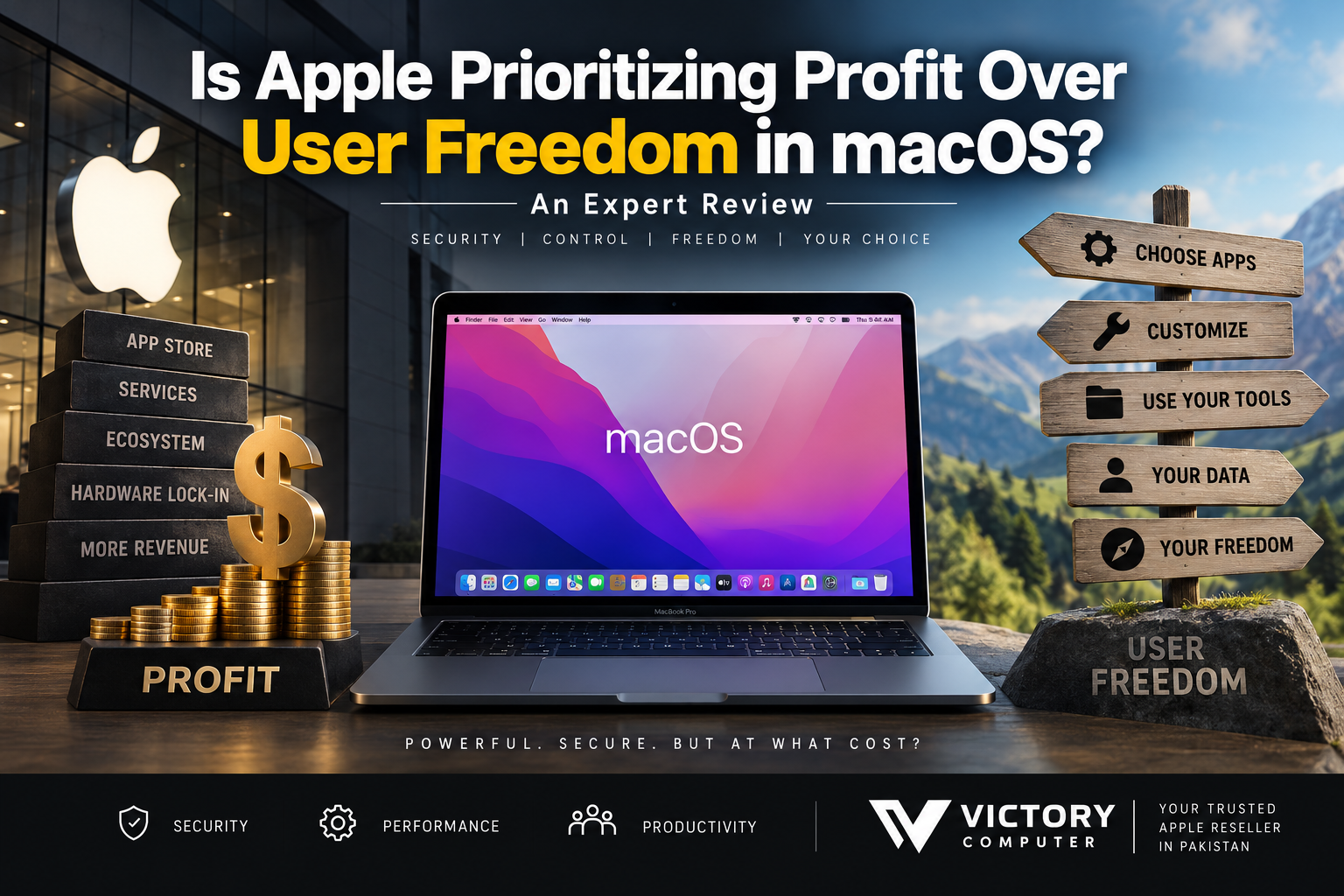
Is Apple prioritizing profit over user freedom in macOS? There is a legitimate debate, but the answer is not simply yes or no. Apple places tighter controls on software, hardware and its ecosystem than many Windows PC manufacturers, yet several macOS restrictions also have clear security, reliability and platform-transition purposes.
Why Is Apple’s Control Over macOS Controversial?
Apple controls the Mac hardware platform, macOS, many core applications, its developer technologies and the Mac App Store. That integration gives Apple considerable influence over what software and hardware technologies remain compatible with modern Macs.
The concern about macOS user freedom usually comes from several changes: the removal of 32-bit application support, tighter security requirements for downloaded software, the transition from Intel processors to Apple Silicon and increasingly integrated hardware that offers little or no user upgradeability after purchase.
However, these changes should not automatically be described as attempts to force Mac users into the App Store. Some are technical architecture changes, while others are security policies. The commercial argument becomes stronger when discussing ecosystem dependence, services, hardware upgrades and Apple’s control over distribution and payments rather than basic Mac app installation.
Can You Install Third-Party Apps on macOS?
Yes. macOS users can install applications from outside the Mac App Store. This is an important correction to the claim that Macs offer “no sideloading.”
Apple’s Gatekeeper security system checks downloaded applications and, under default settings, expects software distributed outside the App Store to come from an identified developer and meet Apple’s notarization requirements. These controls can make installing older or unsigned software less convenient, but macOS is not limited exclusively to App Store software.
Users dealing with older software should therefore distinguish between an app being unavailable from the App Store and an app being genuinely incompatible with modern macOS. Our guide to unsupported apps on macOS explains several common compatibility situations.
Why Do Older Apps Stop Working on Modern Macs?
Some application failures result from major technology transitions rather than an attempt to generate App Store revenue.
One major example is 32-bit software. Apple made macOS Mojave 10.14 the final macOS release capable of running 32-bit Mac applications. Starting with macOS Catalina 10.15, 32-bit applications became incompatible. Users relying on legacy business tools, utilities, games or creative software therefore had to update, replace or stop using those applications.
You can read more about the end of 32-bit apps on modern Macs.
The transition from Intel processors to Apple Silicon created another compatibility challenge. Rosetta has allowed many Intel-based Mac applications to run on Apple Silicon, reducing disruption during the transition. Apple has now stated that Rosetta’s broad compatibility role will eventually be reduced, making native Apple Silicon software increasingly important.
Our Apple Silicon vs Intel compatibility guide explains why processor architecture matters when choosing software for a newer MacBook.
Where Does the Apple Profit Argument Make More Sense?
The strongest argument is not that Apple prevents Mac owners from downloading software. It is that Apple’s vertically integrated business model gives the company substantial control over the user’s long-term technology choices.
Non-Upgradeable Hardware
Modern MacBooks integrate memory and storage closely with the hardware platform. Buyers therefore need to choose the appropriate configuration before purchasing because traditional post-purchase RAM or internal storage upgrades are generally not available on current MacBooks.
This design can improve integration, efficiency and compactness, but it also means a buyer who outgrows the original configuration may eventually need external storage or a replacement computer rather than a simple internal upgrade.
Ecosystem Dependence
Features such as iCloud, AirDrop, iMessage integration, Continuity and synchronization across Apple devices can make the ecosystem extremely convenient. The same integration can increase switching costs once someone owns several Apple products and stores data or workflows within Apple services.
App Store and Services Revenue
Apple earns revenue from services and certain transactions within its software ecosystem. That creates a genuine commercial incentive to maintain a strong Apple platform.
However, commercial incentive alone does not prove that every macOS security or compatibility decision was designed to increase profit. Security, developer requirements, hardware architecture and commercial strategy can influence the platform at the same time.
Pros and Cons of Apple’s Approach to macOS
| Pros | Cons |
|---|---|
| Strong built-in security controls for downloaded software | Older or unsigned software can face compatibility barriers |
| Tight hardware and software integration | Limited internal hardware upgradeability on modern MacBooks |
| Consistent ecosystem across Apple devices | Deep ecosystem integration can make switching platforms inconvenient |
| Apple Silicon provides an efficient modern platform | Architecture transitions can leave older applications behind |
| Gatekeeper and notarization help reduce exposure to known malicious software | Advanced users have less freedom than on some more open computing setups |
Why We Recommend Evaluating Your Software First
A MacBook can be an excellent choice for users whose applications and workflows are fully compatible with macOS. Developers, students, office users and creative professionals should check their essential software, plug-ins, peripherals and specialist tools before switching platforms.
If a critical application only works properly on Windows or depends on legacy components, a Windows laptop may be the more practical purchase regardless of the advantages offered by macOS.
macOS vs Windows: Which Gives Users More Freedom?
Windows generally provides greater hardware choice and customization, while macOS emphasizes controlled integration and security. Neither approach is automatically better for every buyer.
| Area | macOS | Windows |
|---|---|---|
| Third-party apps | Supported, with Apple security controls | Broad third-party software support |
| Hardware choice | Apple Mac lineup | Large range of manufacturers and configurations |
| Internal upgrades | Very limited on modern MacBooks | Depends on laptop; many models also use soldered components |
| Legacy software | Some major compatibility breaks occurred during platform transitions | Generally strong backward compatibility, although not universal |
| Ecosystem | Highly integrated Apple ecosystem | More diverse hardware and service ecosystem |
Users who value customization, specialist Windows applications, gaming compatibility or a wider selection of hardware may prefer Windows. Users who prioritize Apple ecosystem integration, battery efficiency, macOS workflows and a tightly controlled platform may prefer a MacBook.
What Should MacBook Buyers in Pakistan Consider?
For Pakistani buyers, software compatibility should be checked before choosing a MacBook configuration. Do not assume that a powerful processor automatically means every application you use on Windows will work on macOS.
Check your accounting software, engineering applications, corporate VPN tools, games, plug-ins, peripherals and any older specialist programs. If an essential application is unsupported, investigate an updated Mac version or practical workaround for unsupported Apple Silicon apps before buying.
You can also browse available computers and technology products through Victory Computer or contact the team to discuss your requirements before choosing a laptop.
Final Verdict: Is Apple Prioritizing Profit Over User Freedom in macOS?
Saying Apple is prioritizing profit over user freedom in macOS is too absolute. Apple clearly benefits commercially from controlling its hardware, software and services ecosystem, and that control can reduce flexibility for users. Non-upgradeable hardware, ecosystem dependence and platform rules are legitimate concerns for buyers who value maximum control.
At the same time, macOS does allow applications from outside the App Store, and major restrictions such as notarization, Gatekeeper and the move away from 32-bit applications have identifiable security or technical purposes. Those facts make it difficult to argue that every restriction exists primarily to generate additional revenue.
The practical decision is therefore about priorities: choose macOS if its security model, Apple ecosystem and supported applications fit your workflow; choose Windows if broader hardware choice, legacy compatibility or customization matters more.
Frequently Asked Questions
Does Apple prioritize profit over user freedom?
Apple’s ecosystem creates strong commercial benefits for the company, but there is insufficient evidence to describe every macOS restriction as profit-driven. Many restrictions also have documented security or technical purposes.
Can Mac users install apps outside the App Store?
Yes. Mac users can download applications directly from developers and other internet sources, although Gatekeeper applies security checks and warnings.
Why don’t 32-bit apps work on modern macOS?
Apple ended 32-bit Mac application compatibility beginning with macOS Catalina 10.15 as part of its transition to a fully 64-bit platform.
Does Apple Silicon stop Intel Mac apps from working?
Not necessarily. Rosetta has allowed many Intel applications to operate on Apple Silicon, although users should increasingly move to native or Universal versions for future compatibility.
Does Windows provide more freedom than macOS?
Windows generally offers broader hardware choice and customization. The better platform depends on the applications, hardware flexibility and ecosystem a user needs.
Should I check software compatibility before buying a MacBook?
Yes. Check every business-critical application, plug-in, peripheral and specialist tool before moving from Windows to macOS, particularly if your workflow depends on older software.

About Victory Computer Editorial Team
Victory Computer Editorial Team The Victory Computer Editorial Team publishes informative, research-based content about laptops, computers, monitors, printers, hardware, and technology trends in Pakistan. Our goal is to help readers understand product specifications, compare available options, and make informed purchasing decisions.
View all posts by Victory Computer Editorial Team