
Is Apple Slowly Turning macOS Into iOS? | Expert Review

Is Apple Slowly Turning macOS Into iOS
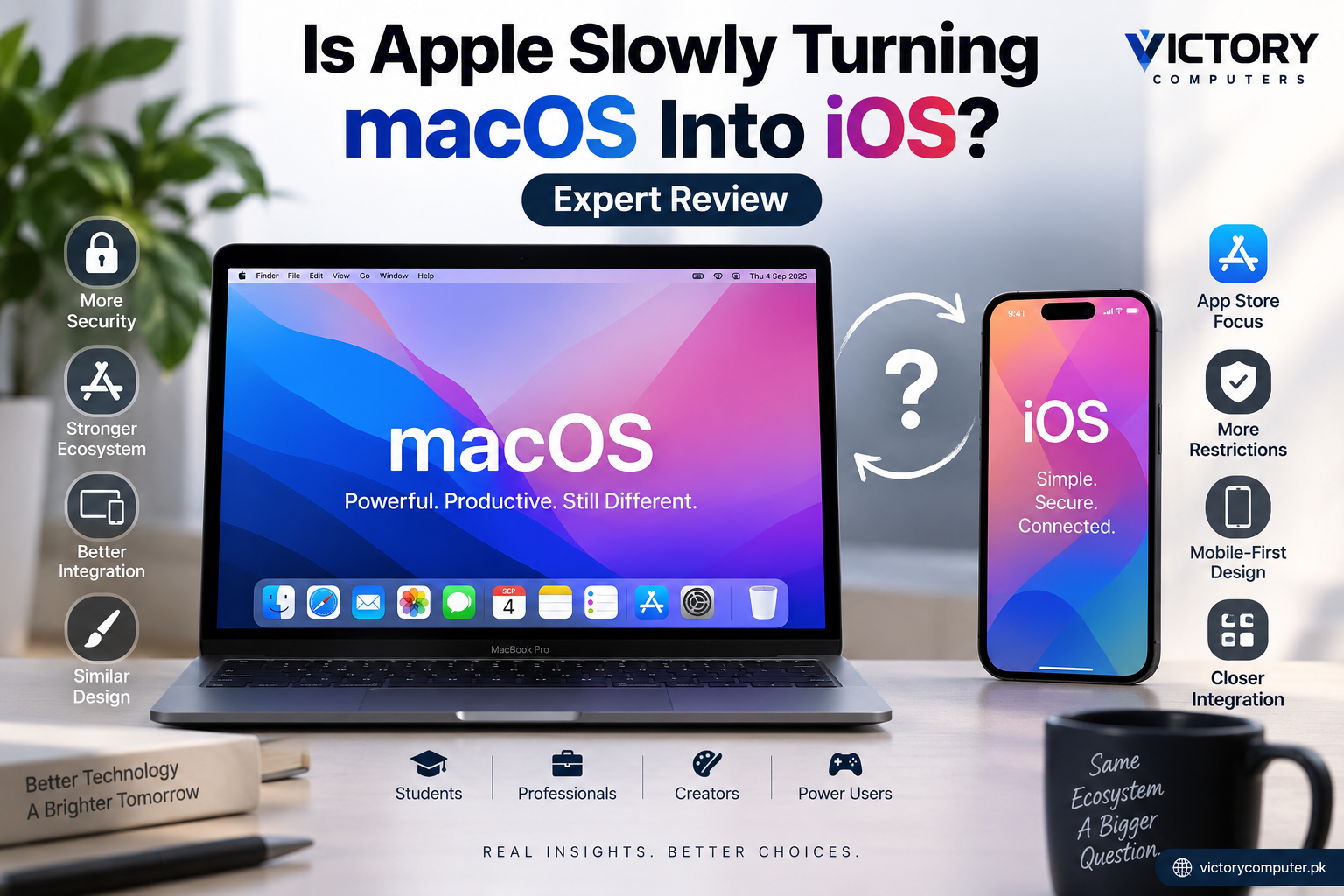
Yes, macOS is becoming more like iOS in design, security and ecosystem integration, but Apple has not turned the Mac into a desktop iPhone. macOS still supports software distributed outside the Mac App Store, traditional desktop workflows and greater file-system flexibility. The real change is that Apple’s platforms increasingly share technologies, design principles and services.
Why Is macOS Becoming More Like iOS?
Apple is clearly making its operating systems more consistent. Similar interface concepts, privacy controls, Apple Account services and cross-device features make moving between a Mac, iPhone and iPad easier than before.
Apple’s newer design language also spans multiple platforms. Interface technologies such as Liquid Glass demonstrate Apple’s push toward greater visual consistency while preserving platform-specific controls and workflows.
1. Apple Silicon Connects the Platforms
Apple Silicon is one of the strongest technical links between Macs and Apple’s mobile devices. Macs with Apple silicon can run compatible iPhone and iPad applications when those apps are made available for Mac.
This does not mean macOS and iOS are the same operating system. Instead, Apple’s hardware architecture makes it easier for applications and technologies to work across its device ecosystem.
2. The Interface Is More Consistent
Modern macOS versions increasingly share visual ideas with Apple’s other platforms. Controls, icons, transparency effects, settings and application design can therefore feel familiar to users moving between a Mac, iPhone and iPad.
That consistency is useful for people already invested in Apple’s ecosystem, although long-time Mac users may prefer a clearer distinction between desktop and mobile interface design.
3. Security Has Become Stricter
macOS uses technologies including Gatekeeper, code signing and notarization to check downloaded software and reduce the risk of malicious applications.
However, saying Apple forces all Mac software through the App Store would be inaccurate. Developers can still distribute macOS applications independently, and users can install applications from identified developers outside the Mac App Store.
Apple also provides an override mechanism for certain applications that macOS cannot verify, although users should only bypass a security warning when they trust the software and its source.
Is Apple Actually Turning macOS Into iOS?
Not completely. Apple is bringing the platforms closer together, but macOS remains a desktop operating system designed around windows, keyboard and mouse input, professional applications, external storage and broader software distribution.
| Area | macOS | iOS |
|---|---|---|
| Primary devices | Mac desktops and laptops | iPhone |
| Desktop window management | Core part of the experience | Not equivalent to macOS desktop workflows |
| Software outside App Store | Supported with security controls | More restricted and region-dependent |
| File management | Traditional desktop-oriented access | More application-focused |
| Professional desktop software | Broad support | More limited |
The better description is platform convergence rather than platform replacement. Apple can make macOS and iOS look and work more consistently without eliminating the characteristics that make a Mac useful as a desktop computer.
Pros and Cons of macOS Becoming Like iOS
Pros
- More consistent experience: Mac, iPhone and iPad users face a smaller learning curve when moving between devices.
- Stronger ecosystem integration: Apple’s hardware and software can work together more closely.
- Improved security: Gatekeeper, signing and notarization make untrusted software harder to run accidentally.
- Access to compatible mobile apps: Apple silicon Macs can run supported iPhone and iPad applications.
- Consistent application design: Developers can create more familiar experiences across Apple platforms.
Cons
- More security prompts and controls: Older, unsigned or unmaintained software can be harder to run.
- Compatibility transitions: Major macOS and hardware changes can create problems for legacy applications and peripherals.
- Less distinction in interface design: Some Mac users may dislike mobile-inspired design choices on desktop hardware.
- More ecosystem dependence: The benefits become strongest when users own several Apple devices and use Apple services.
Why We Recommend Looking at Compatibility First
The increased similarity between macOS and iOS should not decide whether you buy a MacBook. Your required applications should. Students, office users, developers and creators should confirm that their essential software, plugins and peripherals support the Mac and the specific macOS version they intend to use.
macOS vs Windows: Which Gives You More Flexibility?
Windows generally offers a wider hardware ecosystem and can be the safer choice when compatibility with specialized Windows software, PC games or upgradeable hardware matters. macOS is particularly attractive when battery efficiency, Apple ecosystem integration and supported Mac creative or productivity applications are priorities.
| Platform | Main Advantage | Main Trade-off | Best Fit |
|---|---|---|---|
| macOS | Apple ecosystem integration | Some specialized software is unavailable | Apple users, creators, students and professionals |
| Windows | Broad hardware and software choice | User experience varies considerably by device | Gamers, businesses and users needing Windows-specific software |
For a more detailed buying comparison, read our MacBook vs Windows laptop guide for professionals in Pakistan. You can also read our guide explaining why Apple Silicon matters.
What Should MacBook Buyers in Pakistan Consider?
Pakistani buyers should focus on the exact MacBook configuration, application compatibility, warranty terms and seller support rather than assuming every MacBook suits every workload.
Before buying, check whether important professional applications, accounting software, engineering tools, plugins, games and peripherals support macOS and Apple silicon. This is especially important when moving from a Windows laptop to a Mac for the first time.
Also verify the warranty terms offered with the specific unit instead of assuming that every imported MacBook has identical coverage.
You can browse available computers and current product information through Victory Computer or explore additional technology guides before making a purchase.
So, Is macOS Becoming Like iOS a Bad Thing?
Not necessarily. Apple’s platform convergence provides genuine benefits in security, consistency and cross-device integration. The downside is that some users may find modern macOS less accommodating to old, unsigned or unsupported software than earlier generations.
The important distinction is that macOS becoming like iOS does not mean macOS has become iOS. Macs still support desktop software distribution outside the App Store and workflows that would not fit the iPhone model.
For buyers, the practical question is therefore not “Is Apple turning the Mac into an iPhone?” but “Does macOS support the software and workflow I need?” If the answer is yes, Apple’s closer integration can be an advantage. If your work depends heavily on Windows-only applications, PC gaming or specialized hardware, a Windows laptop may remain the better choice.
Frequently Asked Questions
Is Apple making macOS more like iOS?
Yes. Apple is making its platforms more consistent in areas such as design, security, applications and ecosystem integration, but macOS remains a separate desktop operating system.
Can MacBooks still install apps outside the App Store?
Yes. macOS supports independently distributed applications. Gatekeeper checks downloaded software, and developers can sign and notarize applications distributed outside the Mac App Store.
Can iPhone apps run on a MacBook?
Compatible iPhone and iPad apps can run on Macs with Apple silicon when those applications are made available for Mac.
Does macOS block torrent software?
macOS does not universally prohibit torrent applications. Individual applications may become incompatible, unsupported or fail Apple’s security requirements, so compatibility should be checked with the application’s developer.
Is macOS more restrictive than Windows?
macOS applies tighter controls to application signing and system security in several areas, while Windows generally provides broader hardware and software choice. Which approach is better depends on the user’s applications and priorities.
Should I choose a MacBook or Windows laptop?
Choose based on software compatibility and workload. A MacBook can suit users who value Apple’s ecosystem and supported professional applications, while Windows is often preferable for PC gaming, Windows-specific programs and wider hardware choice.

About Victory Computer Editorial Team
Victory Computer Editorial Team The Victory Computer Editorial Team publishes informative, research-based content about laptops, computers, monitors, printers, hardware, and technology trends in Pakistan. Our goal is to help readers understand product specifications, compare available options, and make informed purchasing decisions.
View all posts by Victory Computer Editorial Team