
The Dark Side of macOS Updates: More Bugs, Less Freedom | Expert Review

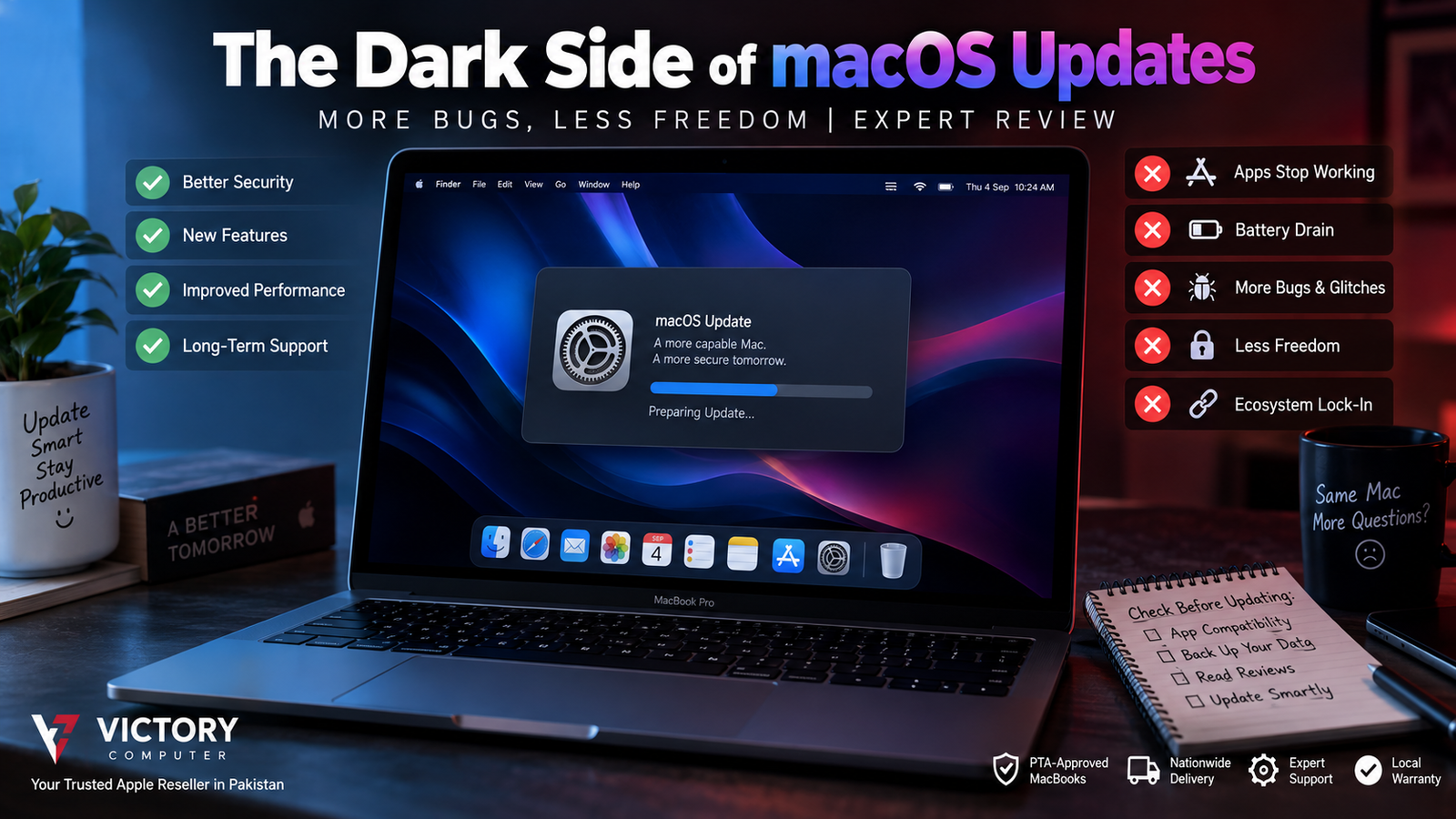
The Dark Side of macOS Updates: More Bugs, Less Freedom
macOS updates are important for security, bug fixes and support for newer Apple features, but upgrading can also expose compatibility problems with older apps, plug-ins and specialized workflows. The real trade-off is not simply “updates are bad”: newer macOS releases can improve security while reducing compatibility with older software and changing how third-party applications interact with the system.
What Changes After a macOS Update?
A major macOS upgrade can change far more than the appearance of your Mac. Apple regularly updates security components, system frameworks, privacy controls and technologies that third-party applications depend on.
That is useful when the changes fix vulnerabilities or improve system security. Apple continues to publish security releases addressing vulnerabilities in macOS, which is one important reason users should not permanently ignore updates.
The downside appears when software, drivers, extensions or plug-ins have not been updated for the new operating system. A Mac that worked perfectly before an upgrade can therefore develop a compatibility problem even when the hardware itself is fine.
Why macOS Updates Can Cause Compatibility Problems
macOS update problems are especially important for people who depend on older or specialized software. Developers sometimes need to update their applications after Apple changes system frameworks, security requirements or hardware support.
- Older applications: Legacy software may stop working when the operating system no longer supports the technology it requires.
- Plug-ins and extensions: Professional audio, video, development and utility workflows may depend on components that need separate updates.
- Intel-era software: Apple silicon has created another compatibility transition, particularly for older Intel-based software.
- Security requirements: Code signing, notarization and Gatekeeper can affect how older or unusual third-party software is installed and opened.
A clear historical example is 32-bit software. Apple states that macOS Mojave 10.14 was the last macOS release capable of running 32-bit applications. Starting with macOS Catalina 10.15, 32-bit apps are no longer compatible.
For more detail on application compatibility, read our guide explaining why third-party apps can break after macOS updates.
Do macOS Updates Really Mean Less Freedom?
The answer depends on what you mean by freedom. Modern macOS places more security checks around software than older versions did, but describing every restriction as an attempt to force users into the App Store would be inaccurate.
Apple’s Gatekeeper checks software downloaded outside the Mac App Store as well. Under default settings, macOS checks Developer ID signatures and notarization for software distributed outside Apple’s store. Apple also provides ways for users to approve software that macOS initially blocks, although managed Macs can have stricter organizational policies.
This approach gives users stronger protection against malicious or tampered software, but it can create additional friction for people using older utilities, niche development tools or applications that are no longer maintained.
Apple explains these protections in its Gatekeeper and app security guidance.
Pros and Cons of macOS Updates
Pros
- Security fixes: Current releases patch documented vulnerabilities and security weaknesses.
- New features: Major releases can add operating-system and Apple ecosystem capabilities.
- Current app support: Developers increasingly optimize new versions of their software for current macOS releases.
- Long-term compatibility: Staying reasonably current helps prevent a Mac from falling too far behind modern software requirements.
Cons
- Older apps can stop working: Major architectural or security changes can leave legacy software unsupported.
- Professional workflows can be disrupted: Plug-ins, drivers and specialist utilities may require updates before they work correctly.
- More security friction: Gatekeeper, notarization and permission controls can add extra steps when running non-mainstream software.
- Early-release risk: Users who depend on specific software may prefer to verify compatibility before installing a major annual upgrade.
Why We Recommend a Cautious Update Strategy
Most ordinary users should keep macOS reasonably current because security updates matter. Professionals who depend on specific applications, audio plug-ins, development environments, drivers or business software should first verify that critical tools support the new release. The best strategy is compatibility checking, not permanently avoiding updates.
Should You Install Every macOS Update Immediately?
You do not necessarily need to install a major macOS upgrade on launch day. Before upgrading a work-critical Mac, check the compatibility of the applications and peripherals you cannot work without.
- Back up important files before a major upgrade.
- Check your essential apps, plug-ins and hardware drivers.
- Confirm that the developers officially support the new macOS version.
- Install important security updates rather than ignoring updates indefinitely.
- For business-critical Macs, avoid making a major OS change immediately before an important project or deadline.
If software compatibility is your main concern, see our guide on whether you should delay a macOS upgrade when important applications are unsupported.
macOS Updates vs Windows: Which Gives Users More Flexibility?
macOS and Windows make different trade-offs. macOS combines tightly controlled hardware, operating-system security and Apple’s ecosystem, while Windows supports a much broader hardware and software environment.
| Area | macOS | Windows |
|---|---|---|
| Security controls | Strong integrated protections | Strong protections with broader hardware/software diversity |
| Legacy software | Major transitions can remove older compatibility | Generally strong emphasis on backward compatibility |
| Hardware choice | Apple hardware only | Very broad manufacturer selection |
| Third-party flexibility | More controlled environment | Generally more configurable |
| Ecosystem integration | Strong with Apple devices | Broader cross-vendor ecosystem |
Neither approach is universally better. A user who values Apple hardware integration and built-in security may prefer macOS, while someone dependent on legacy Windows applications, gaming or extensive hardware customization may find Windows more practical. Our MacBook vs Windows laptop comparison for professionals covers that decision in more detail.
What MacBook Buyers in Pakistan Should Consider
For buyers in Pakistan, software compatibility should be considered before choosing a MacBook—not after purchasing one. Students using mainstream productivity and web applications may have very different requirements from engineers, accountants, developers, video editors or businesses relying on specialized software.
Before buying, list the applications you actually need and confirm that macOS and Apple silicon support them. Also verify the exact warranty terms, product configuration and seller policies rather than assuming every imported MacBook carries the same coverage.
You can browse computers and current listings through Victory Computer in Lahore and confirm the exact product, warranty and availability before ordering.
Frequently Asked Questions
Do macOS updates cause problems?
They can. Major macOS updates may expose compatibility problems with older applications, plug-ins, extensions or drivers, although updates also deliver important fixes and security improvements.
Should I avoid macOS updates?
No. Permanently avoiding updates can leave security issues unpatched. For major upgrades, verify compatibility with essential software before installing.
Why do old applications stop working after macOS updates?
Older applications may rely on frameworks, architectures or system behavior that newer macOS releases no longer support. Apple’s removal of 32-bit app compatibility beginning with macOS Catalina is a clear example.
Does Apple block all apps outside the Mac App Store?
No. macOS supports applications distributed outside the App Store, but Gatekeeper checks factors such as developer signing and notarization under its default security settings.
Is macOS more restrictive than Windows?
macOS generally operates within a more tightly controlled hardware and software environment. Windows offers broader hardware choice and extensive legacy software support, while macOS emphasizes integration and platform security.
Should professionals wait before installing a major macOS upgrade?
If your work depends on specific applications, plug-ins or peripherals, checking vendor compatibility before a major upgrade is sensible. Security updates should still be treated separately and installed according to their importance and compatibility.

About Victory Computer Editorial Team
Victory Computer Editorial Team The Victory Computer Editorial Team publishes informative, research-based content about laptops, computers, monitors, printers, hardware, and technology trends in Pakistan. Our goal is to help readers understand product specifications, compare available options, and make informed purchasing decisions.
View all posts by Victory Computer Editorial Team