
The Death of 32-Bit Apps: Did Apple Kill Creativity for Stability? | Expert Review

The Death of 32-Bit Apps
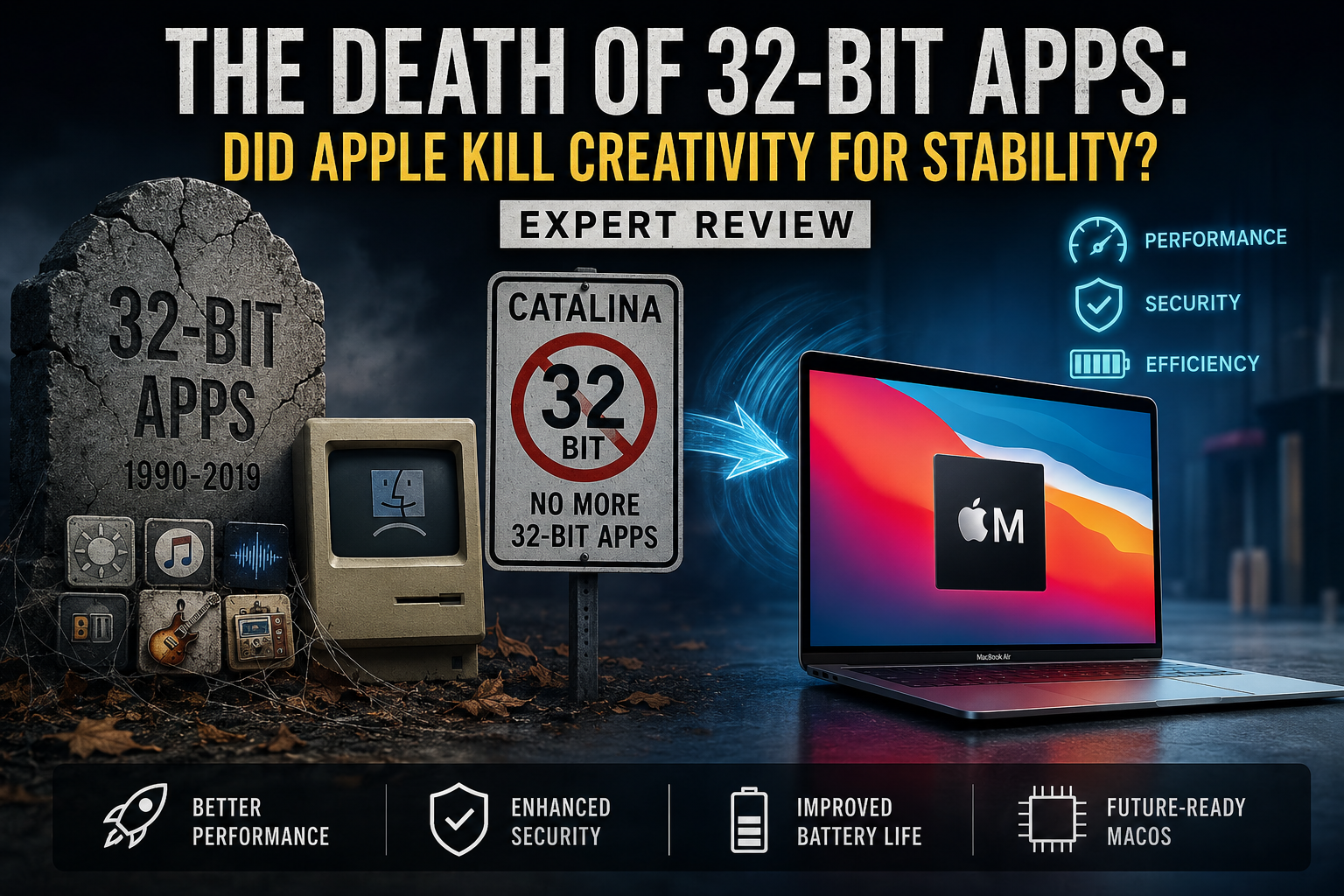
Apple ended support for 32-bit apps on Mac with macOS Catalina 10.15, trading compatibility with older software for a fully 64-bit macOS environment. The decision helped Apple move its platform forward, but musicians, designers, developers, students, and other users relying on abandoned legacy applications sometimes paid a significant compatibility cost.
When Did Apple Stop Supporting 32-Bit Apps?
macOS Mojave 10.14 was the final macOS release capable of running 32-bit Mac applications. Apple had warned developers about the transition, and starting with macOS Catalina 10.15, 32-bit applications were no longer compatible with macOS.
Apple’s current 32-bit application compatibility documentation confirms that timeline. This means a Mac application that was never updated from 32-bit to 64-bit cannot simply be opened normally on Catalina or a later version of macOS.
The transition is particularly important for users who depend on older applications. Before upgrading an old Mac or migrating years of software to another computer, application compatibility should be checked rather than assumed.
Why Did Apple Move to 64-Bit Apps?
Apple’s transition was part of a long-term move toward modern 64-bit hardware and software rather than a sudden change introduced only with Catalina.
Apple states that modern 64-bit applications can access substantially more memory, support faster system performance and use technologies associated with the modern Mac platform.
Moving away from legacy application support also allowed Apple and software developers to concentrate development resources on the newer architecture rather than maintaining compatibility indefinitely.
For users interested in the underlying distinction, our 32-bit vs 64-bit Mac comparison explains why the architectural change mattered.
How Did the End of 32-Bit Apps Affect Creative Users?
The biggest problem was not that 64-bit applications were bad; it was that some useful 32-bit applications never received a compatible replacement.
Large software developers generally had the resources and commercial incentive to maintain modern versions of important applications. Small developers, discontinued projects and niche utilities were a different matter.
A musician might have depended on an old audio utility or plug-in. A designer might have kept an older graphics tool because it performed one specific task extremely well. Developers and technical users could also have scripts, utilities or specialist software tied to an older workflow.
Once the Mac was upgraded beyond Mojave, software that remained exclusively 32-bit could become inaccessible in that normal macOS installation.
This is part of the broader hidden cost of macOS updates: new features and platform improvements can arrive alongside compatibility changes.
Pros and Cons of Apple’s Decision to End 32-Bit Support
Pros
- Modern software foundation: Apple and developers could concentrate on a 64-bit application environment instead of maintaining legacy 32-bit compatibility.
- Greater memory capability: 64-bit applications can work with substantially larger address spaces than traditional 32-bit applications.
- Platform modernization: Developers were pushed to update applications for newer macOS technologies.
- Cleaner long-term transition: Removing old architecture support simplified Apple’s direction for future Mac software and hardware.
- Better fit for modern Macs: Current macOS development is centered on contemporary 64-bit applications and Apple Silicon hardware.
Cons
- Legacy applications stopped working: Software abandoned before receiving a 64-bit update could no longer run normally after upgrading beyond Mojave.
- Creative workflows could break: Specialist audio, graphics, production and development tools sometimes depended on older software.
- Users could face replacement costs: Moving to a supported application may require purchasing new software or subscriptions.
- Preserving old projects became harder: Archived projects dependent on discontinued software can require keeping older hardware or operating-system environments available.
Why We Recommend Planning Before Upgrading
Moving to a current Mac makes sense for users whose important applications already have modern versions. Anyone dependent on discontinued software should audit applications, plug-ins, project files and required peripherals before replacing an older Mac or upgrading macOS.
32-Bit vs 64-Bit Apps on Mac
| Area | 32-Bit Applications | 64-Bit Applications |
|---|---|---|
| Modern macOS compatibility | Not supported from Catalina onward | Supported when otherwise compatible with the macOS version |
| Memory addressing | More limited | Much larger address space |
| Legacy software | Includes many discontinued applications | Standard architecture for modern Mac software |
| macOS Mojave | Supported | Supported |
| macOS Catalina and later | Not compatible | Required architecture for Mac applications |
The difference therefore goes beyond performance. For many Mac owners, 32-bit vs 64-bit became a question of software preservation versus moving to a modern operating-system environment.
Can You Run 32-Bit Apps on a Modern Mac?
Not natively on current macOS releases. Apple’s support documentation states that 32-bit applications are incompatible with macOS starting with Catalina 10.15.
Rosetta 2 should not be confused with a 32-bit compatibility layer. Rosetta is associated with the transition of compatible Intel Mac applications to Apple Silicon; it does not restore Catalina-era support for old 32-bit Mac applications.
If an important application is unsupported, possible approaches depend on the application and hardware involved. Start by checking for a modern version or replacement. Our guide to workarounds for unsupported Apple Silicon apps covers broader compatibility options.
Should Creative Professionals Keep an Older Intel Mac?
An older Mac can still have practical value when a critical workflow depends on software that cannot be replaced. That does not automatically make an old Mac the better everyday computer.
Keeping legacy hardware may preserve access to an important application, but an old operating system can also mean missing newer security updates, application releases, browser compatibility and hardware support.
A sensible approach is to separate the two requirements. Use modern hardware for current work where possible, while maintaining a controlled legacy system only when older software remains genuinely necessary.
Apple Silicon Changed Compatibility Again
The transition from Intel processors to Apple Silicon created another compatibility checkpoint, although it should not be confused with the earlier removal of 32-bit applications.
The 32-bit cutoff happened with macOS Catalina before the first Apple Silicon Macs reached consumers. Apple Silicon subsequently changed the processor architecture used by Macs, creating additional considerations for older Intel applications, plug-ins and specialist software.
Our Apple Silicon vs Intel compatibility guide explains that separate transition in more detail.
Did Apple Kill Creativity for Stability?
No, but Apple clearly chose platform modernization over indefinite backward compatibility.
Saying Apple “killed creativity” goes too far. Modern Macs support major professional tools for video production, music, photography, design and software development. The real criticism is narrower: Apple’s decision made some perfectly useful legacy software inaccessible on newer macOS releases when developers did not produce 64-bit replacements.
For users whose applications were actively maintained, the transition was eventually manageable. For people whose creative workflow depended on abandoned or highly specialized software, the cost was much greater.
The strongest lesson is therefore not that 32-bit software should have remained forever. It is that operating-system upgrades can have real workflow costs, and compatibility should be checked before upgrading a production machine.
Buying a Mac in Pakistan: Check Software Compatibility First
If you are moving from an older Intel Mac to a current Mac, start with your software rather than the hardware specification sheet. List the applications, plug-ins, peripherals and project formats that are essential to your work and confirm current macOS compatibility.
This is especially important for professional audio, design, development and production environments where one unsupported component can interrupt an otherwise functional workflow.
You can explore computers and related technology through Victory Computer in Pakistan. Before purchasing a replacement Mac for a specialist workflow, confirm that your essential software supports the Mac and macOS version you intend to use.
Frequently Asked Questions
Why did Apple remove support for 32-bit apps?
Apple moved macOS toward a fully modern 64-bit software environment. Apple says 64-bit applications can access much more memory, improve system performance and use technologies associated with the modern Mac platform.
When did Mac stop supporting 32-bit apps?
macOS Mojave 10.14 was the final macOS version capable of running 32-bit applications. Starting with macOS Catalina 10.15, 32-bit apps became incompatible with macOS.
Can a modern Mac run 32-bit Mac apps?
Not natively on current macOS versions. A developer must provide a compatible modern version, or the user needs another appropriate legacy environment for software that was never updated.
Does Rosetta 2 run old 32-bit Mac apps?
No. Rosetta 2 addresses compatibility for supported Intel applications on Apple Silicon; it does not restore support for 32-bit Mac applications removed with Catalina.
Should I keep an old Mac for 32-bit software?
It can make sense if irreplaceable software is essential to your workflow. However, an older operating system should not automatically be treated as the best primary computer because software and security support also age.
Should I check application compatibility before buying a new Mac?
Yes. Creative professionals should verify essential applications, plug-ins, peripherals and project formats before moving from an older Mac to current hardware.
Lorem ipsum dolor sit amet, consectetur adipiscing elit. Ut elit tellus, luctus nec ullamcorper mattis, pulvinar dapibus leo.

About Victory Computer Editorial Team
Victory Computer Editorial Team The Victory Computer Editorial Team publishes informative, research-based content about laptops, computers, monitors, printers, hardware, and technology trends in Pakistan. Our goal is to help readers understand product specifications, compare available options, and make informed purchasing decisions.
View all posts by Victory Computer Editorial Team
One thought on “The Death of 32-Bit Apps: Did Apple Kill Creativity for Stability? | Expert Review”