
Is Apple Killing Innovation by Locking Down macOS? | Expert Review

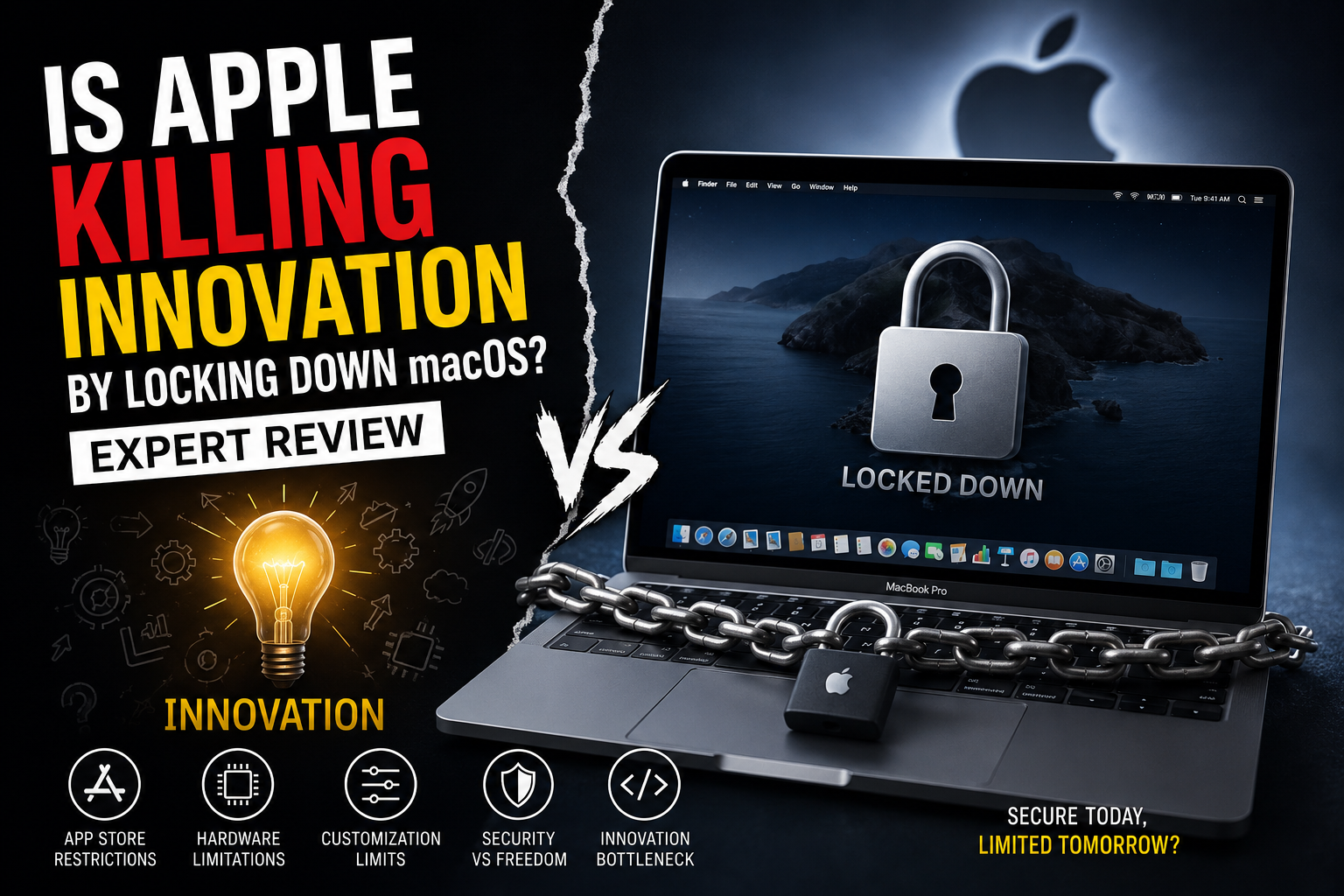
Is Apple Killing Innovation by Locking Down macOS
Locking down macOS does restrict some forms of customization and low-level software access, but that does not mean Apple has stopped innovation. Apple’s approach trades some user and developer freedom for stronger security, tighter hardware-software integration, and a more controlled computing environment. The real debate is whether that trade-off works for you.
What Does Locking Down macOS Actually Mean?
Locking down macOS does not mean that Mac users can only install software from Apple’s App Store. macOS still supports applications distributed directly by developers, although Apple applies security requirements and warnings through technologies such as Gatekeeper, Developer ID and notarization.
Apple’s Gatekeeper checks downloaded software and, under default settings, verifies that software from outside the App Store comes from an identified developer and has passed Apple’s notarization process. Apple describes notarization as an automated security check rather than the same approval process used for App Store review.
This distinction matters. Apple has increased control over how software interacts with macOS, but macOS is not identical to the much more restricted software distribution model traditionally associated with iPhone and iPad.
Why Is Apple Increasing macOS Security?
Apple’s main justification is security. Modern macOS uses several layers designed to prevent malicious software from modifying the operating system or accessing sensitive resources without authorization.
- Gatekeeper: checks downloaded applications before they are opened.
- Notarization: allows Apple to scan Developer ID-signed software distributed outside the Mac App Store for known malicious components.
- System Integrity Protection: restricts modification of protected system locations, even for processes operating with elevated privileges.
- App Sandbox: restricts access to system resources and user information for Mac App Store applications.
- Runtime protections: add further safeguards around system files, applications and the operating system.
Apple explains these technologies in its Gatekeeper and runtime protection documentation and its documentation covering System Integrity Protection.
The benefit is straightforward: reducing unrestricted access can make it harder for malicious software to compromise critical parts of macOS. The trade-off is that legitimate developers and advanced users sometimes face the same boundaries.
How Can macOS Restrictions Limit Innovation?
The strongest criticism of locking down macOS is that security restrictions can make unconventional software development and deep system modification more difficult.
Developers distributing applications outside the Mac App Store must account for Apple’s code-signing, Developer ID and notarization requirements if they want software to work smoothly under default Gatekeeper settings. Apple provides a dedicated macOS notarization process for this purpose.
Long-time Mac users have also experienced compatibility changes. Apple’s transition away from 32-bit applications, for example, left older software unable to run natively on modern macOS releases. You can read our analysis of the end of 32-bit Mac applications.
Apple silicon introduced another major transition. Boot Camp, which provided native Windows installation on Intel Macs, is not available in the same form on Apple silicon Macs. Our analysis of the end of Boot Camp on modern Macs explains why this matters for users who previously depended on both operating systems.
Specialized software can face compatibility problems as well. Android emulators provide one example, discussed in our guide to running NoxPlayer on modern MacBooks.
Pros and Cons of Locking Down macOS
Pros
- Stronger protection against malware: Gatekeeper, notarization and system protections add multiple security checks.
- Protected system files: System Integrity Protection makes unauthorized modification of critical macOS components more difficult.
- Controlled software environment: Code signing helps users verify the origin and integrity of applications.
- Consistent user experience: Apple’s control over hardware and software reduces many configuration variables.
- Strong ecosystem integration: Apple can design macOS around its own processors and devices rather than supporting unlimited hardware combinations.
Cons
- Less low-level freedom: Advanced users have fewer opportunities to modify protected areas of the operating system.
- Additional developer requirements: Code signing, notarization and security policies can add work to software distribution.
- Legacy compatibility problems: Major platform transitions can leave older applications and workflows behind.
- Limited hardware upgradeability: Modern MacBook designs generally do not offer the RAM and storage upgrade flexibility common on many Windows laptops.
- Greater ecosystem dependence: Apple’s integrated approach works best when users remain within Apple’s preferred hardware and software environment.
Why We Recommend It
Apple’s approach makes sense for buyers who prioritize security, battery-efficient mobile computing, predictable software behavior and integration with other Apple devices. Developers, enthusiasts and users who require extensive hardware upgrades, native Windows compatibility or deep operating-system customization should compare macOS carefully with Windows or Linux before buying.
Locking Down macOS vs Windows: Which Gives You More Freedom?
Windows generally provides greater hardware choice and customization, while macOS provides a more tightly controlled computing environment. Neither approach is automatically better for every user.
| Area | macOS | Windows PC |
|---|---|---|
| Hardware choice | Limited to Apple hardware | Very broad |
| System modification | More restricted | Generally more flexible |
| Third-party applications | Supported with security controls | Broadly supported |
| Hardware upgrades | Very limited on modern MacBooks | Depends on laptop/desktop design |
| Apple ecosystem integration | Excellent | Limited |
| Security model | Highly controlled | More varied by hardware and configuration |
Choose macOS if you value Apple’s integrated environment more than unrestricted customization. Choose Windows if hardware choice, gaming, component upgrades, specialized applications or greater system flexibility matter more.
Does Apple Silicon Make the Mac More Restrictive?
Apple silicon has increased integration between Mac hardware and software, but hardware upgrade limitations should not be confused entirely with macOS restrictions.
Modern MacBooks integrate major components much more tightly than traditional modular PCs. That approach contributes to compact designs and Apple’s control over performance and efficiency, but it also means buyers need to choose memory and storage configurations carefully at purchase.
For a desktop enthusiast accustomed to replacing RAM, storage, GPUs and other components, this can feel restrictive. For a buyer who keeps a laptop in its original configuration for its entire working life, upgradeability may matter far less.
Is Apple Actually Killing Innovation?
No—the evidence supports a more nuanced conclusion. Apple is changing what kind of innovation macOS encourages.
Locking down macOS can discourage software that depends on unrestricted system access, unsupported extensions or deep operating-system modification. At the same time, Apple’s control over its platform allows the company to develop macOS closely around Apple silicon and its broader ecosystem.
The criticism therefore has merit, particularly from developers and power users. But describing every security restriction as anti-innovation ignores the legitimate benefits of protecting system integrity and reducing opportunities for malicious software.
Who Should Choose a MacBook?
A MacBook remains a strong choice when your software works properly on macOS and you value Apple’s integrated hardware and software experience.
Students, office users, developers working in compatible environments and creative professionals can benefit from macOS without needing extensive system customization. Before purchasing, however, check the applications, plugins, peripherals and Windows-only tools that are essential to your workflow.
If value is your main concern, also read our analysis of whether MacBooks justify their premium.
Buyers comparing current laptops and computers in Pakistan can browse Victory Computer or contact the team for product information and compatibility guidance before choosing a system.
Final Verdict: Is Locking Down macOS Good or Bad?
Locking down macOS is both an advantage and a limitation. Apple has created strong protections around software distribution, system integrity and application access, but those protections inevitably reduce some of the freedom available to developers and advanced users.
For mainstream MacBook buyers, the additional security and controlled environment may be worth the compromise. For enthusiasts who want component upgrades, deep operating-system control, broad gaming compatibility or maximum software freedom, a Windows PC—or in some cases Linux—can be the more appropriate platform.
The important question is therefore not simply, “Is Apple killing innovation?” It is which type of innovation and control matters most to the person using the computer?
Frequently Asked Questions
Is Apple locking down macOS?
Apple has added significant security controls around macOS, including Gatekeeper, notarization and System Integrity Protection. However, users can still install compatible software from outside the Mac App Store.
Can you install apps outside the App Store on a Mac?
Yes. Apple supports distribution outside the Mac App Store through Developer ID, while Gatekeeper and notarization provide security checks under the default configuration.
Is macOS more restrictive than Windows?
In several areas, yes. Windows generally offers broader hardware choice and greater customization, while macOS emphasizes controlled hardware-software integration and system security.
Does locking down macOS hurt developers?
It can create additional requirements for developers who need low-level system access or distribute software independently. Many normal Mac applications can still be distributed outside the App Store using Apple’s supported Developer ID and notarization process.
Can RAM or storage be upgraded in modern MacBooks?
Modern MacBooks generally do not provide the conventional user-upgradeable RAM and internal storage found in many modular PCs. Buyers should therefore choose their configuration carefully before purchase.
Should I buy a MacBook or Windows laptop?
Choose a MacBook if macOS supports your workflow and you prioritize Apple’s integrated ecosystem. Consider Windows if gaming, hardware choice, upgrades or specialized Windows software are more important.
Lorem ipsum dolor sit amet, consectetur adipiscing elit. Ut elit tellus, luctus nec ullamcorper mattis, pulvinar dapibus leo.

About Victory Computer Editorial Team
Victory Computer Editorial Team The Victory Computer Editorial Team publishes informative, research-based content about laptops, computers, monitors, printers, hardware, and technology trends in Pakistan. Our goal is to help readers understand product specifications, compare available options, and make informed purchasing decisions.
View all posts by Victory Computer Editorial Team