
Why You’re Paying More for a MacBook Display That Still Isn’t OLED | Expert Review

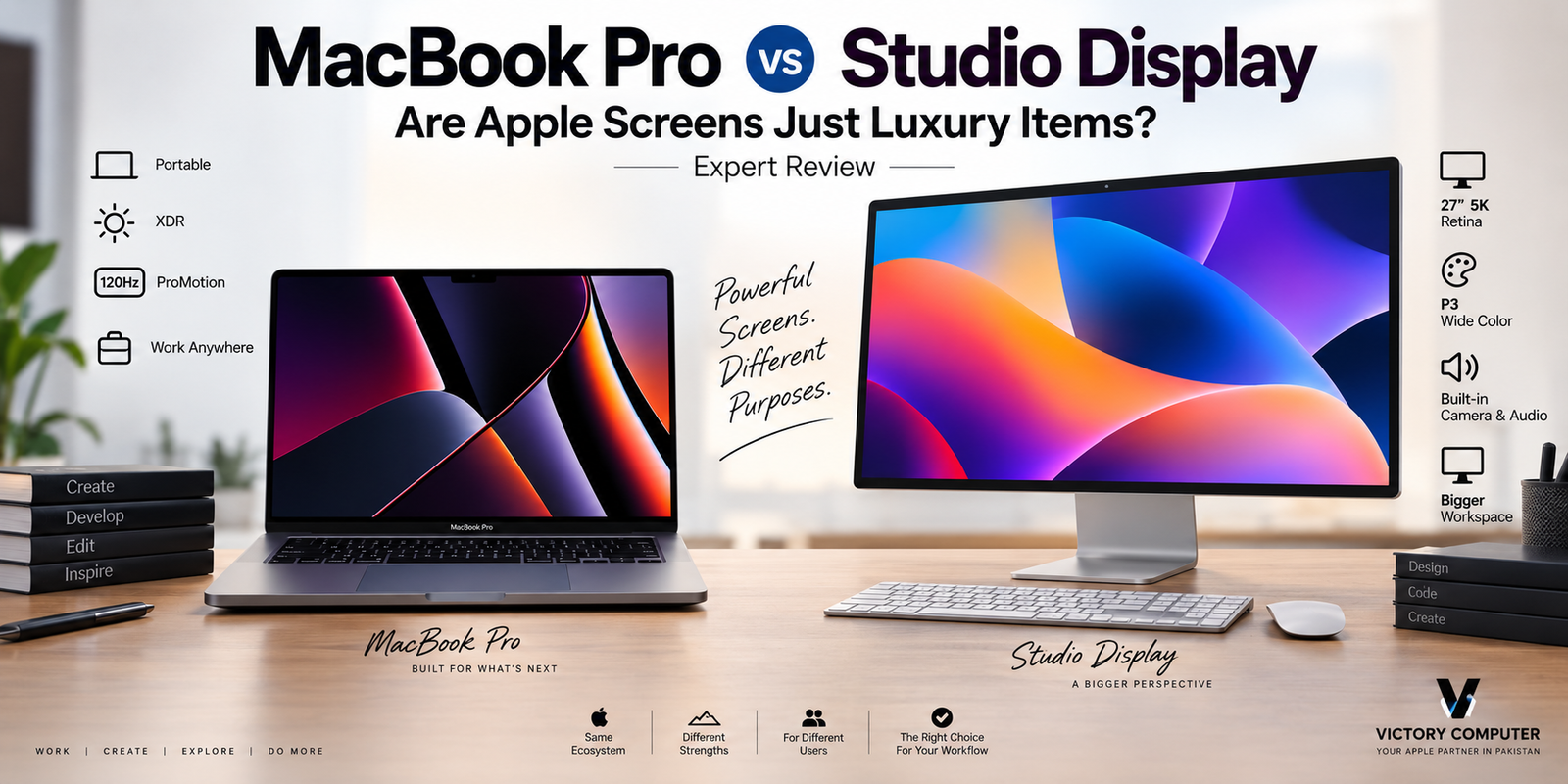
Why You’re Paying More for a MacBook Display
The MacBook display remains non-OLED across Apple’s current laptop lineup, but that does not automatically make it outdated. MacBook Air uses an LED-backlit IPS Liquid Retina panel, while MacBook Pro uses the more advanced Liquid Retina XDR system. OLED still wins in pixel-level blacks and contrast, but Apple focuses its premium MacBook Pro display on HDR brightness, color performance and adaptive refresh rates.
Why Are MacBooks Still Not OLED?
Current MacBooks do not use OLED because Apple is still selling MacBook Air models with conventional LED-backlit IPS Liquid Retina panels and MacBook Pro models with Liquid Retina XDR technology. The important point for buyers is that “not OLED” does not mean every MacBook display uses the same technology.
The distinction matters because the MacBook Air and MacBook Pro target different buyers. According to Apple’s MacBook Air specifications, current Air models use LED-backlit IPS technology. MacBook Pro, meanwhile, uses Liquid Retina XDR and adds substantially more advanced HDR and refresh-rate capabilities.
This is also part of Apple’s broader approach to laptop design. The company does not necessarily adopt every feature popular on Windows laptops. The same pattern can be seen in why MacBooks still lack touchscreens and in the debate over why Apple doesn’t use 4K displays in every MacBook.
What Display Do Current MacBooks Actually Use?
The MacBook Air and MacBook Pro should not be grouped together as “mini-LED MacBooks.” Current MacBook Air models use Liquid Retina displays based on LED-backlit IPS technology. Apple specifies 500 nits of brightness, P3 wide color, True Tone and support for one billion colors on current models.
The current MacBook Pro moves to Liquid Retina XDR. Apple lists a 1,000,000:1 contrast ratio, up to 1,600 nits peak HDR brightness, 1,000 nits sustained full-screen HDR brightness and ProMotion adaptive refresh rates up to 120Hz.
| Display Feature | MacBook Air | MacBook Pro | Typical OLED Advantage |
|---|---|---|---|
| Display family | Liquid Retina | Liquid Retina XDR | Self-emissive OLED |
| Panel approach | LED-backlit IPS | Advanced XDR backlighting | Individual pixel control |
| Black levels | Good | Very strong | Perfect pixel-level black |
| HDR | Limited compared with Pro | Major strength | Excellent contrast |
| Adaptive high refresh | No ProMotion | Up to 120Hz ProMotion | Depends on laptop |
What Are You Actually Paying For With a Premium MacBook Display?
MacBook buyers are paying for more than the panel type. Resolution, brightness, HDR behavior, color reproduction, refresh rate, power management and integration with macOS all influence the experience.
The MacBook Pro display is particularly strong for HDR content. Its combination of high HDR brightness, P3 wide color and ProMotion makes it suitable for video editing, photography, content creation and other workflows where display quality matters.
That does not erase OLED’s advantages. Instead, it explains why comparing laptops solely by the word “OLED” can be misleading.
For a wider view of where notebook screens are heading, see our guide to latest laptop display technology.
MacBook Display vs OLED: Which Is Actually Better?
OLED wins decisively in black level and pixel-level contrast, while the MacBook Pro’s Liquid Retina XDR display remains extremely competitive for sustained brightness and HDR-focused professional use. Neither technology is automatically better for every buyer.
| Area | MacBook Pro Liquid Retina XDR | OLED Laptop |
|---|---|---|
| Perfect blacks | No | Yes |
| Pixel-level light control | No | Yes |
| HDR brightness | Excellent | Varies by panel |
| High refresh rate | Up to 120Hz | Model dependent |
| Static-image aging concern | Lower concern | OLED requires burn-in mitigation |
| Dark-scene contrast | Excellent but not pixel-perfect | Excellent |
An OLED pixel can switch itself off completely, producing true black without depending on a separate backlight. That makes OLED especially attractive for dark movies, high-contrast artwork and users who simply prefer the visual depth of an emissive panel.
Liquid Retina XDR takes a different approach. It aims to combine extremely strong brightness and HDR performance with high color quality and ProMotion. This is why the question should not simply be “OLED or not?” but rather which display characteristics matter for your work?
Pros and Cons of the Current MacBook Display Approach
Pros
- Excellent HDR on MacBook Pro: Liquid Retina XDR reaches up to 1,600 nits peak HDR brightness.
- ProMotion: MacBook Pro supports adaptive refresh rates up to 120Hz for smoother motion.
- Strong color reproduction: Apple’s current displays support P3 wide color and one billion colors.
- Good outdoor visibility: High brightness is valuable when working in bright environments.
- No OLED burn-in trade-off: The current MacBook display technologies do not carry OLED’s same pixel-aging characteristics.
Cons
- No true pixel-level blacks: OLED can completely switch off individual pixels.
- Blooming can occur: Backlit HDR technology cannot reproduce every high-contrast scene exactly like self-emissive OLED.
- MacBook Air display is less advanced: The Air uses a conventional LED-backlit IPS Liquid Retina panel rather than the Pro’s XDR technology.
- Premium buyers may expect OLED: Several premium Windows laptops already make OLED a major selling point.
Why We Recommend It
The MacBook Pro display remains a strong choice for photographers, video editors, developers and professionals who value brightness, HDR and macOS integration more than having OLED specifically. Buyers whose highest priority is perfect black levels, OLED contrast or touchscreen functionality should also compare premium Windows alternatives before purchasing.
Is a Non-OLED MacBook Worth the Premium?
Yes, for the right buyer—but OLED should not be the deciding factor by itself. A MacBook is purchased as a complete system, so display technology needs to be considered alongside performance, battery life, software, portability and the Apple ecosystem.
The MacBook Air makes more sense for students, office work, general productivity and buyers who prioritize portability. The MacBook Pro becomes more compelling for professional workflows where HDR, higher sustained performance and ProMotion matter.
If display contrast is your top priority, compare MacBooks against OLED-equipped Windows machines. Our MacBook vs Windows laptops for professionals guide covers the wider platform decision.
You can also read our MacBook Pro vs Studio Display comparison if you are building a desktop workstation around a MacBook.
What Should MacBook Buyers in Pakistan Consider?
Pakistani buyers should compare the exact MacBook model rather than assuming every Retina-branded screen provides the same experience. A MacBook Air Liquid Retina display and a MacBook Pro Liquid Retina XDR display belong to very different performance classes.
Before purchasing, verify the exact model, chip generation, display size, memory, storage, keyboard layout, warranty terms and seller’s return or replacement policy. Imported configurations can vary, so the complete model specification matters more than a generic listing such as “MacBook Retina.”
For current computers and purchasing assistance, visit Victory Computer or contact Victory Computer on WhatsApp at 0300 9466881.
Frequently Asked Questions
Does the current MacBook have an OLED display?
No. Current MacBook Air and MacBook Pro models use Apple’s Liquid Retina and Liquid Retina XDR display technologies rather than OLED.
Does the MacBook Air use mini-LED?
No. Current MacBook Air specifications identify its Liquid Retina screen as an LED-backlit display using IPS technology.
Is the MacBook Pro display better than OLED?
Not universally. OLED provides pixel-level blacks and extremely high contrast, while the MacBook Pro Liquid Retina XDR display offers excellent HDR brightness, color reproduction and ProMotion up to 120Hz.
Why is the MacBook Pro expensive without OLED?
The display is only one part of MacBook Pro pricing. Buyers are also paying for the Apple silicon platform, chassis, battery system, ports, speakers, storage and memory configuration, software integration and other hardware.
Is OLED better for watching movies?
OLED has a clear advantage in dark scenes because individual pixels can switch off completely. MacBook Pro Liquid Retina XDR can still provide excellent HDR viewing, especially where high brightness matters.
Should I wait for an OLED MacBook Pro?
Buy based on the hardware available when you actually need a laptop. Future MacBook display changes should not be treated as confirmed until Apple officially announces the relevant model.

About Victory Computer Editorial Team
Victory Computer Editorial Team The Victory Computer Editorial Team publishes informative, research-based content about laptops, computers, monitors, printers, hardware, and technology trends in Pakistan. Our goal is to help readers understand product specifications, compare available options, and make informed purchasing decisions.
View all posts by Victory Computer Editorial Team
4 thoughts on “Why You’re Paying More for a MacBook Display That Still Isn’t OLED | Expert Review”