
The Impact of AI on Laptop Performance in 2025

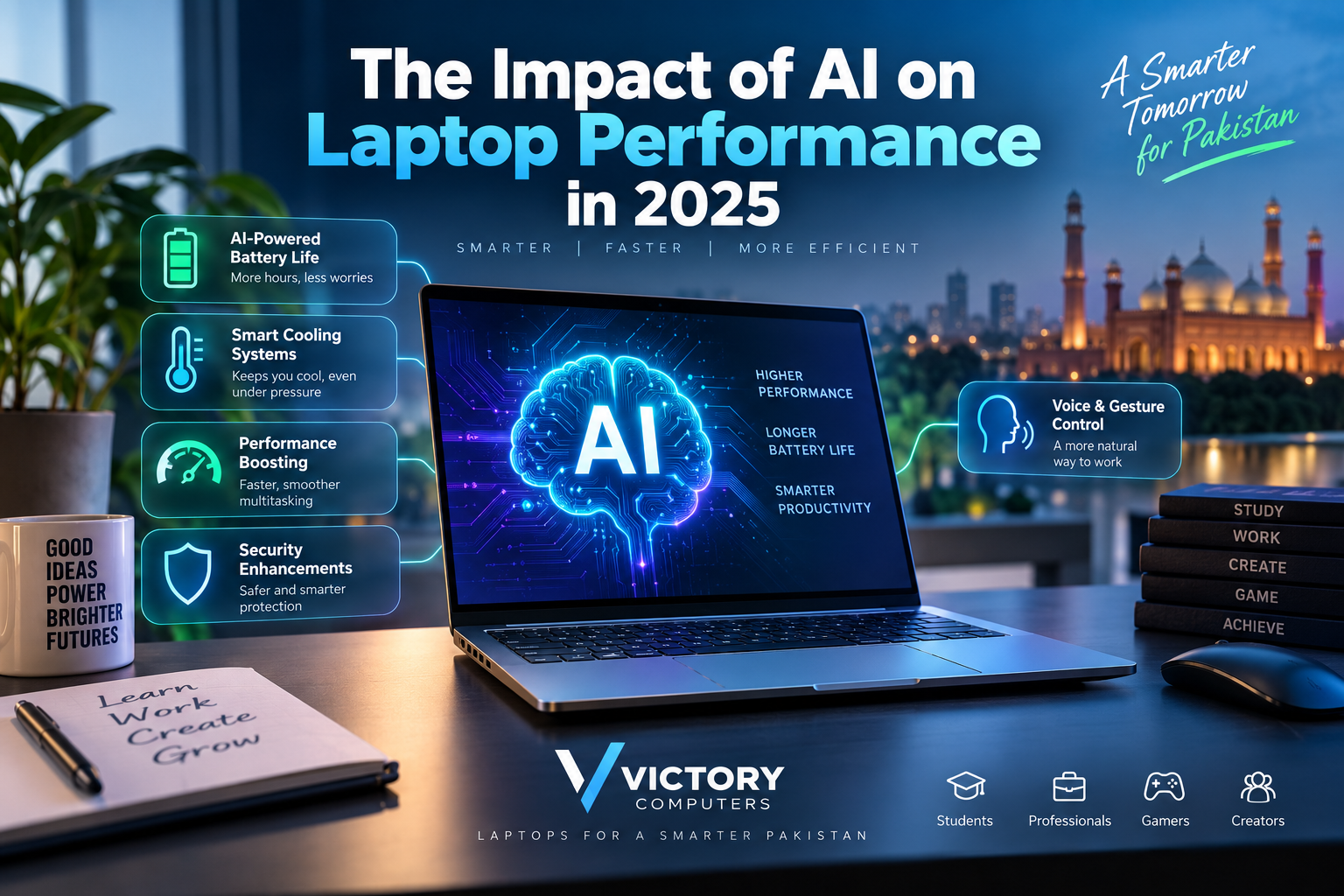
The Impact of AI on Laptop Performance
AI laptop performance in 2025 was about more than adding a chatbot to Windows or macOS. A major hardware change was the wider adoption of dedicated AI accelerators, particularly the Neural Processing Unit (NPU), alongside the traditional CPU and GPU.
For laptop users in Pakistan, this matters because AI acceleration can improve specific workloads such as video-call effects, photo and video processing, local AI tools, noise removal, gaming technologies and productivity features. However, an “AI laptop” is not automatically faster at every task. The benefit depends on the processor, software support and the type of work being performed.
What Is an AI Laptop?
An AI laptop is generally a computer designed with hardware capable of accelerating artificial-intelligence workloads. Modern systems may distribute these workloads between three major processors:
- CPU: Handles general computing and latency-sensitive tasks.
- GPU: Provides high parallel-processing performance for graphics, creation and demanding AI workloads.
- NPU: Handles supported AI workloads efficiently, particularly sustained background or on-device AI tasks.
This became particularly important with the growth of Copilot+ PCs. Microsoft states that many Copilot+ AI features require an NPU capable of at least 40 TOPS. Intel Core Ultra and AMD Ryzen AI platforms are examples of processor families designed around this broader CPU-GPU-NPU approach.
How AI Changed Laptop Performance in 2025
AI did not simply increase conventional processor clock speeds. Instead, it gave laptops another specialized processing resource. The result was more efficient execution of certain workloads and new features that previously depended heavily on the CPU, GPU or cloud.
1. Dedicated AI Processing with NPUs
The NPU was one of the most important changes in modern laptop architecture. Instead of making the CPU perform every AI-related operation, compatible software can send suitable workloads to the NPU.
This can be particularly useful for continuous features such as camera effects, background processing and supported local AI functions because the NPU is designed to perform these operations efficiently.
2. Better Power Efficiency for Supported AI Tasks
AI hardware can help battery efficiency when supported workloads are moved away from more power-hungry processors. Intel, for example, describes the NPU in its Core Ultra platform as the low-power engine for sustained AI workloads.
This does not mean every AI laptop automatically has excellent battery life. Battery capacity, display technology, processor configuration, GPU, cooling profile and workload remain important. Buyers who prioritize mobility should compare dedicated battery-life laptops in Pakistan rather than choosing a machine only because it carries an AI label.
3. Smarter Video Calls and Collaboration
Some of the clearest AI-PC benefits appear during video conferencing. Supported software can use local acceleration for effects such as background blur, automatic framing, eye-contact adjustments and noise processing.
Moving compatible features onto dedicated hardware can leave the CPU and GPU with more resources for the user’s main applications. This is particularly useful for professionals who regularly combine meetings with browsers, spreadsheets, presentations and other business software.
4. Faster AI-Assisted Creative Work
AI acceleration has become increasingly relevant to image editing, video processing, subject detection, noise removal, generative tools and other creative workflows.
Apple’s M4 generation provides another example. Its Neural Engine can perform up to 38 trillion operations per second, and Apple uses the Neural Engine alongside the CPU, GPU and unified memory for machine-learning workloads.
Creators should still consider the complete hardware configuration. RAM, GPU performance, storage speed, display quality and cooling can matter more than NPU performance in many editing workloads. See our guide to laptops for video editing in Pakistan for the broader hardware requirements.
5. AI-Assisted Gaming Performance
Gaming is another area where AI technologies can make a visible difference, although the improvement often comes from the GPU rather than the laptop’s NPU.
NVIDIA DLSS is a prominent example. Supported GeForce RTX GPUs use AI-based neural rendering technologies to reconstruct images and, on compatible generations and games, generate additional frames. The result can be higher perceived frame rates or improved image quality depending on the DLSS mode, GPU and game.
AI cannot turn every low-end laptop into a high-performance gaming machine. GPU class, power limits, cooling, RAM and the game itself remain critical. Buyers focused primarily on games should therefore compare dedicated gaming laptops in Pakistan.
6. More AI Processing Can Happen Locally
One important benefit of dedicated AI hardware is the ability to run certain supported workloads directly on the laptop rather than sending every operation to a remote server.
Local processing can improve responsiveness and may offer privacy advantages for compatible tasks because some information can remain on the device. It can also reduce dependence on an internet connection for features designed to operate locally.
However, large generative-AI models can still require substantial memory and processing resources, and many popular AI services continue to rely partly or entirely on cloud computing.
7. AI Became More Relevant to Everyday Productivity
AI-assisted computing is increasingly connected to ordinary tasks rather than only specialist machine-learning software. Depending on the laptop and applications, users may encounter transcription, summarization, image enhancement, search assistance, writing tools, camera processing and other AI-assisted features.
For office users, the practical benefit is not simply having the highest TOPS number. Reliability, battery life, keyboard quality, display, memory and software compatibility remain equally important. Our guide to laptops for business executives covers these wider considerations.
AI Laptop Performance: Key Areas
| Area | How AI Can Help | Important Limitation |
|---|---|---|
| Productivity | Transcription, summarization and supported assistants | Depends heavily on software support |
| Battery Efficiency | NPU can handle compatible AI workloads efficiently | Does not guarantee longer overall battery life |
| Gaming | AI upscaling and frame-generation technologies | Requires compatible GPU, game and technology |
| Video Calls | Noise processing, framing and background effects | Benefits vary between applications |
| Creative Work | AI-assisted image and video processing | GPU, RAM and CPU still matter greatly |
| Privacy | Some workloads can run locally | Many AI services still use the cloud |
AI Laptop Pros and Cons
Pros
- Efficient AI acceleration: Dedicated NPUs can handle compatible AI workloads without relying entirely on the CPU or GPU.
- Better local AI capabilities: More features can potentially operate directly on the device.
- Useful productivity features: AI can assist with communication, transcription, content creation and collaboration.
- AI-enhanced gaming: Technologies such as DLSS can improve performance or image quality in supported games.
- Greater future readiness: Dedicated AI hardware gives new software another processing engine to target.
Cons
- Higher cost can be difficult to justify: Premium AI-PC hardware may cost more than a conventional laptop that already meets a user’s needs.
- Software support varies: An NPU provides little benefit when an application cannot use it.
- TOPS does not measure total laptop speed: A higher AI-performance figure does not automatically mean faster gaming, rendering or everyday computing.
- Rapid hardware development: AI-PC platforms are evolving quickly, so newer generations can introduce substantially stronger AI capabilities.
Why We Recommend Considering an AI Laptop
An AI laptop makes the most sense for buyers who plan to keep their machine for several years and expect to use modern productivity, creative, communication or local AI applications. It is less important for someone who mainly browses the web, watches videos or performs basic office tasks and can buy a well-balanced conventional laptop for significantly less.
Who Benefits Most from an AI Laptop?
Students
Students may benefit from transcription, document assistance, video-call processing and emerging on-device productivity tools. However, RAM, battery life and portability should still come before AI specifications for most students.
Business Professionals
AI-assisted meetings, communication tools, local processing and productivity features make AI PCs particularly relevant to frequent office and remote-work users. Buyers can also compare current business laptops in Pakistan based on their broader requirements.
Content Creators
Photo editors, video editors and designers can benefit from AI-assisted creative software, but a capable GPU, sufficient RAM, fast SSD and good display remain fundamental.
Gamers
Gamers benefit most when AI is paired with a capable graphics processor. AI technologies can improve rendering efficiency, but they cannot compensate for every hardware limitation.
Everyday Users
For browsing, Microsoft Office, streaming and general home use, an AI-specific laptop is not mandatory. A well-configured conventional laptop may offer better value. Our laptops for everyday use in Pakistan guide can help narrow the choices.
Should You Buy an AI Laptop in Pakistan?
For Pakistani buyers, the right decision depends more on use case and total laptop configuration than on the words “AI PC” printed on the box.
If you are buying a premium laptop for several years of professional work, content creation, business use or newer AI-assisted applications, choosing a system with a capable NPU can make sense. Platforms such as Intel Core Ultra, AMD Ryzen AI, Snapdragon X-series Copilot+ PCs and Apple silicon demonstrate how dedicated AI acceleration is becoming part of mainstream laptop design.
If your workload is mainly web browsing, classes, basic office applications and entertainment, prioritize processor performance, sufficient RAM, SSD capacity, battery life, display quality and warranty before paying extra for AI capability.
You can browse laptop categories and current options through Victory Computer. Because laptop inventory and pricing in Pakistan change frequently, compare the current configuration and selling price before making a purchase.
Frequently Asked Questions
1. Does AI actually make a laptop faster?
AI acceleration can make supported AI workloads faster or more efficient, but it does not automatically improve every application. Traditional CPU, GPU, RAM and storage performance remain important.
2. What is an NPU in a laptop?
An NPU, or Neural Processing Unit, is a processor designed to accelerate machine-learning and AI workloads efficiently. It works alongside the CPU and GPU rather than replacing them.
3. Does an AI laptop improve battery life?
It can improve efficiency for workloads that can be moved to a low-power NPU, but overall battery life still depends on the complete laptop design, battery size, display, processor, GPU and workload.
4. Are AI laptops better for gaming?
Not automatically. Gaming performance still depends heavily on the GPU and cooling system, although AI technologies such as NVIDIA DLSS can significantly affect performance in supported games.
5. Are AI laptops worth buying in Pakistan?
They can be worthwhile for professionals, creators and buyers planning long-term ownership, especially when their software can use the NPU. Basic users should compare the additional cost against conventional laptops that already satisfy their needs.
6. Is a higher TOPS number always better?
A higher TOPS figure indicates greater theoretical AI-processing capability in a particular context, but it should not be treated as a complete measure of laptop performance. CPU, GPU, memory, thermals and software optimization also matter.

About Victory Computer Editorial Team
Victory Computer Editorial Team The Victory Computer Editorial Team publishes informative, research-based content about laptops, computers, monitors, printers, hardware, and technology trends in Pakistan. Our goal is to help readers understand product specifications, compare available options, and make informed purchasing decisions.
View all posts by Victory Computer Editorial Team