
Why SSD Laptops Are Taking Over in Pakistan

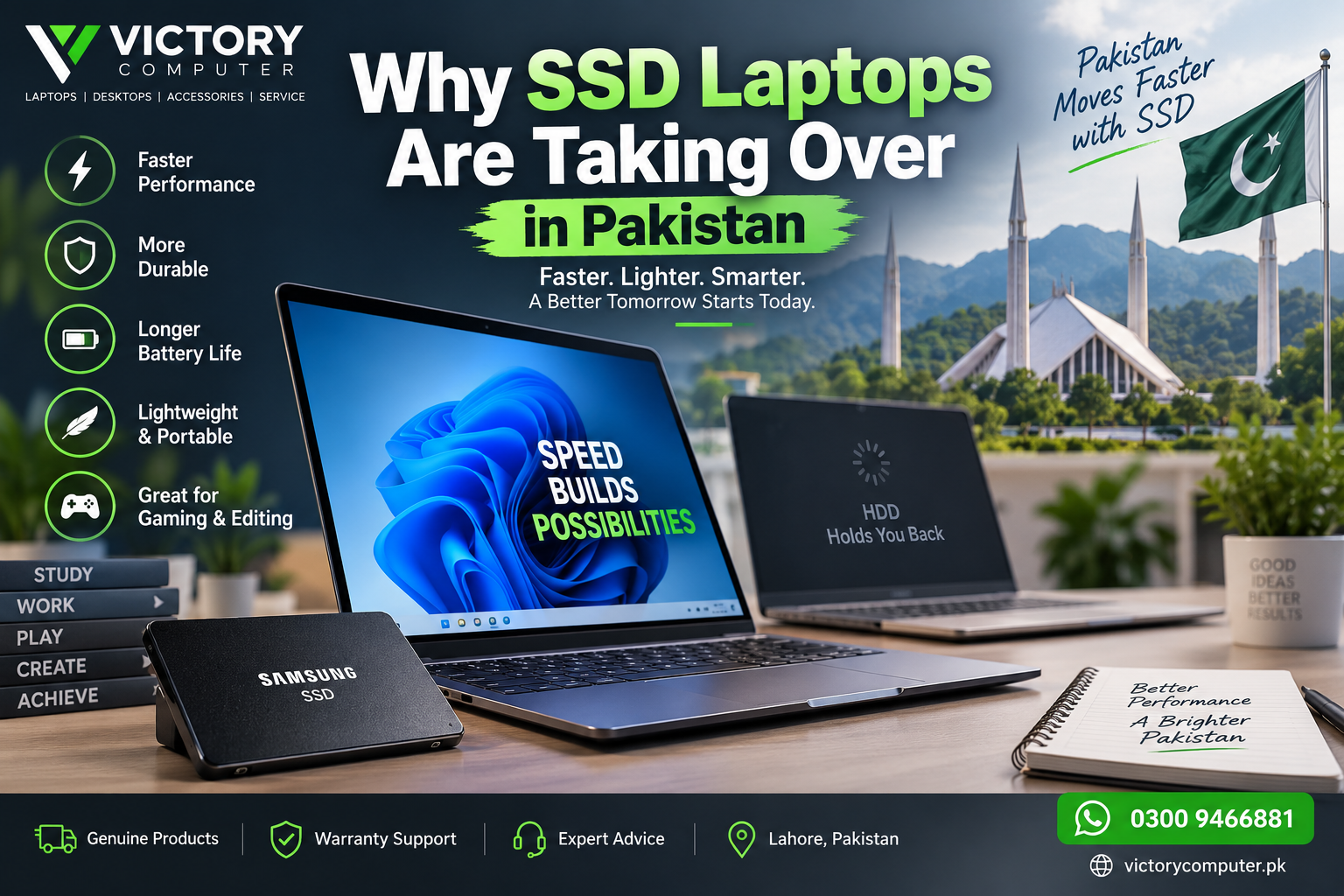
Why SSD Laptops Are Taking Over in Pakistan
SSD laptops in Pakistan have become the practical choice for students, professionals, gamers and everyday users because solid-state storage makes a laptop feel significantly more responsive. SSDs provide faster data access, have no moving mechanical parts and generally consume less power than traditional hard disk drives. The main trade-off is that HDD storage can still be cheaper when very large capacity is the priority.
Why Are SSD Laptops Becoming More Common?
SSDs improve one of the areas users notice most: storage responsiveness. A laptop regularly reads data when starting Windows, opening applications, loading files, installing software and performing updates. Faster storage can therefore make everyday computing feel considerably quicker.
Unlike a traditional HDD, which stores data on spinning magnetic platters and uses moving read/write components, an SSD stores data using flash memory. The absence of moving mechanical components also makes SSDs better suited to portable computers that are regularly carried between home, university and work.
This combination of responsiveness, compact design and resistance to physical shock explains why SSD storage has become a logical choice for modern laptops.
Main Benefits of SSD Laptops
1. Faster Everyday Performance
The biggest advantage of an SSD laptop is responsiveness. Windows startup, application launches, file searches and data transfers can all benefit from faster storage access.
An SSD does not make a slow processor suddenly powerful, and it does not replace the need for sufficient RAM. However, replacing an old mechanical hard drive with an SSD can remove a major storage bottleneck from an otherwise usable computer.
2. Better Resistance to Shock and Movement
Traditional hard drives contain moving components. SSDs do not, which makes solid-state storage more resistant to shock and vibration.
This characteristic is particularly useful in laptops because portable computers are regularly moved, carried in bags and used in different locations.
3. Lower Storage Power Consumption
SSDs generally require less power than mechanical hard drives because there is no spinning disk or moving actuator mechanism. Actual laptop battery life still depends heavily on the processor, display, battery capacity, workload and power settings, but efficient storage can contribute to overall power efficiency.
4. Quiet Operation
An SSD has no spinning platter or mechanical read/write head, so the storage drive itself operates silently. This can contribute to a quieter laptop, although cooling fans may still produce noise under demanding workloads.
5. Compact Laptop Designs
Modern M.2 SSDs are compact and work particularly well in thin laptops where internal space is limited. Manufacturers can provide fast storage without requiring the physical space associated with a traditional 2.5-inch hard drive.
6. Better Experience for Gaming and Creative Work
An SSD can reduce game loading times and speed up access to large project files. Video editors, designers and content creators can also benefit from faster file transfers and project loading.
However, an SSD does not directly replace CPU or GPU performance. Gaming frame rates and rendering performance still depend heavily on the processor, graphics hardware, RAM and software.
7. Useful Upgrade for Older Laptops
An SSD upgrade can be one of the most noticeable improvements for an older laptop that still relies on an HDD. Users considering an upgrade should first check whether their laptop supports a 2.5-inch SATA SSD, M.2 SATA SSD or M.2 NVMe SSD.
SSD vs HDD Laptop: What’s the Difference?
| Feature | SSD Laptop | HDD Laptop |
|---|---|---|
| Storage Technology | Flash memory | Magnetic spinning platters |
| Data Access | Faster | Slower |
| Moving Parts | No | Yes |
| Shock Resistance | Generally better | More vulnerable to physical shock |
| Noise | Silent storage operation | Mechanical noise possible |
| Power Use | Generally lower | Generally higher |
| Cost per GB | Usually higher | Usually lower |
| Best Use | OS, applications, gaming and everyday laptop use | Low-cost high-capacity storage and archives |
For most everyday laptop buyers, an SSD is the better primary drive because speed and responsiveness affect daily use. HDD storage still has value where maximum capacity at a lower cost per gigabyte matters more than speed.
Who Benefits Most From SSD Laptops in Pakistan?
Students benefit from quick startup, portability and faster access to browsers, documents, presentations and educational applications.
Office users and freelancers benefit from responsive multitasking, faster application loading and quicker access to working files.
Gamers can benefit from shorter game and level loading times, although the GPU and CPU remain much more important for actual frame-rate performance.
Video editors and designers can benefit when opening, transferring and working with large media files. Users handling very large projects should consider both SSD performance and storage capacity.
Pros and Cons of SSD Laptops
Pros
- Faster system response: quicker startup, application loading and file access.
- Better shock resistance: no spinning platters or mechanical read/write heads.
- Efficient operation: SSDs generally consume less power than HDDs.
- Silent storage: no mechanical drive noise.
- Compact design: M.2 SSDs fit easily into thin modern laptops.
Cons
- Higher cost per GB: HDDs can still provide more storage for the same budget.
- Finite write endurance: NAND flash cells have a rated write lifespan, although normal consumer workloads are designed around this limitation.
- Upgrade compatibility varies: not every laptop supports every SATA or NVMe SSD format.
- Large-capacity SSDs can cost more: buyers storing several terabytes of media may find HDD storage more economical.
Why We Recommend SSD Laptops
For most buyers, the advantages outweigh the disadvantages because storage responsiveness affects everyday laptop use constantly. An SSD laptop is especially suitable for students, office users, freelancers, gamers and creators who value quick access to applications and files. An HDD can still make sense as secondary or external storage when inexpensive high capacity is the main requirement.
Should You Buy an SSD Laptop in Pakistan?
For most people buying a new laptop, SSD storage should be a priority. A 512GB SSD is a practical starting point for many everyday users, while people with large game libraries, video projects or professional datasets may need 1TB or more.
Storage capacity is only one buying factor. Check the processor, RAM, display, graphics, battery requirements and upgradeability before choosing a laptop. NVMe SSD support is also worth considering when storage performance is important.
If you already own a laptop with an HDD, check its storage interface before replacing the drive. A compatible SSD upgrade can improve responsiveness without requiring an entirely new computer.
Buying SSD Laptops From Victory Computer
Victory Computer offers laptops for different requirements, including everyday, business and gaming systems. Instead of choosing a laptop only because the specification says “SSD,” compare the SSD capacity together with the processor, RAM, graphics and display to make sure the complete configuration suits your workload.
Buyers in Pakistan should also confirm the exact model, warranty terms, storage configuration and upgrade options before purchasing, because configurations can vary between laptop models and regional variants.
Frequently Asked Questions
Why are SSD laptops better than HDD laptops?
SSD laptops generally provide faster data access, better resistance to shock, quieter operation and lower storage power consumption because SSDs do not use moving mechanical components.
Does an SSD make a laptop faster?
Yes. An SSD can significantly improve booting, application loading and file access. CPU-intensive and GPU-intensive performance still depends on the processor and graphics hardware.
Does an SSD improve gaming FPS?
An SSD mainly improves game loading and data access rather than directly increasing GPU rendering performance or frame rates. Gaming performance depends primarily on the CPU, GPU, RAM and game settings.
Is a 512GB SSD enough for a laptop?
512GB is practical for many students, office users and general-purpose buyers. Gamers and creators with large files or game libraries may prefer 1TB or more.
Can I replace my laptop HDD with an SSD?
Many older laptops can be upgraded from an HDD to an SSD, but compatibility must be checked first. The laptop may support a 2.5-inch SATA drive, M.2 SATA drive, NVMe SSD or a combination of storage options.
Are there any disadvantages to SSD laptops?
The main disadvantages are higher cost per gigabyte compared with HDD storage, finite NAND write endurance and model-specific upgrade limitations. For most normal laptop workloads, these trade-offs do not outweigh the performance advantages.
Final Recommendation
SSD laptops in Pakistan are the better choice for most modern laptop buyers because fast storage improves the tasks people perform every day: starting the system, opening applications, accessing files and transferring data.
Choose an SSD-based laptop if responsiveness, portability and everyday performance matter most. Consider HDD storage mainly when you need large amounts of inexpensive secondary or archival storage. Before buying, compare the complete laptop configuration rather than judging a machine by storage type alone.

About Victory Computer Editorial Team
Victory Computer Editorial Team The Victory Computer Editorial Team publishes informative, research-based content about laptops, computers, monitors, printers, hardware, and technology trends in Pakistan. Our goal is to help readers understand product specifications, compare available options, and make informed purchasing decisions.
View all posts by Victory Computer Editorial Team
One thought on “Why SSD Laptops Are Taking Over in Pakistan”