
The Growth of Cloud PCs What It Means for Pakistan

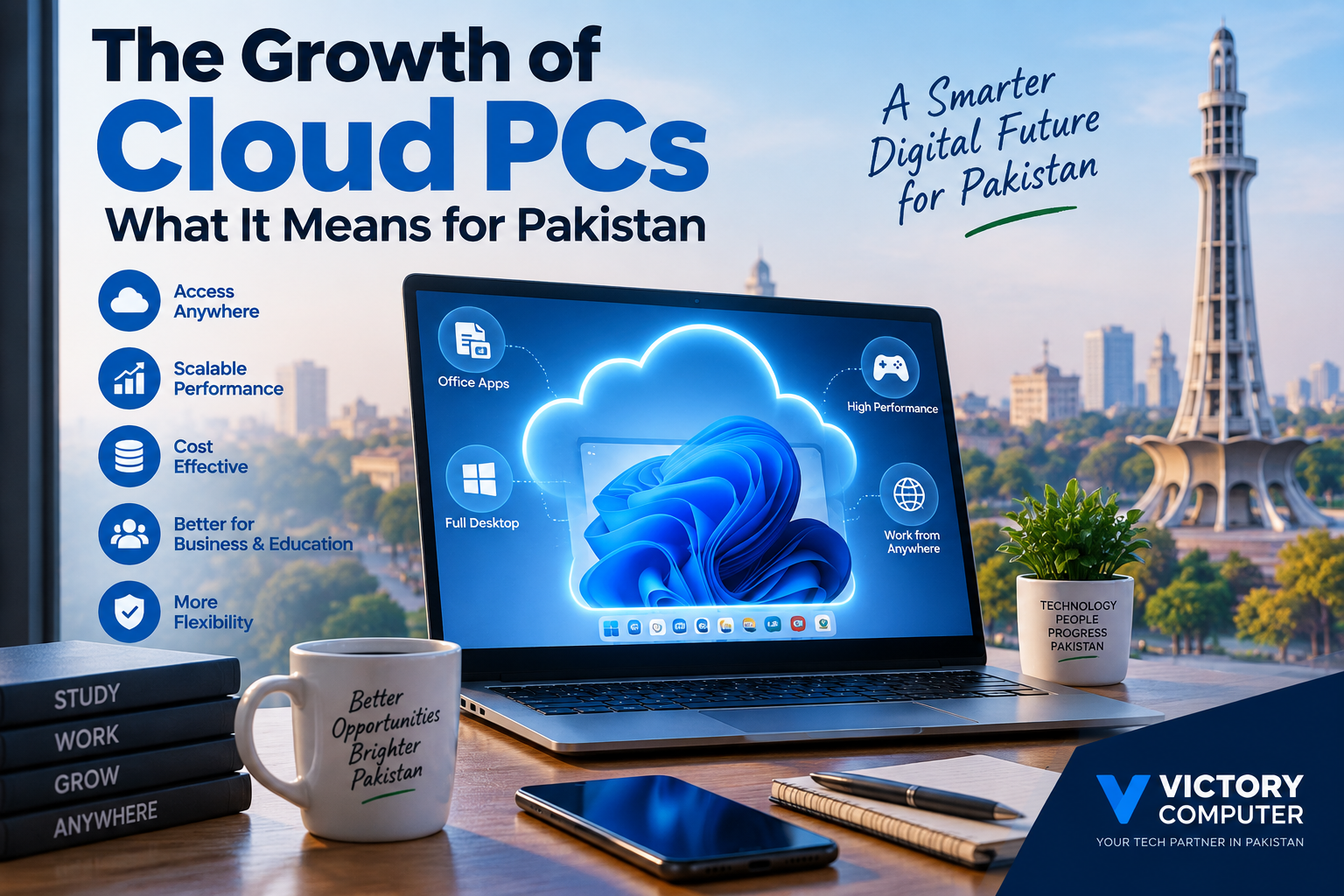
The Growth of Cloud PCs
Cloud PCs in Pakistan can give businesses, freelancers, students, and remote teams access to a Windows desktop running on cloud infrastructure instead of relying entirely on the processing power of a local computer. Their biggest advantages are flexibility, centralized management, and scalability, while their main limitations are internet dependence, recurring costs, and latency.
What Is a Cloud PC?
A Cloud PC is a virtual computer hosted on remote infrastructure and accessed through the internet. Instead of running the entire Windows environment, applications, and workloads on the processor and storage inside your laptop, much of the computing takes place remotely.
Microsoft describes Windows 365 as a cloud service that provides users with Windows virtual machines called Cloud PCs. Users can access their Windows environment from supported computers, tablets, phones, and other devices.
This means an employee could start working from an office computer and later access the same cloud-hosted environment from another supported device.
Why Are Cloud PCs Growing?
Cloud PCs are becoming more relevant because businesses increasingly need computing resources that are accessible from different locations and easier to manage centrally. Instead of assigning every workload permanently to one physical machine, organizations can provide virtual desktops based on their requirements.
- Remote work: Employees can access company desktops and applications from different locations.
- Flexible hardware: The endpoint device does not always need to provide all of the computing power used by the virtual desktop.
- Scalability: Organizations can provision computing resources according to changing requirements.
- Centralized IT management: Business environments can be managed without relying entirely on individually configured office computers.
- Cross-device access: Supported cloud desktop services can be accessed from several device types and operating systems.
For example, Azure Virtual Desktop allows organizations to provide complete Windows desktops or individual applications while supporting scalable virtual environments.
What Do Cloud PCs Mean for Pakistan?
Cloud PCs in Pakistan could be particularly useful for businesses with distributed employees, software teams, call centres, freelancers, educational institutions, and companies operating across cities such as Lahore, Karachi, and Islamabad.
For a business, the main attraction is not simply replacing an expensive laptop with a cheap device. The more important benefit is changing where computing resources are located and how they are managed.
A company can potentially give employees access to centrally managed virtual work environments while the employees use compatible endpoint devices. This can simplify onboarding, remote access, software deployment, and some aspects of IT administration.
However, Pakistan also presents an important limitation: the user experience depends heavily on the quality and stability of the internet connection. A powerful Cloud PC cannot compensate for a connection suffering from high latency, frequent disconnections, or severe congestion.
Pros and Cons of Cloud PCs in Pakistan
Pros of Cloud PCs
- Access from different locations: Users can connect to their work environment wherever suitable internet access is available.
- Scalable computing resources: Businesses can choose virtual resources based on workload instead of replacing an entire physical PC whenever requirements change.
- Useful for distributed teams: Cloud desktops can support employees and contractors working from different cities or locations.
- Centralized management: IT administrators can manage virtual environments more consistently than a large collection of unrelated personal computers.
- Extends the usefulness of endpoint devices: Some workloads can run remotely rather than depending entirely on the CPU, RAM, storage, and graphics hardware of the user’s local computer.
Cons of Cloud PCs
- Internet dependence: Losing reliable connectivity can interrupt access to the Cloud PC.
- Recurring expenses: Cloud computing normally introduces subscription or usage-based costs rather than being only a one-time hardware purchase.
- Latency: Network delay can affect responsiveness, especially for interactive or graphics-heavy workloads.
- Not ideal for every workload: Competitive gaming, latency-sensitive applications, offline work, and some specialized hardware workflows may still be better suited to a local PC.
Cloud PC vs Traditional Laptop
| Feature | Cloud PC | Traditional Laptop |
|---|---|---|
| Computing resources | Primarily hosted remotely | Installed locally |
| Internet dependency | High | Lower for local applications |
| Resource scaling | Can be flexible depending on service | Limited by installed hardware and upgradeability |
| Remote access | Core part of the platform | Requires separate remote-access configuration |
| Offline use | Limited or unavailable | Strong |
| Management | Can be centrally managed | Usually managed device by device or through enterprise tools |
| Best suited for | Remote teams, centralized IT and flexible workloads | Offline work, gaming and consistent local performance |
The comparison does not produce one universal winner. A Cloud PC vs laptop decision should depend on workload, internet reliability, security requirements, management needs, and total long-term cost.
Who Should Consider Cloud PCs in Pakistan?
Businesses and remote teams are among the strongest candidates. Cloud desktops can make sense when employees need standardized work environments from multiple locations.
Freelancers may benefit when they regularly move between devices or need remote access to a consistent Windows workspace. Readers building a remote-working setup can also explore our guide to tools for freelancers working from home.
Students may find cloud computing useful for particular software or remote lab environments, but a Cloud PC should not automatically be considered a replacement for a personal laptop. Students who regularly work without dependable internet may be better served by a conventional machine; our student budget laptop buying guide covers that option.
Gamers should be more cautious. Cloud-based computing introduces network latency, which matters much more in gaming than in normal office work. Our guide to cloud gaming on low-end laptops explains the related trade-offs.
Will Cloud PCs Replace Laptops in Pakistan?
Cloud PCs are unlikely to eliminate traditional laptops. The two approaches solve different problems. Cloud desktops are attractive when flexibility, remote access, centralized administration, or scalable resources matter. Physical laptops remain preferable when users need offline access, predictable local performance, direct hardware access, or minimal dependence on network quality.
The more realistic future is a hybrid computing model: relatively capable endpoint devices combined with cloud resources when extra flexibility or centralized computing is required.
Readers comparing physical computers can browse business laptops in Pakistan or desktop PCs in Pakistan to compare conventional hardware with cloud-based alternatives.
Why We Recommend Considering Cloud PCs
Cloud PCs are worth evaluating for Pakistani organizations that manage remote employees, temporary workers, distributed offices, or workloads requiring centrally controlled Windows environments. They should be considered an IT deployment option rather than a universal replacement for physical computers.
Organizations should first assess internet reliability, workload requirements, security policies, software compatibility, recurring service costs, and the hardware already available before migrating employees to virtual desktops.
Frequently Asked Questions
What is a Cloud PC?
A Cloud PC is a virtual computer hosted on remote infrastructure and accessed over a network. The desktop, applications, settings, and computing resources run primarily in the cloud rather than entirely on the user’s local machine.
Can Cloud PCs replace laptops in Pakistan?
Cloud PCs can replace some laptop workloads, especially for centrally managed remote work, but they are not ideal for every user. Offline work, gaming, unstable internet environments, and some specialized applications still favor physical computers.
Do Cloud PCs need fast internet?
Cloud PCs require a reliable connection, but there is no single bandwidth figure that guarantees good performance for every workload. Microsoft notes that bandwidth requirements vary according to workload, while latency and connection stability also affect the experience.
Are Cloud PCs cheaper than laptops?
Not automatically. Cloud PCs can reduce some hardware and management requirements, but subscriptions, cloud resources, network usage, administration, and endpoint hardware should all be included when comparing total cost.
Can a low-end laptop run a Cloud PC?
Potentially, yes. Because much of the workload runs remotely, the endpoint does not necessarily need the same computing resources as the hosted desktop. The device must still meet the requirements of the chosen Cloud PC client or browser.
Are Cloud PCs good for gaming?
Cloud computing can support graphics-intensive workloads, but network latency makes cloud gaming different from running a game locally. Competitive or latency-sensitive gaming generally benefits from strong local hardware and a direct local display connection.
Final Recommendation
The growth of Cloud PCs in Pakistan creates another computing option rather than making laptops and desktops obsolete. Businesses and remote teams can benefit from centralized management, flexible access, and scalable resources, while individual users need to consider recurring costs and internet dependence carefully.
For users who still require local computing performance, Victory Computer provides laptops, desktops, gaming systems, monitors, printers, and related computing solutions in Pakistan. Businesses evaluating their next hardware deployment can compare conventional PCs with cloud-based approaches before deciding which model provides the better long-term fit.

About Victory Computer Editorial Team
Victory Computer Editorial Team The Victory Computer Editorial Team publishes informative, research-based content about laptops, computers, monitors, printers, hardware, and technology trends in Pakistan. Our goal is to help readers understand product specifications, compare available options, and make informed purchasing decisions.
View all posts by Victory Computer Editorial Team