
Future of Laptops: Will Tablets Replace Them?

Future of Laptops: Will Tablets Replace Them?
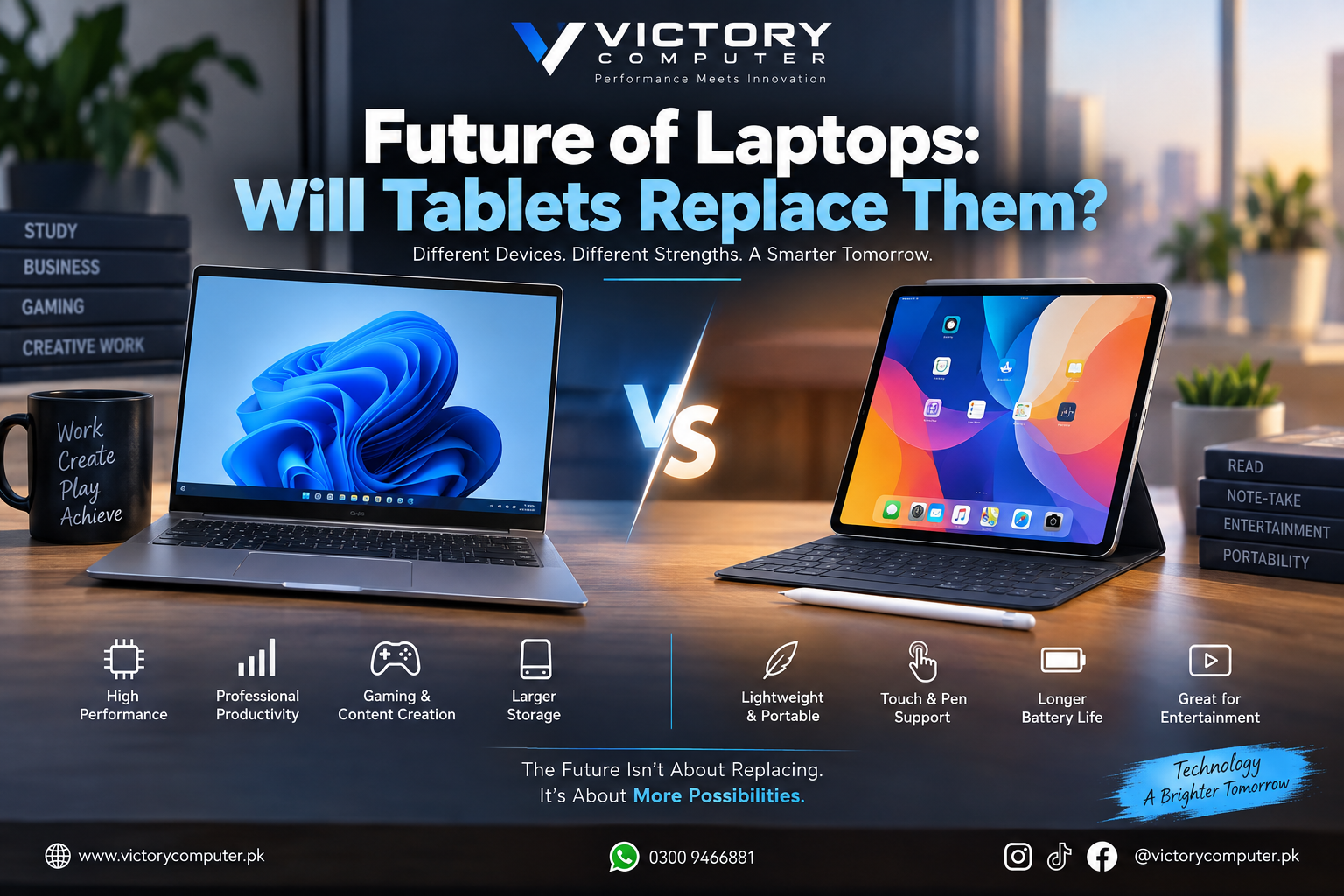
The future of laptops is not a story of tablets replacing them completely. In 2026, premium tablets can handle writing, meetings, note-taking, creative work, and serious multitasking, but laptops remain the safer choice for desktop software, coding, gaming, large projects, and complex peripheral setups. The market is moving toward overlap, not extinction.
Will Tablets Replace Laptops Completely?
No. Tablets will replace laptops for some people, but not for every workload. A student who mainly reads PDFs, joins classes, writes notes, and uses cloud apps may be comfortable with a tablet and keyboard. A programmer, engineer, gamer, accountant, video editor, or office user who depends on desktop applications and several peripherals will usually be better served by a laptop.
The realistic future of laptops is coexistence. Tablets are becoming more computer-like, while laptops are becoming thinner, more power-efficient, touch-friendly, and flexible. Modern 2-in-1 Windows PCs already blur the boundary by combining a tablet-style touchscreen with a desktop operating system.
Tablets Are Getting Closer to Laptop-Style Productivity
Modern tablets are no longer limited to entertainment and browsing. Apple supports resizable app windows and multi-window workflows on compatible iPads, Samsung DeX provides a desktop-style workspace on compatible Galaxy tablets, and Microsoft continues to position Surface Pro as a device that shifts between tablet and laptop use.
That progress matters because the future of laptops will partly depend on how much everyday work can move to touch-first devices. Email, web-based office work, presentations, video calls, note-taking, reading, drawing, social media management, and light creative work can all fit a tablet workflow for the right user.
But processor speed alone does not decide whether a tablet can replace a laptop. Software compatibility, file management, keyboard comfort, ports, external displays, storage, and the exact apps required for work matter more.
Laptops vs Tablets in 2026: Key Comparison
| Area | Laptops | Tablets |
|---|---|---|
| Professional software | Strong for full desktop applications and complex workflows | Strong for supported tablet apps and browser-based tools |
| Multitasking | Built around multi-window desktop workflows | Much improved with windowed apps and desktop-style modes |
| Typing | Built-in keyboard and trackpad | Keyboard or case is often separate |
| Touch and pen | Available on selected touch and 2-in-1 models | A major strength for notes, drawing, and annotation |
| Ports | Usually broader connectivity, depending on model | Often relies more on USB-C hubs or wireless accessories |
| Gaming | Better suited to PC gaming and dedicated graphics | Good for mobile games, cloud gaming, and lighter titles |
| Portability | Portable but normally heavier | Usually easier to carry for travel and reading |
Seven Reasons Laptops Still Matter
The future of laptops remains relevant because laptops still solve demanding computing needs efficiently.
- Desktop operating systems: Windows and macOS support mature professional workflows and traditional file management.
- Built-in input: Long writing, spreadsheet, coding, and office sessions are easier with an integrated keyboard and trackpad.
- PC gaming: Gaming laptops can offer dedicated graphics, high-refresh displays, and broad PC game support.
- Ports and peripherals: Laptops commonly connect to monitors, storage, printers, mice, and other office equipment.
- Sustained workloads: Larger chassis can provide more cooling for lengthy CPU- or GPU-intensive tasks.
- More hardware choice: Buyers can choose budget notebooks, business laptops, gaming systems, creator laptops, and mobile workstations.
- Specialized work: Programming, engineering, advanced spreadsheets, virtual machines, and some editing workflows still favor desktop-class environments.
For serious work, see Victory Computer’s business laptop vs student laptop guide. Professionals comparing ecosystems can also read the MacBook vs Windows laptop comparison.
Where Tablets Can Be the Better Choice
Tablets are better when portability, touch input, instant access, and simple workflows matter more than desktop flexibility. They are particularly convenient for reading, handwritten notes, classroom use, presentations, field work, media consumption, travel, and drawing with a stylus.
The future of laptops will also be influenced by users who no longer need a traditional PC every day. Cloud documents, browser-based tools, video meetings, messaging apps, and mobile creative software have reduced the number of everyday tasks that require a laptop.
Students should choose based on course software rather than appearance. A tablet may be enough for lectures and notes, but engineering, programming, data analysis, architecture, or other specialist courses can require desktop software. Our student budget laptop buying guide covers the practical checks before buying.
Pros & Cons of Laptops and Tablets
Laptop Pros
- Better compatibility with full desktop software
- Built-in keyboard and trackpad for long work sessions
- Wider choice of performance levels, including gaming and workstation hardware
- Usually stronger support for ports and multi-monitor setups
- More practical for coding, editing, engineering, and heavy multitasking
Laptop Cons
- Usually heavier than a standalone tablet
- Less convenient for handwritten notes and one-handed reading
- High-performance models can be bulky and need larger chargers
Tablet Pros
- Lightweight and easy to carry
- Excellent touch and stylus experience
- Convenient for reading, presentations, media, and travel
- Modern tablet software supports much better multitasking
- Keyboard accessories can create a capable mobile work setup
Tablet Cons
- Keyboard, trackpad, hub, or stylus may cost extra
- Some professional workflows still require desktop operating systems or desktop-specific applications
- Ports and hardware expansion are often more limited
- Total cost can rise quickly after productivity accessories are added
Why We Recommend Choosing by Workload
Do not buy a tablet only because it is more portable, and do not buy a laptop only because it is traditional. The best device is the one that runs your required software, supports your accessories, and fits the way you work. The future of laptops is increasingly about choosing the right form factor rather than one device category replacing another.
Which Device Should You Buy in Pakistan?
For buyers in Pakistan, compare the complete setup rather than only the device price. Tablet keyboards, styluses, hubs, and adapters can change total cost, while laptop prices vary by processor, graphics, display, storage, and build quality.
- Students: Choose a tablet for notes, PDFs, online classes, and reading if your course does not require desktop software. Choose a laptop for programming, engineering, design, statistics, or advanced office work. Engineering students can also review our laptop guide for engineering students in Pakistan.
- Freelancers and office users: A laptop is usually safer for long typing sessions, spreadsheets, browser-heavy multitasking, client files, and peripherals.
- Designers and artists: A tablet can be excellent for sketching and annotation, while a laptop may still be needed for full production workflows.
- Gamers: A gaming laptop remains the practical portable option for PC gaming. Browse gaming laptops in Pakistan when dedicated graphics and high-refresh performance matter.
- Budget-conscious buyers: A mid-range laptop may already include the keyboard, trackpad, ports, storage, and desktop environment you would add separately to a tablet. See budget laptops in Pakistan for a broader buying route.
What Does the Future of Laptops Look Like?
The future of laptops is likely to be more flexible rather than less relevant. Thin-and-light designs, touchscreens, detachable keyboards, convertible hinges, efficient processors, AI features, pen support, and longer battery life are bringing laptop and tablet designs closer together.
This convergence is already visible in 2-in-1 PCs. One device can behave like a tablet for reading or drawing and still run a desktop operating system when used with a keyboard. Instead of one category eliminating the other, buyers are getting more choices between traditional laptops, tablets with keyboards, and hybrid PCs.
The future of laptops will therefore be defined less by one device category defeating another and more by buyers choosing between traditional laptops, tablets with keyboards, and hybrid PCs according to the software and input methods they actually need.
Frequently Asked Questions
Will tablets replace laptops in the future?
Not completely. Tablets can replace laptops for lighter and more mobile workflows, while laptops remain important for desktop software, professional multitasking, gaming, coding, and specialized work.
Can a tablet replace a laptop for students?
Yes, if the student’s work is mainly notes, PDFs, browser research, video classes, and supported apps. Students who need programming, engineering, statistics, architecture, or other desktop software should check compatibility first.
Are tablets good enough for freelancing?
They can be for writing, communication, social media, presentations, and browser-based work. Freelancers using complex spreadsheets, development tools, desktop editing software, or many connected devices may still prefer a laptop.
Is a 2-in-1 laptop better than a tablet?
A 2-in-1 can be a better compromise when you want touch and pen input without giving up a desktop operating system. A dedicated tablet may still be lighter for reading, drawing, and casual use.
What is the biggest advantage of a laptop over a tablet?
The biggest advantage is flexibility for desktop-class software and demanding workflows. A laptop also includes a physical keyboard and usually offers broader connectivity without as many accessories.
What is the future of laptops in Pakistan?
The future of laptops in Pakistan will likely include traditional laptops, gaming systems, thin-and-light models, and more hybrid 2-in-1 devices alongside capable tablets. The right choice depends on software, performance, portability, and total ownership cost.
Final Verdict
Tablets are becoming far more capable, but they are unlikely to make laptops obsolete. The future of laptops is a more flexible market where laptops, tablets, and hybrid PCs overlap. Choose a tablet for touch-first portability and lighter workflows; choose a laptop for desktop software, long-form productivity, gaming, coding, and demanding professional work.
To compare current laptop options for study, work, gaming, or business use, visit Victory Computer or contact the team on WhatsApp at 0300 9466881.

About Victory Computer Editorial Team
Victory Computer Editorial Team The Victory Computer Editorial Team publishes informative, research-based content about laptops, computers, monitors, printers, hardware, and technology trends in Pakistan. Our goal is to help readers understand product specifications, compare available options, and make informed purchasing decisions.
View all posts by Victory Computer Editorial Team