
Lenovo vs Acer – Best Budget Laptop for Pakistani Students

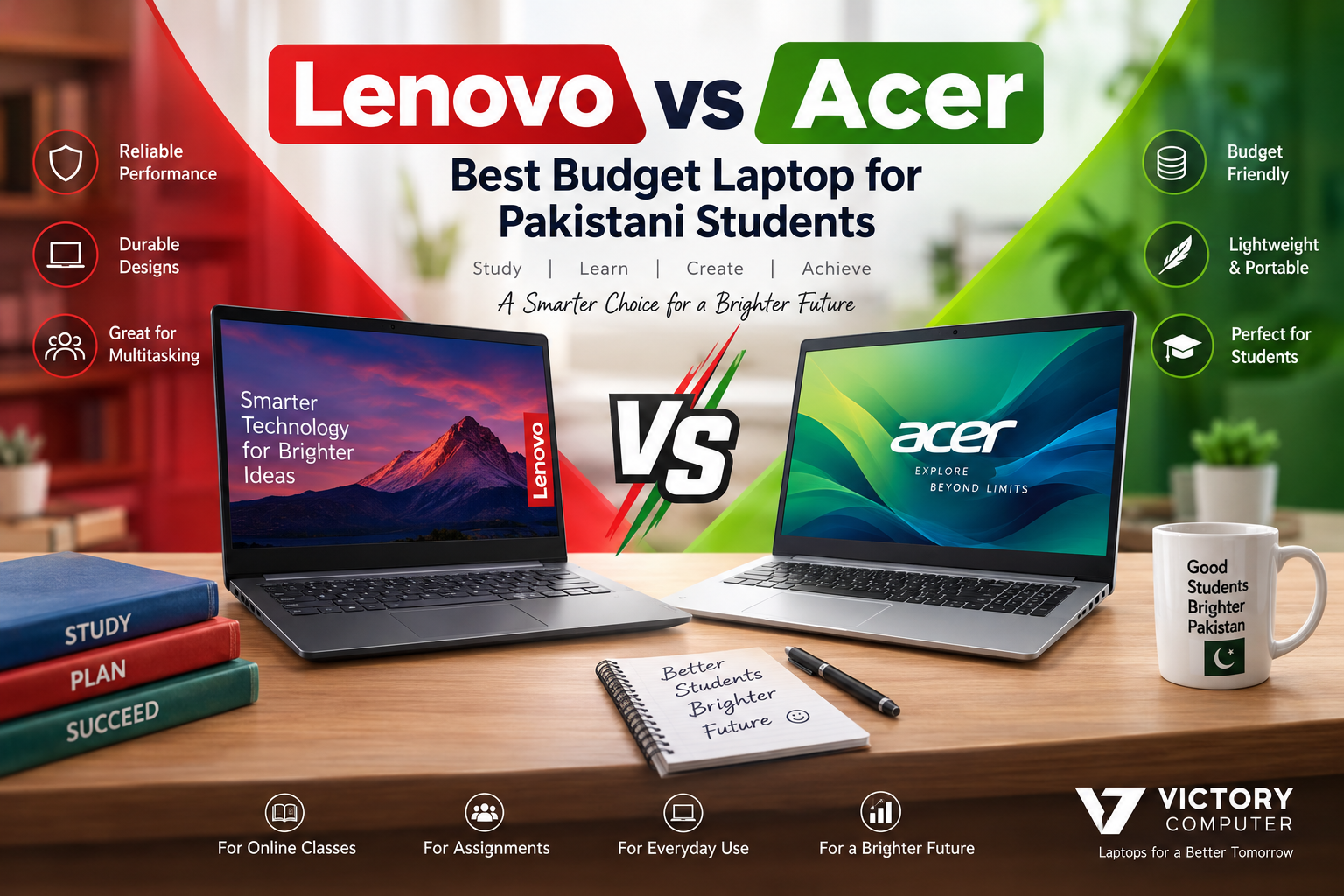
Lenovo vs Acer – Best Budget Laptop for Pakistani Students
Lenovo vs Acer is not a simple brand-level decision for Pakistani students. Both brands sell capable budget laptops, but the better purchase depends on the exact processor, RAM, SSD, display, battery, build, upgrade options, warranty type, and current price of the models you are comparing. For most students, specifications and after-sales support matter more than the logo.
Lenovo vs Acer Quick Comparison
The practical difference between Lenovo vs Acer usually comes down to the individual model rather than the brand as a whole. A useful Lenovo vs Acer comparison therefore starts with two similarly priced configurations, not broad brand assumptions. Lenovo currently positions IdeaPad Slim models for student use, while Acer offers everyday-focused Aspire Go and Aspire Lite families in a wide range of configurations. Exact specifications vary by model and region, so compare the full SKU before paying.
| Area | Lenovo Budget Options | Acer Budget Options | What Matters for Students |
|---|---|---|---|
| Common families | IdeaPad Slim and selected entry-level IdeaPad models | Aspire Go and Aspire Lite | Compare the exact model, not only the series name |
| Everyday performance | Ranges from basic study machines to stronger multitasking configurations | Also ranges from entry-level processors to higher-spec mainstream configurations | CPU, RAM and SSD determine real responsiveness |
| Memory | Varies by configuration | Varies by configuration | 8GB is a practical minimum; 16GB is preferable for heavier multitasking |
| Storage | SSD configurations are widely available | SSD configurations are widely available | 512GB SSD is a useful target if your budget allows |
| Display | Panel type and resolution vary by SKU | Panel type and resolution vary by SKU | Prefer Full HD or better and verify IPS if viewing angles matter |
| Price | Changes by model, importer, configuration and warranty | Changes by model, importer, configuration and warranty | Compare like-for-like specifications in Pakistan before deciding |
What Should Pakistani Students Look for in a Budget Laptop?
A budget student laptop should be able to handle browser tabs, Microsoft Office or Google Workspace, Zoom or Teams, PDFs, research, assignments and basic media without constant slowdowns. Instead of choosing Lenovo vs Acer by reputation alone, start with a specification checklist.
- Processor: Choose a recent Intel Core 3/Core i3, AMD Ryzen 3 or better for comfortable general study use. Higher tiers are useful for programming, heavier spreadsheets, design work and long-term multitasking.
- RAM: Aim for at least 8GB. Choose 16GB if you regularly keep many tabs and apps open or study software engineering, design, analytics or other demanding subjects.
- Storage: An SSD is much more important than a large mechanical hard drive for startup and app responsiveness. A 512GB SSD is a balanced target for many students.
- Display: A Full HD screen is preferable for documents, online classes and split-screen work. Check panel type, brightness and anti-glare treatment on the exact model.
- Battery and charger: Battery claims vary by workload. Look at battery capacity, charger size and independent reviews when portability is important.
- Upgradeability: Check whether RAM is soldered, whether a second memory slot exists, and whether the SSD can be replaced or expanded.
For a broader checklist, see the student budget laptop buying guide and the current budget laptops in Pakistan category.
Why Consider Lenovo for Students?
In the Lenovo vs Acer budget segment, Lenovo is worth considering when an IdeaPad or other entry-level Lenovo model gives you the right balance of processor, RAM, SSD, keyboard, ports and upgrade options at your budget. Lenovo officially maintains IdeaPad Slim models for student buyers, but configurations differ significantly between regions and individual part numbers.
For university work, an IdeaPad with 8GB or 16GB RAM, SSD storage and a Full HD display can suit note-taking, coding, research, presentations and online classes. The important step is to verify the exact machine rather than assuming every IdeaPad offers the same screen, battery, memory layout or build quality.
Why Consider Acer for Students?
In a Lenovo vs Acer shortlist, Acer is also a strong budget option when an Aspire Go or Aspire Lite model offers better specifications for the same spending limit. Acer’s current Aspire range includes configurations from entry-level processors to more capable systems, with options that include Full HD or higher-resolution displays, SSD storage and modern memory depending on the SKU.
That makes Acer useful for students who are comparing value specification by specification. An Acer with the stronger processor, more RAM, larger SSD or better display can be the better buy even if a similarly priced Lenovo has the stronger brand appeal for that buyer. The reverse can also be true.
Lenovo vs Acer Pros & Cons
Lenovo Laptop Pros
- Wide range of IdeaPad configurations for everyday study and general productivity.
- Easy to find models across different screen sizes and processor classes.
- Good choice when the shortlisted model offers a comfortable keyboard, useful ports and practical upgrade options.
- Suitable options exist for both basic coursework and heavier student workloads.
Lenovo Laptop Cons
- Specifications can vary substantially even within the same IdeaPad family.
- Some configurations use soldered memory or limited upgrade paths, so buyers must check before purchase.
- A similarly priced Acer may sometimes offer more RAM, storage or a better display, depending on current stock.
Acer Laptop Pros
- Aspire Go and Aspire Lite cover a broad range of everyday computing needs.
- Some configurations provide strong value with SSD storage, modern memory and Full HD IPS-class displays.
- Useful for students who prioritize specification-per-rupee over a particular brand.
- Multiple processor choices make it possible to match the laptop to basic or more demanding coursework.
Acer Laptop Cons
- Like Lenovo, specifications can change considerably between similar-looking model numbers.
- Entry-level configurations may have limited storage, memory or upgradeability.
- Keyboard, display quality, battery size and chassis design should be checked on the exact SKU rather than assumed from the Aspire name.
Why We Recommend Comparing Exact Models
The safest way to use a Lenovo vs Acer comparison is to shortlist two or three laptops at the same budget and compare their complete specifications side by side. If one laptop has a meaningfully better CPU, 16GB instead of 8GB RAM, a larger SSD, a better display or clearer warranty coverage, that difference usually matters more than the brand name.
Lenovo vs Acer: Which Budget Laptop Should a Student Buy?
Choose the Lenovo model if the exact laptop gives you the better overall package for your coursework, especially in keyboard comfort, build, upgradeability or configuration. Choose the Acer model if the Aspire option gives you stronger specifications or a lower total cost for the features you actually need.
For students mainly doing assignments, browsing, video classes and Office work, a modern entry-level CPU with 8GB RAM and SSD storage may be enough. For computer science, engineering software, data work, content creation or heavier multitasking, moving to 16GB RAM and a stronger recent processor is usually a better long-term decision.
If your budget is very tight, compare new and used/refurbished options carefully. Victory Computer’s guide to refurbished vs brand-new laptops explains the trade-offs, while the laptops under PKR 100,000 guide can help you understand the lower-budget segment.
Important Buying Checks in Pakistan
Before finalizing Lenovo vs Acer in Pakistan, confirm the details that can change from seller to seller. Do not assume that two laptops with the same series name have identical hardware.
- Ask for the complete model number or part number.
- Confirm CPU generation and exact processor model.
- Check whether RAM is 8GB or 16GB and whether it is upgradeable.
- Confirm SSD capacity and whether there is an extra storage slot.
- Verify display resolution, panel type and refresh rate.
- Ask whether the operating system is included and properly licensed where applicable.
- Confirm the warranty type, duration and who handles the claim.
- Inspect keyboard layout, charger type and included accessories.
- Compare the final current price, not an old advertised price.
You can browse current laptop options through Victory Computer or contact the team on WhatsApp at 0300 9466881 to compare available Lenovo and Acer models by exact specification.
Frequently Asked Questions
Is Lenovo better than Acer for students?
Neither brand is automatically better for every student. Compare the exact Lenovo and Acer models on processor, RAM, SSD, display, battery, upgradeability, warranty and price.
Which is better for online classes, Lenovo or Acer?
Both brands have models suitable for online classes. A laptop with a reliable webcam, stable Wi-Fi, 8GB or more RAM, SSD storage and a Full HD display is generally more important than the brand name.
Is 8GB RAM enough for a student laptop in 2026?
8GB can handle basic study tasks such as documents, web research, streaming and online classes. Students who multitask heavily or use development, design or analytical software should consider 16GB if the budget allows.
Which Lenovo series is suitable for students?
IdeaPad Slim is one of Lenovo’s student-oriented laptop families. Check the exact model because processors, displays, memory and upgrade options differ between configurations.
Which Acer series is suitable for students?
Aspire Go and Aspire Lite are everyday laptop families worth comparing for student use. Check the exact SKU to make sure the processor, RAM, SSD and screen match your needs.
Where can I compare budget laptops in Pakistan?
Victory Computer lists budget laptops in Pakistan and provides model-specific guidance for buyers who want to compare current configurations before purchasing.

About Victory Computer Editorial Team
Victory Computer Editorial Team The Victory Computer Editorial Team publishes informative, research-based content about laptops, computers, monitors, printers, hardware, and technology trends in Pakistan. Our goal is to help readers understand product specifications, compare available options, and make informed purchasing decisions.
View all posts by Victory Computer Editorial Team
2 thoughts on “Lenovo vs Acer – Best Budget Laptop for Pakistani Students”