
Top Productivity Apps for Laptops in 2025

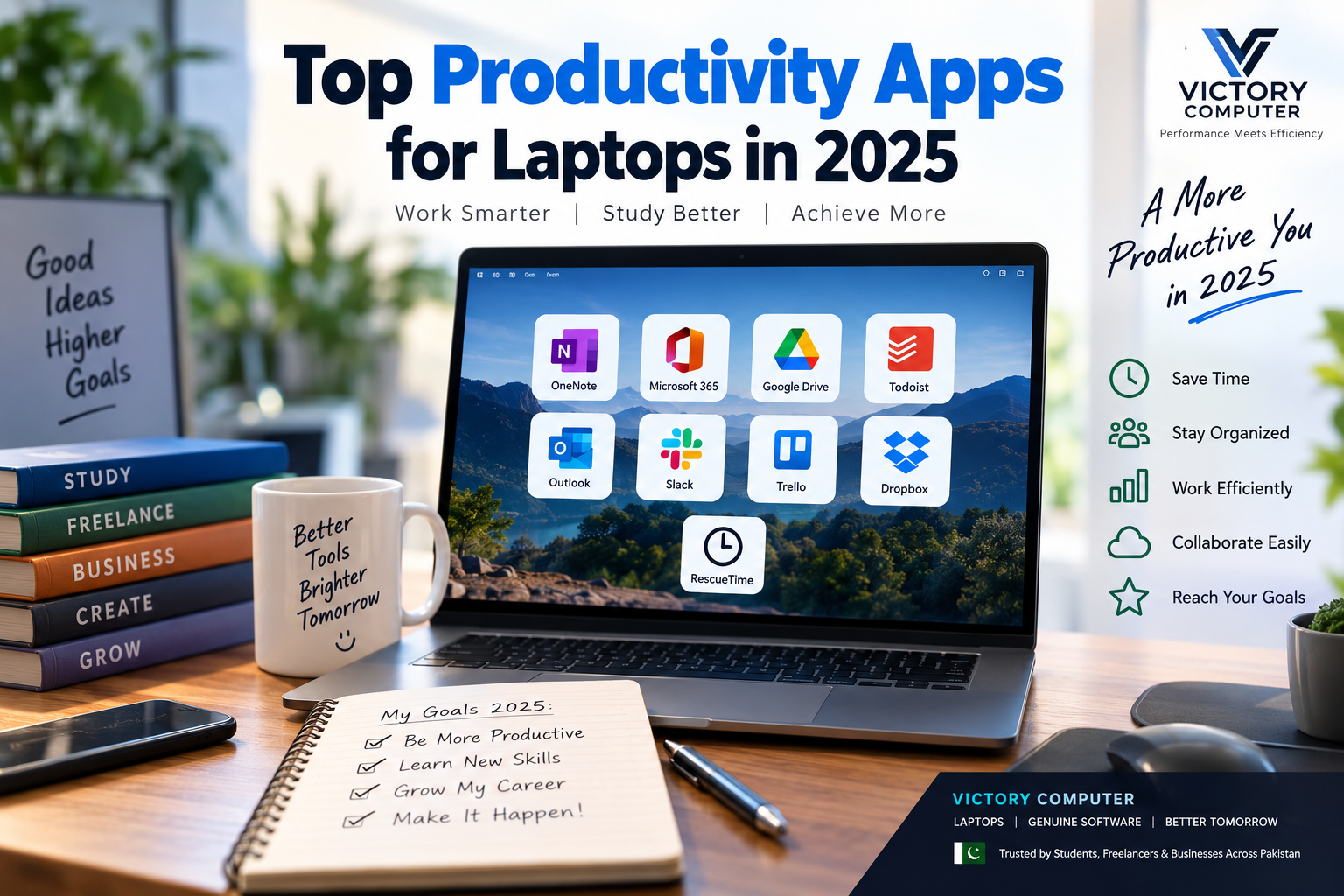
Top Productivity Apps for Laptops in 2025
The best productivity apps for laptops in 2025 include Microsoft 365, OneNote, Google Drive, Todoist, Trello, Slack, Microsoft Teams, Dropbox and RescueTime. The right choice depends on whether you need document creation, task management, team communication, cloud storage or better control over your working time.
Students, freelancers and professionals in Pakistan do not necessarily need every app on this list. A better approach is to choose two or three tools that solve specific problems without creating unnecessary subscriptions, notifications or overlapping workflows.
Best Productivity Apps for Laptops in 2025
The most useful productivity apps for laptops cover different parts of a modern workflow. Microsoft 365 handles documents and spreadsheets, Todoist handles personal tasks, Trello handles visual projects, while Google Drive and Dropbox help manage files.
| App | Primary Use | Best For | Main Trade-Off |
|---|---|---|---|
| Microsoft 365 | Documents and office work | Students, offices and professionals | Many features require a subscription |
| OneNote | Note-taking | Students and researchers | Can become difficult to organize with very large notebooks |
| Google Drive | Cloud storage and collaboration | Students and collaborative teams | Cloud-based workflows depend heavily on internet access |
| Todoist | Task management | Individuals and freelancers | Some advanced functionality is plan-dependent |
| Trello | Visual project management | Freelancers and small teams | Complex projects can outgrow simple boards |
| Slack | Team communication | Remote and hybrid teams | Too many channels can become distracting |
| Microsoft Teams | Communication and meetings | Microsoft-based organizations | May be excessive for individual users |
| Dropbox | File syncing and sharing | Professionals handling shared files | Advanced storage and sharing features may require paid plans |
| RescueTime | Time tracking and focus | Freelancers and focused workers | Useful only if you regularly review and act on the data |
1. Microsoft 365 for Everyday Office Productivity
Microsoft 365 remains one of the most practical productivity suites for laptop users because it combines familiar applications such as Word, Excel, PowerPoint, Outlook and OneNote.
Microsoft 365 makes particular sense for university assignments, spreadsheets, presentations, reports and office workflows. Businesses already using Microsoft accounts can also combine these applications with OneDrive and Teams.
Pros
- Strong document, spreadsheet and presentation tools
- Widely used in universities and workplaces
- Good integration between Microsoft applications
- Desktop applications support serious offline work
Cons
- Full functionality can require a paid subscription
- Many features are unnecessary for users who only need basic documents
2. Microsoft OneNote for Students and Note-Taking
OneNote is one of the most useful productivity apps for laptops for students. Notes can be divided into notebooks, sections and pages, making it suitable for lectures, research, meeting notes and project planning.
OneNote is particularly convenient for people already using Microsoft’s ecosystem because notes can stay available across supported devices.
Pros
- Flexible notebook structure
- Useful for study notes and research
- Works well with the Microsoft ecosystem
Cons
- Large notebooks can become cluttered without a clear structure
- May be unnecessary for users who prefer simple text notes
3. Google Drive for Storage and Collaboration
Google Drive combines cloud file storage with sharing and access to Google’s productivity applications. Users can collaborate on Docs, Sheets and Slides and control whether another person can view, comment on or edit shared content.
This makes Google Drive particularly useful for university group projects, remote work and freelancers exchanging files with clients.
Pros
- Easy file sharing and collaboration
- Works across many devices
- Integrates with Docs, Sheets and Slides
Cons
- Storage is limited by the user’s Google account or subscription
- Cloud-heavy workflows can be inconvenient with unstable internet connections
4. Todoist for Tasks and Deadlines
Todoist is designed around tasks, projects, priorities, dates and organized views. It is one of the better productivity apps for laptops for freelancers or professionals who need to see upcoming work without building a complicated project-management system.
Todoist also supports custom filters that can organize tasks according to criteria such as project, priority, date and labels.
Pros
- Simple task-focused interface
- Good for deadlines and recurring responsibilities
- Projects and filters help separate different areas of work
Cons
- Advanced features differ by plan
- Not as visually focused as Trello for workflow boards
5. Trello for Visual Project Management
Trello uses boards, lists and cards to represent projects and tasks. A simple workflow might use lists such as “To Do,” “In Progress” and “Completed,” with cards moving between stages.
Trello works well for freelancers, content teams, marketing calendars and smaller projects where people benefit from seeing work visually.
Pros
- Easy visual workflow
- Simple learning curve
- Useful for individual and team projects
- Flexible boards can adapt to different workflows
Cons
- Large projects can make boards crowded
- Complex project management may require additional tools or features
6. Slack and Microsoft Teams for Communication
Slack organizes team communication into channels and supports messages, file sharing, integrations and Huddles for audio or video collaboration. Microsoft Teams provides a similar communication layer for organizations that already depend heavily on Microsoft services.
These productivity apps for laptops are most useful for companies and remote teams rather than individual users.
Pros
- Centralizes workplace communication
- Reduces dependence on long email threads
- Supports remote and hybrid collaboration
- Integrates with other workplace applications
Cons
- Constant notifications can reduce concentration
- Small teams may not need a dedicated communication platform
7. Dropbox for File Sharing and Synchronization
Dropbox is useful when files need to stay synchronized across devices or be shared through links. Dropbox also supports controls such as folder permissions, while selected plans provide additional sharing and recovery features.
Designers, photographers, freelancers and other professionals working with shared project folders may find Dropbox more convenient than sending large files through email.
Pros
- Simple file synchronization
- Convenient link-based sharing
- Useful for collaborative folders and larger files
Cons
- Storage requirements can push users toward paid plans
- May duplicate functionality already available through OneDrive or Google Drive
8. RescueTime for Time Tracking and Focus
RescueTime approaches productivity differently. Instead of organizing documents or projects, it can automatically track time spent in applications and websites and provide reports about working patterns. Focus Sessions can also help users protect dedicated work periods.
For freelancers who frequently wonder where their working hours go, RescueTime can provide more useful information than another traditional task list.
Pros
- Automatic activity tracking
- Helps identify distracting habits
- Useful focus and reporting tools
Cons
- Tracking data is useful only when reviewed regularly
- Users should review privacy and tracking preferences before enabling activity monitoring
Overall Pros and Cons of Productivity Apps
Pros
- Better organization: Tasks, files, notes and projects can be easier to locate.
- Improved collaboration: Teams can work on shared documents and communicate remotely.
- Cloud access: Important work can remain available across compatible devices.
- Better deadline management: Task applications can reduce missed responsibilities.
- Greater workflow visibility: Time trackers and project boards make workloads easier to understand.
Cons
- Subscription costs: Premium functionality across several apps can become expensive.
- Notification overload: Communication and task apps can create more interruptions than they solve.
- Overlapping tools: Using Microsoft 365, Google Workspace, Dropbox and several task platforms simultaneously can duplicate features.
- Internet dependence: Cloud-first workflows become less convenient on unreliable connections.
Why We Recommend a Small App Stack
Most laptop users should not install every application listed above. Start with one office suite, one cloud-storage service and one task or project-management tool. Add communication or time-tracking software only when your work actually requires it.
Which Productivity Apps Should You Choose?
The best productivity apps for laptops depend primarily on how the laptop is used.
- Students: Microsoft 365 or Google Docs, OneNote and Google Drive provide a strong combination for assignments, notes and group projects.
- Freelancers: Todoist or Trello can manage projects, while Google Drive or Dropbox can handle client files.
- Businesses: Microsoft 365 with Teams or a Slack-based workflow can centralize documents and communication.
- Remote teams: Slack or Teams combined with cloud storage and project management can keep distributed work organized.
- People struggling with distractions: RescueTime can help identify where working time is being spent.
The software also needs suitable hardware. Professionals running multiple business applications, browser tabs, spreadsheets and video meetings can explore business laptops in Pakistan. Students with tighter budgets can compare budget laptops in Pakistan.
Productivity Apps for Laptop Users in Pakistan
For Pakistani users, software cost, internet reliability and the type of work matter more than simply installing the largest number of applications. Free plans can be sufficient for many students and freelancers, while businesses may need paid plans for additional storage, administration, security or collaboration features.
Before purchasing software, confirm the current plan and licensing terms from the software provider because subscriptions and included features can change.
You can also explore more laptop guides from Victory Computer when choosing hardware for study, freelancing or professional workloads.
Frequently Asked Questions
What are the best productivity apps for laptops in 2025?
Microsoft 365, OneNote, Google Drive, Todoist, Trello, Slack, Microsoft Teams, Dropbox and RescueTime cover most common productivity requirements. The best combination depends on your specific workflow.
Which productivity app is best for students in Pakistan?
OneNote and Google Drive are useful for notes and file sharing, while Microsoft 365 is particularly valuable when assignments require Word, Excel or PowerPoint formats.
What are the best productivity apps for freelancers?
Todoist or Trello are good options for organizing work, while Google Drive or Dropbox can manage shared client files. RescueTime may help freelancers who also need better visibility into working hours.
Are productivity apps free?
Many applications offer free access or limited free plans, but storage, administrative tools, advanced collaboration and other premium features can require payment. Always check current pricing directly with the provider.
Should I use both Google Drive and Dropbox?
Not necessarily. Both services can handle cloud files and sharing, so using both may duplicate functionality unless clients or teams specifically require different platforms.
Can Victory Computer help me choose a laptop for productivity?
Yes. You can browse the Victory Computer shop or visit Victory Computer to compare laptops for study, business, freelancing and professional workloads in Pakistan.
Final Recommendation
The best productivity apps for laptops are the ones that remove a real problem from your workflow. Microsoft 365 is strong for traditional office work, Google Drive for collaboration, Todoist for personal task management, Trello for visual projects, Slack or Teams for communication, and RescueTime for understanding how working hours are spent.
Choose a small set of applications that work well together instead of installing every available productivity tool. A simpler workflow usually means fewer notifications, fewer duplicate files and less time spent managing the tools themselves.

About Victory Computer Editorial Team
Victory Computer Editorial Team The Victory Computer Editorial Team publishes informative, research-based content about laptops, computers, monitors, printers, hardware, and technology trends in Pakistan. Our goal is to help readers understand product specifications, compare available options, and make informed purchasing decisions.
View all posts by Victory Computer Editorial Team
One thought on “Top Productivity Apps for Laptops in 2025”