
The Best Free Software for Laptops in 2025

The Best Free Software for Laptops in 2025
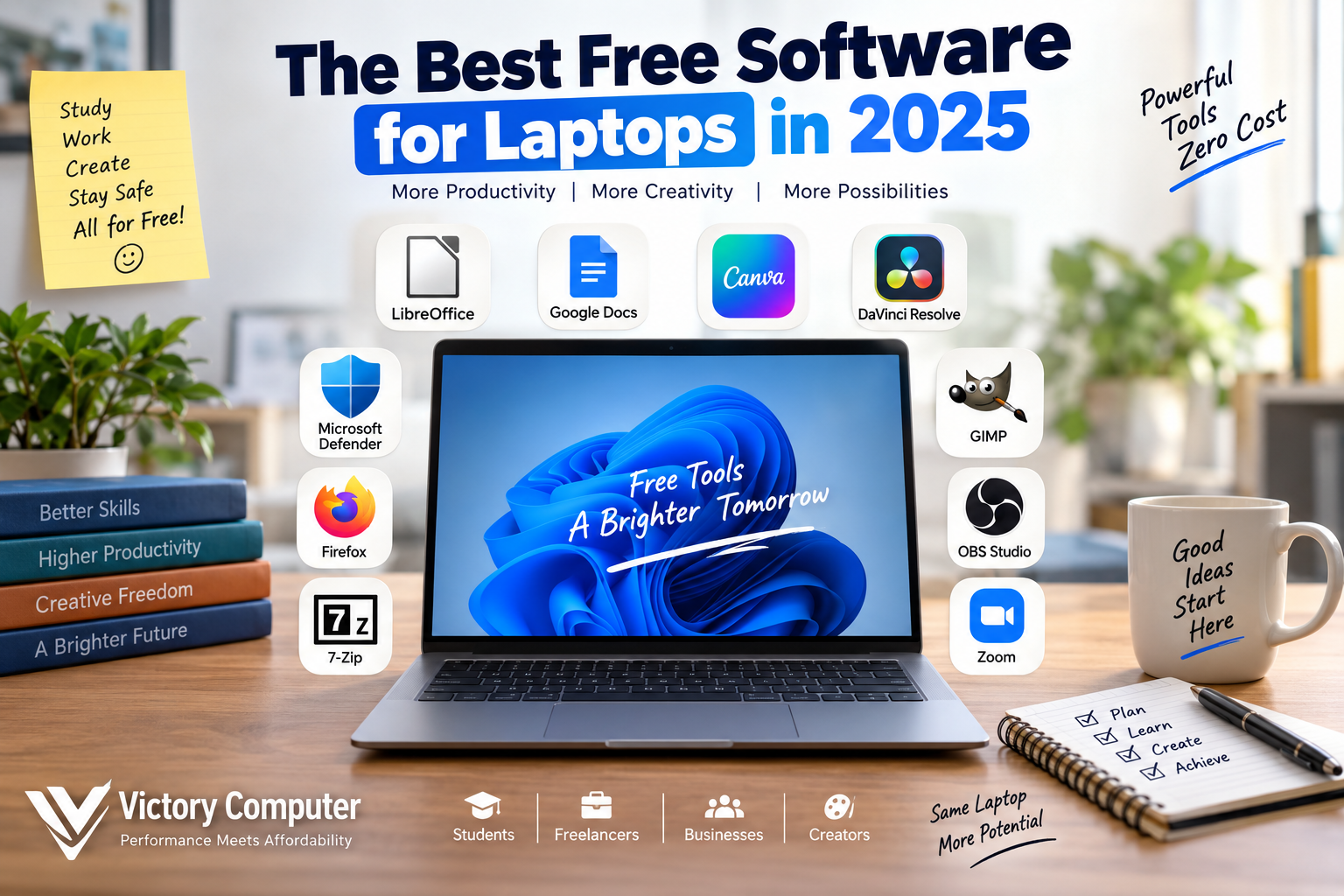
Free software for laptops can cover most everyday needs without requiring multiple paid subscriptions. In 2025, students, freelancers, office users and creators can find capable free tools for documents, security, browsing, file compression, graphics, video editing and recording. The main trade-off is that some free versions restrict advanced features, storage, premium assets or professional support.
Best Free Software for Laptops in 2025
The best free software for laptops depends on the work you need to complete. Students usually need documents, presentations and browser tools, while freelancers may also require graphics, meetings, file management and project organization. Content creators often need much more demanding video and recording applications.
| Category | Software | Best For | Main Trade-off |
|---|---|---|---|
| Office | LibreOffice | Offline documents, spreadsheets and presentations | Complex Microsoft Office formatting may require adjustment |
| Cloud Documents | Google Docs | Students and collaborative work | Cloud workflow works best with reliable internet |
| Security | Microsoft Defender Antivirus | Built-in Windows malware protection | Specialist security suites may provide additional controls |
| Browser | Mozilla Firefox | Browsing, research and privacy-conscious users | Some websites prioritize Chromium-based browsers |
| File Compression | 7-Zip | Archive and compressed-file management | Functional rather than modern interface |
| Image Editing | GIMP | Photo editing and graphics | Requires learning for advanced editing |
| Design | Canva Free | Presentations, social graphics and thumbnails | Premium assets and tools require an upgrade |
| Video Editing | DaVinci Resolve Free | Serious video editing and color work | Needs stronger laptop hardware |
| Recording | OBS Studio | Screen recording and streaming | Initial configuration can take time |
| Organization | Free task and note-management apps | Personal projects and planning | Advanced team features may require paid plans |
Free Office and Productivity Software
Office applications are usually the first free software for laptops that students and professional users need. The two strongest approaches are an offline office suite or a cloud-based collaboration platform.
LibreOffice
LibreOffice is a free, open-source office suite containing Writer for documents, Calc for spreadsheets, Impress for presentations and additional productivity applications. Because the main applications work locally, LibreOffice is useful for students, home users and small offices that do not want their basic document workflow to depend entirely on an internet connection.
The main consideration is file compatibility. Everyday Microsoft Office documents normally present few problems, but complicated layouts, advanced macros and specialist Office features can sometimes require adjustments when moving between applications.
Google Docs
Google Docs is useful for assignments, shared reports, group projects and remote collaboration. Multiple users can work on a document together, making it particularly practical for university groups, freelancers and distributed office teams.
Users interested in building a broader work setup should also see Victory Computer’s guide to productivity apps for laptops and its recommendations for study apps for Windows and macOS.
Free Security and Browsing Tools
Security should be part of every free software for laptops setup, but installing several antivirus products at the same time is unnecessary and can create conflicts.
Microsoft Defender Antivirus
Windows 11 includes Microsoft Defender Antivirus through the Windows Security system. It provides real-time malware protection and means a new Windows laptop already has a basic antivirus solution without requiring the user to install another free security program immediately.
Antivirus software is only one layer of protection. Users should also keep Windows and applications updated, avoid suspicious downloads and use strong account security.
For more detail, read the Victory Computer guide to free antivirus software for Windows 11.
Mozilla Firefox
Mozilla Firefox is a free, open-source web browser suitable for general browsing, online research and web applications. It also gives users an alternative browser engine to Chromium-based options.
Students and freelancers who spend most of their working day inside a browser can also review these Chrome extensions for students and freelancers in Pakistan.
Free Design, Photo and Video Software
Creative free software for laptops ranges from beginner-friendly browser tools to professional applications that can place significant demands on laptop hardware.
GIMP
GIMP is free image-editing software designed for tasks such as photo retouching, image composition and graphics work. It gives users far more control than a basic photo application without requiring an ongoing subscription.
The trade-off is the learning curve. Someone creating a quick social-media graphic may find a template-based tool easier, while users who need detailed editing and more manual control may prefer GIMP.
Canva Free
Canva Free is useful for presentations, posters, thumbnails, social posts and simple marketing material. Its template-based interface is easier for many beginners than a traditional desktop graphics application.
The free tier does not contain every asset or advanced feature. Users should therefore check whether the templates, export options and tools required for commercial work are included before building an important workflow around it.
DaVinci Resolve Free
DaVinci Resolve Free provides substantial video-editing, color and audio capabilities without requiring the paid Studio edition for basic use. It is suitable for people who want to progress beyond basic clip trimming and simple social-media editors.
Hardware matters much more here. Video editing can place heavy demands on the processor, graphics hardware, RAM and storage. A laptop that handles documents and browsing easily may still struggle with large video projects.
Users planning demanding editing or graphics work can browse gaming laptops in Pakistan for systems with stronger graphics. For everyday productivity and lighter applications, budget laptops in Pakistan may be more appropriate.
Useful Free Laptop Utilities
7-Zip
7-Zip is a lightweight file archiver for opening and creating compressed files. It is useful for extracting downloaded archives, compressing folders for sharing and handling common ZIP and 7z files.
It is a good example of free software for laptops that solves a common problem without adding an unnecessary subscription or complicated background service.
OBS Studio
OBS Studio is free and open-source software for video recording and live streaming. It can be useful for online teachers, tutorial creators, gamers, trainers and anyone who needs to capture a laptop screen together with audio or camera sources.
OBS Studio provides extensive configuration options, but that flexibility also creates a learning curve. Users may need to adjust resolution, frame rate, audio sources, scenes and recording quality before achieving the desired result.
Pros and Cons of Free Software for Laptops
Pros
- Lower software costs: students, freelancers, startups and home users can create a capable software setup without paying for numerous subscriptions.
- Wide choice: free options exist for office work, security, browsers, design, video, recording, compression and productivity.
- Strong open-source alternatives: applications including LibreOffice, Firefox, GIMP, 7-Zip and OBS Studio provide established alternatives to commercial products.
- Easy to evaluate: users can learn what features they actually need before spending money on a professional product.
- Good for secondary laptops: lightweight free tools can keep older or backup systems useful.
Cons
- Feature restrictions: free plans may limit premium content, collaboration controls, cloud storage, advanced effects or specialist tools.
- Compatibility differences: files exchanged with commercial software may not always preserve advanced formatting or specialist functionality perfectly.
- Learning curve: applications such as GIMP, DaVinci Resolve and OBS Studio can require considerable learning.
- Hardware requirements: sophisticated free programs can still require an expensive laptop to perform well.
Why We Recommend Free Software
Free software for laptops is a sensible starting point for students, home users and new freelancers because many everyday requirements can be covered without additional software expenses. Paid software becomes more useful when specialist compatibility, professional support, premium content, advanced collaboration or a particular commercial feature directly affects your work.
What Laptop Users in Pakistan Should Consider
For Pakistani laptop users, finding a free program is only part of the decision. Software should also be genuine, safe to download and suitable for the hardware available.
Always obtain applications from the official software publisher or another trusted software store. Avoid cracked programs and modified installers from unknown download sites. The apparent saving is rarely worth the security risk.
Internet availability should also affect your choice. Cloud-first applications such as Google Docs and Canva are convenient for collaboration, while locally installed software such as LibreOffice and GIMP can remain useful when connectivity is limited.
This makes the best free software for laptops different for each user. A university student completing assignments needs a different setup from a video editor working with high-resolution footage.
Choosing the Right Laptop for Free Software
Most everyday free software for laptops does not require expensive hardware. Office documents, browsing, online classes, file compression and basic graphics can normally be handled by a modern laptop with SSD storage and enough memory for comfortable multitasking.
The requirement changes with professional creative software. Video editing, streaming, large graphics projects and heavier multitasking benefit from stronger processors, additional RAM, fast SSD storage and, depending on the application, capable graphics hardware.
Do not buy significantly more hardware than your applications require, but also avoid choosing a laptop that only meets today’s minimum requirement if your workload is likely to grow.
You can browse Victory Computer to compare laptops suited to study, office work, freelancing, content creation and other workloads in Pakistan.
Frequently Asked Questions
What is the best free software for laptops in 2025?
A practical combination includes LibreOffice or Google Docs for productivity, Microsoft Defender Antivirus for Windows security, Firefox for browsing, 7-Zip for archives, GIMP or Canva for graphics and DaVinci Resolve or OBS Studio for video-related work.
Can free software replace Microsoft Office?
LibreOffice and Google Docs can cover document, spreadsheet and presentation requirements for many students and home users. People dependent on advanced Microsoft Office macros, enterprise integrations or exact Microsoft-format compatibility may still require Microsoft 365.
Do I need a free antivirus on Windows 11?
Windows 11 already includes Microsoft Defender Antivirus through Windows Security. Installing another antivirus is optional and should be based on specific additional features you require rather than the assumption that Windows has no built-in protection.
Is free software safe to download in Pakistan?
Legitimate free software is generally safe when downloaded from the publisher’s official source or a trusted app store. Avoid pirated programs, cracks, modified installers and unknown download mirrors.
What free software is best for students?
LibreOffice, Google Docs, Firefox, Canva Free, 7-Zip and a suitable note or task-management application cover many common study requirements. Engineering, design, programming and statistics courses may require additional specialist software.
Can a budget laptop run free video editing software?
Simple editors may run adequately, but professional applications such as DaVinci Resolve can require substantially more processing, graphics and memory resources. Check the application’s current requirements against your laptop before choosing it for serious editing.
Final Recommendation
The best approach is not to install every free application you find. Start with a secure browser, office software, Windows security and basic utilities, then add creative or productivity applications according to your actual workload.
A carefully selected set of free software for laptops can handle study, office work, freelancing and creative tasks without filling the system with unused programs or unnecessary subscriptions.

About Victory Computer Editorial Team
Victory Computer Editorial Team The Victory Computer Editorial Team publishes informative, research-based content about laptops, computers, monitors, printers, hardware, and technology trends in Pakistan. Our goal is to help readers understand product specifications, compare available options, and make informed purchasing decisions.
View all posts by Victory Computer Editorial Team