
PopChar v9.5 Crashing on Sonoma – Are Character Tools Dying on macOS?

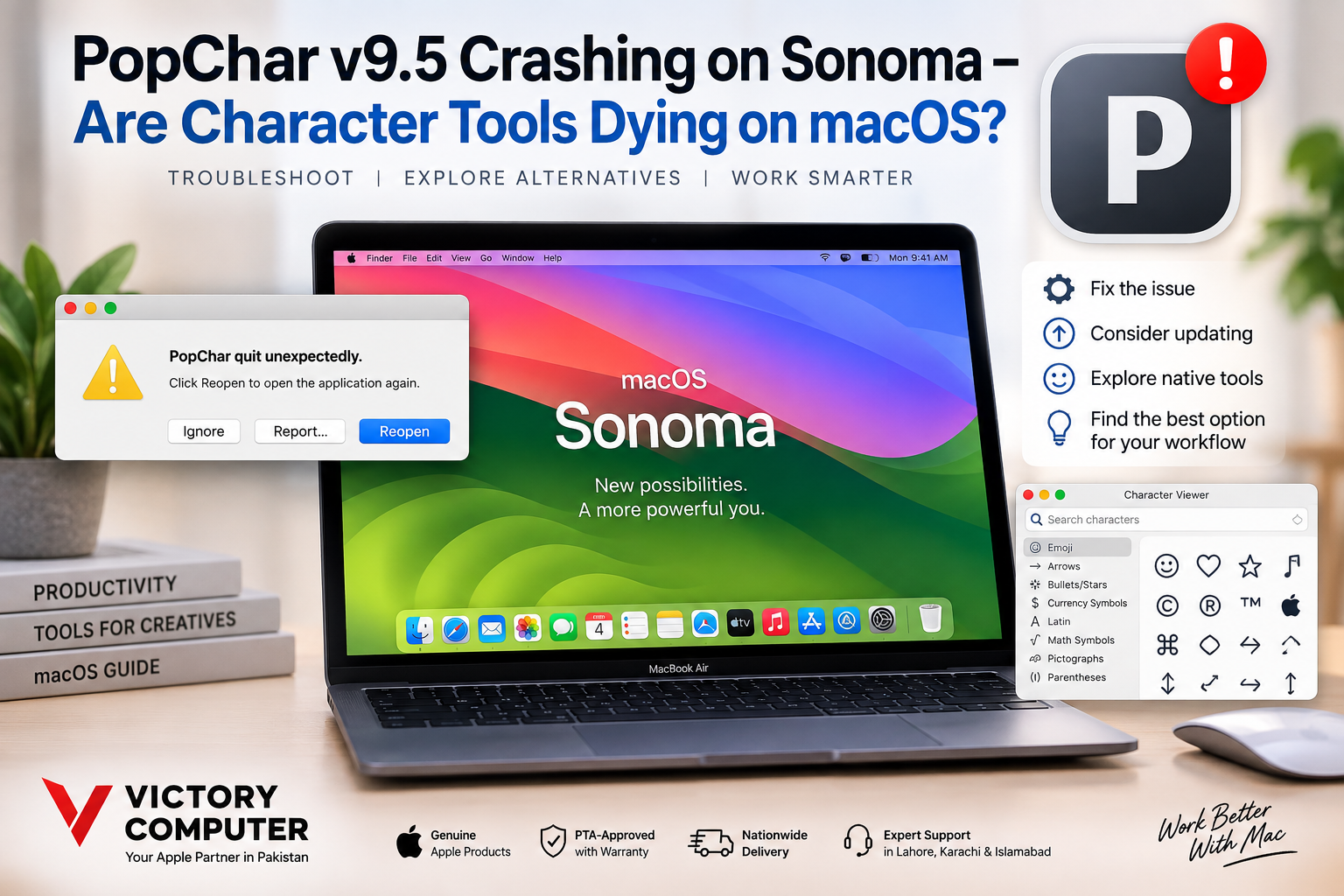
PopChar v9.5 Crashing on Sonoma
PopChar v9.5 crashing on Sonoma was a legitimate concern during the early macOS Sonoma beta period, but the story is more nuanced than saying PopChar simply stopped working. PopChar 9.5 was designed around the Ventura era, while the later PopChar 10.0 release specifically introduced optimization for macOS Sonoma. For current users, updating is the better first step.
Was PopChar 9.5 Actually Broken on Sonoma?
Early macOS Sonoma developer-beta compatibility reports listed PopChar 9.5 among applications experiencing problems. Later community updates reported that PopChar 9.5 was working again by Sonoma Beta 3, so the problem should not be described as a permanent incompatibility.
The release timeline provides better context. Ergonis released PopChar 9.5 in May 2023 and described that version as providing full macOS Ventura compatibility. PopChar 10.0 arrived in March 2024 with specific optimization for macOS Sonoma, alongside stability and performance improvements.
That means someone still running version 9.5 on Sonoma should consider the application’s age and update path before spending significant time troubleshooting the older build.
Why PopChar 10 Matters for Sonoma Users
PopChar 10 was more than a cosmetic update. Ergonis redesigned the interface, added Unicode 15 compatibility, introduced new insertion modes and explicitly optimized the application for macOS Sonoma.
PopChar has continued receiving macOS compatibility updates since then. This is important because it shows that dedicated character utilities are not necessarily dying; instead, they have to keep adapting as macOS changes.
For someone experiencing PopChar v9.5 crashing on Sonoma, moving to a supported current version is therefore more sensible than assuming the entire category of character utilities has become obsolete.
5 Things to Try If PopChar Is Not Working on macOS
If PopChar crashes, refuses to appear, or does not insert characters correctly, start with the least disruptive fixes.
- Update PopChar: Ergonis recommends installing the latest available version when PopChar is not responding correctly.
- Restart the Mac: A restart can clear temporary application or macOS processes affecting the utility.
- Check Accessibility permissions: PopChar requires the appropriate macOS Accessibility permission for normal operation.
- Test the latest macOS update: Compatibility can change between macOS point releases, particularly when an issue originates in the operating system.
- Use Character Viewer temporarily: Apple’s built-in tool can handle many common Unicode, emoji and symbol-insertion tasks while troubleshooting PopChar.
If version 9.5 remains unreliable, repeatedly reinstalling the same old build is unlikely to be the best long-term solution. Check the current PopChar version history and compatibility information first.
PopChar Pros and Cons on Modern macOS
Pros
- Powerful character browsing: PopChar is designed specifically for exploring large character sets and fonts.
- Fast character insertion: Frequent symbol and Unicode users can access characters without memorizing codes or keyboard combinations.
- Font-focused features: Dedicated font and character information gives PopChar capabilities beyond a basic emoji picker.
- Apple Silicon support: PopChar has offered native Apple Silicon support since version 9.4.
- Continued development: Ergonis has continued releasing compatibility and stability updates for newer macOS versions.
Cons
- Older versions can become problematic: A version built for an earlier macOS generation may need updating after major system changes.
- Paid software: Users who only occasionally insert symbols may not need a dedicated commercial utility.
- macOS already includes alternatives: Character Viewer handles emoji, symbols, accented letters and characters from many languages.
- Extra permissions may be required: PopChar depends on macOS Accessibility permissions for correct operation.
Why We Recommend It
PopChar still makes sense for designers, publishers, developers and users who work with large character sets or fonts every day. For occasional emoji, accented letters and standard symbols, Apple’s built-in Character Viewer is likely sufficient and requires no additional utility.
Are Character Tools Dying on macOS?
No. Dedicated character tools are becoming more specialized rather than disappearing. Apple’s built-in tools now cover many tasks that once required third-party software, reducing the need for a separate utility among casual users.
Apple’s Character Viewer can browse and insert emoji, symbols, accented letters and characters from other languages. Users can search for characters and maintain favorites. The Keyboard Viewer can also show the characters and accents available through a particular keyboard layout.
PopChar remains different because its purpose is deeper character and font exploration. A graphic designer examining fonts has different requirements from someone who simply wants to insert a copyright symbol or emoji.
PopChar vs macOS Character Viewer
| Option | Best For | Main Advantage | Main Trade-off |
|---|---|---|---|
| PopChar | Designers, publishers, developers and heavy Unicode users | Advanced character and font exploration | Separate software that must remain compatible and updated |
| Character Viewer | Everyday Mac users | Built into macOS and easy to access | Less specialized than a dedicated character utility |
| Keyboard Viewer | Keyboard shortcuts and accented characters | Shows available characters for the current keyboard layout | Not designed as a full character-management utility |
Which Character Tool Should You Use?
Use Apple’s Character Viewer if your needs are simple. For emoji, currency symbols, accented letters and occasional special characters, macOS already provides a capable solution.
Use a current version of PopChar if characters and fonts are part of your daily workflow. The additional browsing, font information and character-focused workflow can still justify dedicated software.
If you are specifically dealing with PopChar v9.5 crashing on Sonoma, updating PopChar should be considered before abandoning the application. Ergonis currently advises users experiencing problems to install the latest version and check macOS Accessibility permissions.
Mac Productivity and Buying Advice in Pakistan
Software compatibility should also be considered when buying an older Mac. The processor generation, supported macOS versions and applications required for your workflow can matter more than simply choosing the cheapest machine.
Pakistan buyers considering pre-owned hardware can read our used MacBook Pro buying guide. More computer and software advice is available in our Victory Computer guides and technology articles.
For currently available computer options, visit the Victory Computer shop or the Victory Computer homepage. Buyers can also contact Victory Computer on WhatsApp at 0300 9466881 for current product information.
Frequently Asked Questions
Why is PopChar v9.5 crashing on macOS Sonoma?
PopChar 9.5 predates Sonoma and was released with Ventura compatibility improvements. Early Sonoma beta users reported problems, while PopChar 10.0 later added specific Sonoma optimization.
Does PopChar 9.5 work on Sonoma?
Compatibility was inconsistent during early Sonoma betas, and community reports later indicated that version 9.5 worked again by Beta 3. For a modern installation, using a current supported PopChar release is preferable.
Should I upgrade from PopChar 9.5?
If version 9.5 is unstable on your Mac, upgrading is the first option to consider because later PopChar releases include macOS compatibility and stability improvements.
What is the best built-in alternative to PopChar?
Apple’s Character Viewer is the most direct built-in alternative for finding and inserting emoji, symbols, accented letters and other Unicode characters.
Is PopChar still useful?
Yes, particularly for people who frequently explore fonts and large character sets. Occasional users may find Apple’s built-in tools sufficient.
Are character tools dying on macOS?
No. Native macOS features have reduced the need for simple third-party character pickers, but specialized tools such as PopChar still provide functions aimed at professional and frequent users.

About Victory Computer Editorial Team
Victory Computer Editorial Team The Victory Computer Editorial Team publishes informative, research-based content about laptops, computers, monitors, printers, hardware, and technology trends in Pakistan. Our goal is to help readers understand product specifications, compare available options, and make informed purchasing decisions.
View all posts by Victory Computer Editorial Team
One thought on “PopChar v9.5 Crashing on Sonoma – Are Character Tools Dying on macOS?”