
Gaming Laptop vs Gaming Desktop Which One Should You Buy?

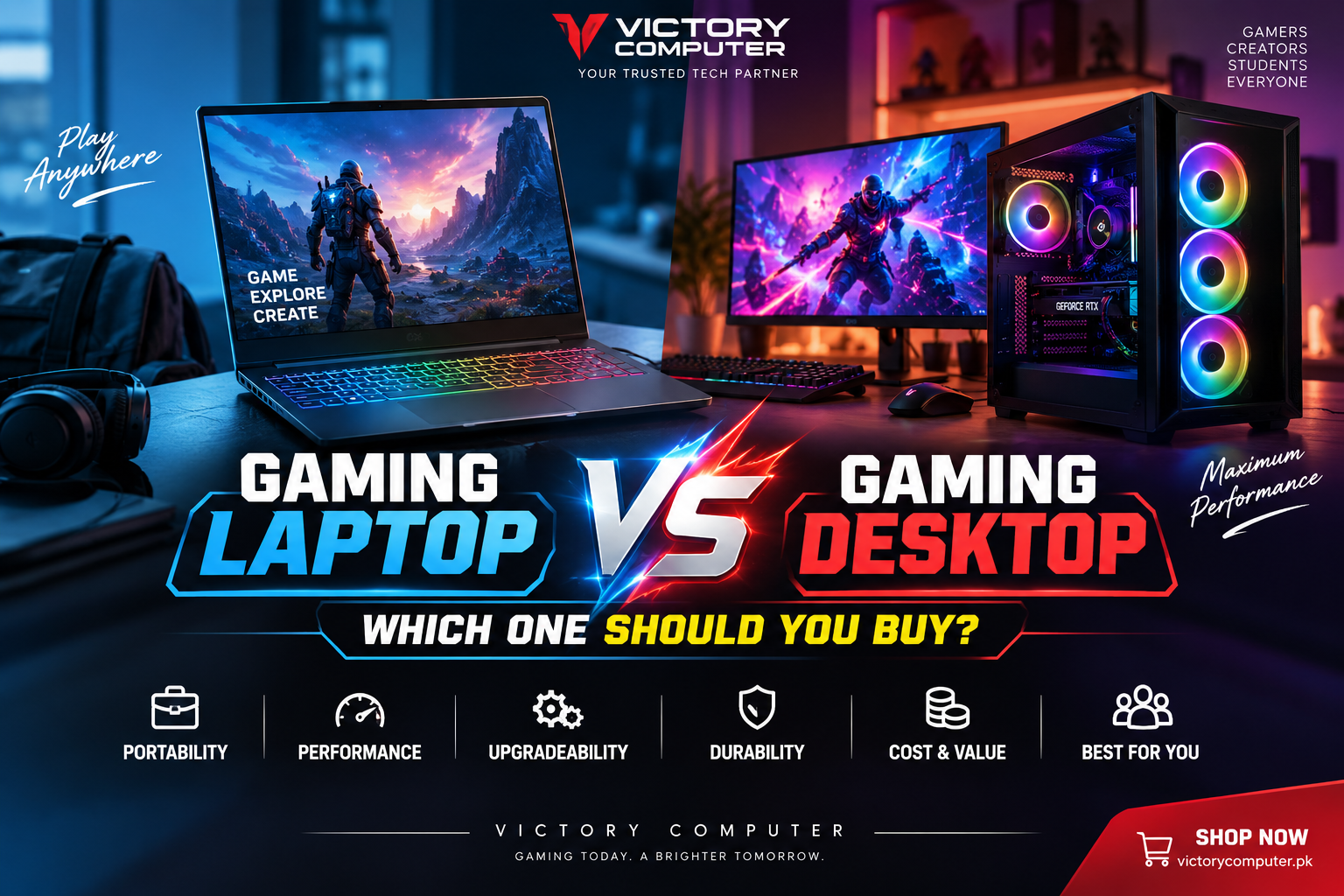
Gaming Laptop vs Gaming Desktop
Gaming Laptop vs Gaming Desktop comes down mainly to portability versus performance flexibility. Buy a gaming laptop if you need one computer that can travel between home, university and work. Choose a gaming desktop if maximum sustained performance, cooling, easier upgrades and long-term hardware flexibility matter more than mobility.
Gaming Laptop vs Gaming Desktop: Quick Comparison
A gaming laptop is the better choice for mobility and an all-in-one setup, while a gaming desktop is usually better for component flexibility, cooling and future upgrades. Neither option is automatically right for every gamer.
| Feature | Gaming Laptop | Gaming Desktop |
|---|---|---|
| Portability | Excellent; designed to travel | Poor; normally stays at one desk |
| Gaming Performance | Strong, but dependent on laptop power and thermal design | Greater flexibility for high-power components and cooling |
| Cooling | Limited by compact chassis | More room for larger cooling systems |
| Upgradeability | Usually limited | Major components can generally be replaced individually |
| Space Required | Low | Higher |
| Built-in Display | Yes | Separate monitor normally required |
| Best For | Students, travelers and gamers needing mobility | Dedicated gaming setups, enthusiasts and upgrade-focused buyers |
Gaming Laptop: Pros and Cons
A gaming laptop combines the display, keyboard, processor, graphics hardware, storage and battery into one portable computer. Modern gaming laptops can provide excellent gaming performance while remaining practical for study, office work and content creation.
That makes a laptop especially useful for Pakistani students or professionals who may need the same computer at university, work and home. Buyers comparing current options can browse gaming laptops in Pakistan before choosing a configuration.
Pros of a Gaming Laptop
- Portable: You can carry the same gaming system between home, university, office or another location.
- All-in-one design: The screen, keyboard, speakers, Wi-Fi and battery are integrated into one device.
- Space efficient: A laptop needs much less permanent desk space than a full desktop setup.
- Useful beyond gaming: The same machine can handle study, office work, editing and other mobile workloads.
- Battery backup: The built-in battery provides temporary operation during power interruptions, although demanding gaming is normally best while connected to appropriate AC power.
Cons of a Gaming Laptop
- Limited upgrades: CPU and GPU upgrades are generally not practical, while RAM and storage upgrade options depend on the individual model.
- Thermal constraints: A thin chassis has less physical space for fans, heat pipes and airflow.
- Performance varies by design: Two laptops carrying similar GPU branding can behave differently because power limits, cooling and system configuration affect actual performance.
- Repairs can be more complex: Many important components are integrated into the motherboard or chassis.
Why We Recommend a Gaming Laptop
Choose a gaming laptop if portability genuinely matters. It is particularly practical for students, freelancers and professionals who cannot justify owning a separate gaming desktop and portable computer. If the machine will remain on the same desk almost permanently, however, a desktop deserves serious consideration.
Gaming Desktop: Pros and Cons
A gaming desktop is better suited to buyers who prioritize a dedicated gaming setup, component choice and future upgrades. A larger case provides more room for cooling hardware and replaceable components.
Desktop buyers can also choose their monitor, keyboard and other peripherals independently. Victory Computer’s desktop PC range in Pakistan is a useful starting point for comparing available systems.
Pros of a Gaming Desktop
- More hardware flexibility: Desktop cases can accommodate a wider range of CPUs, graphics cards, cooling systems and power supplies.
- Better upgradeability: The GPU, storage, RAM and many other components can usually be replaced separately when the platform supports the upgrade.
- More cooling capacity: Larger cases can support bigger heatsinks, additional fans and liquid-cooling solutions.
- Easier repairs: Modular components can often be diagnosed and replaced independently.
- Custom setup: Buyers can select a monitor and peripherals based on resolution, refresh rate, gaming style and budget.
Cons of a Gaming Desktop
- Not portable: A desktop tower, monitor and peripherals are inconvenient to move regularly.
- Needs more space: A complete setup requires a dedicated desk or gaming area.
- Peripheral costs matter: A monitor, keyboard and other accessories may need to be purchased separately.
- No built-in battery: A standard desktop requires continuous external power unless supported by a suitable UPS or backup system.
Why We Recommend a Gaming Desktop
Choose a desktop if the system will stay in one location and you care about upgrades, cooling and hardware flexibility. A desktop is especially attractive for enthusiasts who expect to replace individual components over several years rather than replace the entire computer.
Which Is Better for Gaming Performance and Cooling?
Gaming desktops have an important physical advantage: more room for power delivery and cooling. Intel distinguishes desktop and mobile processors as products intended for different form factors, while NVIDIA specifically designs its laptop technologies around balancing performance, power, thermals and efficiency. Intel’s desktop and mobile processor guidance explains the form-factor distinction, while NVIDIA’s GeForce RTX laptop platform emphasizes power efficiency through Max-Q technologies.
This does not mean every desktop automatically beats every laptop. Performance depends on the exact CPU, GPU, GPU power configuration, memory, cooling system and game. NVIDIA also notes that laptop performance can vary by system design and power configuration.
For that reason, do not compare two computers using the GPU name alone. Look at the complete configuration and independent model-specific testing when performance is critical. Laptop shoppers considering different graphics tiers may also find our RTX 4060 vs RTX 4070 laptop comparison useful.
Heat management matters particularly in compact gaming notebooks. Proper ventilation, sensible performance modes and routine maintenance can help; see our guide on how to prevent overheating in gaming laptops.
Gaming Laptop vs Gaming Desktop: Which Is Easier to Upgrade?
A gaming desktop is the clear choice if upgradeability is a priority. Desktop PCs use modular hardware, allowing compatible components to be replaced without necessarily replacing the entire computer.
A desktop owner may be able to upgrade the graphics card, RAM, SSD, power supply, cooling system and—in compatible circumstances—the processor. Major CPU upgrades can still require a new motherboard or other components, so desktop upgrades are not universally drop-in.
Gaming laptops are more restricted. Storage and memory may be upgradeable on some models, while other systems use soldered memory or have limited internal expansion. The CPU and GPU are generally not user-replaceable.
If you expect to keep upgrading the same gaming system over several hardware generations, the desktop format offers substantially more flexibility.
Which Offers Better Value for Money?
Value depends on what you need to buy with the computer. A desktop gives buyers greater freedom to allocate their budget toward the tower’s performance components, but a complete desktop setup may also require a monitor, keyboard, mouse and possibly power-backup equipment.
A gaming laptop includes its own screen, keyboard, trackpad, speakers and battery. That integrated hardware has value for anyone who needs a portable computer anyway.
Therefore, compare the complete setup cost rather than CPU and GPU names alone. If you already own good desktop peripherals, a desktop can be especially attractive. If you need both a portable computer and gaming system, buying one capable gaming laptop may be more practical than maintaining two separate machines.
Desktop users selecting a new display can compare gaming monitors in Pakistan based on their preferred resolution and refresh rate.
Gaming Laptop vs Gaming Desktop: Which Should You Buy?
Choose according to where and how you actually use the computer. Portability should be the deciding factor for many buyers because no desktop performance advantage can replace mobility if you regularly need the computer outside your home.
| Your Priority | Better Choice | Reason |
|---|---|---|
| University + gaming | Gaming Laptop | One portable system for classes, assignments and gaming |
| Frequent travel | Gaming Laptop | Far easier to transport |
| Small room or limited desk space | Gaming Laptop | Compact all-in-one design |
| Dedicated gaming room | Gaming Desktop | Mobility provides little benefit |
| Future hardware upgrades | Gaming Desktop | Much greater component flexibility |
| Custom monitor and peripherals | Gaming Desktop | Greater freedom to build the complete setup |
| Easy component replacement | Gaming Desktop | More modular construction |
For a student who carries the computer every day, a gaming laptop is usually the more practical choice. For a gamer who plays exclusively at home and wants to upgrade components later, a desktop usually makes more sense.
Where to Buy Gaming Laptops and Desktop PCs in Pakistan
Before buying, compare the complete configuration rather than choosing only by the CPU or GPU family name. Check the processor, exact GPU configuration, RAM, SSD capacity, display or monitor, cooling design, upgrade options, warranty terms and total setup cost.
You can explore available computers through Victory Computer in Lahore, Pakistan. For current product availability, configuration and pricing, confirm the listing or contact Victory Computer on WhatsApp at 0300 9466881 before ordering.
Frequently Asked Questions
Is a gaming desktop better than a gaming laptop?
A gaming desktop is generally better for component flexibility, cooling and upgrades. A gaming laptop is better when portability and an integrated display and battery are important.
Can a gaming laptop replace a gaming desktop?
Yes, for many users. A capable gaming laptop can serve as the main gaming and work computer, but it does not provide the same component upgrade flexibility as a desktop.
Which lasts longer, a gaming laptop or gaming desktop?
There is no guaranteed lifespan for either format. Desktops have an advantage in repairability and component replacement, which can make it easier to extend the useful life of the system.
Is a gaming laptop good for university students?
Yes, especially for students who need one computer for classes, assignments and gaming. Weight, battery life and charger size should also be considered if the laptop will be carried daily.
Should I buy a gaming laptop or desktop for 4K gaming?
A desktop is generally the more flexible platform for demanding high-resolution gaming because it can accommodate a broader range of high-power graphics cards and cooling solutions. The exact result still depends on the hardware configuration.
Can I upgrade a gaming laptop GPU?
In most mainstream gaming laptops, the GPU is not designed as a user-replaceable component. Check the exact model before purchase if RAM and storage upgradeability are important.
Final Recommendation
The Gaming Laptop vs Gaming Desktop decision has no universal winner. Choose a gaming laptop if portability, limited space and having one computer for gaming, study and work are priorities. Choose a gaming desktop if the computer will remain at home and you prioritize cooling, modular repairs, component choice and future upgrades.
Buy for your real usage rather than assuming the more powerful-looking specification is automatically the better computer. The system that fits your location, games, budget and upgrade plans will provide the better overall experience.

About Victory Computer Editorial Team
Victory Computer Editorial Team The Victory Computer Editorial Team publishes informative, research-based content about laptops, computers, monitors, printers, hardware, and technology trends in Pakistan. Our goal is to help readers understand product specifications, compare available options, and make informed purchasing decisions.
View all posts by Victory Computer Editorial Team
4 thoughts on “Gaming Laptop vs Gaming Desktop Which One Should You Buy?”