
How To Choose the Best SSD for Gaming in Pakistan 2026

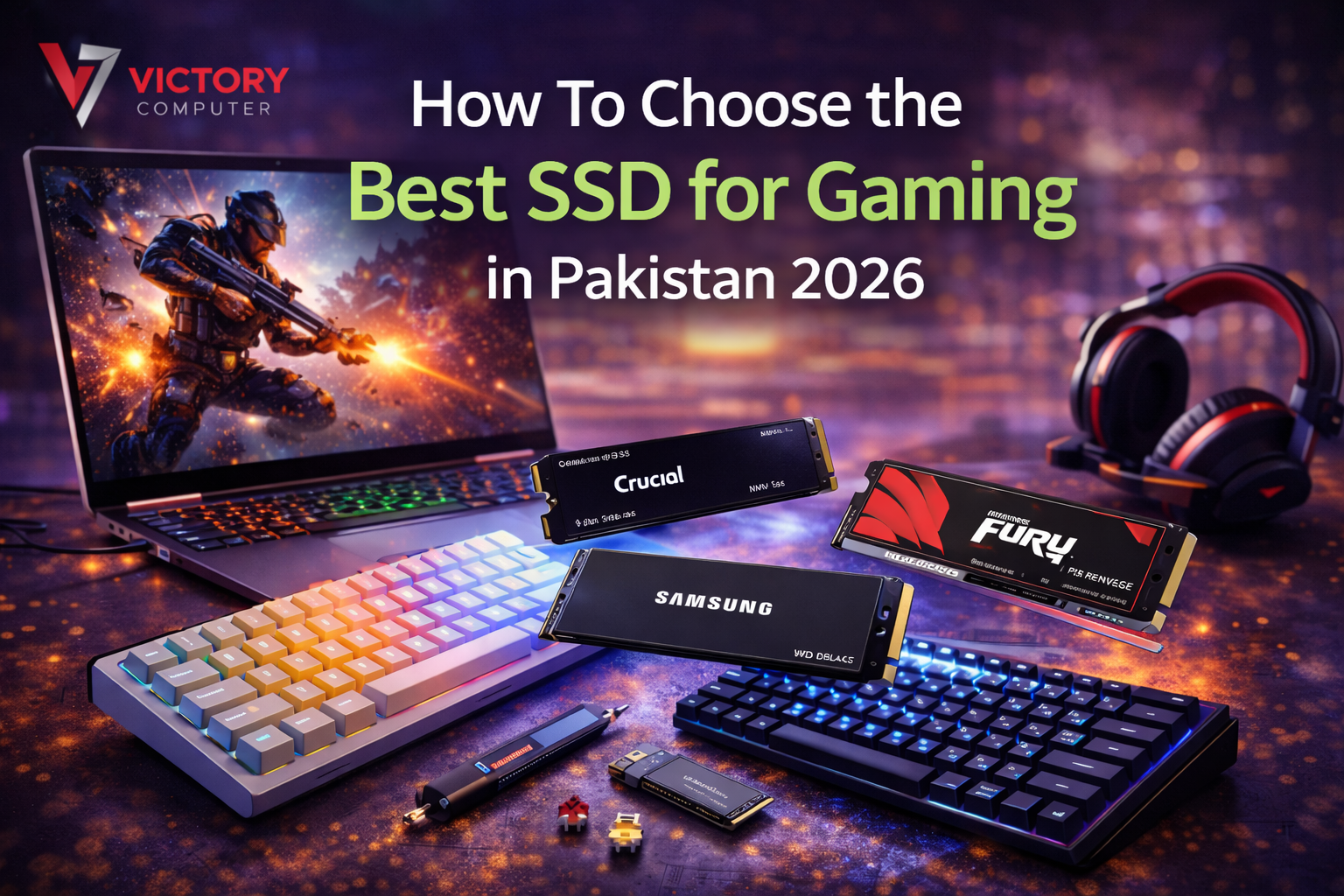
If you want faster game load times, smoother performance, and quicker file transfers, upgrading to an SSD (Solid‑State Drive) is one of the best upgrades you can make to a gaming PC or gaming laptop. SSDs are significantly faster than traditional HDDs, especially in read/write speeds, meaning games start and load worlds much quicker.
But not all SSDs are created equal, and choosing the right one for gaming in Pakistan can be confusing with so many options. Below is a complete guide to help you make the best gaming SSD choice in 2026.
1. SSD Types: NVMe vs SATA: What’s Best for Gaming?
NVMe SSD (M.2)
- Uses PCIe lanes and is much faster than SATA SSDs
- Great for AAA gaming, large libraries, and quick load times
- Ideal if your motherboard/laptop supports M.2 slots
- NVMe SSDs have read speeds up to ~3,500 MB/s (PCIe Gen3) and up to ~7,000 MB/s with PCIe Gen4, much faster than SATA.
SATA SSD
- Slightly slower (~500–600 MB/s) as compared to NVMe
- Older laptops and desktops use this format
- Still huge improvement over HDDs, and often cheape
- Best choice if your system doesn’t support NVMe or you want budget storage.
Recommendation: Go with NVMe SSD if your motherboard supports it, the performance boost in gaming is noticeable.
2. Storage Capacity: How Much SSD Do You Need for Gaming?
Choosing the right capacity is crucial because game sizes have ballooned lately.
Capacity Guide
- 256 GB: Only a few games + OS (not recommended today)
- 500 GB: 5–8 games + Windows OS (good budget choice)
- 1 TB: Best sweet spot for most gamers
- 2 TB+: For massive game collections
Most SSD guides suggest 500 GB or 1 TB since lower capacities are too small for modern titles.
3. Interface & Speed, Important Terms You Should Know
When choosing an SSD for gaming, here’s what matters:
Sequential Read/Write Speed:
Faster read/writes mean quicker game loading and installation.
Random Read/Write & IOPS:
Especially important for real‑world gaming performance, games constantly access random files.
Controller & NAND Type:
Look for TLC NAND over QLC, and preferably an SSD with DRAM cache for consistent performance.
4. Choose PCIe Gen4 SSDs if Possible
Here’s why they matter:
- PCIe 3.0 – Great speed for gaming at affordable prices
- PCIe 4.0 – Better future‑proof choice with higher read/write speeds
- PCIe 5.0 – Ultra‑fast, but expensive and needs supported motherboard
Most gamers in Pakistan will find PCIe Gen3 & Gen4 NVMe SSDs to be the best balance of speed and price.
5. Heatsink: Do You Need One for Gaming?
Some SSDs include a heatsink, useful especially in desktops or high‑performance builds because:
- Reduces thermal throttling
- Keeps performance stable under heat
Heatsinks are most beneficial for PCIe 4.0+ drives or drives installed in tight spaces without good airflow.
6. Best SSD Brands & Options Pakistan Gamers Should Consider
Here are some widely available SSDs in Pakistan that are great for gaming (prices vary by shop and stock):
Reliable SSDs for Gaming
- Samsung 870 EVO – Excellent SATA SSD for everyday gaming/storage
- WD Green SN350 (NVMe) – Affordable NVMe option for fast boot and load
- ADATA Legend 710 NVMe – Decent budget NVMe for games
- Kingston NV2 PCIe 4.0 NVMe – Strong value SSD with good read/write
- Lexar & Transcend NVMe models – Solid mid‑range SSD options
These are widely available SSDs in Pakistan that offer excellent capacity and speed for gaming without overspending.
7. SSD Tips for Gamers in Pakistan
Don’t Buy Too Small
256 GB SSDs are no longer ideal, game installs have outgrown them.
Check Your System Compatibility
Confirm if your motherboard/laptop supports M.2 NVMe or only SATA before buying.
Balance Speed & Storage
A fast Gen4 SSD is great, but if it’s too small, you might run out of space. Aim for 1 TB NVMe if possible.
Secondary HDD Still Useful
You can install games you play often on SSD for speed and keep old games on an HDD for storage, best of both worlds.
Best Gaming SSD is a Balance of Speed & Space
To choose the best SSD for gaming in Pakistan 2026, focus on:
- NVMe SSD (PCIe Gen3/Gen4)
- 500 GB – 1 TB capacity (1 TB ideal)
- TLC NAND / DRAM cache if possible
- SSD with good real‑world read/write & IOPS
This will give you faster game loading, quicker system boot times, and overall smoother gameplay over traditional hard drives. Buy today from Victory Computer PK.






3 thoughts on “How To Choose the Best SSD for Gaming in Pakistan 2026”