
AI-Assisted Remote Collaboration and Communication in macOS | Expert Review

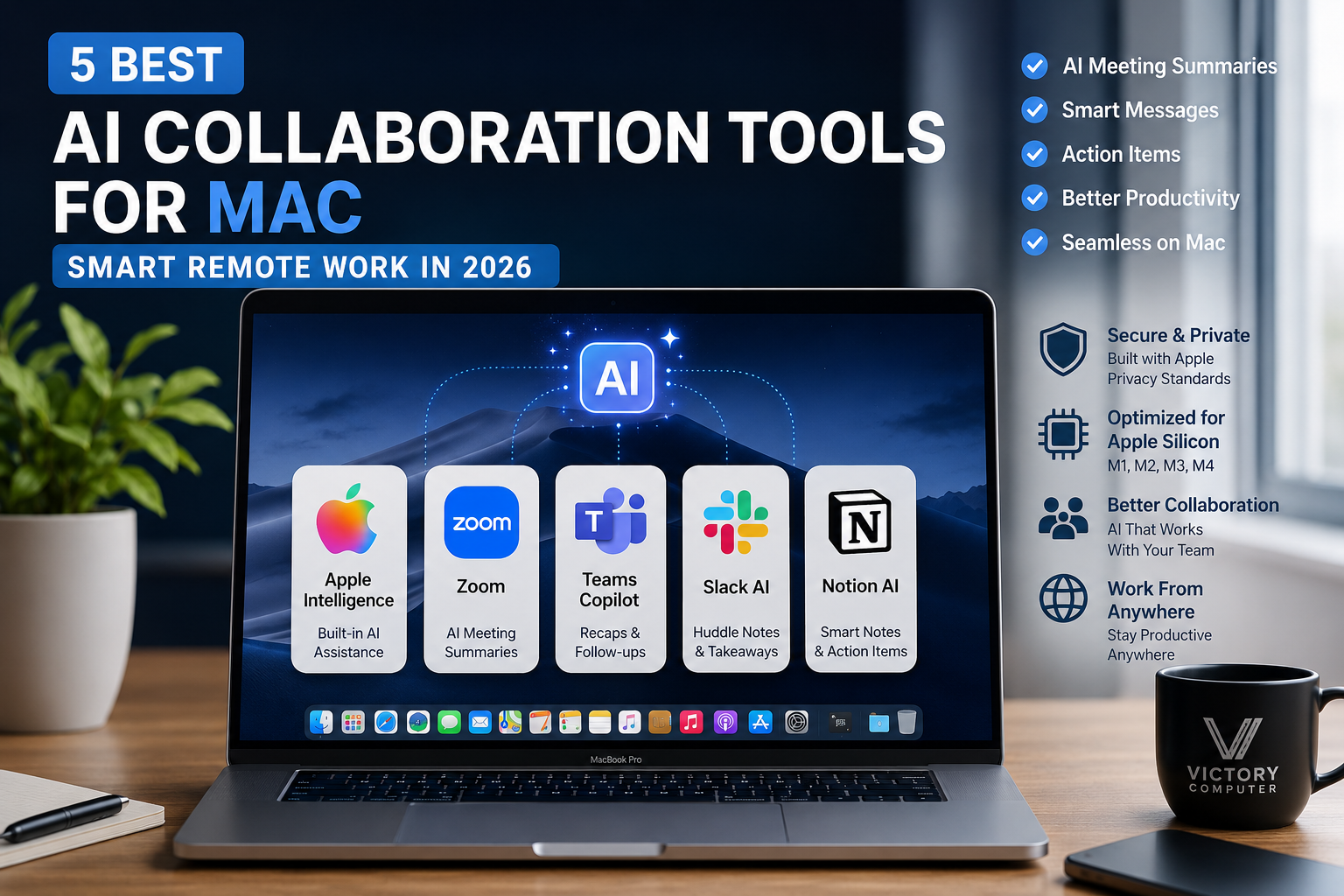
5 Best AI Collaboration Tools for Mac in 2026
AI collaboration tools for Mac can reduce manual note-taking, summarize meetings, organize action items, improve team messages, and help remote workers catch up faster. In 2026, the strongest options for macOS users include Apple Intelligence, Zoom’s built-in AI features, Microsoft Teams with Copilot, Slack AI, and Notion AI Meeting Notes. The best choice depends on where your team already works.
What Changed for AI Collaboration on Mac in 2026?
AI collaboration tools for Mac have moved well beyond basic video calls and chat. Modern apps can create meeting summaries, identify action items, rewrite messages, organize project notes, and help users review missed discussions. Apple has also expanded Apple Intelligence across macOS, while major collaboration platforms continue to add AI directly into their desktop workflows.
The practical advantage of AI collaboration tools for Mac is time: instead of manually switching between a call, notes app, task list, and email, teams can use AI to turn conversations into structured follow-up work. However, many advanced features depend on paid plans, administrator settings, transcription permissions, supported languages, or compatible Mac hardware.
5 Best AI Collaboration Tools for Mac in 2026
1. Apple Intelligence — Best for Built-In macOS Assistance
Apple Intelligence is the most integrated option for users who want AI assistance directly inside macOS. Apple’s Writing Tools can proofread, rewrite, and summarize text in supported apps, while notification summaries can reduce the time spent scanning long message threads. This makes Apple Intelligence useful for email, documents, internal communication, and day-to-day remote work without requiring a separate collaboration platform.
Apple Intelligence is not available on every Mac, language, or region, so buyers should check current Apple compatibility before choosing a Mac specifically for these features. For a broader look at how AI assistants fit into the Mac ecosystem, see our AI-powered virtual assistants on Mac guide.
2. Zoom — Best for AI Meeting Summaries
Zoom’s current Workplace AI features can generate AI meeting summaries and support post-meeting review. Zoom also supports AI-assisted summaries for eligible third-party meetings, including Google Meet and Microsoft Teams, through supported Zoom Workplace plans and desktop-app versions. For remote teams that already live in Zoom, this can reduce manual note-taking after client calls, classes, interviews, and internal meetings.
The main trade-off is plan and admin dependency. Features can vary by subscription, account policy, region, and meeting settings. Teams should verify consent and recording rules before enabling automated transcription or summaries.
3. Microsoft Teams with Copilot — Best for Microsoft 365 Teams
Microsoft Teams combines meeting recap tools with Copilot to summarize discussions, surface key points, generate follow-up tasks, and help users catch up after a meeting. Microsoft also offers AI-powered recap features that can use meeting transcripts and related meeting content, making Teams particularly useful for organizations already using Microsoft 365, Outlook, OneDrive, and SharePoint.
Copilot and some Intelligent Recap features require eligible licensing. Teams is therefore most compelling when a business already uses the Microsoft ecosystem rather than when someone only needs occasional video meetings.
4. Slack AI — Best for Fast Team Communication
Slack AI is useful for teams whose collaboration happens mainly in channels, direct messages, and huddles. AI huddle notes can capture key takeaways and action items, then place them into a Slack canvas for the team to review. This is especially helpful when remote teams need a searchable written record of short stand-ups, brainstorming sessions, and quick decisions.
If your team also uses AI for idea development, our guide to AI-assisted brainstorming tools on Mac provides a useful next step.
5. Notion AI Meeting Notes — Best for Turning Meetings into Project Knowledge
Notion AI Meeting Notes can transcribe meetings, identify key points and action items, and store the resulting notes inside the same workspace where teams manage projects and documentation. On Mac, Notion’s desktop app can capture system audio with the required permissions, which makes it practical for virtual calls when the feature and plan are available.
Notion is strongest when the meeting summary needs to become part of a project database, knowledge base, or team workflow. It is less necessary for users who only want a simple video-call recap and do not already organize work in Notion.
AI Collaboration Tools for Mac: Quick Comparison
| Tool | Best For | Main AI Benefit | Main Trade-Off |
|---|---|---|---|
| Apple Intelligence | Built-in Mac productivity | Writing and notification assistance | Hardware, language and region limits |
| Zoom | Video meetings | Meeting summaries and post-meeting review | Plan and admin requirements |
| Microsoft Teams + Copilot | Microsoft 365 organizations | Recaps, summaries and follow-up tasks | Eligible licenses may be required |
| Slack AI | Chat-first remote teams | Huddle notes, takeaways and action items | Most valuable inside Slack-centric teams |
| Notion AI Meeting Notes | Project and knowledge workflows | Transcription, summaries and organized notes | Feature access depends on plan and permissions |
Which AI Collaboration Tool Should You Choose on macOS?
When comparing AI collaboration tools for Mac, choose the platform that matches your existing workflow. If your team already uses Microsoft 365, Teams with Copilot is usually the logical fit. Zoom is better for meeting-heavy workflows. Slack AI is better for channel-based communication. Notion AI is stronger when meeting outcomes need to become structured project knowledge. Apple Intelligence complements all of them by adding system-level writing and notification assistance on compatible Macs.
Pros
- Reduces manual meeting notes and repetitive follow-up work.
- Helps remote workers catch up on missed conversations.
- Can convert discussions into summaries, tasks, or organized notes.
- Works with common Mac-based productivity workflows.
Cons
- Many advanced features require paid subscriptions or add-ons.
- AI summaries can be inaccurate and should be reviewed.
- Transcription and recording may require participant consent.
- Some Apple Intelligence features depend on compatible hardware, language, and region.
Why We Recommend This Approach
There is no single winner for every remote team. The most efficient setup is usually one primary collaboration platform plus the built-in Mac tools that reduce writing and notification overhead. Avoid paying for overlapping AI features unless your workflow genuinely needs them.
Do You Need a Powerful MacBook for AI Remote Work?
Most cloud-based AI collaboration tools for Mac do not require a top-tier MacBook because the heavy AI processing is often handled by the service provider. A modern Mac with enough memory for video calls, browser tabs, office apps, and multitasking is generally more important than buying the highest-end chip solely for collaboration.
Apple Intelligence is different because compatibility depends on supported Apple hardware and software. If you are comparing Mac and Windows options for professional work, see our MacBook vs Windows laptop guide for professionals. Developers can also review our AI-assisted coding environments on Mac.
Privacy, Security and Meeting Consent Matter
AI collaboration tools for Mac can process transcripts, chat messages, recordings, files, or workspace content depending on the product and settings. Businesses should review administrator controls, data-retention options, sharing permissions, and local consent requirements before enabling automated meeting transcription.
For Mac users who want a broader security perspective, our AI and Mac security guide explains how AI-related security tools fit into the platform. Always verify generated summaries before using them for contracts, financial decisions, HR matters, or other high-stakes work.
Buying a Mac for Remote Work in Pakistan
For buyers in Pakistan, AI collaboration tools for Mac should not be the only reason to choose a specific MacBook. Choose a Mac based on workload, memory needs, display size, ports, battery-life priorities, and software compatibility rather than AI marketing alone. MacBooks do not generally require PTA approval because standard MacBook models are not cellular phones. Before purchasing, confirm the exact model, warranty terms, keyboard layout, charger, and local after-sales policy.
You can browse current computer options from Victory Computer or view the Victory Computer shop. Current stock, prices, and warranty terms should always be checked on the relevant product listing or with the store before ordering.
Frequently Asked Questions
What are the best AI collaboration tools for Mac?
Useful options include Apple Intelligence, Zoom’s AI meeting features, Microsoft Teams with Copilot, Slack AI, and Notion AI Meeting Notes. The best choice depends on your team’s existing communication and project-management platform.
Can AI summarize Zoom or Teams meetings on a Mac?
Yes. Zoom and Microsoft Teams offer AI-assisted meeting summaries or recap features on supported plans and configurations. Availability can depend on licensing, admin settings, transcription, and region.
Does Notion AI Meeting Notes work on Mac?
Yes. Notion documents support for AI Meeting Notes on compatible Mac systems and its desktop app, subject to plan, app-version, and permission requirements.
Do I need Apple Intelligence to use AI collaboration apps?
No. Zoom, Teams, Slack, and Notion provide their own cloud-based AI capabilities. Apple Intelligence is an additional macOS layer rather than a requirement for those services.
Are AI meeting summaries always accurate?
No. AI-generated summaries can miss context or produce errors, so important decisions and action items should be checked against the original discussion or transcript.
Do MacBooks need PTA approval in Pakistan?
Standard MacBooks generally do not require PTA approval because they are not cellular mobile phones. Buyers should instead verify model authenticity, warranty terms, and local seller support.
Final Recommendation
AI collaboration tools for Mac are most useful when they reduce work inside a platform your team already uses. Start with Zoom, Teams, Slack, or Notion based on your collaboration style, then use Apple Intelligence on compatible Macs for system-level writing and notification support. For Pakistan-based buyers, choose the MacBook configuration around real workload and software needs rather than paying extra only for AI branding.
Lorem ipsum dolor sit amet, consectetur adipiscing elit. Ut elit tellus, luctus nec ullamcorper mattis, pulvinar dapibus leo.

About Victory Computer Editorial Team
Victory Computer Editorial Team The Victory Computer Editorial Team publishes informative, research-based content about laptops, computers, monitors, printers, hardware, and technology trends in Pakistan. Our goal is to help readers understand product specifications, compare available options, and make informed purchasing decisions.
View all posts by Victory Computer Editorial Team