
Asus vs MSI Gaming Laptops – Who Wins in Performance?

Asus vs MSI Gaming Laptops
Asus vs MSI Gaming Laptops does not have one universal performance winner. In 2026, ASUS ROG and MSI Raider/Vector both offer high-end configurations with powerful CPUs and GeForce RTX laptop GPUs. The faster choice depends on the exact GPU, its power limit, CPU, cooling design, memory configuration and display resolution—not the brand name alone.
Asus vs MSI Gaming Laptops: Quick Comparison
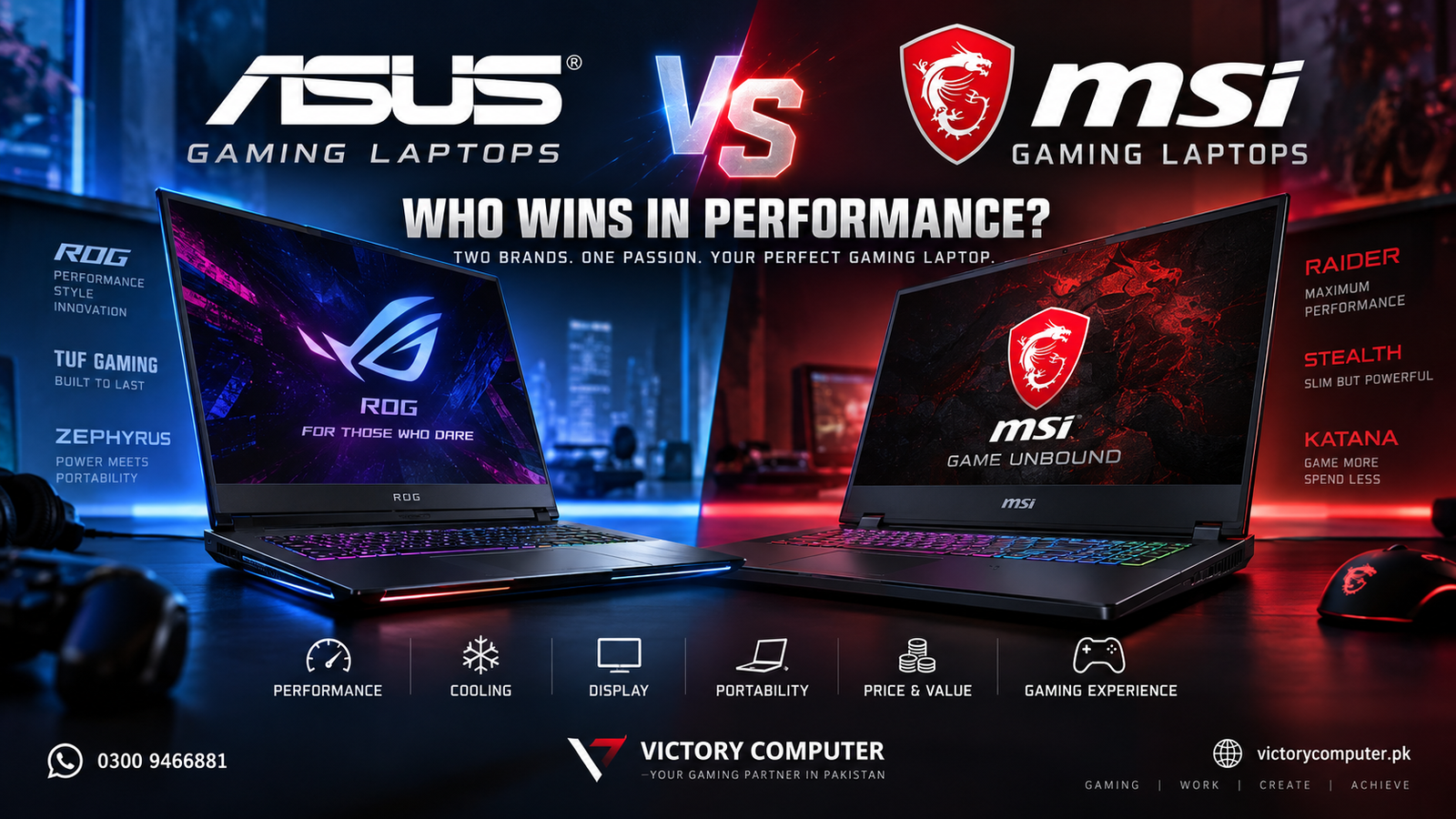
ASUS and MSI cover several gaming tiers, so the fairest comparison is between similarly priced models with the same GPU class. ASUS uses ROG Strix/SCAR for maximum-performance machines, Zephyrus for premium thin-and-light gaming, and TUF Gaming for more value-focused systems. MSI uses Raider and Vector for high-performance gaming, Stealth for slimmer premium systems, and Katana/Cyborg for more accessible gaming configurations.
| Area | ASUS Gaming Laptops | MSI Gaming Laptops |
|---|---|---|
| High-end performance | ROG Strix and SCAR target maximum gaming performance | Raider and Vector target high sustained gaming performance |
| Portable gaming | ROG Zephyrus emphasizes thinner premium designs | Stealth emphasizes performance in a slimmer chassis |
| Value gaming | TUF Gaming covers mainstream and performance-focused options | Katana and Cyborg cover more affordable gaming tiers |
| Cooling approach | Varies from compact Zephyrus designs to large vapor-chamber ROG systems | Cooler Boost designs vary by series, with larger Raider/Vector models allowing more thermal headroom |
| Best buying method | Compare the exact CPU, GPU, GPU power, RAM, cooling and screen before deciding | |
A fair Asus vs MSI Gaming Laptops comparison therefore starts with equivalent hardware tiers, not the badge on the lid.
Who Wins in Gaming Performance?
For Asus vs MSI Gaming Laptops, performance should be judged model by model. Current flagship ASUS ROG Strix SCAR machines can be configured with an NVIDIA GeForce RTX 5090 Laptop GPU at up to 175W, while MSI Raider models also reach RTX 5090-class graphics and are built around high-power CPU/GPU operation. That makes a simple “MSI is always faster” or “ASUS is always faster” claim inaccurate.
The GPU name alone is also not enough. NVIDIA lists different power ranges for GeForce RTX laptop GPUs, so two laptops carrying the same GeForce RTX model can perform differently. A larger chassis with stronger cooling and a higher GPU power target can sustain higher clocks than a thin model using the same GPU family.
For buyers comparing mid-range systems, the same rule applies. An RTX 5060 laptop with a stronger cooling system and higher permitted graphics power may outperform another RTX 5060 model in long gaming sessions. Before buying, compare the exact GPU specification rather than relying only on “RTX 5060” or “RTX 5070” in the product name. You can also read our RTX 4060 vs RTX 4070 laptop comparison to understand why GPU tier and power matter.
Cooling and Sustained Performance
Cooling is one of the biggest factors in Asus vs MSI Gaming Laptops. ASUS uses different thermal designs across ROG and TUF models. The larger ROG Strix SCAR systems can use vapor chambers and multi-fan cooling, while thin Zephyrus models trade some thermal headroom for lower weight and a slimmer chassis.
MSI follows a similar pattern. Raider and Vector models are designed around high sustained performance and use aggressive Cooler Boost thermal systems, while Stealth models prioritize a thinner form factor. Katana and Cyborg models are positioned lower in the range, so buyers should check the exact GPU power and cooling configuration rather than assuming every MSI laptop has the same thermal capability.
For Asus vs MSI Gaming Laptops, sustained performance becomes more important than a short benchmark burst. Long gaming sessions make these differences more important. If you play demanding AAA titles for hours, prioritize a larger chassis, strong ventilation and a performance mode that can sustain CPU and GPU power without excessive throttling. Keep the rear and side vents unobstructed and use the manufacturer performance profile appropriate for gaming.
Display, Build Quality and Portability
ASUS has a strong range for buyers who want gaming performance without a traditional bulky gaming-laptop design. The ROG Zephyrus line focuses on thin premium chassis designs and high-refresh OLED displays, while ROG Strix and SCAR models prioritize performance and larger cooling systems. For a closer look at the portable premium side of ASUS gaming, see our ASUS ROG Zephyrus G16 guide.
MSI also offers very different designs within one brand. Raider is aimed at large-screen, high-performance gaming; Vector emphasizes performance for gaming and demanding technical workloads; Stealth focuses on a slimmer premium chassis; and Katana/Cyborg target more price-sensitive buyers. Our MSI Cyborg 15 review is useful if you are comparing entry-level and mainstream MSI options.
In Asus vs MSI Gaming Laptops, display quality should be checked independently from performance. High refresh rates help competitive gaming, while OLED or Mini LED panels can provide stronger contrast and image quality for games and creative work. A 240Hz screen is useful only when the laptop can generate high frame rates in the games you play, so do not pay for refresh rate alone.
Asus vs MSI Gaming Laptops: Pros and Cons
ASUS Gaming Laptops – Pros
- Wide choice across ROG Strix, SCAR, Zephyrus and TUF Gaming.
- Strong options for both maximum-performance and portable premium gaming.
- ROG models can combine high-power GPUs with advanced display options.
- TUF Gaming provides a practical route into dedicated gaming hardware.
ASUS Gaming Laptops – Cons
- Performance varies significantly between thin Zephyrus models and larger Strix/SCAR systems.
- Premium ROG configurations can become expensive.
- Compact high-performance models may run louder under heavy gaming loads.
MSI Gaming Laptops – Pros
- Raider and Vector lines are strongly focused on sustained gaming and creator performance.
- Broad choice from premium Raider/Stealth to Katana and Cyborg models.
- Several performance models provide user-accessible RAM and storage expansion.
- Cooler Boost systems are designed for demanding gaming workloads.
MSI Gaming Laptops – Cons
- Build quality, GPU power and display quality can vary considerably across MSI series.
- Higher-performance Raider and Vector systems can be large and heavy.
- Budget-oriented models may use lower-power GPU configurations than their GPU name suggests.
Why We Recommend Comparing the Exact Model
The safest way to choose between Asus vs MSI Gaming Laptops is to compare two specific configurations rather than two brand names. Match the GPU tier first, then check GPU power, CPU, RAM configuration, cooling, display resolution, storage expansion, battery size and total weight. This gives you a much more accurate picture of real gaming performance and value.
If you are still deciding between multiple brands, our gaming laptop buying guide for Pakistan compares the factors that matter before purchase.
Which Brand Should You Buy in Pakistan?
When comparing Asus vs MSI Gaming Laptops in Pakistan, choose an ASUS gaming laptop if you prefer the design and display options of ROG, want a portable premium model such as Zephyrus, or find a TUF configuration that delivers the CPU/GPU combination you need at the right price.
Choose an MSI gaming laptop if a Raider or Vector configuration gives you stronger sustained performance for your budget, you prefer MSI’s gaming-focused chassis design, or a Katana/Cyborg model offers the specifications you need at a lower entry point.
For most buyers, the real winner in Asus vs MSI Gaming Laptops is the specific laptop with the better combination of GPU power, cooling, screen and price. Browse gaming laptops in Pakistan at Victory Computer and compare exact configurations before ordering. Current price and availability should always be confirmed at the time of purchase.
What Should You Check Before Buying?
For Asus vs MSI Gaming Laptops, these checks are more useful than comparing brand reputation alone.
- GPU model and power limit: The same GPU can perform differently in different laptops.
- CPU: Compare the exact processor, not just Core i7, Core Ultra 9 or Ryzen 9 branding.
- RAM: Check capacity, memory type, channel configuration and upgradeability.
- Cooling: Larger cooling systems usually have more room to sustain high power.
- Display: Match resolution, refresh rate, panel quality and brightness to your use.
- Weight and battery: High-performance 18-inch systems and slim 16-inch laptops serve different buyers.
- Warranty and local support: Confirm the warranty terms for the exact unit before purchase.
Frequently Asked Questions
Is ASUS or MSI better for gaming performance?
Neither brand is automatically faster. Compare the exact GPU, GPU power, CPU and cooling system. High-end ASUS ROG Strix/SCAR and MSI Raider/Vector models can both deliver flagship-level gaming performance.
Is ASUS TUF better than MSI Katana?
It depends on the exact configuration. Compare the GPU power, CPU, display, RAM and cooling of the two specific models because TUF and Katana include multiple hardware combinations.
Is ROG Zephyrus better than MSI Stealth?
Both target premium portable gaming. Zephyrus and Stealth should be compared by exact weight, GPU power, display, cooling and price rather than by series name alone.
Which brand is better for long gaming sessions?
Larger ASUS ROG Strix/SCAR and MSI Raider/Vector models generally provide more thermal headroom than thin gaming laptops. The better choice depends on the cooling design and power profile of the exact model.
Which gaming laptop is better for Pakistani buyers?
Choose the model that offers the right performance, warranty, price and local availability for your budget. Avoid choosing only by brand; compare the complete configuration before purchase.

About Victory Computer Editorial Team
Victory Computer Editorial Team The Victory Computer Editorial Team publishes informative, research-based content about laptops, computers, monitors, printers, hardware, and technology trends in Pakistan. Our goal is to help readers understand product specifications, compare available options, and make informed purchasing decisions.
View all posts by Victory Computer Editorial Team
4 thoughts on “Asus vs MSI Gaming Laptops – Who Wins in Performance?”