
MSI Gaming Laptop | Expert Review

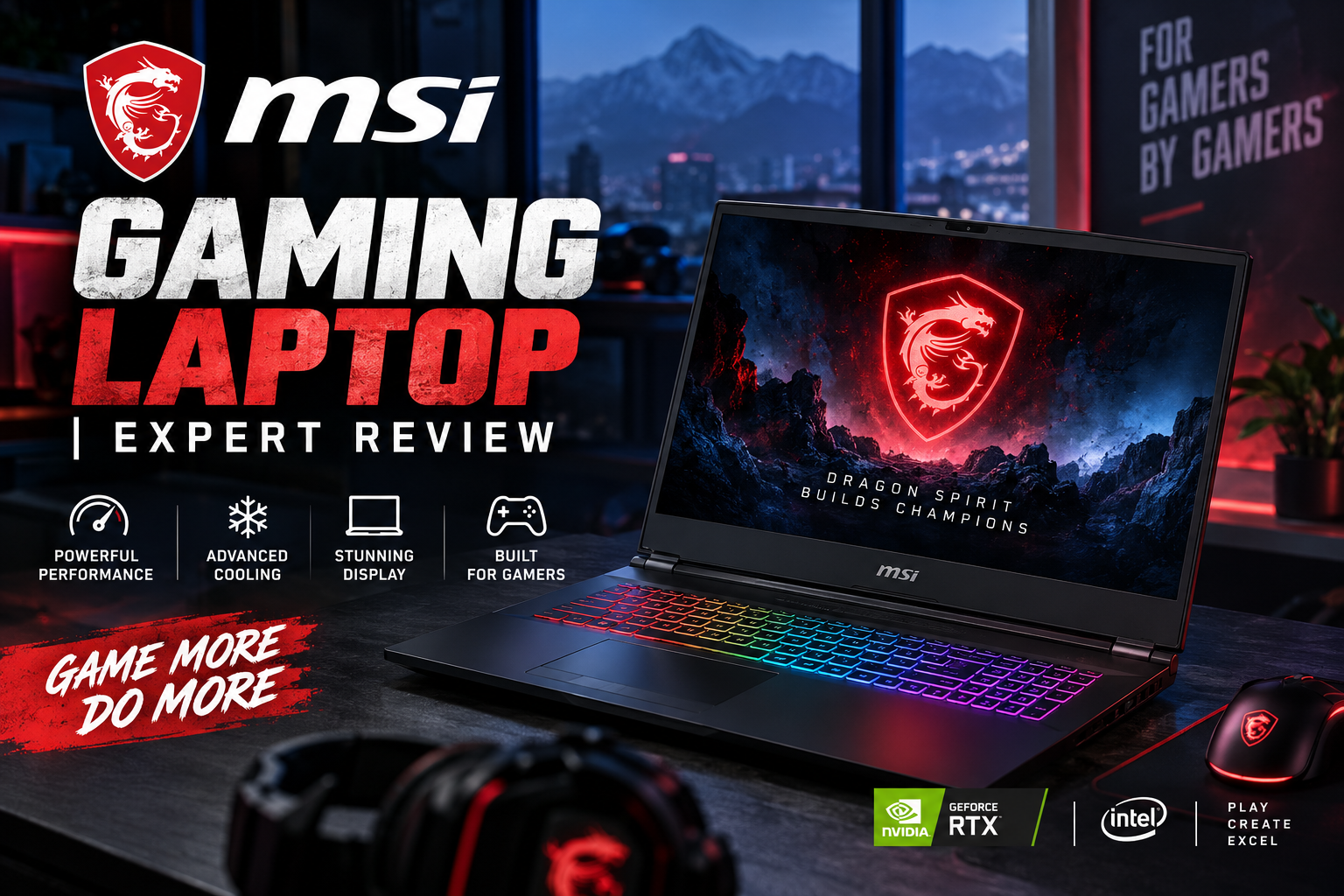
MSI Gaming Laptop
MSI gaming laptops remain a strong choice for gamers who want dedicated NVIDIA graphics, high-refresh-rate displays, upgrade-friendly configurations and performance-focused cooling. MSI currently covers a wide range of gaming categories, from more affordable Cyborg and Katana machines to Vector, Raider and flagship Titan models.
For buyers in Pakistan, however, choosing the right MSI laptop is about more than selecting the fastest GPU. Cooling design, GPU power limits, display quality, RAM and SSD upgradeability, portability and local pricing can make two apparently similar laptops perform very differently.
This MSI Gaming Laptop expert review explains the major MSI gaming series, their advantages and disadvantages, and which type of buyer should consider each one.
Are MSI Gaming Laptops Good?
Yes, MSI gaming laptops can be very good gaming machines, but the exact model matters more than the MSI name alone. MSI sells laptops across several performance and price categories, so a Cyborg, Katana, Vector, Raider and Titan should not be judged as if they were equivalent products.
At the higher end, MSI focuses heavily on cooling capacity, powerful processors, high-performance NVIDIA GPUs and premium display options. More affordable models reduce cost through simpler chassis designs, displays, cooling systems or lower GPU power configurations.
This broad selection is one of MSI’s biggest advantages: buyers can choose according to workload and budget rather than being restricted to one type of gaming machine.
MSI Gaming Laptop Series Explained
| MSI Series | Best For | Main Advantage | Main Trade-Off |
|---|---|---|---|
| Cyborg | Entry-level and mainstream gaming | Lower entry cost and distinctive design | Performance and display specifications vary considerably |
| Katana | Value-focused gamers | Gaming-focused hardware without flagship pricing | Build and display quality may be simpler than premium models |
| Crosshair | Mainstream performance gaming | Stronger performance and cooling options | Less portable than thin gaming machines |
| Vector | High-performance gaming and creative work | Strong CPU/GPU configurations | Performance-oriented designs can be heavier |
| Stealth | Gamers and creators needing portability | Thinner premium design | Usually carries a premium price |
| Raider | Enthusiasts and high-FPS gaming | High performance and advanced cooling | Higher cost, weight and power consumption |
| Titan | Desktop-replacement buyers | Flagship hardware and extensive features | Very expensive and considerably less portable |
MSI Gaming Laptop Performance in 2026
MSI’s current gaming portfolio includes configurations using NVIDIA GeForce RTX 50 Series Laptop GPUs. Depending on the exact model, buyers can find GPUs ranging from mainstream RTX options through high-end RTX 5080 and RTX 5090 configurations.
The RTX 50 Series is based on NVIDIA’s Blackwell architecture and supports technologies including DLSS, ray tracing, NVIDIA Reflex and AI-assisted graphics features. These capabilities can improve gaming performance and visual quality in supported titles, but the GPU model alone does not determine laptop performance.
GPU power is especially important. Two laptops carrying the same GeForce RTX GPU can perform differently because manufacturers can configure laptop GPUs within different power envelopes. Cooling capacity, CPU selection, memory configuration and system power management also affect sustained performance.
Pakistani buyers comparing MSI with ASUS, Lenovo, Acer or HP should therefore compare the exact model and configuration, rather than buying solely because one product has a higher RTX number.
Cooling and Sustained Gaming Performance
Thermal design is particularly important in gaming laptops because the CPU and GPU can remain under heavy load for extended periods. MSI uses different versions of its Cooler Boost thermal systems across its gaming families.
The cooling system becomes increasingly sophisticated as you move into higher-performance models. For example, MSI’s newer Raider designs emphasize greater cooling capacity to support substantially higher combined CPU and GPU power.
That does not mean every MSI gaming laptop will run at the same temperature or noise level. Chassis thickness, room temperature, fan mode, GPU power, CPU workload and blocked air intakes can all change thermal behaviour.
For long gaming sessions, rendering or video editing, a higher-tier Vector or Raider configuration can therefore make more sense than choosing a thinner machine solely because the internal GPU name appears identical.
Display Quality: Look Beyond Refresh Rate
MSI gaming laptops are available with a wide variety of displays, including FHD, QHD/QHD+ and premium OLED options depending on the series and configuration.
A 144Hz or 165Hz FHD panel can be sufficient for competitive gaming and budget-conscious buyers. Higher-resolution QHD+ panels provide additional detail for AAA games and creative applications, while OLED configurations can offer excellent contrast and image quality.
Refresh rate should not be the only specification you check. Resolution, brightness, colour coverage, response characteristics and panel technology can be equally important.
For esports, prioritize refresh rate and GPU performance. For video editing, design and content creation, colour quality and resolution deserve more attention.
MSI Gaming Laptop Pros and Cons
Pros
- Wide product range: MSI offers gaming laptops across entry, mainstream, enthusiast and desktop-replacement categories.
- Strong gaming hardware: Current models are available with powerful Intel or AMD processors and NVIDIA GeForce RTX graphics.
- Performance-focused cooling: Higher-end MSI models are designed around sustained CPU and GPU workloads.
- Good upgrade potential on many models: Several MSI gaming laptops provide replaceable or expandable memory and SSD storage, although buyers should verify the exact SKU.
- Display choice: Buyers can find everything from mainstream high-refresh panels to premium high-resolution and OLED configurations.
Cons
- Quality varies by series: An affordable MSI model should not be expected to have the chassis, cooling or display quality of a Raider or Titan.
- Battery life is not the main strength of performance models: Powerful CPUs, dedicated GPUs and high-refresh displays consume considerably more energy under load.
- High-performance models can be heavy: Large cooling systems and high-wattage hardware reduce portability.
- Specifications vary between SKUs: The same MSI family can include different displays, GPUs, power limits, memory configurations and storage options.
Why We Recommend MSI Gaming Laptops
MSI is worth considering if gaming performance, dedicated graphics and hardware choice are higher priorities than maximum battery life or ultraportable dimensions. Buyers should still compare individual models carefully because MSI’s range covers very different price and performance levels.
If portability and battery endurance are the priority, a thinner productivity laptop may make more sense. For sustained gaming, 3D work, rendering and GPU-intensive creative applications, MSI’s gaming-focused designs become much more attractive.
Which MSI Gaming Laptop Series Should You Buy?
Choose Cyborg or Katana if your priority is getting into PC gaming at a more accessible price and you are willing to accept some compromises in chassis, display or maximum performance.
Choose Crosshair if you want to move beyond entry-level gaming and value stronger cooling and higher-performance configurations.
Choose Vector if performance per rupee is more important than having the thinnest or most luxurious chassis. Vector models can be particularly attractive for gamers, video editors, engineers and 3D creators.
Choose Stealth if you need gaming capability in a more portable design and are prepared to pay more for that balance.
Choose Raider if high gaming performance, stronger cooling and premium displays matter more than portability.
Choose Titan if you specifically need a desktop-replacement gaming laptop and budget, size and weight are secondary concerns.
MSI Gaming Laptop Price in Pakistan
The MSI gaming laptop price in Pakistan can vary significantly because the MSI lineup spans multiple GPU generations, processors, display types and performance tiers. Currency movements, import costs, warranty type and individual configurations can also affect local pricing.
For that reason, there is no single meaningful price that represents all MSI gaming laptops. A Cyborg or Katana should be compared with similarly equipped mainstream gaming laptops, while a Vector, Raider or Titan belongs in a much higher performance category.
Buyers looking for currently available options can explore gaming laptops in Pakistan at Victory Computer and compare the exact processor, GPU, display, RAM and storage configuration before purchasing.
MSI vs ASUS Gaming Laptops
MSI and ASUS both offer products ranging from mainstream gaming machines to premium enthusiast laptops, so there is no universal winner.
MSI’s Vector and Raider families are particularly focused on high-performance hardware, while ASUS offers strong alternatives through its TUF and ROG families. The better choice depends on the exact GPU power, display, thermals, upgrade options, warranty and current price.
For a deeper brand comparison, read our ASUS vs MSI gaming laptops comparison.
MSI Gaming Laptop vs Gaming PC
A gaming laptop provides portability, an integrated display, keyboard and battery in a single machine. A desktop PC normally provides easier component upgrades, more cooling flexibility and greater freedom to replace the GPU, CPU and other components over time.
An MSI gaming laptop makes more sense for students, gamers and professionals who need to move their computer between home, university, office or different work locations.
If the computer will remain permanently on a desk, compare both options before spending heavily on a premium gaming notebook. Our gaming laptop vs gaming PC guide explains the trade-offs in more detail.
What to Check Before Buying an MSI Gaming Laptop
- Exact GPU and power configuration: Do not compare laptop GPUs by name alone.
- Processor: Match the CPU to gaming, editing, rendering or professional workloads.
- RAM: Check installed memory, channel configuration and upgradeability.
- SSD capacity: Modern games can consume large amounts of storage, so verify whether additional SSD expansion is possible.
- Display: Check resolution, refresh rate, brightness and colour quality.
- Cooling: Higher-power components require sufficient thermal capacity.
- Warranty: Confirm the warranty applicable to the exact unit being purchased.
- Price: Compare the complete configuration rather than comparing model names alone.
If you are still deciding between different brands and GPU tiers, our best gaming laptops in Pakistan guide provides a broader comparison.
Frequently Asked Questions
Is MSI a good brand for gaming laptops?
Yes. MSI has an extensive gaming lineup covering mainstream through flagship hardware. The quality and performance depend heavily on the exact series and configuration you choose.
Which MSI gaming laptop series is best?
There is no single best series for everyone. Katana and Cyborg target more value-conscious buyers, Vector emphasizes performance, Raider targets enthusiasts, and Titan sits at the flagship desktop-replacement end of the range.
Do MSI gaming laptops overheat?
Gaming laptops naturally operate at higher temperatures under demanding loads, but overheating should not be generalized across the entire MSI range. Cooling capability differs by model, power configuration and chassis design.
Can MSI gaming laptop RAM and SSD be upgraded?
Many MSI gaming models provide memory and storage upgrade options, but this is model-specific. Always verify the exact SKU before purchasing RAM or an additional SSD.
Is MSI good for video editing as well as gaming?
Yes. MSI models equipped with strong multi-core processors, NVIDIA RTX graphics and suitable displays can handle video editing, 3D rendering and other creator workloads alongside gaming.
Should I buy an MSI gaming laptop in Pakistan?
MSI is worth considering if the exact model offers competitive performance, cooling, display quality and warranty for its price. Compare the complete configuration with competing ASUS, Lenovo, Acer and HP gaming laptops before deciding.
Final Verdict: Is an MSI Gaming Laptop Worth Buying?
An MSI gaming laptop can be an excellent choice, but the series and exact configuration matter more than the logo. MSI’s biggest strength is the breadth of its gaming range: buyers can move from mainstream Cyborg and Katana systems through Vector and Stealth models to high-performance Raider and Titan machines.
The trade-off is that this variety makes careful comparison essential. Check GPU power, cooling, display quality, RAM and SSD upgradeability, weight and warranty rather than relying on the graphics-card name alone.
For Pakistani buyers, the best approach is to shortlist laptops according to your actual games and workloads and then compare current local prices. You can browse gaming laptops available in Pakistan or visit Victory Computer for current product options.

About Victory Computer Editorial Team
Victory Computer Editorial Team The Victory Computer Editorial Team publishes informative, research-based content about laptops, computers, monitors, printers, hardware, and technology trends in Pakistan. Our goal is to help readers understand product specifications, compare available options, and make informed purchasing decisions.
View all posts by Victory Computer Editorial Team
One thought on “MSI Gaming Laptop | Expert Review”