
Top Business PCs in Pakistan for Productivity | Expert review

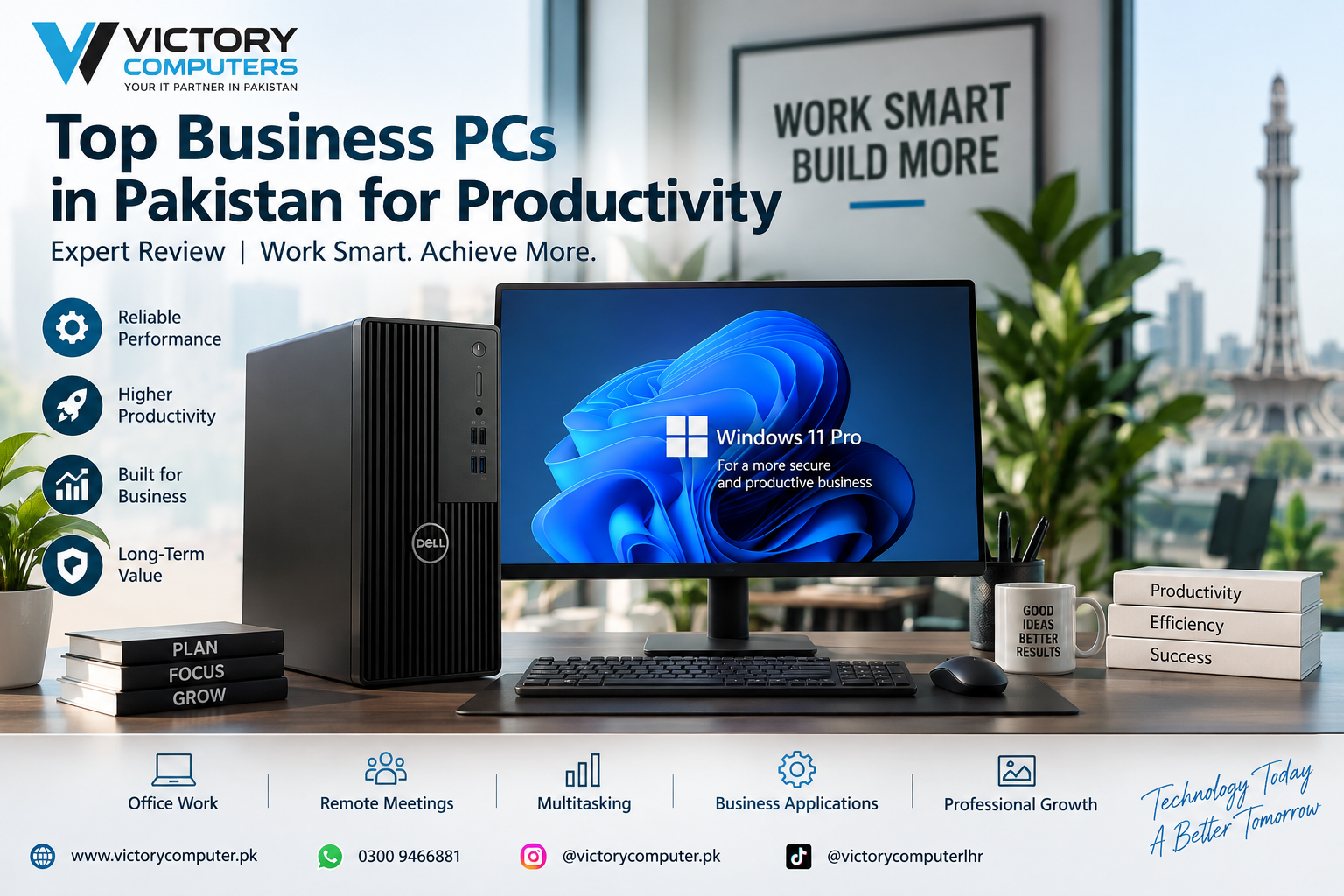
Top Business PCs in Pakistan for Productivity
Choosing the right business PCs in Pakistan is less about buying the fastest computer and more about matching the hardware to the work your team actually performs. For most office users, a modern Core i5-class processor, 16GB RAM and a 512GB SSD provide a strong starting point. More demanding financial, engineering, development and creative workloads may justify 32GB RAM, a higher-performance processor or workstation-class graphics.
This guide explains which business PC configurations make sense for everyday office work, multitasking, management, professional applications and demanding workloads without recommending unnecessary hardware.
What Makes a Good Business PC?
A good business computer should remain responsive during daily work, offer sufficient connectivity, provide reliable storage and support the security and management requirements of the organization. Raw benchmark performance is only one part of the decision.
For a typical office, the following hardware is a practical baseline:
- Processor: A current Core i5-class or equivalent processor for mainstream productivity.
- Memory: 16GB RAM for comfortable multitasking; 32GB for heavier professional workloads.
- Storage: At least a 512GB SSD for fast startup, application loading and file access.
- Graphics: Integrated graphics for normal office applications; dedicated graphics only where the workload requires them.
- Operating system: Windows 11 Pro can be valuable for organizations that need business-oriented security and management capabilities.
- Upgradeability: Accessible RAM and storage expansion can extend the useful life of a desktop.
Business-oriented platforms can also add features beyond processor speed. Intel’s vPro platform, for example, combines compatible hardware with security, manageability and stability features intended for organizational PC fleets.
7 Best Business PC Configurations for Productivity
1. Core i3 / 8GB–16GB RAM / 512GB SSD — Basic Office PC
This configuration is suitable for reception desks, billing counters, basic accounting, browser-based applications, Microsoft Office, email and routine administrative work.
Choosing an SSD is particularly important. For normal office responsiveness, moving away from an HDD-based system often matters more than buying excessive CPU performance that the employee will rarely use.
Best for: Small offices, reception, POS-related administrative work and basic documentation.
2. Core i5 / 16GB RAM / 512GB SSD — Best Choice for Most Offices
For many buyers searching for business PCs in Pakistan, this is the most balanced configuration. A modern Core i5-class processor with 16GB RAM handles spreadsheets, browser tabs, video meetings, accounting software, documents and routine multitasking comfortably.
It also leaves more performance headroom than an entry-level configuration without moving immediately into expensive workstation hardware.
Best for: Managers, accountants, sales teams, corporate offices and general professional users.
3. Core i5 / 16GB–32GB RAM / 1TB SSD — Heavy Multitasking PC
Users who regularly keep large spreadsheets, communication tools, browsers, ERP or CRM software and multiple business applications open simultaneously should prioritize additional memory and storage.
Moving to 32GB RAM can be more useful than buying a dedicated graphics card if the workload is primarily data, browser and office-application based.
Best for: Finance teams, analysts, operations managers and users working with large files.
4. Core i7 / 32GB RAM / 1TB SSD — Professional Productivity PC
A higher-performance Core i7-class desktop makes more sense for sustained CPU-intensive workloads, software development, large datasets, demanding multitasking and professional applications.
Do not choose this tier simply because “Core i7” sounds better. If employees mainly use email, Word, browser applications and standard spreadsheets, a good Core i5 system may provide better value.
Best for: Developers, analysts, advanced Excel users and demanding professional workloads.
5. Compact Business Desktop — Best for Space-Limited Offices
Micro and small-form-factor business PCs are useful where desk space matters. Modern compact systems can provide substantial office performance while occupying far less room than a conventional tower.
The trade-off is expansion. Smaller chassis can offer fewer internal upgrade options, limited room for large graphics cards and more restrictive cooling than full-size towers.
Best for: Corporate desks, call centres, reception areas, educational institutions and space-conscious offices.
6. Business Tower — Best for Upgradeability
A conventional tower remains a strong choice for organizations that want easier maintenance and future upgrades. Depending on the model, tower systems may provide additional memory slots, storage expansion, PCIe connectivity and room for discrete graphics.
This can reduce the need to replace the entire PC when requirements change. Buyers can explore current desktop PCs in Pakistan to compare suitable form factors and configurations.
Best for: Growing companies, technical departments and users who expect their hardware requirements to increase.
7. Professional Workstation — Best for Specialized Workloads
A workstation should be considered when ordinary office PCs no longer match the software or workload. CAD, 3D modelling, engineering applications, large-scale content creation and other specialized tasks may require higher CPU performance, more memory and professional or dedicated graphics.
Before paying the workstation premium, understand the difference between a conventional desktop and professional workstation. Our desktop vs workstation comparison explains why the two categories target different workloads. Buyers considering professional systems can also review Dell Precision workstations.
Best for: Engineers, architects, 3D professionals, advanced creators and specialized technical users.
Business PC Comparison Table
| Configuration | Recommended RAM | Storage | Graphics | Best For |
|---|---|---|---|---|
| Entry Level | 8GB–16GB | 512GB SSD | Integrated | Email, Office, browsing, basic accounting |
| Mainstream Business | 16GB | 512GB SSD | Integrated | Most office professionals |
| Heavy Multitasking | 16GB–32GB | 1TB SSD | Integrated / optional dedicated | Finance, operations, analytics |
| Professional | 32GB | 1TB SSD | Workload dependent | Development and demanding applications |
| Workstation | 32GB+ | 1TB SSD+ | Dedicated / professional GPU | CAD, 3D, engineering and creation |
Pros and Cons of Business PCs
Pros
- Strong productivity: Business desktops can provide excellent sustained performance for multitasking and professional applications.
- Better upgrade options: Many tower systems allow RAM, SSD and other components to be upgraded.
- Good value: Businesses can avoid paying for laptop displays, batteries and portability when computers remain at fixed desks.
- Business management features: Selected commercial systems support technologies designed for centralized management, security and fleet maintenance.
- Flexible form factors: Buyers can choose micro PCs, small-form-factor systems, all-in-ones or full towers according to office requirements.
Cons
- No portability: A desktop is unsuitable for employees who frequently work from multiple locations.
- Extra peripherals: Monitor, keyboard, mouse, webcam and UPS requirements can increase the complete setup cost.
- Small PCs have limited expansion: Micro systems can sacrifice internal upgradeability for their compact size.
- Workstations can become expensive: High-end CPUs and professional graphics are unnecessary for ordinary office workloads.
Why We Recommend Business Desktops
Business desktops are particularly suitable for employees who work primarily from a fixed location and need consistent performance, easier servicing and upgrade options. Teams that travel frequently or work in hybrid environments should compare desktops with business laptops before standardizing their hardware.
Do You Need a Dedicated Graphics Card for Business Work?
Most office users do not need a dedicated graphics card. Integrated graphics are generally sufficient for documents, spreadsheets, accounting applications, browser workloads, video meetings and ordinary multi-monitor office use, subject to the ports and display support of the specific PC.
A dedicated GPU becomes more relevant for CAD, 3D rendering, GPU-accelerated creative applications, certain engineering tools, visualization and other graphics-intensive professional software.
Spending the GPU budget on additional RAM or a larger SSD can therefore be a better decision for a conventional office computer.
Windows 11 Pro and Business Security
Business buyers should evaluate more than CPU and RAM. Microsoft documents hardware-backed security capabilities in Windows 11 Pro including TPM 2.0, Trusted Boot, virtualization-based security, malware protection and encryption-related features.
Organizations managing multiple computers should also consider platform manageability. Compatible Intel vPro systems can provide hardware-based security, platform stability and remote-management capabilities. These features are more relevant to managed fleets than to buyers who simply need one basic office computer.
Desktop PC or Business Laptop?
Choose a desktop when employees work at fixed desks, upgradeability matters and portability provides little business value. Choose a laptop when staff regularly travel, attend meetings, work from home or move between office locations.
For mobile professional users, our business laptop comparison provides another route for evaluating work-focused hardware.
How to Choose Business PCs in Pakistan
Start with the workload rather than the brand name. Make a list of the applications employees actually use and identify whether they are CPU-, memory-, storage- or GPU-intensive.
- Basic office: Start around Core i3-class performance, 8GB–16GB RAM and SSD storage.
- Mainstream office: Prefer a Core i5-class CPU, 16GB RAM and 512GB SSD.
- Heavy multitasking: Consider 32GB RAM and 1TB storage.
- Specialized professional software: Check the software vendor’s requirements before choosing CPU and GPU hardware.
- Growing business: Consider upgradeability, ports, warranty terms and manageability rather than comparing processor names alone.
Current pricing can change according to configuration, generation, warranty, exchange rates and availability, so a fixed price table can become inaccurate quickly. Check the current product listing before purchasing rather than relying on an old estimated range.
Frequently Asked Questions
What is the best business PC configuration for office work?
For many office users, a modern Core i5-class processor, 16GB RAM and 512GB SSD provide a sensible balance for documents, spreadsheets, browser applications, meetings and multitasking.
Is 8GB RAM enough for a business PC?
It can handle light office work, but 16GB is a better target for new systems where employees regularly multitask or keep many browser tabs and applications open.
Is Core i5 enough for business use?
Yes, for many mainstream business workloads. A Core i7-class or higher processor becomes more useful when the applications are genuinely CPU-intensive or the user performs demanding multitasking.
Does an office PC need a dedicated graphics card?
Usually not. Integrated graphics are suitable for typical office applications, while CAD, 3D, advanced video work and other GPU-accelerated software may justify dedicated graphics.
Should I buy a desktop or laptop for employees?
Choose desktops for fixed workstations and easier expansion. Choose laptops for employees who need portability, hybrid work or frequent meetings away from their desks.
Where can I buy business PCs in Pakistan?
You can compare business and desktop PC options through Victory Computer. Confirm the current configuration, price, availability and warranty terms before ordering.
Final Recommendation
For most companies looking for business PCs in Pakistan, a Core i5-class desktop with 16GB RAM and a 512GB SSD is the practical starting point. Move to 32GB RAM and larger storage for heavier multitasking, and choose workstation hardware only when professional software genuinely requires the additional CPU or GPU capability.
The best business PC is therefore not automatically the most expensive model. It is the system that provides enough performance for the employee’s workload, appropriate security and management features, suitable upgradeability and a clear path for future requirements.
For current options, visit Victory Computer or contact us on WhatsApp at 0300 9466881 for configuration and availability information.

About Victory Computer Editorial Team
Victory Computer Editorial Team The Victory Computer Editorial Team publishes informative, research-based content about laptops, computers, monitors, printers, hardware, and technology trends in Pakistan. Our goal is to help readers understand product specifications, compare available options, and make informed purchasing decisions.
View all posts by Victory Computer Editorial Team
One thought on “Top Business PCs in Pakistan for Productivity | Expert review”