
Gaming on M3 and M4 MacBooks: Can Apple Compete with PCs? | Expert Review

Gaming on M3 and M4 MacBooks
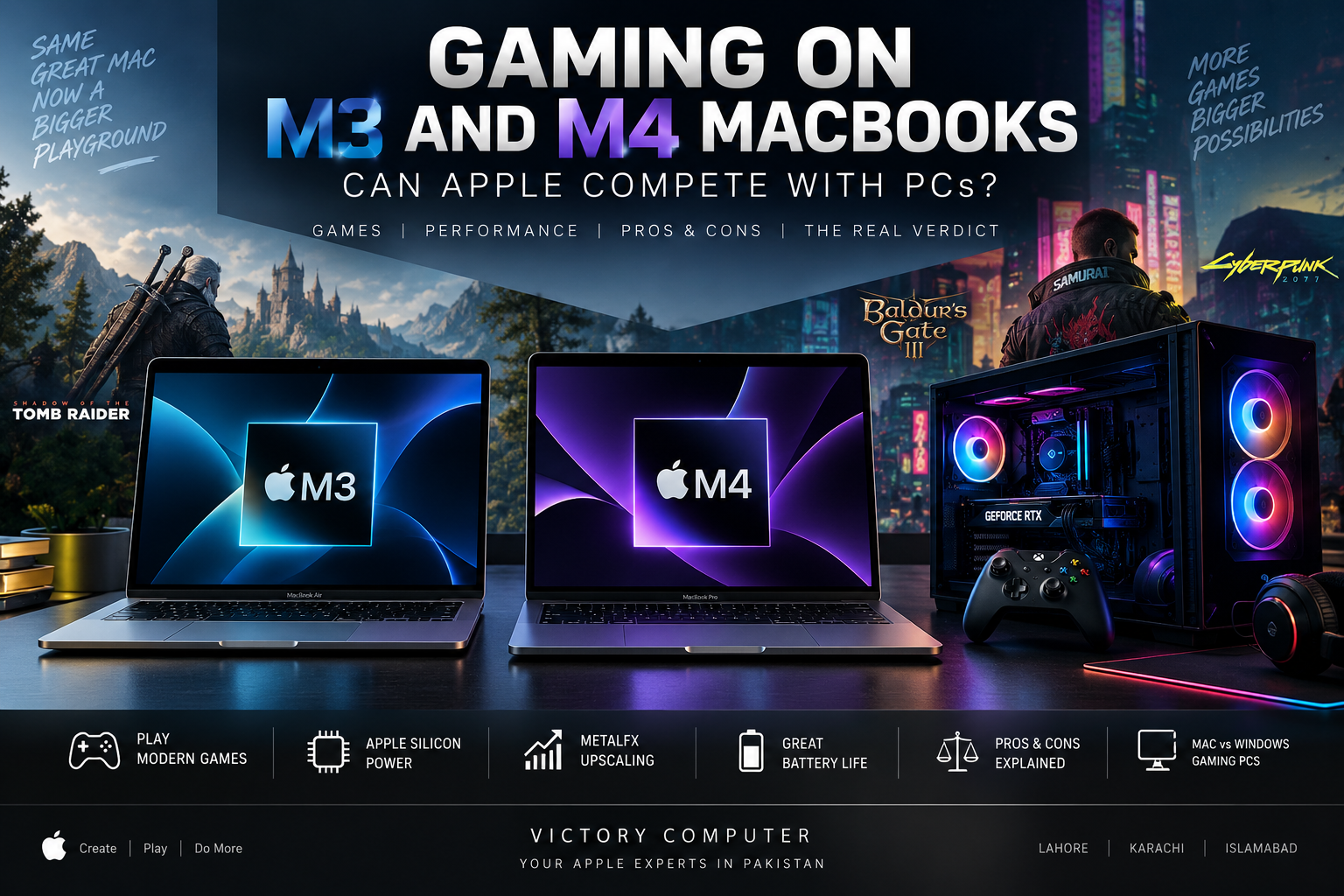
Gaming on M3 and M4 MacBooks is far more practical than gaming on older Intel Macs, but a MacBook still does not replace a Windows gaming PC for every player. Apple Silicon offers capable integrated graphics, hardware-accelerated ray tracing, MetalFX technology and a growing selection of native games. The biggest limitation is no longer simply hardware—it is the size and compatibility of the macOS game library.
For casual gaming, indie titles and a growing number of demanding AAA releases, modern MacBooks can provide a surprisingly capable experience. For competitive gaming, maximum frame rates, broad game compatibility and GPU upgrade options, Windows remains the stronger platform.
Gaming on M3 and M4 MacBooks: What Has Changed?
The M3 generation was an important step for Mac gaming because Apple introduced hardware-accelerated ray tracing and Dynamic Caching to its Mac-class GPUs. M4 continues that graphics architecture while increasing overall chip performance and memory bandwidth in relevant configurations.
For example, Apple’s standard M3 provides up to a 10-core GPU and 100GB/s memory bandwidth, while the standard M4 provides a 10-core GPU and 120GB/s memory bandwidth. Both support hardware-accelerated ray tracing. Higher-end Pro and Max chips substantially change the performance equation, so comparing only the words “M3” and “M4” can be misleading.
If you want a broader processor comparison before choosing, read our M4 vs M3 chip comparison and our guide to M4 chip performance.
M3 vs M4 MacBook Gaming Performance
| Gaming Factor | M3 MacBook | M4 MacBook | Windows Gaming PC/Laptop |
|---|---|---|---|
| Hardware Ray Tracing | Yes | Yes | Widely supported on modern RTX/Radeon GPUs |
| MetalFX Support | Yes | Yes | Uses technologies such as DLSS, FSR and XeSS depending on hardware/game |
| AAA Gaming | Capable with supported titles | Better suited, particularly higher-end chips | Strongest overall compatibility |
| Power Efficiency | Excellent | Excellent | Varies considerably by GPU and laptop |
| Game Library | Limited compared with Windows | Limited compared with Windows | Largest PC game ecosystem |
| GPU Upgrades | No | No | Desktop PCs can usually be upgraded |
| Best Fit | Casual gaming + productivity | Gaming + creative/professional use | Gaming-first buyers |
The important point is that chip tier matters. An M4 MacBook Air and an M4 Max MacBook Pro are both “M4 Macs,” but their sustained graphics capabilities are very different. The same principle applies to M3, M3 Pro and M3 Max machines.
Can M3 and M4 MacBooks Run AAA Games?
Yes—but only if the game supports macOS and the Mac meets its requirements. This distinction matters more than raw benchmark numbers.
Cyberpunk 2077: Ultimate Edition is now a useful example of how far Mac gaming has progressed. CD PROJEKT RED officially supports Apple Silicon Macs. Its published requirements start at an M1 with 16GB unified memory for a 30 FPS target at lower settings, while its recommended configuration lists an M3 Pro with 18GB memory for a 60 FPS target. Very High Fidelity requirements extend to hardware such as M4 Max.
That is a much stronger position than the old assumption that demanding modern games simply cannot run on a Mac. It does not, however, mean that every major PC release has a native Mac version.
The better question is therefore not simply, “Is this Mac powerful enough?” Before purchasing a MacBook specifically for gaming, check whether the games you actually play have native macOS versions and whether your intended configuration meets their memory and GPU requirements.
Why MetalFX Matters for MacBook Gaming
Apple’s graphics strategy revolves around Metal. MetalFX can use techniques including upscaling to reduce the rendering workload while producing a higher-resolution output. Newer MetalFX technologies also include frame interpolation and denoising capabilities for developers.
This is particularly relevant to demanding games. CD PROJEKT RED has explained that its Mac version of Cyberpunk 2077 uses MetalFX with dynamic resolution scaling as part of its approach to balancing image quality and stable performance across different Macs.
Apple’s Game Porting Toolkit is another part of the equation. It is primarily a developer technology—not a promise that every Windows game will automatically work perfectly on your Mac. It helps developers evaluate Windows games, convert graphics technologies and build native Apple-platform versions.
These technologies are part of the wider Apple Silicon evolution from M1 to M4, where GPU capability has become increasingly important alongside CPU performance and efficiency.
MacBook vs Windows Gaming PC: Which Is Better?
If gaming is your only priority, a Windows gaming PC or laptop remains the safer choice. Windows has broader native game compatibility, more gaming-focused hardware choices, mature driver support from major GPU vendors and access to dedicated GPUs across many price and performance levels.
MacBooks become more interesting when gaming is only one part of what you need from the computer.
A student, developer, photographer, video editor or business user may prefer macOS for everyday work but still want to play supported games after work. For that buyer, an M3 or M4 MacBook can make much more sense than buying a separate gaming system.
A dedicated gamer who wants broad multiplayer compatibility, very high refresh rates, maximum graphics settings or easy GPU upgrades should still lean toward Windows.
Pros of Gaming on M3 and M4 MacBooks
- Strong performance per watt: Apple Silicon combines CPU and GPU resources efficiently without requiring the power consumption associated with many high-performance gaming laptops.
- Modern graphics features: M3 and M4 families support hardware-accelerated ray tracing and Apple’s Metal graphics technologies.
- MetalFX support: Supported games can use upscaling and other MetalFX techniques to improve the balance between image quality and performance.
- Excellent multipurpose machines: A MacBook can combine gaming with development, video editing, productivity and creative applications.
- Improving AAA support: Major titles such as Cyberpunk 2077 demonstrate that developers can now target Apple Silicon with demanding native Mac games.
Cons of Gaming on M3 and M4 MacBooks
- Smaller game library: Many Windows games still do not have native macOS versions.
- No GPU upgrades: The GPU is integrated into Apple Silicon, so you cannot replace it later as you can with a desktop graphics card.
- MacBook Air has thermal limits: The fanless Air is excellent for portability and efficiency, but long, demanding gaming sessions can favor actively cooled MacBook Pro models.
- Gaming value depends on your workload: If you are buying a computer purely to maximize gaming performance, a Windows gaming system can offer more gaming-focused choices.
Why We Recommend It
We recommend M3 and M4 MacBooks to buyers who already want macOS for study, professional or creative work and also want access to supported modern games. For someone building a machine primarily around competitive gaming, maximum AAA compatibility or upgradeable graphics, Windows remains the better fit.
MacBook Air M3 vs MacBook Air M4 for Gaming
For a new purchase, an M4 configuration is generally the more forward-looking choice when the price difference is reasonable. The standard M4 offers increased memory bandwidth over the standard M3 and retains features such as hardware-accelerated ray tracing.
That does not make an existing M3 MacBook obsolete. M3 still supports Apple’s modern GPU architecture and remains capable for compatible games. Upgrading from M3 to M4 solely for gaming should therefore depend on the exact Mac configuration and the games you want to play rather than the chip name alone.
Buyers considering an older machine can also read our guide to M3 MacBooks.
MacBook Air or MacBook Pro for Gaming?
MacBook Air: Better suited to users who prioritize portability, quiet operation, everyday productivity and occasional gaming. Its fanless design is a major advantage for silence but is not designed around sustained gaming workloads.
MacBook Pro: The stronger choice for demanding gaming alongside professional work. Active cooling and availability of higher-tier Pro and Max chips make Pro models better suited to sustained GPU-intensive workloads.
If your workload combines gaming with video production, development, 3D work or other demanding applications, the MacBook Pro deserves stronger consideration. If gaming is occasional and portability matters more, the Air can be enough.
Buying an M3 or M4 MacBook in Pakistan
Pakistani buyers should choose the configuration according to both their professional workload and their actual game requirements. Unified memory deserves particular attention because it cannot be upgraded after purchase. Storage also matters because modern AAA games can require substantial SSD capacity.
Before purchasing, check the exact model, chip tier, unified memory, SSD capacity, warranty terms and game compatibility rather than relying only on “M3” or “M4” branding.
You can explore available Apple computers and get configuration guidance through Victory Computer in Lahore. For current pricing and availability, contact the store directly because MacBook inventory and prices can change.
WhatsApp: 0300 9466881
Location: Lahore, Pakistan
Frequently Asked Questions
Can M3 and M4 MacBooks handle AAA games?
Yes, supported AAA games can run on Apple Silicon Macs, but performance depends heavily on the specific chip, memory configuration and game. Always check the developer’s official Mac requirements first.
Is M4 much better than M3 for gaming?
M4 improves several aspects of the platform, but there is no single percentage that accurately describes every game and Mac configuration. Chip tier, cooling, GPU configuration and the game’s optimization all affect performance.
Can Cyberpunk 2077 run on an M3 MacBook?
Yes. CD PROJEKT RED officially lists an M3 Pro with 18GB unified memory as its recommended Mac configuration for a 60 FPS target, while lower configurations can also run the game at reduced targets.
Is a MacBook Air M4 good for gaming?
It can be a good choice for compatible games and users who also value portability and macOS productivity. For sustained demanding gaming, a MacBook Pro with active cooling and a higher-tier chip is a stronger choice.
Is a MacBook better than a Windows gaming laptop?
Not for gaming alone. Windows remains stronger for overall game compatibility and dedicated gaming hardware, while MacBooks make more sense for users who want macOS productivity and creative capabilities alongside gaming.
Should I buy a MacBook specifically for gaming?
Buy a MacBook primarily for gaming only after checking that your favorite games support macOS. If gaming is one part of a broader study, work or creative workload, M3 and M4 MacBooks are much more compelling.
Final Verdict: Can M3 and M4 MacBooks Compete With Gaming PCs?
Gaming on M3 and M4 MacBooks has become genuinely viable, but Macs and Windows gaming PCs still serve different priorities. Apple Silicon now has modern GPU features, MetalFX technologies and enough performance to support demanding native games. Cyberpunk 2077 is strong evidence that high-end AAA gaming on macOS is technically possible.
The remaining gap is largely ecosystem and choice. Windows offers a much larger gaming library, dedicated gaming GPUs across more price points and better options for users who care primarily about frame rates and compatibility.
Choose an M3 or M4 MacBook if you want a highly capable macOS computer for productivity or creative work that can also run supported modern games. Choose a Windows gaming PC or laptop if gaming compatibility, competitive performance and graphics flexibility are your main priorities.

About Victory Computer Editorial Team
Victory Computer Editorial Team The Victory Computer Editorial Team publishes informative, research-based content about laptops, computers, monitors, printers, hardware, and technology trends in Pakistan. Our goal is to help readers understand product specifications, compare available options, and make informed purchasing decisions.
View all posts by Victory Computer Editorial Team
4 thoughts on “Gaming on M3 and M4 MacBooks: Can Apple Compete with PCs? | Expert Review”