
Apple M4 vs M3 Chip: What’s the Real Difference? | Expert Guide

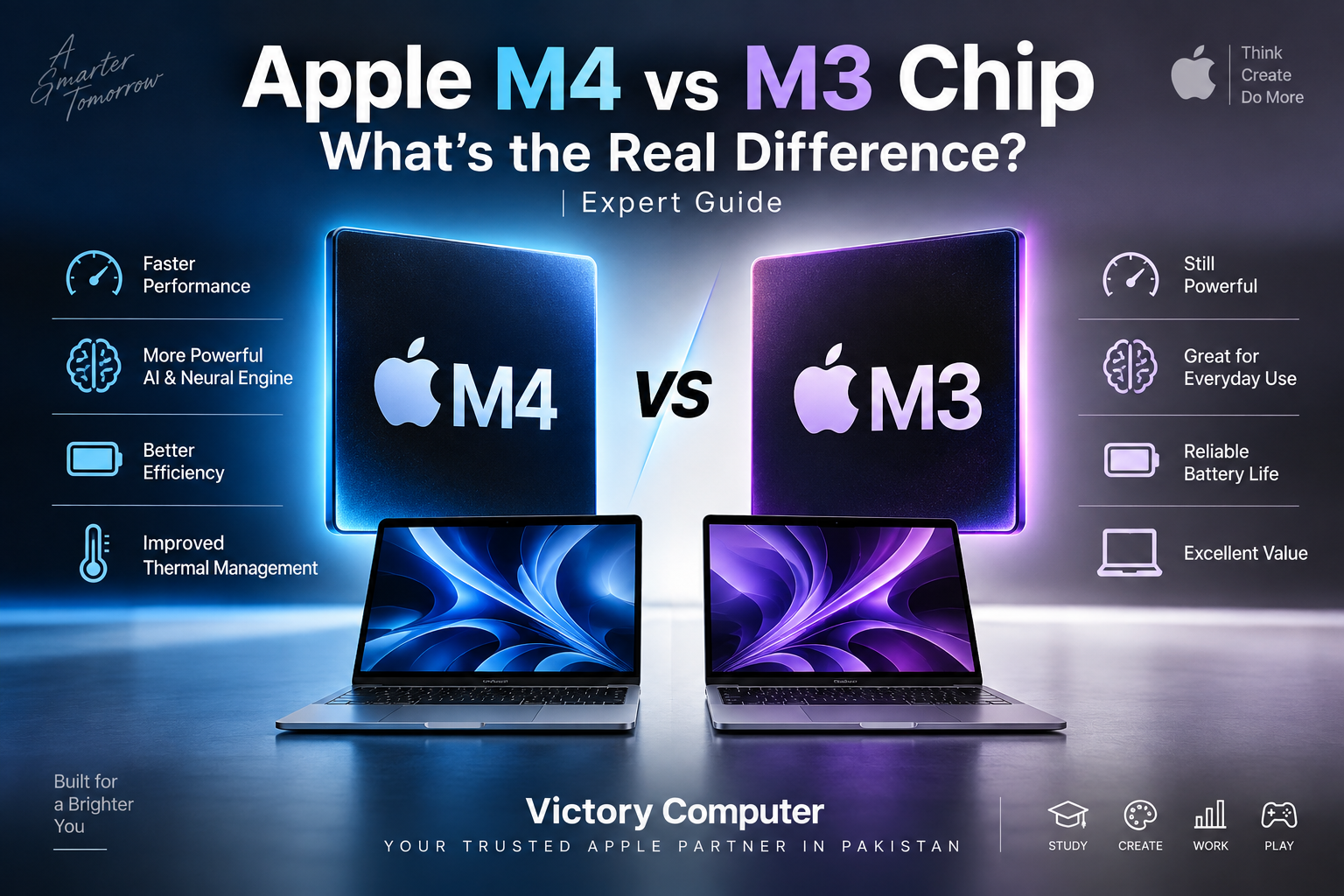
Apple M4 vs M3 Chip: What’s the Real Difference
The Apple M4 vs M3 Chip comparison comes down to more than raw speed. M4 provides a newer 10-core CPU design, higher memory bandwidth, stronger AI processing and support for more unified memory in MacBook Air. M3 remains highly capable for everyday work, study and creative applications, so upgrading from an M3 Mac is not essential for everyone.
Apple M4 vs M3 Chip: Key Differences
The biggest improvements with M4 are its CPU configuration, memory bandwidth, AI performance and memory capacity. Both generations use 3-nanometer manufacturing technology and support modern Apple GPU technologies such as hardware-accelerated ray tracing and mesh shading.
| Feature | Apple M3 | Apple M4 |
|---|---|---|
| CPU | 8 cores: 4 performance + 4 efficiency | 10 cores: 4 performance + 6 efficiency |
| GPU | Up to 10 cores | Up to 10 cores |
| Neural Engine | 16 cores | 16 cores, newer and significantly more capable |
| Memory Bandwidth | 100GB/s | 120GB/s |
| MacBook Air Unified Memory | Up to 24GB | Up to 32GB |
| Ray Tracing | Hardware accelerated | Hardware accelerated |
| Best Fit | Everyday work, study and mainstream creative workloads | Heavier multitasking, AI workflows and demanding creative work |
Apple’s official specifications confirm that the M3 MacBook Air uses an 8-core CPU and 100GB/s memory bandwidth, while the M4 MacBook Air moves to a 10-core CPU and 120GB/s. M4 MacBook Air configurations can also reach 32GB unified memory, compared with up to 24GB on M3 models.
For more background on Apple’s processor architecture, read our guide to Apple Silicon and why it matters.
Is the M4 CPU Faster Than M3?
Yes. M4 has a more capable CPU architecture and two additional efficiency cores in the MacBook Air configuration. M3 uses four performance and four efficiency cores, while M4 uses four performance and six efficiency cores.
The difference matters most when several demanding processes are running simultaneously. Software development, large spreadsheets, photo processing, code compilation and multitasking can benefit more than basic browsing, document editing or streaming.
That does not make an M3 Mac slow. For students, office users and many freelancers, M3 already provides more performance than typical everyday workloads require. The benefit of M4 becomes more meaningful as workload complexity increases.
M4 vs M3 GPU: Is Graphics Performance Much Better?
M4 improves graphics performance, but the difference is more nuanced than simply counting GPU cores. Both M3 and M4 MacBook Air configurations can use up to a 10-core GPU, and both support hardware-accelerated ray tracing and mesh shading.
M4 builds on the graphics architecture introduced with M3. This makes M4 the stronger option for users working with GPU-intensive creative applications, 3D workloads and supported games, but an M3 Mac remains capable for photo editing, mainstream video production and everyday graphics work.
Mac gaming also depends heavily on game availability and macOS support. A faster GPU does not automatically give a Mac the same game library or compatibility as a Windows gaming laptop. Buyers primarily interested in gaming should also compare dedicated gaming laptops in Pakistan.
Apple M4 vs M3 Chip for AI and Machine Learning
AI processing is one of the clearest reasons to choose M4 over M3. Both chips contain a 16-core Neural Engine, but core count alone does not describe their performance.
Apple rates the M4 Neural Engine at up to 38 trillion operations per second. M4 also combines its Neural Engine with machine-learning accelerators in the CPU, GPU processing and higher-bandwidth unified memory.
These improvements matter for workloads such as image processing, transcription, machine-learning applications and compatible on-device AI models. Users planning to keep a Mac for several years may also value the additional memory ceiling available with M4 MacBook Air.
Unified Memory: M4 Has an Important Advantage
M4 MacBook Air provides 120GB/s memory bandwidth compared with 100GB/s on M3 MacBook Air. The additional bandwidth allows the processor, GPU and other components to move data through unified memory more quickly.
M4 MacBook Air also supports configurations with up to 32GB unified memory, while M3 MacBook Air supports up to 24GB. That difference can matter more than a small benchmark advantage for developers, video editors and users running memory-intensive applications.
If your workload rarely approaches the limits of 16GB or 24GB memory, however, buying M4 solely for its 32GB maximum may provide little immediate benefit.
Does M4 Have Better Battery Life Than M3?
M4 is designed around strong performance per watt, but battery life should be compared at the MacBook level rather than from the chip alone. Battery capacity, display size, workload, brightness, applications and power settings all influence actual runtime.
Apple rates both the 13-inch M3 MacBook Air and 13-inch M4 MacBook Air for up to 18 hours in their respective specified video-playback tests. Real-world battery duration can therefore vary substantially even between two machines using the same processor generation.
For a more focused discussion, see our M4 vs M3 MacBook battery comparison.
M4 Has Another Useful MacBook Air Advantage: External Displays
M4 MacBook Air can support two external displays while simultaneously using its built-in display. This is useful for developers, designers, financial professionals and office users working with multi-monitor setups.
The external-display implementation on M3 MacBook Air is more restrictive. For buyers building a permanent workstation around a MacBook Air, display support can therefore be a more practical reason to choose M4 than a small difference in application launch times.
Apple M4 vs M3 Pros and Cons
Apple M4 Pros
- 10-core CPU on MacBook Air with two additional efficiency cores compared with M3.
- 120GB/s memory bandwidth.
- Stronger Neural Engine performance for AI and machine-learning workloads.
- MacBook Air configurations support up to 32GB unified memory.
- Better external-display flexibility on M4 MacBook Air.
Apple M4 Cons
- The performance difference may be unnecessary for basic browsing, study and office work.
- Moving from a recent M3 Mac to M4 may provide limited value for light users.
- Actual benefits depend heavily on the application and workload.
Apple M3 Pros
- Still provides strong performance for productivity, study and creative applications.
- Includes hardware-accelerated ray tracing and mesh shading.
- Supports up to 24GB unified memory on M3 MacBook Air.
- A sensible option when an M3 configuration is available at a meaningfully lower price than an equivalent M4 machine.
Apple M3 Cons
- Lower 100GB/s memory bandwidth compared with M4 MacBook Air.
- Lower maximum unified-memory capacity on MacBook Air.
- Less capable Neural Engine than M4.
- External-display support is less flexible than M4 MacBook Air.
Why We Recommend M4 for New Buyers
For someone purchasing a new MacBook and choosing between otherwise comparable M3 and M4 configurations, M4 is generally the better long-term choice. Its CPU, memory bandwidth, AI capabilities, memory ceiling and external-display support provide advantages that can become more useful over several years.
M3 remains worth considering when the price difference is substantial and the intended workload is browsing, university work, Microsoft Office, coding, media consumption or moderate creative work. Existing M3 owners should normally upgrade only when M4 solves a specific limitation in their current workflow.
Who Should Buy M4 and Who Should Buy M3?
| User | Better Choice | Why |
|---|---|---|
| Student | M3 or M4 | M3 is already sufficient for most study workloads; choose M4 for greater longevity when budget allows. |
| Office user | M3 or M4 | Everyday productivity runs well on either generation. |
| Developer | M4 | Additional CPU resources and higher memory options can help demanding development workflows. |
| Video editor | M4 | Newer CPU/GPU architecture and additional memory headroom make M4 more attractive. |
| AI/ML user | M4 | The newer Neural Engine and greater memory bandwidth favor M4. |
| Existing M3 owner | Usually keep M3 | Upgrade only when your workload can use the specific improvements. |
Should You Upgrade From an M3 MacBook to M4?
Most M3 MacBook owners do not need to upgrade solely because M4 is faster. M3 remains a modern Apple Silicon platform with strong CPU performance, a capable GPU and hardware-accelerated graphics features.
An M4 upgrade makes more sense if you need additional unified memory, regularly push CPU-heavy applications, depend on local AI workloads, or need the improved external-display configuration offered by M4 MacBook Air.
If you are still evaluating platforms rather than processor generations, our MacBook vs Windows laptop comparison explains the broader software and hardware trade-offs.
Buying an M4 or M3 MacBook in Pakistan
For buyers in Pakistan, processor generation should not be the only consideration. Compare the exact model number, RAM, SSD capacity, screen size, keyboard configuration and warranty terms before buying. Two MacBooks carrying the same M3 or M4 name can have different memory, storage and GPU configurations.
If an older M3 MacBook is offered at a significantly lower price, it can still represent strong value. If M3 and M4 configurations are priced close together, M4’s newer architecture and additional capabilities generally make it the more sensible purchase.
You can browse current computers and available configurations through Victory Computer or contact the Lahore team on WhatsApp at 0300 9466881 to confirm current model, price, warranty and availability before ordering.
Buyers specifically considering the previous generation can also read our MacBook Air M3 guide for Pakistan.
Frequently Asked Questions
Is the Apple M4 chip much better than M3?
M4 is technically more capable, particularly in CPU configuration, AI processing, memory bandwidth and supported unified-memory capacity. The real-world difference is much smaller for basic browsing and office work than for demanding professional workloads.
Is M3 still worth buying?
Yes. M3 remains a capable Apple Silicon chip for productivity, university work, programming and creative applications. Its value depends largely on the price difference between the M3 machine and an equivalent M4 model.
Should I upgrade from M3 to M4?
Not necessarily. Existing M3 owners should consider upgrading when they need a specific M4 advantage, such as additional memory, stronger AI processing, higher CPU performance or improved external-display support.
Which is better for video editing, M4 or M3?
M4 is the stronger choice for demanding video workflows because of its newer processor architecture, higher memory bandwidth and greater memory ceiling on MacBook Air. M3 remains capable for moderate editing workloads.
Is M4 better than M3 for AI?
Yes. Apple’s M4 includes a substantially more capable Neural Engine and combines it with higher memory bandwidth and newer machine-learning accelerators, making M4 better suited to demanding on-device AI workloads.
Which is better for students: M3 or M4?
Both are suitable. M3 is sufficient for most students, while M4 makes more sense for buyers who need heavier development or creative workloads, want additional memory, or plan to keep the MacBook for several years.
Final Verdict: Apple M4 vs M3 Chip
The Apple M4 vs M3 Chip comparison has a clear technical winner: M4. It provides a 10-core CPU on MacBook Air, 120GB/s memory bandwidth, stronger AI processing, up to 32GB unified memory and better external-display support.
That does not make M3 obsolete. For everyday users and existing M3 owners, the older chip remains fast and capable. Choose M4 when buying new at a reasonable price difference or when your workload benefits from its specific improvements. Choose M3 when the savings are substantial and your workload does not require those advantages.

About Victory Computer Editorial Team
Victory Computer Editorial Team The Victory Computer Editorial Team publishes informative, research-based content about laptops, computers, monitors, printers, hardware, and technology trends in Pakistan. Our goal is to help readers understand product specifications, compare available options, and make informed purchasing decisions.
View all posts by Victory Computer Editorial Team
7 thoughts on “Apple M4 vs M3 Chip: What’s the Real Difference? | Expert Guide”