
Tips and tricks hidden in the latest MacBook Pro M4 or Air models for power users.

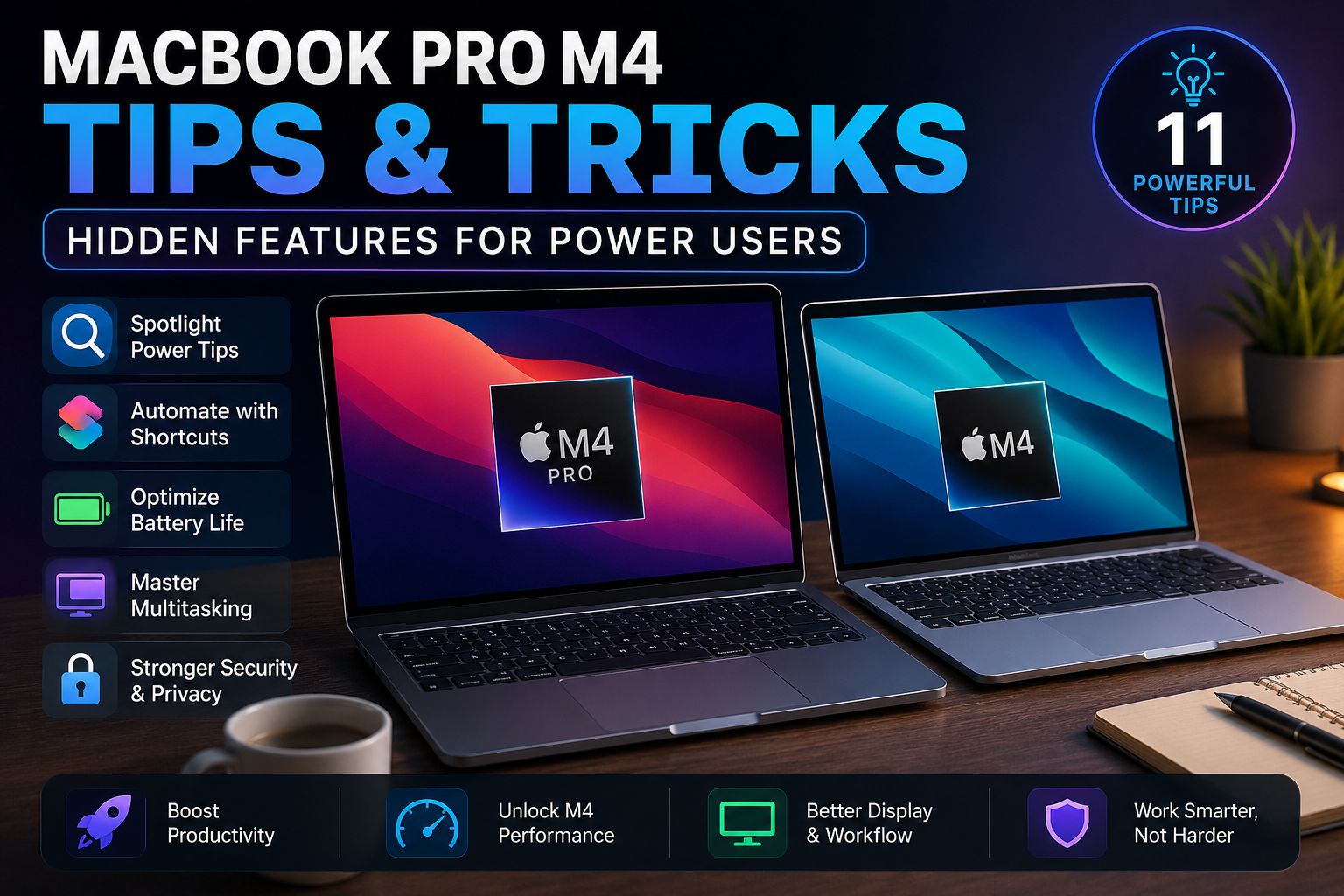
MacBook Pro M4 Tips: 11 Powerful Hidden Tricks
The best MacBook Pro M4 tips and tricks focus on working faster, improving battery efficiency, automating repetitive tasks and getting more from macOS. Whether you use a MacBook Pro M4 or MacBook Air M4, these practical features can make everyday work easier for creators, professionals, students and developers.
1. Use Spotlight for Faster Work
Spotlight can quickly find apps, documents and other information without manually searching through Finder. Power users can combine Spotlight with keyboard shortcuts to reduce unnecessary clicks and move between tasks faster.
2. Automate Tasks with Shortcuts
Apple’s Shortcuts app is useful for repetitive workflows. You can create shortcuts for opening work apps, organizing files and running multi-step actions.
Newer macOS versions also support automation triggers involving apps, files, folders, battery level, chargers, Wi-Fi, Bluetooth and other conditions.
3. Use the Right Power Mode
Use Low Power Mode when you want to reduce energy consumption during browsing, writing, meetings and other lighter tasks.
Compatible MacBook Pro models also support High Power Mode for demanding sustained workloads. Availability depends on the exact Mac model, so it should not be assumed for every M4 MacBook.
4. Master Multitasking
Use Stage Manager and multiple desktops to separate different workflows. For example, keep communication on one desktop, browser research on another and editing or development applications on a third.
This is especially useful when working on the smaller built-in display without an external monitor.
5. Check Activity Monitor
If your Mac becomes slow, warm or starts consuming battery quickly, check Activity Monitor. It helps identify applications and processes using significant CPU, memory, energy, disk or network resources.
Closing unnecessary resource-heavy apps can improve efficiency without installing third-party optimization software.
6. Improve MacBook M4 Battery Life
For better battery life, reduce unnecessary screen brightness, close unused applications, review login items and use Low Power Mode when maximum performance is not required.
Battery runtime will always depend on your workload. Video editing, gaming and other intensive applications consume considerably more power than basic browsing or document work.
See our M4 vs M3 MacBook battery comparison for more information.
7. Take Advantage of the MacBook Pro Display
The 14-inch MacBook Pro M4 features a Liquid Retina XDR display with ProMotion up to 120Hz, making it particularly attractive for video editing, photography, design and other visual workflows.
The MacBook Air M4 uses a Liquid Retina display and focuses more heavily on portability. Users who prioritize professional display capabilities should consider the MacBook Pro.
8. Use External Displays for Better Productivity
Connecting an external monitor can dramatically improve a professional MacBook setup. Keep your main application on one display while using another for references, communication, timelines or supporting tools.
External display capabilities differ between MacBook models, so check the specifications of your exact configuration before building a multi-monitor setup.
9. Review Security and Privacy
Keep macOS updated and regularly review permissions for your camera, microphone, files and other sensitive information. Also remove unnecessary login items and avoid installing software from untrusted sources.
These simple steps are particularly important for professionals storing business files or client data.
MacBook Pro M4 Pros and Cons
Pros
- Strong M4 performance for professional and creative workloads.
- Excellent Liquid Retina XDR display on MacBook Pro.
- ProMotion up to 120Hz provides smoother motion.
- Good balance of performance and power efficiency.
- Useful macOS productivity and automation tools.
- Strong option for editing, programming and professional workflows.
Cons
- MacBook Pro configurations can become expensive with memory and storage upgrades.
- MacBook Air is lighter for users who prioritize portability.
- Some power features vary by exact MacBook configuration.
- Memory and storage should be chosen carefully when purchasing because upgrade options after purchase are limited.
MacBook Air M4 vs MacBook Pro M4
| Feature | MacBook Air M4 | MacBook Pro M4 |
|---|---|---|
| Best For | Students, office users and freelancers | Creators and demanding professionals |
| Portability | Excellent | Good |
| Display | Liquid Retina | Liquid Retina XDR |
| Heavy Workloads | Good | Better suited |
| Professional Features | Essential features | More extensive |
Choose MacBook Air M4 if portability, everyday productivity and a thin design are your priorities.
Choose MacBook Pro M4 if you regularly work with video editing, development, demanding creative applications or other sustained professional workloads.
For more detailed performance comparisons, read our M4 vs M3 guide for creators.
MacBook M4 Buying Advice in Pakistan
When buying an M4 MacBook in Pakistan, check the exact model, memory, SSD capacity, display size, keyboard configuration and seller warranty. Different imported configurations may look similar but include different hardware or warranty terms.
Explore available laptops and Apple products at Victory Computer and compare the exact configuration before purchasing.
Frequently Asked Questions
What are the best MacBook Pro M4 tips and tricks?
Use Spotlight, Shortcuts, Activity Monitor, multiple desktops and appropriate power settings. These built-in tools can improve productivity, multitasking and battery efficiency.
Is MacBook Pro M4 good for power users?
Yes. The MacBook Pro M4 is well suited to developers, creators and professionals who need strong performance, an advanced display and support for demanding workflows.
Is MacBook Air M4 better than MacBook Pro M4?
MacBook Air M4 is better suited to portability and everyday productivity, while MacBook Pro M4 is generally the stronger choice for sustained professional and creative workloads.
How can I improve M4 MacBook battery life?
Lower unnecessary display brightness, close unused apps, review background activity and use Low Power Mode when maximum performance is unnecessary.
Should I buy MacBook Air M4 or MacBook Pro M4?
Choose the Air for portability and general productivity. Choose the Pro if your work involves demanding editing, development or other sustained professional applications.
Final Verdict
The most useful MacBook Pro M4 tips and tricks are simple: automate repetitive tasks, organize your workspace, monitor resource-heavy apps and choose power settings according to your workload.
MacBook Air M4 is the better fit for portable everyday productivity, while MacBook Pro M4 is better suited to demanding professional and creative workflows.
For more MacBook guides, comparisons and buying advice in Pakistan, visit Victory Computer.

About Victory Computer Editorial Team
Victory Computer Editorial Team The Victory Computer Editorial Team publishes informative, research-based content about laptops, computers, monitors, printers, hardware, and technology trends in Pakistan. Our goal is to help readers understand product specifications, compare available options, and make informed purchasing decisions.
View all posts by Victory Computer Editorial Team
One thought on “Tips and tricks hidden in the latest MacBook Pro M4 or Air models for power users.”