
Dahua 27″QHD Monitor LED Monitor 2560×1440, 75Hz, DP, HDMI, Type-C, Audio Professional QLED | Expert review

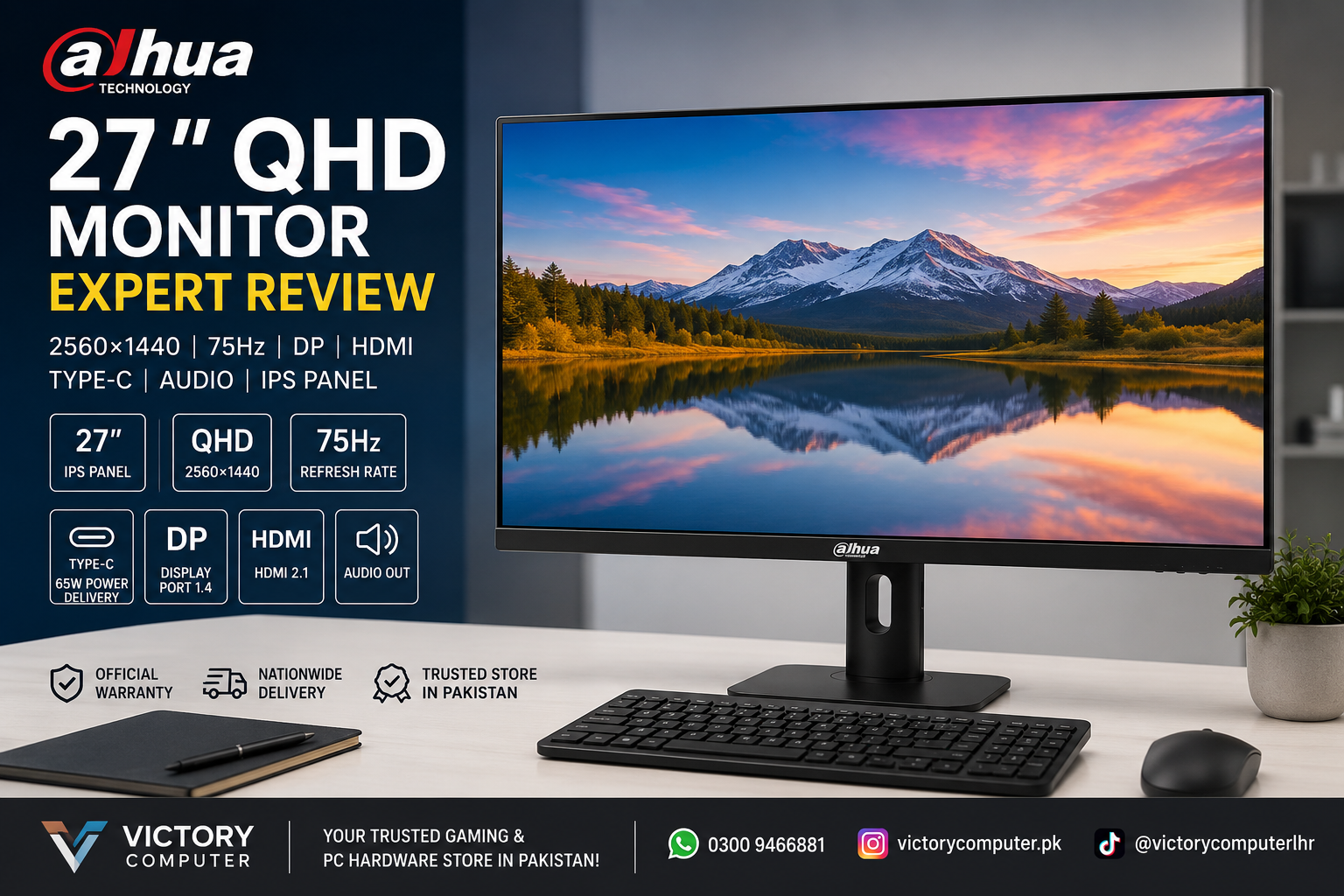
Dahua 27 QHD Monitor Review: 2560×1440 75Hz Professional Display
The Dahua 27 QHD Monitor is a productivity-focused 27-inch display built around a 2560×1440 IPS panel, 75Hz refresh rate and versatile connectivity. Its main strengths are increased workspace, wide color coverage and USB Type-C connectivity. For competitive gaming, however, a higher-refresh gaming monitor is the better choice.
Dahua 27 QHD Monitor Overview
The Dahua 27 QHD Monitor, identified by Dahua as the DHI-LM27-P301A, is designed primarily for productivity and professional use rather than high-refresh competitive gaming. Dahua specifies a 27-inch IPS display with 2560×1440 resolution and a 75Hz refresh rate.
The combination makes sense for office work, programming, content creation, photo editing and multitasking. QHD provides substantially more usable screen space than 1920×1080 while keeping the familiar 16:9 aspect ratio.
Why Does 2560×1440 QHD Matter on a 27-Inch Monitor?
A 2560×1440 QHD display is one of the strongest reasons to consider this monitor. The higher pixel count allows text, interface elements, images and detailed documents to appear sharper than on a 27-inch Full HD screen when viewed under comparable conditions.
The additional workspace is especially useful when working with spreadsheets, browser windows, editing timelines or multiple applications. Users moving from a 1920×1080 office monitor should notice the increased desktop space immediately.
QHD also avoids the additional graphics workload associated with 4K, making 2560×1440 a practical middle ground for many desktop and laptop setups.
IPS Panel and Professional Color Performance
The Dahua 27 QHD Monitor uses an IPS panel rather than the QLED technology mentioned in some marketplace descriptions. Dahua’s official specifications list an E-LED backlight and IPS panel, so buyers should use those manufacturer specifications when comparing the display.
According to Dahua, the DHI-LM27-P301A provides wide 178-degree horizontal and vertical viewing angles. The manufacturer also specifies 100% sRGB, 102% NTSC, 98% DCI-P3 and 92% Adobe RGB coverage.
Those specifications make the monitor particularly interesting for photographers, designers and other visual-content professionals. Color-sensitive professional workflows can still require calibration, so advertised gamut coverage should not be treated as a substitute for a calibrated workflow.
See the Dahua LM27-P301A official specifications for the manufacturer’s current product information.
Is the 75Hz Refresh Rate Good Enough?
A 75Hz refresh rate is well suited to productivity, browsing, video playback and general computer use. It provides a modest smoothness improvement over a traditional 60Hz desktop monitor, particularly when scrolling pages or moving windows.
The trade-off is gaming performance. The Dahua 27 QHD Monitor should work well for casual games where high refresh rates are not the priority, but 75Hz is not designed to compete with modern 144Hz, 165Hz or 180Hz gaming displays.
Competitive players should instead explore gaming monitors in Pakistan or read Victory Computer’s guide to 1440p monitors for gaming.
HDMI, DisplayPort and USB Type-C Connectivity
Connectivity is one of the strongest features of the DHI-LM27-P301A. Dahua specifies one HDMI 2.1 connection, one DisplayPort 1.4 connection, one USB Type-C connection with up to 65W power delivery and an audio output.
USB Type-C is particularly useful with compatible laptops because the connection can carry a display signal while supplying power. This can reduce cable clutter in a desk setup, although the connected laptop must support the appropriate USB-C display functionality.
Users planning a laptop-based workstation can also read our guide to external monitors for laptops.
Is the Dahua 27 QHD Monitor Good for Professional Work?
For productivity and creative work, the Dahua 27 QHD Monitor has a strong feature combination. The QHD resolution gives users more working space, while the IPS panel and wide specified color gamut make the display relevant to design-oriented workloads.
Dahua also specifies PIP and PBP functionality, allowing content from two connected devices to be displayed simultaneously. This can be useful for multi-device workflows where a user regularly switches between a desktop and laptop.
The stand provides more adjustment than a basic office monitor. Dahua lists height adjustment, tilt, swivel and pivot functionality, including the ability to rotate the screen into portrait orientation.
These characteristics make the monitor particularly suitable for:
- Graphic design and photo workflows
- Programming and development
- Office productivity and spreadsheets
- Multi-window research and study
- Laptop-based Type-C desk setups
- Casual gaming and multimedia use
Dahua 27 QHD Monitor Pros and Cons
Pros
- 2560×1440 resolution provides more workspace than Full HD.
- IPS panel offers wide viewing angles.
- Wide manufacturer-specified color gamut suits creative workflows.
- USB Type-C supports display connectivity and up to 65W power delivery.
- HDMI and DisplayPort provide flexible PC connectivity.
- Adjustable stand supports height, swivel, tilt and pivot changes.
Cons
- 75Hz is modest compared with modern high-refresh gaming monitors.
- The official specifications identify an IPS/E-LED display, not QLED.
- Users requiring color-critical accuracy should still consider calibration.
Why We Recommend It
The Dahua 27 QHD Monitor makes the most sense for professionals who prioritize resolution, workspace, color coverage and modern connectivity over very high refresh rates. Designers, programmers, office users and laptop owners can benefit from its feature set. Competitive gamers should consider a dedicated high-refresh QHD gaming monitor instead.
Dahua 27 QHD Monitor in Pakistan
For buyers in Pakistan, the important comparison should be based on intended use rather than resolution alone. A lower-cost Full HD monitor may be sufficient for basic office tasks, while QHD becomes more attractive for users who need additional workspace and sharper detail on a 27-inch screen.
You can browse LED monitors in Pakistan at Victory Computer to compare available monitor options. Current pricing, stock and warranty terms should be confirmed at the time of purchase rather than assumed from older listings.
Victory Computer WhatsApp: 0300 9466881
Final Verdict: Should You Buy the Dahua 27 QHD Monitor?
The Dahua 27 QHD Monitor is a strong option for users who want a 27-inch 1440p workspace with an IPS panel and flexible modern connectivity. Its QHD resolution, wide specified color coverage, Type-C 65W connection and adjustable stand are particularly useful for professional desktop setups.
The main limitation is the 75Hz refresh rate. For productivity, design, programming and casual entertainment, 75Hz is reasonable. For competitive gaming, a 144Hz-or-higher QHD monitor is the more appropriate choice.
Frequently Asked Questions
What is the resolution of the Dahua 27 QHD Monitor?
The DHI-LM27-P301A has a native resolution of 2560×1440 pixels with a 16:9 aspect ratio.
Does the Dahua 27-inch QHD monitor use a QLED panel?
Dahua’s official documentation specifies an IPS panel with E-LED backlighting for the DHI-LM27-P301A. It does not identify the monitor as QLED.
Does the Dahua LM27-P301A support USB Type-C?
Yes. Dahua specifies a USB Type-C connection supporting display connectivity and up to 65W power delivery.
Is 75Hz enough for gaming?
75Hz is suitable for casual gaming, but competitive gamers should generally consider higher-refresh monitors such as 144Hz, 165Hz or 180Hz models.
Is QHD better than Full HD on a 27-inch monitor?
QHD provides more pixels and usable desktop space than Full HD. At the same 27-inch screen size, this can produce finer detail and provide more room for applications and multitasking.
Who should buy the Dahua 27 QHD Monitor?
The monitor is best suited to office professionals, designers, programmers, content creators and laptop users who value QHD resolution, IPS viewing characteristics and USB Type-C connectivity.

About Victory Computer Editorial Team
Victory Computer Editorial Team The Victory Computer Editorial Team publishes informative, research-based content about laptops, computers, monitors, printers, hardware, and technology trends in Pakistan. Our goal is to help readers understand product specifications, compare available options, and make informed purchasing decisions.
View all posts by Victory Computer Editorial Team