
CrossOver 22.1.1 Bottles Not Working: Windows Apps on Mac Broken Again?

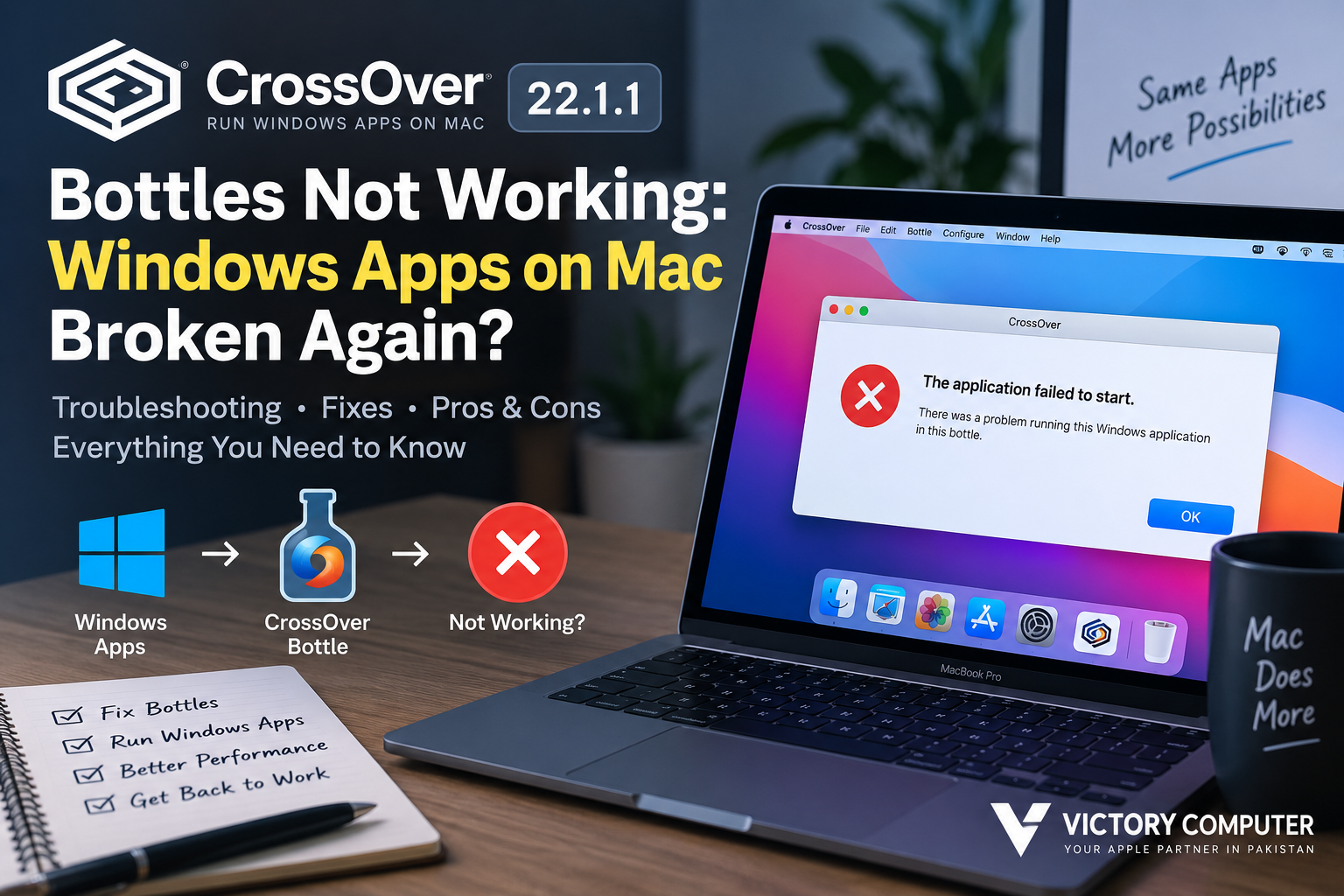
CrossOver 22.1.1 Bottles Not Working
CrossOver 22.1.1 bottles not working on a newer Mac does not necessarily mean Windows app support on macOS is broken. CrossOver 22.1.1 is an older 2023 release, and compatibility problems can appear when an old CrossOver installation, an old bottle, a newer macOS version, and an updated Windows application are combined.
The practical solution is to identify whether the problem comes from the bottle itself, the Windows application, graphics translation, missing dependencies, or the age of the CrossOver version. In many cases, moving to a current CrossOver release is more sensible than repeatedly repairing an old bottle.
What Is a CrossOver Bottle?
A CrossOver bottle is an isolated Windows-like environment used to install and run Windows software through CrossOver. Different bottles can contain different Windows versions, libraries, application settings, and dependencies.
This isolation is useful because changing one bottle does not necessarily affect another. It also means that an individual bottle can stop functioning correctly even though CrossOver itself still launches.
If one Windows application fails while other bottles continue working, investigate the affected bottle and application before assuming the entire CrossOver installation is broken.
Why CrossOver 22.1.1 Bottles May Stop Working
CrossOver 22.1.1 was released in April 2023. CodeWeavers’ official changelog lists a WeChat startup fix across platforms and a macOS memory-related fix for Ventura. That matters because users running considerably newer macOS environments are relying on software created before those later operating-system changes.
Several factors can cause an old bottle to fail:
- Old CrossOver version: Newer applications and macOS releases can require compatibility improvements unavailable in CrossOver 22.
- Windows application updates: An application that worked previously may introduce a new launcher, framework, DRM system, graphics requirement, or dependency.
- Bottle corruption: Configuration changes or failed installations can damage an otherwise working environment.
- Graphics compatibility: Windows games are particularly sensitive to DirectX translation and graphics-layer differences.
- 32-bit software: Legacy applications can become increasingly difficult to maintain as the surrounding compatibility stack changes.
- macOS changes: A bottle tested on an older macOS release should not automatically be assumed to behave identically after a major operating-system upgrade.
CrossOver 22.1.1 and macOS Sonoma: An Important Correction
CrossOver 22.1.1 should not be described as a Sonoma-specific CrossOver release. It arrived before macOS Sonoma’s public release, so troubleshooting advice should distinguish between what CrossOver 22.1.1 officially fixed and compatibility added in later CrossOver generations.
If problems began after moving to Sonoma or another newer macOS release, the age of CrossOver 22.1.1 should therefore be one of the first things you investigate rather than assuming Sonoma permanently broke Windows applications on Mac.
Users experiencing broader compatibility problems can also review Victory Computer’s guide covering apps broken on macOS Sonoma to determine whether the problem extends beyond CrossOver.
7 Fixes for CrossOver 22.1.1 Bottles Not Working
1. Check Whether CrossOver or Only One Bottle Is Broken
Launch another known-working bottle. If other Windows applications still open, the problem is probably limited to the affected bottle or application rather than CrossOver as a whole.
2. Check the Application’s CrossOver Compatibility
Compatibility varies significantly between Windows applications. A program that launches successfully is not automatically guaranteed to have every feature, update, plugin, or graphics function working correctly.
Check the application’s current compatibility information before spending time rebuilding the bottle.
3. Test a Fresh Bottle
Instead of immediately deleting the old environment, create a fresh bottle and test the application there. This helps determine whether the original bottle has accumulated a configuration or dependency problem.
Keep the old bottle until important application files and settings have been backed up.
4. Review Required Windows Dependencies
Some applications require specific Microsoft components or other Windows libraries. An application update can also change its requirements.
A missing or incompatible dependency may produce crashes, blank windows, installer failures, or an application that appears briefly and then closes.
5. Check Graphics Settings for Games
For games, investigate the graphics translation method separately from the bottle itself. DirectX compatibility has changed substantially across CrossOver generations, so settings that were appropriate for an older game or CrossOver release may not be the best choice today.
6. Update CrossOver
If you are still using CrossOver 22.1.1 on a modern macOS installation, upgrading should be a serious consideration. CrossOver has received multiple major Wine, DirectX, graphics, application-compatibility, and macOS updates since version 22.
This does not guarantee that every Windows application will work, but it gives you a much newer compatibility layer than troubleshooting indefinitely on a 2023 build.
7. Use a Virtual Machine When Compatibility Matters More
CrossOver is not always the correct tool. Applications requiring unusual drivers, deep Windows integration, specialist corporate components, or features that CrossOver cannot reproduce may be better suited to virtualization.
Victory Computer’s guide to virtual machines for unsupported Mac apps provides another route when a compatibility layer is insufficient.
Pros and Cons of CrossOver for Running Windows Apps on Mac
Pros
- No full Windows virtual machine is required: Supported Windows applications can run without maintaining a complete Windows VM.
- Lower virtualization overhead: CrossOver can be a practical choice when the required application is well supported.
- Separate bottles: Applications can be isolated in individual environments, making testing and management easier.
- Strong gaming focus: Newer CrossOver releases continue to receive substantial DirectX, Wine, and game-compatibility development.
- Apple Silicon support: CrossOver supports Apple Silicon Macs, although compatibility still depends on the specific application.
Cons
- Not every Windows application works: Compatibility varies by program, version, launcher, dependency, and graphics technology.
- Updates can break previously working setups: A Windows application or macOS update can change compatibility.
- Old bottles may require rebuilding: Troubleshooting a heavily modified bottle can sometimes take longer than starting with a clean environment.
- Specialist Windows software may need a VM: Programs requiring low-level Windows features can be poor candidates for a compatibility layer.
Why We Recommend It
CrossOver makes the most sense for Mac users whose required Windows applications have established compatibility and who do not want to run a complete Windows virtual machine. Users who depend on mission-critical Windows-only software should check the exact application’s compatibility first and consider a virtual machine when predictable Windows behavior matters more than convenience.
CrossOver vs a Windows Virtual Machine
| Option | Best For | Main Advantage | Main Trade-off |
|---|---|---|---|
| CrossOver | Compatible Windows apps and games | No complete Windows VM required | Application compatibility varies |
| Virtual Machine | Broader Windows environments and business software | Runs a fuller Windows environment | Requires more system resources and setup |
| Native Mac App | Users with a suitable macOS alternative | Designed directly for macOS | A direct replacement may not exist |
The correct choice depends on the software. CrossOver can be preferable for a known-compatible game or application, while virtualization can make more sense when you require a fuller Windows environment.
Does Apple Silicon Cause CrossOver Bottle Problems?
Apple Silicon itself does not mean CrossOver cannot run Windows software. CodeWeavers currently supports Apple Silicon Macs, and CrossOver development has continued to focus heavily on modern Mac hardware.
The more important question is whether the exact Windows application, CrossOver release, macOS release, graphics path, and bottle configuration work together.
This is why a report that an application “works on M-series MacBooks” should not be treated as a guarantee for every Mac, application version, or bottle configuration.
Should You Keep Using CrossOver 22.1.1?
For an old Mac setup that is stable and runs the Windows applications you need, there may be little reason to change it simply for the sake of having a newer version.
The situation is different if CrossOver 22.1.1 bottles are not working after application or macOS changes. Because version 22.1.1 dates from 2023, testing a supported current release is usually a more logical troubleshooting step than assuming a modern application must remain compatible with an old CrossOver environment.
Back up important bottle data before making major changes, especially if the Windows application contains locally stored documents, game saves, configuration files, or other information you cannot easily replace.
Running Windows Software on a Mac in Pakistan
For buyers in Pakistan, Windows application compatibility should be considered before choosing a MacBook for work. A Mac may be an excellent fit for development, office work, content creation, education, and many professional workflows, but a Windows-only application can change the buying decision.
Before purchasing a Mac specifically for Windows software, identify every critical application and determine whether it has a native macOS version, works through CrossOver, or requires virtualization.
Victory Computer in Lahore offers MacBooks and other computing products for customers across Pakistan. Buyers can discuss their workload and software requirements before choosing hardware rather than discovering an important compatibility limitation afterward.
Frequently Asked Questions
Why are my CrossOver 22.1.1 bottles not working?
The problem can come from an outdated CrossOver release, a damaged bottle, changed Windows application requirements, missing dependencies, or graphics compatibility. Test another bottle and a clean bottle before deciding where the failure is occurring.
Is CrossOver 22.1.1 designed for macOS Sonoma?
No. CrossOver 22.1.1 was released in April 2023 before Sonoma’s public release. Users on newer macOS versions should check the compatibility of a newer CrossOver release.
Will updating CrossOver fix a broken bottle?
It can resolve compatibility problems addressed in later releases, but it is not guaranteed to repair every bottle. Application-specific problems may still require a fresh bottle or configuration changes.
Can CrossOver run every Windows application on Mac?
No. Compatibility depends on the specific Windows program, version, dependencies, graphics requirements, DRM, and other factors.
Is CrossOver better than a Windows virtual machine?
CrossOver can be more convenient for applications known to work well with it. A virtual machine may be preferable when you need a fuller Windows environment or software with requirements CrossOver cannot reliably support.
Should I buy a Mac if I need Windows-only applications?
Check your critical software before buying. If your required applications have native Mac versions or reliable CrossOver support, a Mac can still fit the workflow; otherwise, virtualization or a Windows PC may be the safer choice.

About Victory Computer Editorial Team
Victory Computer Editorial Team The Victory Computer Editorial Team publishes informative, research-based content about laptops, computers, monitors, printers, hardware, and technology trends in Pakistan. Our goal is to help readers understand product specifications, compare available options, and make informed purchasing decisions.
View all posts by Victory Computer Editorial Team