
Best Power Banks for Laptops in Pakistan

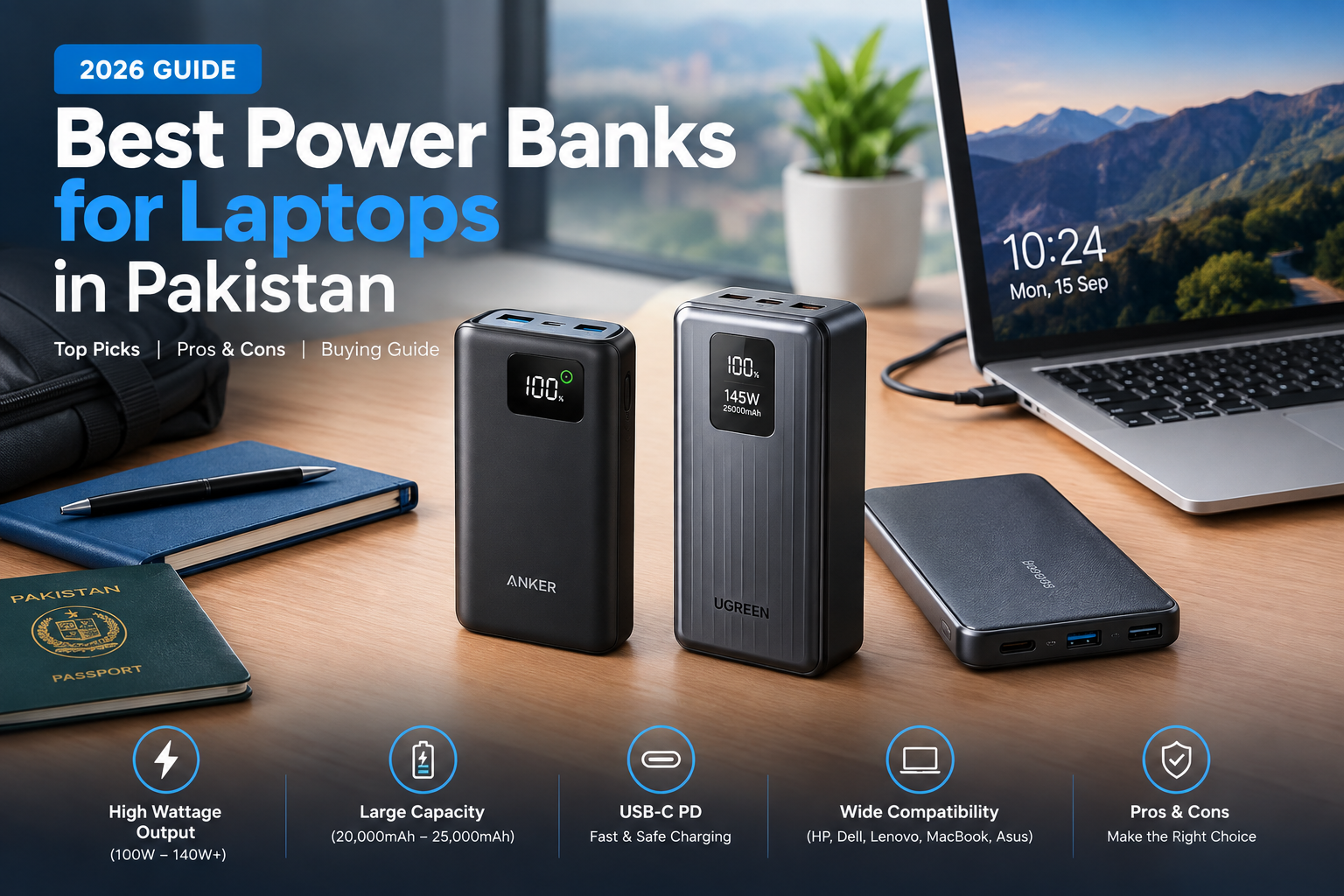
Best Power Banks for Laptops
The best power banks for laptops in Pakistan should combine high USB-C Power Delivery output, enough battery capacity for meaningful backup power, and compatibility with your laptop. Strong options include the Anker 737 Power Bank, UGREEN 145W 25000mAh Power Bank, and Baseus Blade 100W 20000mAh. The right choice depends mainly on your laptop’s USB-C charging requirements.
Quick Comparison of Laptop Power Banks
For most buyers, output wattage should be checked before capacity. A large power bank is not automatically suitable for a laptop if its USB-C port cannot deliver the power required by the computer.
| Power Bank | Capacity | Maximum Output | Best For |
|---|---|---|---|
| Anker 737 Power Bank | 24,000mAh | 140W | Premium high-power USB-C laptops |
| UGREEN 145W Power Bank | 25,000mAh | 145W total; up to 140W USB-C | High-capacity travel and work use |
| Baseus Blade | 20,000mAh | 100W | Compatible thin-and-light laptops |
1. Anker 737 Power Bank — Strong 140W Choice
The Anker 737 Power Bank (PowerCore 24K) combines a 24,000mAh rated capacity with up to 140W total output. It provides two USB-C ports and one USB-A port, making it suitable for users carrying a laptop alongside a phone or another portable device.
The 140W capability is particularly useful for laptops designed to accept high-power USB-C charging. However, achieving the highest charging rate also depends on the laptop and cable supporting the required USB Power Delivery profile.
Pros
- Up to 140W output
- 24,000mAh rated battery capacity
- Two USB-C ports plus USB-A
- Digital display for charging information
- Suitable for many USB-C laptops
Cons
- Heavier than smaller phone-focused power banks
- High output requires compatible hardware and cable
- Premium models can cost considerably more than basic power banks
Why We Recommend It
The Anker 737 makes sense for professionals and travelers who need substantially more output than a conventional phone power bank. Buyers with low-power laptops may not need to pay for 140W capability.
2. UGREEN 145W 25000mAh Power Bank — Best for Capacity and High Output
The UGREEN 145W 25000mAh Power Bank offers a 25,000mAh rated capacity and up to 145W combined output. Its main USB-C port can provide up to 140W, giving it enough headroom for many laptops that support high-wattage USB-C Power Delivery.
Three-device charging also makes the UGREEN useful for people carrying a laptop, smartphone and another USB-powered accessory.
Pros
- 25,000mAh rated capacity
- Up to 140W from a USB-C port
- Three-device charging support
- Digital battery display
- Useful for business travel and long workdays
Cons
- Large-capacity design adds weight
- Not every laptop can accept its maximum output
- A suitable high-power cable is necessary for maximum charging performance
Why We Recommend It
Choose the UGREEN if capacity and high USB-C output are both priorities. It is particularly attractive for users who regularly carry several devices and want one portable battery for the whole setup.
3. Baseus Blade 100W 20000mAh — Slim 100W Option
The Baseus Blade 100W provides a 20,000mAh rated capacity with up to 100W USB-C output. Its flatter design makes it easier to carry alongside a laptop than many thick high-capacity power banks.
Baseus provides two USB-C and two USB-A ports, which is useful when several devices need power. The main limitation is its 100W ceiling, so users with laptops designed around higher-power adapters should check compatibility before buying.
Pros
- 100W USB-C Power Delivery
- 20,000mAh rated capacity
- Relatively thin form factor
- Four charging ports
- Good match for many USB-C productivity laptops
Cons
- Lower maximum output than the Anker and UGREEN options
- May not provide enough power for demanding laptops under heavy load
- Actual charging performance depends on the connected laptop
Why We Recommend It
The Baseus Blade is a practical choice if portability matters more than maximum output. It is better suited to compatible productivity laptops than high-powered gaming or workstation models.
How to Choose the Best Power Bank for a Laptop
1. Check Whether Your Laptop Supports USB-C Charging
A USB-C connector alone does not guarantee laptop charging. Confirm that the laptop specifically supports charging through USB-C Power Delivery before purchasing a power bank for laptop use.
2. Match the Power Bank’s Wattage to Your Laptop
Check the wattage of your laptop’s original charger or manufacturer charging requirements. A laptop normally supplied with a 45W or 65W USB-C adapter has different requirements from a machine designed around 100W or higher input.
Modern USB Power Delivery technology can support power levels up to 240W, but the power bank, cable and laptop must all support the necessary charging mode.
3. Consider Capacity
A 20,000mAh to 25,000mAh class power bank is a practical range for laptop backup because it balances stored energy and portability. Do not assume the full rated capacity will reach the laptop battery because energy is lost during voltage conversion and charging.
If runtime is your main concern, also read our laptop battery life comparison and guide to improve laptop battery life.
4. Use the Correct USB-C Cable
The cable is part of the charging system. High-power charging requires a cable rated for the required wattage, so using an unsuitable cable can prevent a 100W or 140W power bank from delivering its intended charging performance.
Pros and Cons of Laptop Power Banks
Pros
- Portable backup power: Useful during travel, meetings, university classes and power interruptions.
- Charges multiple devices: Many models can power a laptop, phone and accessories from one battery.
- USB-C PD support: High-output models can charge many modern laptops without the original wall adapter.
- Useful during load shedding: A charged power bank can provide temporary backup without needing mains electricity.
Cons
- Extra weight: Laptop-capable batteries are substantially larger than small phone power banks.
- Compatibility varies: Some laptops cannot charge through USB-C or require proprietary adapters.
- Not a full UPS replacement: A portable power bank has limited stored energy.
- Gaming laptops are difficult: High-performance systems can demand more power than many portable USB-C power banks can continuously provide.
Which Laptop Power Bank Should You Buy?
Choose the Anker 737 if you want a premium 140W option with a strong balance of capacity, ports and charging information.
Choose the UGREEN 145W 25000mAh if you want high capacity, up to 140W from USB-C and support for charging several devices.
Choose the Baseus Blade 100W if a flatter design matters and your laptop’s USB-C charging requirement fits within its output capability.
Before buying any laptop power bank in Pakistan, verify the exact laptop model, USB-C charging support, required wattage and cable rating. If a laptop is not charging correctly even with a compatible charger, our guide to common laptop charging problems can help identify the cause.
Frequently Asked Questions
Can a regular power bank charge a laptop?
Usually not. The power bank must provide a charging protocol and output level supported by the laptop, commonly USB-C Power Delivery on modern compatible models.
Is a 100W power bank enough for a laptop?
It can be enough for many USB-C laptops, but the correct answer depends on the laptop’s charging requirements. High-performance laptops may require more power or a proprietary charger.
Can a power bank charge a gaming laptop?
Some gaming laptops support USB-C PD charging, but USB-C input may be intended for lighter workloads rather than full gaming performance. Check the exact model’s charging specifications.
Does a 25,000mAh power bank fully charge a laptop?
It depends on the laptop battery capacity and conversion losses. Rated power-bank capacity should not be interpreted as energy delivered directly to the laptop battery.
Is it safe to use a laptop while connected to a power bank?
Using a compatible USB-C PD power source is generally part of normal laptop operation. Read our guide on using a laptop while charging for more detail.
What should I check before buying a laptop power bank in Pakistan?
Check USB-C charging support, required wattage, power-bank output, cable rating, capacity and seller authenticity. Compatibility should be confirmed for the exact laptop model rather than assumed from the brand alone.
Find Laptop Accessories at Victory Computer
For laptops, accessories and related computer products, explore the Victory Computer shop or visit Victory Computer. For product compatibility questions, contact Victory Computer on WhatsApp at 0300 9466881.

About Victory Computer Editorial Team
Victory Computer Editorial Team The Victory Computer Editorial Team publishes informative, research-based content about laptops, computers, monitors, printers, hardware, and technology trends in Pakistan. Our goal is to help readers understand product specifications, compare available options, and make informed purchasing decisions.
View all posts by Victory Computer Editorial Team
One thought on “Best Power Banks for Laptops in Pakistan”