
Best Battery Life Laptops in Pakistan – Top Picks for Travelers | Expert review

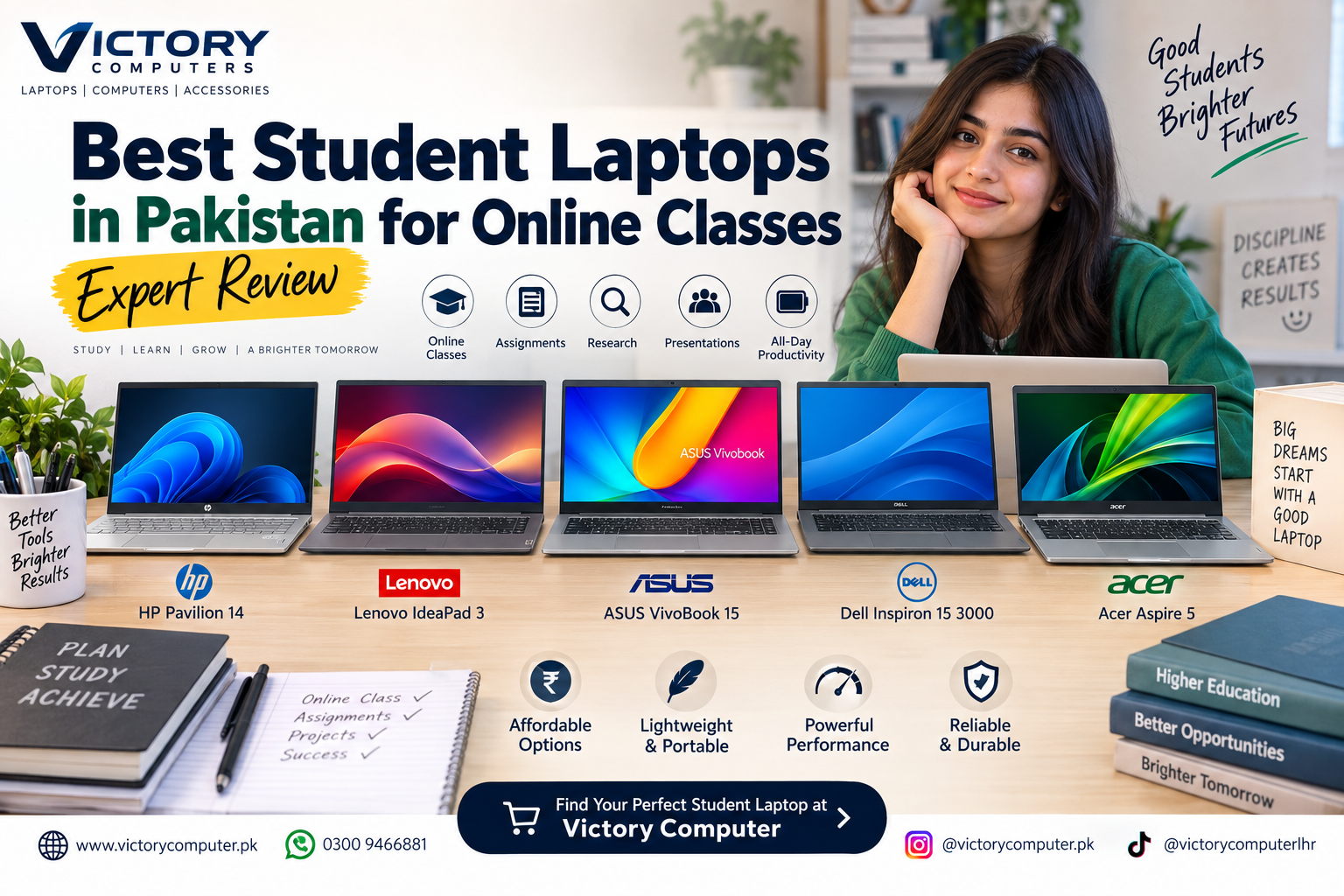
Best Battery Life Laptops in Pakistan
The best battery life laptops in Pakistan combine long unplugged runtime with low weight, efficient processors and practical charging. For most travelers, the strongest choices include the MacBook Air M4, Microsoft Surface Laptop 7, HP OmniBook X, Lenovo ThinkPad T14s Gen 6, Acer Aspire 14 AI and Samsung Galaxy Book4 Edge. The right option depends on your operating system, software requirements and preferred screen size.
Important: manufacturers use different battery-testing methods. A laptop rated for 22 or 28 hours of video playback will normally deliver less during mixed real-world use involving browsing, video meetings, background apps, high brightness and demanding software.
Best Battery Life Laptops in Pakistan Compared
The strongest travel laptops now include Apple Silicon, Snapdragon and highly efficient Intel platforms. Before comparing headline numbers, remember that video playback, web browsing and productivity benchmarks are different workloads. For a deeper explanation, see our laptop battery life comparison.
| Laptop | Manufacturer Battery Rating | Best For | Main Trade-Off |
|---|---|---|---|
| Acer Aspire 14 AI | Up to 22 hours video / 18 hours web on selected Intel configuration | Students and value-focused travelers | Battery varies significantly by platform and display |
| Lenovo ThinkPad T14s Gen 6 Snapdragon | Up to 34.9 hours local video on selected configuration | Business travel | ARM application compatibility should be checked |
| Samsung Galaxy Book4 Edge | Up to 20–27 hours video depending on screen size | Large-screen mobile productivity | Model size changes endurance substantially |
| Microsoft Surface Laptop 7 | Up to 20–22 hours local video | Premium Windows users | Active web use is considerably lower than video rating |
| HP OmniBook X | Up to 26 hours on selected Snapdragon models | Windows travelers prioritizing efficiency | Some legacy Windows software may need compatibility checking |
| MacBook Air M4 | Up to 18 hours video / 15 hours wireless web | macOS users and frequent travelers | Limited native ports compared with some Windows laptops |
Acer Aspire 14 AI – Strong Value for Mobile Users
The Acer Aspire 14 AI is one of the more practical laptops for travelers in Pakistan because it combines a 14-inch form factor with modern efficiency-focused processors. Acer rates selected Intel Aspire 14 AI configurations for up to 22 hours of video playback, 18 hours of web browsing and 14.5 hours under MobileMark testing.
Acer also sells other Aspire 14 AI processor variants, so buyers should check the exact model number instead of assuming every Aspire 14 AI delivers the same endurance.
Pros
- Strong manufacturer-rated battery endurance
- Compact 14-inch travel-friendly design
- Modern USB-C and connectivity options
- Good balance between portability and everyday productivity
Cons
- Battery life differs considerably between configurations
- Display type and processor platform can affect runtime
- Exact Pakistani availability may vary
Why We Recommend It
Choose the Acer Aspire 14 AI if you want a practical Windows notebook for university, office work and frequent travel without moving directly into premium pricing. Confirm the processor and display configuration before buying because those details affect battery endurance.
Lenovo ThinkPad T14s Gen 6 – Best for Business Travelers
The Snapdragon version of the Lenovo ThinkPad T14s Gen 6 is particularly attractive for professionals who spend long periods away from a charger. Lenovo lists up to 34.9 hours of local video playback on its maximum-battery configuration, although normal mixed productivity workloads will be shorter.
Its business-oriented design also makes the T14s suitable for meetings, corporate travel and remote work. Readers comparing business notebooks can also see our Lenovo ThinkPad review.
Pros
- Exceptional manufacturer-rated local video endurance
- Business-focused ThinkPad design
- 58Wh battery with Rapid Charge support
- Well suited to frequent professional travel
Cons
- Snapdragon uses ARM architecture
- Some specialist or older Windows applications may need compatibility checks
- Premium business models can cost more than mainstream laptops
Why We Recommend It
The ThinkPad T14s Gen 6 is a strong choice for executives and corporate users who prioritize battery endurance, mobility and a business-oriented platform. Users dependent on specialized legacy Windows software should verify ARM compatibility before purchasing.
Samsung Galaxy Book4 Edge – Long Battery Life with a Larger Display
The Samsung Galaxy Book4 Edge is useful for travelers who prefer more screen space. Samsung lists up to 20 hours of video playback for the 14-inch model, up to 27 hours for the 15.6-inch version and up to 22 hours for the 16-inch version.
The major advantage is that buyers can choose a larger display without automatically moving to a bulky conventional laptop. The downside is that the Galaxy Book4 Edge lineup includes several configurations, so processor, display and battery expectations should be checked carefully.
Pros
- Excellent advertised video-playback endurance
- Multiple screen-size choices
- Thin design despite larger display options
- Good fit for productivity and media consumption
Cons
- Battery rating varies significantly by size
- Snapdragon models require ARM software consideration
- Regional model availability can differ
Why We Recommend It
Choose the Galaxy Book4 Edge if you want a larger display while retaining good portability and long battery life. It makes more sense for productivity and media users than travelers who simply want the smallest possible notebook.
Microsoft Surface Laptop 7 – Premium Windows Travel Laptop
Microsoft’s Surface Laptop 7 remains a strong premium option among the best battery life laptops in Pakistan. Microsoft rates Snapdragon-based models for up to 20 hours of local video on the 13.8-inch configuration and up to 22 hours on the 15-inch model.
Microsoft’s active web testing is more conservative, at approximately 13 hours on the 13.8-inch Snapdragon X Plus configuration and up to 15 hours on certain 15-inch configurations. This difference shows why buyers should not interpret video-playback ratings as normal office runtime.
Read our Microsoft Surface Laptop review for additional information about the product family.
Pros
- Strong battery performance for a premium Windows laptop
- High-quality lightweight design
- Available in compact and larger screen sizes
- Suitable for executives, freelancers and frequent travelers
Cons
- Premium pricing compared with mainstream Windows notebooks
- Snapdragon versions may require application compatibility checks
- Real web-use battery life is lower than headline video figures
Why We Recommend It
The Surface Laptop 7 is ideal for buyers who value portability, battery efficiency and a refined Windows experience. Buyers using specialist x86 software should confirm compatibility before moving to a Snapdragon configuration.
HP OmniBook X – Efficient Snapdragon Laptop for Long Trips
The HP OmniBook X is another compelling long battery life laptop built around Qualcomm’s Snapdragon platform. HP lists up to 26 hours of battery life on selected OmniBook X Snapdragon configurations, making it attractive for workdays that involve extended periods away from a charger.
The OmniBook X is especially relevant to users who mainly work in browsers, Microsoft 365, communication apps and mainstream productivity software.
Pros
- Up to 26 hours manufacturer-rated battery life on selected models
- Lightweight 14-inch form factor
- Efficient Snapdragon platform
- Suitable for remote work and travel
Cons
- Not every OmniBook X uses the same processor platform
- ARM compatibility should be checked for specialist applications
- Battery claims vary between configurations and test conditions
Why We Recommend It
The HP OmniBook X suits mobile professionals who spend most of their time in mainstream productivity software and value long unplugged operation. Users with older drivers, specialist plugins or uncommon Windows applications should verify compatibility first.
MacBook Air M4 – Best Battery Choice for macOS Users
The MacBook Air M4 is one of the easiest recommendations for travelers already using Apple’s ecosystem. Apple rates both the 13-inch and 15-inch M4 MacBook Air for up to 18 hours of video streaming and up to 15 hours of wireless web use.
The fanless design, thin chassis and efficient Apple Silicon platform make it particularly suitable for writing, web work, presentations, coding and general creative work while traveling. For a deeper Apple-specific comparison, see our M4 vs M3 MacBook battery comparison.
Pros
- Up to 18 hours video streaming
- Consistent 15-hour wireless-web claim
- Thin and lightweight fanless design
- Strong option for users already invested in Apple devices
Cons
- Fewer built-in ports than several Windows competitors
- Not suitable for software that specifically requires Windows
- Upgrades after purchase are very limited
Why We Recommend It
The MacBook Air M4 is one of the most balanced choices for travelers who prefer macOS. It combines predictable battery endurance with low weight and silent operation without depending on Windows-on-ARM application compatibility.
Which Best Battery Life Laptop Should You Buy?
The best battery life laptops in Pakistan should be selected by workload rather than advertised battery hours alone.
| Your Priority | Recommended Laptop | Reason |
|---|---|---|
| Business travel | Lenovo ThinkPad T14s Gen 6 | Excellent endurance and business-oriented design |
| Premium Windows experience | Microsoft Surface Laptop 7 | Portable design with strong battery efficiency |
| Windows mobility and efficiency | HP OmniBook X | Strong Snapdragon battery performance |
| Large-screen travel | Samsung Galaxy Book4 Edge | Large display choices with strong video endurance |
| Value and portability | Acer Aspire 14 AI | Balanced size, features and battery claims |
| macOS users | MacBook Air M4 | Excellent efficiency with a thin fanless design |
Business buyers can also compare current business laptops in Pakistan before deciding between Windows, Snapdragon and Apple Silicon systems.
How Much Battery Life Does a Traveler Really Need?
For most travelers, around 10–12 hours of genuine mixed use is already useful because it can cover a normal working day. Longer endurance becomes more valuable during flights, road travel, university schedules or locations where charging access is unpredictable.
Do not choose purely from the largest advertised number. Check the manufacturer’s web-browsing test where available, because continuous local video playback usually consumes power differently from video calls, browser tabs, cloud applications and multitasking.
What Affects Real Laptop Battery Life?
- Display brightness: higher brightness increases power consumption.
- Display technology and resolution: OLED and high-resolution panels may use more power under certain workloads.
- Processor: efficient Apple Silicon, Snapdragon and newer Intel architectures can extend runtime.
- Video calls: webcam, Wi-Fi, microphone and background processing can drain battery quickly.
- Performance mode: higher performance settings generally increase power use.
- Battery age: capacity gradually declines with use and charging cycles.
You can extend runtime further using our guide to improve laptop battery life. Pakistani users dealing with frequent power interruptions may also find our guide to load shedding and laptop battery health useful.
ARM vs x86: Does Processor Type Matter for Battery Life?
ARM-based laptops using Snapdragon processors can offer excellent efficiency because the platform is designed around lower power consumption. However, software compatibility matters. Most mainstream applications now work well, but specialized drivers, older software and certain professional tools may still require verification.
Modern Intel laptops have also improved considerably, so ARM is not automatically the correct choice for every buyer. Choose based on the applications you actually use.
Where to Buy Battery Life Laptops in Pakistan?
Before buying any of the best battery life laptops in Pakistan, confirm the exact model number, processor, display, battery specification, warranty terms and current availability. Different regional variants of the same laptop family can have different hardware and battery ratings.
You can browse current laptops and contact Victory Computer for current product availability, specifications and pricing in Pakistan.
WhatsApp: 0300 9466881
Frequently Asked Questions
Which laptop has the best battery life for traveling?
The ThinkPad T14s Gen 6 Snapdragon, HP OmniBook X, Surface Laptop 7 and efficient Acer Aspire 14 AI configurations all advertise excellent endurance. The best choice depends on software compatibility, size and workload rather than headline hours alone.
Is 10 hours of laptop battery life enough for travel?
Yes. Around 10–12 hours of genuine mixed use can comfortably cover many work or study days. Longer endurance is useful when charging access is limited.
Are Snapdragon laptops better for battery life?
Snapdragon laptops often provide strong power efficiency, but battery performance varies by laptop design. Check software and peripheral compatibility before choosing ARM purely for battery life.
Is the MacBook Air M4 good for travelers?
Yes. Apple rates the M4 MacBook Air for up to 18 hours of video streaming and 15 hours of wireless web use, while its lightweight fanless design is well suited to mobile work.
Do OLED laptops use more battery?
They can under some workloads, particularly with bright or predominantly white content. Battery consumption also depends on brightness, resolution, refresh rate and panel implementation.
Can laptop batteries be upgraded later?
Most modern thin laptops use internal batteries rather than user-removable packs. Battery replacement may still be possible through appropriate service procedures, but it is not normally a simple upgrade.

About Victory Computer Editorial Team
Victory Computer Editorial Team The Victory Computer Editorial Team publishes informative, research-based content about laptops, computers, monitors, printers, hardware, and technology trends in Pakistan. Our goal is to help readers understand product specifications, compare available options, and make informed purchasing decisions.
View all posts by Victory Computer Editorial Team
One thought on “Best Battery Life Laptops in Pakistan – Top Picks for Travelers | Expert review”