
Lenovo ThinkPad 2025 | Expert Review

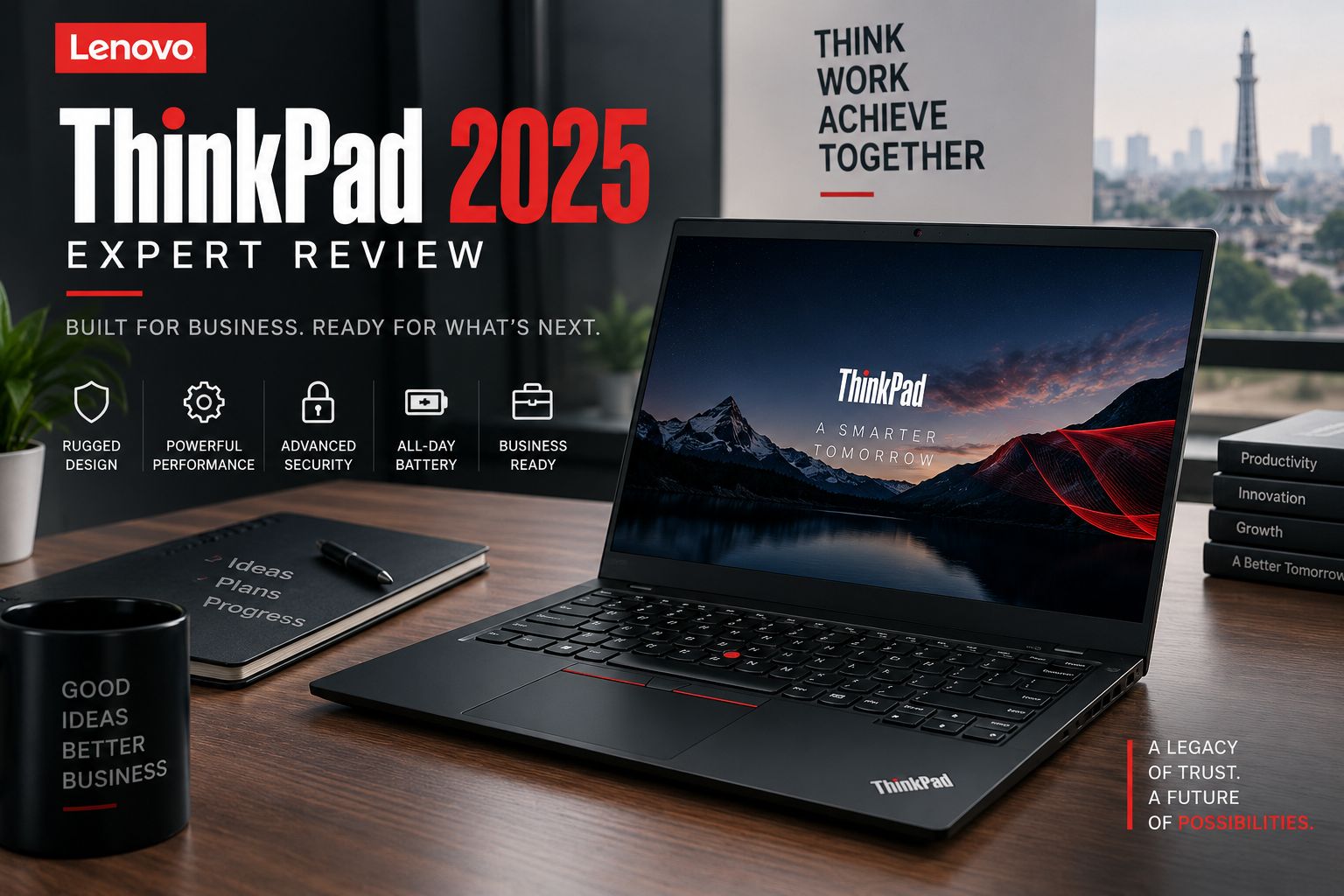
Lenovo ThinkPad 2025
Lenovo ThinkPad 2025 models remain strong choices for business users who prioritize durability, keyboards, security, connectivity, and professional features. However, “ThinkPad 2025” refers to a broad laptop family rather than one specific machine. Models such as the ThinkPad T14 Gen 6 and X1 Carbon Gen 13 target different users, budgets, and portability requirements.
What Is Lenovo ThinkPad 2025?
The Lenovo ThinkPad 2025 lineup is best understood as a family of professional laptops rather than a single specification. ThinkPad includes ultraportable X1 systems, mainstream T-series business laptops, mobile workstations, and other models designed around different professional requirements.
This distinction matters when comparing specifications. Processor, RAM upgradeability, display technology, battery capacity, weight, ports, and security options can differ considerably between ThinkPad models.
For example, the ThinkPad T14 Gen 6 can be configured around modern Intel Core Ultra or AMD Ryzen AI PRO platforms depending on the version. The premium ThinkPad X1 Carbon Gen 13 Aura Edition offers configurations with Intel Core Ultra processors and integrated Intel Arc graphics while focusing heavily on portability.
Buyers should therefore compare the exact ThinkPad model and configuration, not simply the ThinkPad name.
Lenovo ThinkPad 2025 Design and Build Quality
ThinkPad design continues to prioritize professional usability rather than flashy styling. The familiar dark business-oriented appearance, TrackPoint, practical keyboard layout, and restrained styling make ThinkPads particularly suitable for offices and corporate environments.
The keyboard remains one of the main reasons professionals consider ThinkPad laptops. Many models provide backlit keyboards, while selected models also feature spill-resistant designs. Lenovo continues to retain the recognizable TrackPoint alongside a conventional touchpad.
Build and portability vary by series. A ThinkPad T-series machine is designed as a practical everyday corporate laptop, while an X1 Carbon places greater emphasis on reducing weight. Lenovo lists some X1 Carbon Gen 13 configurations starting below 1kg, demonstrating how different the portability profile can be across the ThinkPad range.
How Good Is Lenovo ThinkPad 2025 Performance?
Performance is well suited to professional workloads when the correct configuration is selected. Modern ThinkPads cover everything from efficient office-focused processors to newer AI-capable business platforms.
Typical business workloads such as Microsoft Office, browser-based applications, accounting software, video meetings, programming, database work, and multitasking should be matched to the processor and memory configuration rather than the ThinkPad badge alone.
The ThinkPad T14 Gen 6 illustrates the range available. Intel versions can use Core Ultra processors, while AMD versions can feature Ryzen AI PRO processors. Some AMD configurations include an NPU rated at up to 50 TOPS, giving compatible systems the hardware needed for supported on-device AI workloads.
Memory configuration is another important buying consideration. Some T14 Gen 6 configurations provide two DDR5 memory slots and support memory upgrades, whereas thin-and-light systems such as certain X1 Carbon configurations use soldered LPDDR5x memory. Buyers expecting to upgrade RAM later should check this before purchasing.
Display and Portability
ThinkPad display quality depends heavily on the model and configuration. Buyers can encounter conventional productivity-focused IPS panels as well as higher-resolution OLED options on premium models.
For example, the ThinkPad X1 Carbon Gen 13 family includes 14-inch WUXGA IPS and 2.8K OLED display options. The OLED configuration is particularly attractive to professionals who value stronger contrast and richer color reproduction, although display choice can affect price and battery behaviour.
Business users mainly working with documents and spreadsheets generally do not need the most expensive display. Designers and users working with visual content may benefit more from a higher-quality panel.
Business and Security Features
Business-focused security and manageability are among the strongest reasons to choose a ThinkPad over a conventional consumer laptop.
Available features vary by configuration, but the ThinkPad ecosystem can include fingerprint authentication, IR cameras, physical webcam privacy shutters, TPM-based security, Windows Hello support, and enterprise-oriented processor and management options.
These features are especially relevant to organizations buying laptops for employees because device security, authentication, manageability, and deployment can matter as much as raw benchmark performance.
Corporate buyers comparing available machines can also explore business laptops in Pakistan to evaluate ThinkPads alongside other professional systems.
Lenovo ThinkPad 2025 Pros and Cons
Pros
- Excellent business-focused design: ThinkPads prioritize productivity, keyboards, connectivity, and professional usability.
- Wide configuration range: Buyers can choose between portable premium systems and more upgrade-friendly mainstream business models.
- Strong security options: Selected configurations provide fingerprint readers, IR cameras, privacy shutters, TPM and enterprise management capabilities.
- Good keyboard experience: ThinkPad keyboards and the signature TrackPoint remain important advantages for frequent typists.
- Modern processor options: Current models include Intel Core Ultra and AMD Ryzen AI PRO platforms depending on the series.
Cons
- Premium models can be expensive: Higher-end ThinkPads may cost considerably more than ordinary consumer laptops with similar basic CPU and memory specifications.
- Specifications vary significantly: There is no single “ThinkPad 2025” specification, so buyers need to check the exact model number carefully.
- Upgradeability varies: Some ThinkPads provide replaceable or upgradeable memory, while thin models can use soldered RAM.
- Not primarily designed for gaming: Business-oriented ThinkPads with integrated graphics are generally a poor substitute for a dedicated gaming laptop if gaming performance is the priority.
Why We Recommend It
We recommend considering a Lenovo ThinkPad 2025 if reliability, typing comfort, security, professional connectivity, and business use matter more than gaming performance or flashy styling. Buyers focused on AAA gaming or maximum GPU performance should instead compare purpose-built gaming laptops.
Lenovo ThinkPad 2025 Price in Pakistan and Buying Advice
There is no single Lenovo ThinkPad 2025 price in Pakistan because ThinkPad covers many models and configurations. Processor choice, RAM, SSD capacity, display, warranty status, generation, and whether the laptop is locally sourced or imported can all influence the selling price.
For that reason, buyers should avoid choosing a ThinkPad solely from a generic price range. Compare the exact model number and confirm its processor, RAM configuration, storage, display, operating system, warranty, and condition before purchasing.
Pakistan buyers should pay particular attention to warranty terms. International warranty, seller warranty, and locally supported warranty are not automatically the same thing. Confirm the applicable coverage for the exact machine before payment.
You can browse Victory Computer or the Victory Computer online shop for available laptop options and compare current listings rather than relying on an outdated price quoted in an article.
ThinkPad vs Regular Consumer Laptop
| Area | ThinkPad | Typical Consumer Laptop |
|---|---|---|
| Primary focus | Business and professional use | General home and personal use |
| Keyboard | Strong productivity focus | Varies considerably |
| Security | More business-oriented options | Usually basic consumer security |
| Manageability | Better options on enterprise configurations | Usually less important |
| Gaming | Not the main priority on most models | Depends on configuration |
| Price | Can carry a business-class premium | More budget choices available |
Who Should Buy a Lenovo ThinkPad 2025?
A ThinkPad makes the most sense for users who treat their laptop primarily as a professional tool.
- Corporate employees: Suitable for office applications, meetings, multitasking, and managed business environments.
- Business owners and executives: Premium models combine portability with professional security and connectivity.
- Developers and IT professionals: Strong keyboards, modern processors, and available memory options make selected models attractive for development workloads.
- Frequent typists: Writers, accountants, programmers, researchers, and office professionals may particularly appreciate the ThinkPad keyboard.
- Companies purchasing fleets: Enterprise security and manageability can make ThinkPads more appropriate than consumer laptops.
Gamers should generally prioritize a machine with a suitable dedicated GPU instead. Buyers mainly interested in the lowest possible purchase price may also find better value in consumer-oriented laptops.
Lenovo ThinkPad 2025 Final Verdict
The Lenovo ThinkPad 2025 lineup remains an excellent business-laptop choice, but there is no universal ThinkPad that is best for everyone. The real strength of the range is choice: portable X1 models serve executives and mobile professionals, while T-series systems can offer a practical balance of performance, connectivity, and serviceability.
The main buying rule is simple: check the exact model rather than buying based on the ThinkPad name alone. Compare processor generation, RAM type and upgradeability, display, storage, battery, security options, warranty, and price before making a decision.
For professional buyers in Pakistan, a well-chosen Lenovo ThinkPad 2025 can be a better long-term fit than a consumer laptop when keyboard quality, security, business features, and day-to-day reliability are the priorities.
Frequently Asked Questions
Is Lenovo ThinkPad 2025 good for business?
Yes. Modern ThinkPads are designed around professional productivity, security, connectivity and manageability. The best model depends on the user’s workload and budget.
Is Lenovo ThinkPad 2025 good for coding?
Yes. A ThinkPad with an appropriate modern processor, sufficient RAM and SSD storage can be a strong development laptop. Developers running virtual machines or heavy development environments should prioritize additional memory.
Can Lenovo ThinkPad RAM be upgraded?
It depends on the model. For example, some ThinkPad T14 Gen 6 configurations provide SODIMM memory slots, while certain X1 Carbon configurations use soldered memory. Always check the exact model before purchase.
Is Lenovo ThinkPad good for gaming?
Most mainstream ThinkPads are designed primarily for business rather than gaming. Integrated graphics can handle lighter workloads, but serious gaming is better suited to a laptop with an appropriate dedicated GPU.
Which is better: ThinkPad T14 or X1 Carbon?
The ThinkPad T14 generally suits buyers prioritizing a practical mainstream business platform, while the X1 Carbon is aimed more heavily at premium portability. The better choice depends on configuration, upgrade requirements and budget.
What should I check before buying a ThinkPad in Pakistan?
Confirm the exact model number, processor, RAM and upgradeability, SSD capacity, display, battery condition if applicable, operating system, warranty terms and current selling price before purchasing.

About Victory Computer Editorial Team
Victory Computer Editorial Team The Victory Computer Editorial Team publishes informative, research-based content about laptops, computers, monitors, printers, hardware, and technology trends in Pakistan. Our goal is to help readers understand product specifications, compare available options, and make informed purchasing decisions.
View all posts by Victory Computer Editorial Team
One thought on “Lenovo ThinkPad 2025 | Expert Review”