
Why Do MacBooks Last Longer Than Windows Laptops?

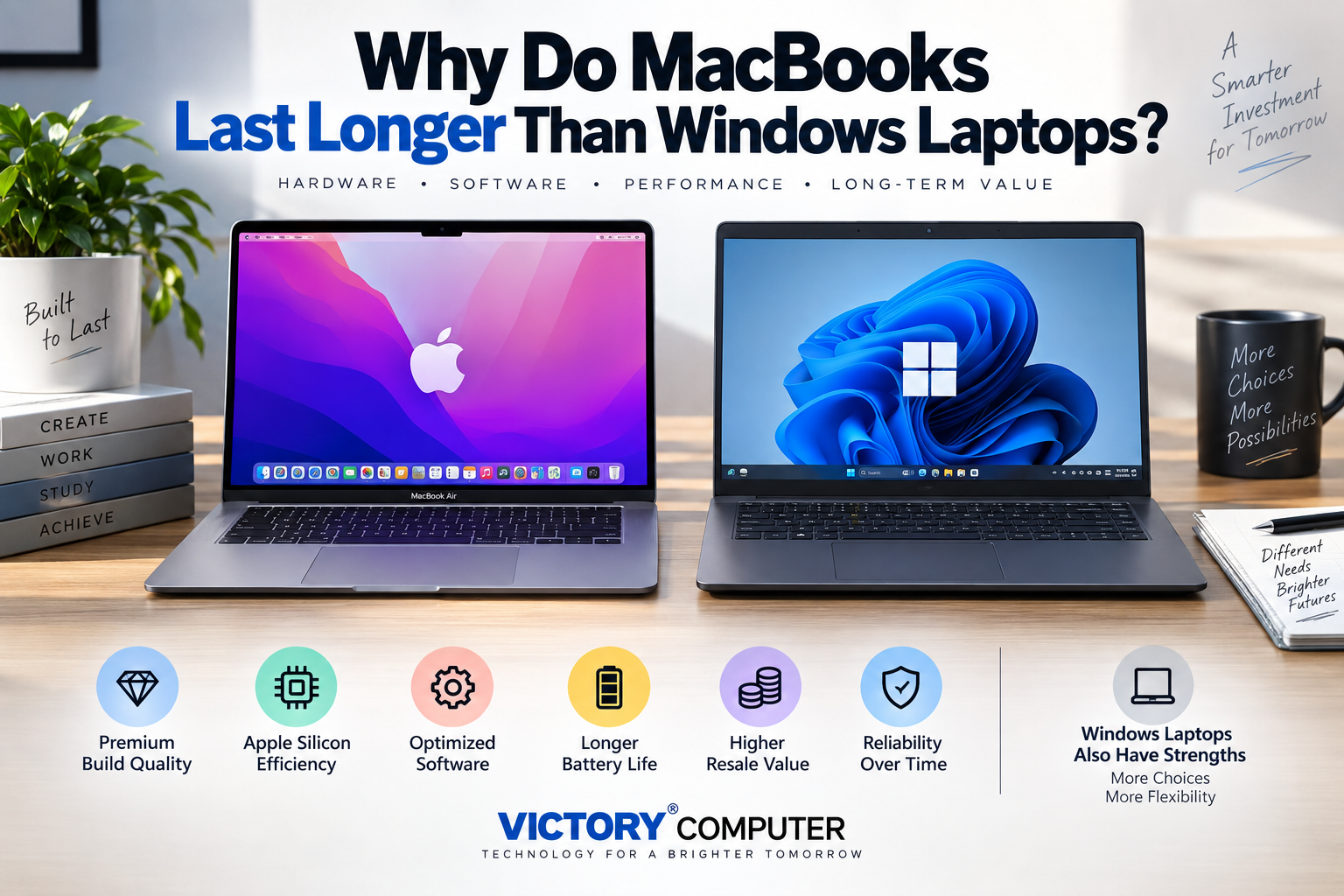
Why Do MacBooks Last Longer Than Windows Laptops
MacBooks often remain useful for a long time because Apple controls the processor, hardware design, operating system and software integration across a relatively small range of computers. Premium construction and efficient Apple silicon also contribute. However, a good Windows laptop can last just as long when it uses quality components and receives proper maintenance.
Why MacBooks Often Last Longer
The biggest advantage is integration. Apple develops macOS alongside the hardware used in Mac computers, while modern MacBooks also use Apple-designed silicon. That gives Apple tighter control over processor behavior, power management, operating-system features and supported hardware configurations.
This does not mean every MacBook lasts longer than every Windows laptop. Windows runs on an enormous range of hardware, from inexpensive entry-level notebooks to premium business laptops and mobile workstations. Comparing a premium MacBook with the cheapest Windows notebook is therefore not a fair durability test.
For a broader platform comparison, see our MacBook vs Windows laptop guide.
MacBook vs Windows Laptop Longevity
| Factor | MacBook | Windows Laptop |
|---|---|---|
| Hardware range | Small, tightly controlled product family | Ranges from budget notebooks to premium workstations |
| Processor integration | Apple silicon designed for Apple’s hardware and software | Intel, AMD and other components across many manufacturers |
| Build quality | Generally premium construction | Highly dependent on model and price class |
| Software environment | macOS developed specifically for Mac hardware | Windows supports a much broader hardware ecosystem |
| Repair options | Can be comparatively restrictive or expensive | Varies widely; some business laptops are easier to service |
| Upgradeability | Limited on modern MacBooks | Model-dependent; some laptops allow RAM or SSD upgrades |
7 Reasons MacBooks Can Age Well
1. Apple Controls Both Hardware and macOS
Apple designs Mac hardware and develops macOS for that hardware. This narrower hardware ecosystem reduces the number of processor, driver and component combinations Apple has to support compared with the broader Windows PC market.
That integration does not automatically make macOS superior to Windows, but it can make optimization and long-term hardware support more predictable for compatible Mac models.
2. Apple Silicon Is Designed Around Performance per Watt
Apple began moving Macs from Intel processors to Apple silicon in 2020. Modern MacBooks combine CPU, GPU, memory architecture and other processing components within Apple’s system-on-chip approach.
High efficiency is especially valuable in laptops because less power consumption can mean lower heat output and longer battery runtime under appropriate workloads. Readers interested in the architecture can see our Apple Silicon guide.
3. MacBooks Generally Use Premium Construction
MacBooks are positioned as premium laptops rather than entry-level computers. Their rigid enclosures, hinges, trackpads and overall chassis construction are designed for repeated portable use.
The correct comparison, however, is a MacBook against a similarly positioned premium Windows laptop. High-end business models from major PC manufacturers can also offer excellent construction and long service lives.
4. macOS Updates Support Compatible Macs for Years
Software support has a major effect on useful laptop life. Apple continues to release macOS upgrades and security updates for supported Mac models. Compatibility changes by model and operating-system generation, so buyers should check Apple’s current compatibility list rather than assume a fixed number of guaranteed years.
As of 2026, Apple’s macOS Tahoe 26 compatibility list still includes the MacBook Air M1 introduced in 2020 as well as several MacBook Pro models from 2019 and 2020 onward. That demonstrates why OS compatibility should be checked by exact model rather than by a generic lifespan claim.
5. Efficient Power Management Can Help Long-Term Usability
Battery condition naturally declines in every laptop. Efficient processors and operating-system power management can nevertheless reduce unnecessary energy use and help a laptop remain practical away from a charger.
Battery longevity depends heavily on workload, temperature, charging habits and battery age, so no laptop battery should be expected to retain its original capacity indefinitely. For a related comparison, see our MacBook battery-life comparison.
6. A Smaller Hardware Ecosystem Reduces Some Compatibility Variables
Windows supports an enormous range of processors, graphics chips, Wi-Fi adapters, displays, peripherals and manufacturer-specific utilities. That flexibility is one of Windows’ biggest strengths, but it also creates more possible hardware and driver combinations.
Apple supports a much narrower Mac hardware range. Fewer configurations can make system-level optimization more manageable, although macOS users can still experience software compatibility problems after major updates.
7. Long-Term Value Is About More Than Raw Performance
A laptop remains useful when its performance, battery, software compatibility and physical condition continue meeting the owner’s needs. MacBooks can perform well in this respect because Apple combines premium hardware with a controlled software platform.
However, limited upgradeability is an important disadvantage. Buying too little memory or storage can shorten the practical life of a MacBook because modern models generally do not provide conventional user-upgradeable RAM and internal storage.
Pros and Cons of MacBook Longevity
Pros
- Strong hardware-software integration: Apple controls both macOS and the core Mac hardware platform.
- Efficient Apple silicon: Modern MacBooks offer strong performance while prioritizing power efficiency.
- Premium construction: MacBooks are designed as premium portable computers rather than budget notebooks.
- Long useful software life: Many Mac models remain compatible with newer macOS releases for years.
- Consistent user experience: A smaller hardware range reduces some driver and configuration complexity.
Cons
- Limited upgrades: RAM and internal storage on modern MacBooks generally cannot be upgraded conventionally after purchase.
- Repairs can be costly: Highly integrated construction can make certain hardware repairs expensive.
- Software compatibility can change: Older applications may stop working after architecture or macOS changes.
- Higher initial cost: MacBooks occupy the premium laptop segment, so budget buyers may find better value elsewhere.
Why We Recommend It
A MacBook makes sense for buyers who value battery efficiency, premium construction, macOS and a tightly integrated hardware-software platform. Buyers who need inexpensive repairs, extensive hardware upgrades, Windows-only applications or maximum gaming flexibility should also consider a quality Windows laptop.
Can Windows Laptops Last Just as Long as MacBooks?
Yes. A high-quality Windows laptop can remain useful for many years. The phrase “Windows laptop” covers an extremely broad market, so Windows itself should not be treated as the reason a cheap laptop wears out sooner.
Premium business laptops and mobile workstations can offer durable chassis construction, replaceable components, strong cooling and long-term service options. Some Windows models also provide an advantage that current MacBooks largely do not: easier SSD, RAM or battery servicing depending on the design.
The larger difference is often product class. Comparing a premium MacBook with an entry-level plastic Windows notebook naturally favors the MacBook. Comparing similarly priced premium laptops produces a much closer durability contest.
How to Make a MacBook or Windows Laptop Last Longer
- Control heat: Avoid blocking ventilation and keep the laptop away from excessive heat.
- Install security and system updates: Current software helps maintain security, stability and compatibility.
- Protect the battery: Avoid unnecessary exposure to extreme temperatures and monitor battery condition.
- Keep adequate free storage: A nearly full system drive can make everyday operation less convenient.
- Protect the display and hinges: Open the screen carefully and avoid carrying the laptop by its display.
- Buy enough memory and storage: This is particularly important for MacBooks because later upgrades are limited.
- Use appropriate accessories: Quality chargers and protective carrying cases can reduce avoidable damage.
MacBook or Windows Laptop: Which Should You Buy for Long-Term Use?
Choose a MacBook if you prefer macOS, want an efficient portable computer, already use Apple services or devices, and are comfortable selecting enough RAM and storage at purchase.
Choose a Windows laptop if you need broader software or gaming compatibility, more hardware choices, specific business applications, or a model with greater upgrade and repair flexibility.
For buyers considering a pre-owned Apple laptop, our guide to buying a refurbished MacBook explains the additional checks worth making before purchase.
Buyers in Pakistan can also explore laptops and current computing options through Victory Computer. Compare the exact model, configuration, warranty terms and intended workload before deciding purely on the operating system or brand.
Frequently Asked Questions
Why do MacBooks last longer than Windows laptops?
MacBooks can age well because Apple tightly controls the hardware, Apple silicon and macOS platform, while using premium construction. However, premium Windows laptops can also provide long service lives.
How many years can a MacBook last?
There is no universal guaranteed lifespan. Useful life depends on the model, workload, battery condition, physical care, software compatibility and whether the hardware still meets the owner’s requirements.
Do Windows laptops last as long as MacBooks?
They can. Premium Windows business laptops and workstations can remain useful for many years, while inexpensive models may use lower-cost components. Compare similar price and quality classes rather than MacBooks against the entire Windows market.
Does Apple silicon make MacBooks last longer?
Apple silicon provides strong performance and power efficiency, which can help a MacBook remain capable over time. Physical care, battery aging, memory capacity and future software requirements still affect longevity.
What is the biggest disadvantage of keeping a MacBook for many years?
Limited hardware upgradeability is a major consideration. Choosing insufficient memory or storage at purchase can become restrictive later.
Is a MacBook worth buying for long-term use in Pakistan?
A MacBook can be a strong long-term option for users who need macOS, portability and efficient performance. Windows may be more suitable when upgradeability, gaming, specific software or repair flexibility matters more.

About Victory Computer Editorial Team
Victory Computer Editorial Team The Victory Computer Editorial Team publishes informative, research-based content about laptops, computers, monitors, printers, hardware, and technology trends in Pakistan. Our goal is to help readers understand product specifications, compare available options, and make informed purchasing decisions.
View all posts by Victory Computer Editorial Team