
Why uTorrent Classic Doesn’t Run on Mac Anymore (Best Torrent Alternatives for Mac) | Expert Review

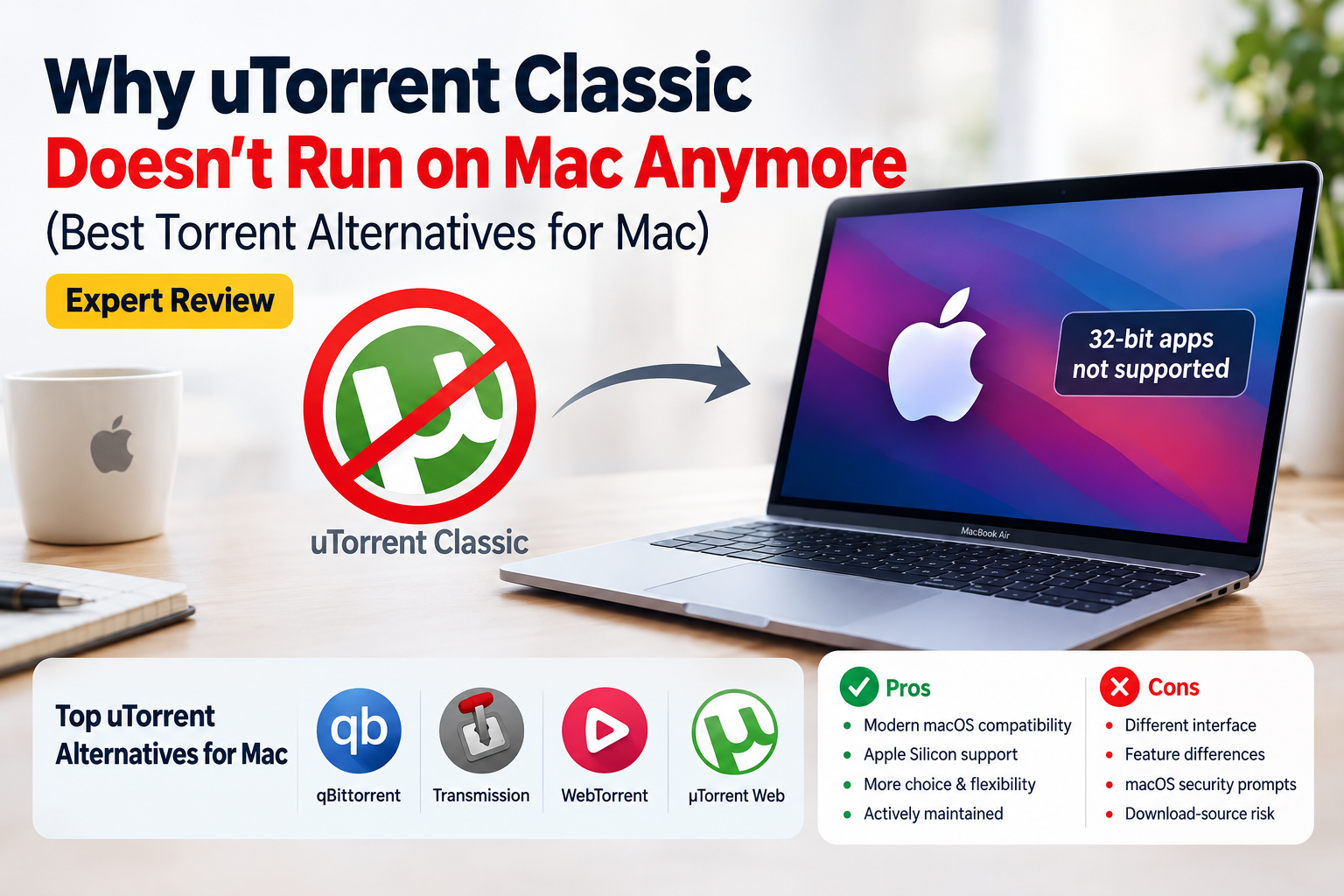
Why uTorrent Classic Doesn’t Run on Mac Anymore
uTorrent Classic Mac no longer runs on modern versions of macOS because the old desktop client is a 32-bit application. Apple removed support for 32-bit Mac applications starting with macOS Catalina 10.15, and µTorrent confirms that Classic for Mac is incompatible with Catalina and later versions. Mac users therefore need µTorrent Web or a modern torrent client instead.
Why uTorrent Classic Stopped Working on Mac
The main reason uTorrent Classic Mac stopped working is straightforward: the old Mac desktop application was built as a 32-bit app. Apple states that macOS Mojave 10.14 was the final macOS release capable of running 32-bit applications. Starting with macOS Catalina 10.15, those applications are no longer compatible.
µTorrent made the same limitation clear when Catalina was introduced. Instead of rebuilding µTorrent Classic as a modern Mac desktop application, the company shifted Mac users toward µTorrent Web, which uses a browser-based interface.
| Issue | What It Means |
|---|---|
| 32-bit application | µTorrent Classic cannot run on macOS Catalina 10.15 or newer. |
| Modern macOS | Current macOS releases no longer provide compatibility for old 32-bit Mac apps. |
| Apple Silicon | Installing the old Classic client is not a practical solution on modern M-series Macs. |
| Official replacement | µTorrent directs modern Mac users toward µTorrent Web. |
This is part of a broader compatibility problem affecting legacy software after major operating-system changes. Our guide to why third-party Mac apps break after macOS updates explains why older applications can stop functioning even when the Mac itself is working correctly.
Does uTorrent Classic Work on Apple Silicon Macs?
No. uTorrent Classic for Mac is not a suitable client for modern Apple Silicon Macs running current macOS versions. The key problem is not simply that Apple moved from Intel processors to M-series chips. The old Mac client had already become incompatible when Catalina removed 32-bit application support.
Apple Silicon Macs can run many compatible Intel-based 64-bit applications through Apple’s software compatibility technologies, so describing every Intel Mac application as incompatible with Apple Silicon would be inaccurate. The specific problem with µTorrent Classic is its obsolete 32-bit Mac architecture and lack of a compatible modern Classic release.
If application compatibility matters before upgrading macOS, see our guide to unsupported Mac apps and macOS upgrades.
Best uTorrent Alternatives for Mac in 2026
Mac users still have several BitTorrent clients available. The best option depends on whether you prefer a traditional desktop interface, lightweight operation, advanced controls, or a browser-oriented experience.
| Client | Best For | Main Advantage | Main Trade-off |
|---|---|---|---|
| qBittorrent | Advanced desktop users | Open-source desktop client with extensive controls | macOS support is not the project’s main development priority |
| Transmission | Users wanting a straightforward Mac client | Clean, traditional torrent-client experience | Fewer advanced interface options than some alternatives |
| µTorrent Web | Existing µTorrent users | Official modern Mac option from µTorrent | Browser-based rather than the old Classic desktop experience |
| WebTorrent | Users interested in web-focused torrenting | Simple approach built around web technologies | Not a direct replacement for every advanced Classic feature |
1. qBittorrent
qBittorrent is one of the closest choices for users who miss a conventional desktop torrent client. It is open source and provides torrent management, bandwidth controls and other advanced settings without trying to reproduce µTorrent’s browser-based direction.
The qBittorrent project has offered Universal macOS builds designed to run natively on both Apple Silicon and Intel Macs. However, the project itself notes that macOS support and compatibility are not its main priority, so users should check the requirements for the current build before updating or installing it.
2. Transmission
Transmission is another established option for macOS users who prefer a focused desktop torrent client. Its relatively simple interface makes it attractive to people who do not need every advanced setting visible at once.
Transmission is particularly suitable if your priority is managing ordinary torrent and magnet-link downloads without recreating the more complex interface associated with some power-user clients.
3. µTorrent Web
If you want to stay with the µTorrent ecosystem, µTorrent Web is the company’s modern Mac option. µTorrent describes it as a browser-based client that can download torrent files and magnet links and play supported media while files are downloading.
The main drawback is the change in workflow. Anyone who specifically liked the traditional µTorrent Classic desktop interface may find the browser-oriented experience less familiar.
4. WebTorrent
WebTorrent takes a web-oriented approach and can be useful for users who prefer a simpler interface and media-focused torrent workflow. It is worth considering when you do not require the extensive configuration available in a traditional desktop client.
Pros and Cons of Modern uTorrent Alternatives for Mac
Pros
- Modern macOS compatibility: Current alternatives are better suited to supported macOS environments than the obsolete 32-bit µTorrent Classic client.
- Apple Silicon options: Modern clients such as qBittorrent have offered builds designed for current Mac hardware.
- More choice: Users can choose between traditional desktop clients and browser-oriented torrent software.
- Actively maintained options: Modern clients can receive compatibility, security and bug-fix updates instead of depending on abandoned 32-bit software.
Cons
- Different interface: Users accustomed to µTorrent Classic may need time to adjust.
- Feature differences: Not every alternative reproduces Classic’s scheduling, management and customization features in exactly the same way.
- macOS security prompts: Some third-party builds may trigger additional macOS warnings or require extra installation checks.
- Download-source risk remains: Changing torrent clients does not make untrusted downloads safe.
Which Torrent Client Should Mac Users Choose?
Choose qBittorrent if you want a traditional, feature-rich desktop torrent client. Transmission is a strong choice if you prefer a simpler Mac desktop experience. Existing µTorrent users who do not mind working through a browser can consider µTorrent Web.
There is little reason to keep trying to force µTorrent Classic to run on a current Mac. The incompatibility is fundamental: modern macOS versions do not support the 32-bit application.
Mac owners experiencing similar software problems can also read our broader guide to macOS compatibility and app failures.
Is Torrenting Safe and Legal on a Mac?
BitTorrent is a file-transfer protocol, so using a torrent client is not inherently illegal. What matters is the material being downloaded or shared and the laws and permissions that apply to it. Torrents can legitimately distribute open-source software, public-domain material and other authorized files.
Do not assume that a torrent is safe simply because a modern client can open it. Files obtained from untrusted sources can contain malicious or deceptive content. Download only material you are legally permitted to access and use trusted sources whenever possible.
MacBooks and macOS Support in Pakistan
If you are choosing a MacBook in Pakistan, software compatibility should be considered alongside processor performance, memory, storage and display requirements. Current Apple Silicon Macs are designed around modern 64-bit software, so users who depend on older applications should verify compatibility before replacing an older Intel Mac or upgrading macOS.
Victory Computer provides laptops and computing products for customers in Pakistan. You can browse Victory Computer or view the available computer range before choosing a system.
For questions about available products, compatibility requirements or purchasing options, contact Victory Computer through WhatsApp at 0300 9466881.
Frequently Asked Questions
Why doesn’t uTorrent Classic run on Mac anymore?
µTorrent Classic for Mac is a 32-bit application. Apple ended compatibility with 32-bit Mac applications starting with macOS Catalina 10.15.
Can I install uTorrent Classic on an M-series Mac?
Not as a usable modern Mac torrent client on current macOS. The old Classic application is incompatible with Catalina and later because it is 32-bit.
Does µTorrent still have a Mac version?
Yes. µTorrent currently offers µTorrent Web for Mac, but it uses a browser-based interface rather than the traditional µTorrent Classic desktop experience.
What is the best uTorrent alternative for Mac?
qBittorrent is a strong choice for users wanting extensive desktop controls, while Transmission suits users who prefer a simpler interface. The best option depends on the features you need.
Does qBittorrent work on Apple Silicon?
qBittorrent has provided Universal macOS builds intended to work natively on both Apple Silicon and Intel Macs. Check the current release requirements before installation because macOS compatibility can change between versions.
Is using torrents illegal?
No. BitTorrent technology itself is not inherently illegal. Legality depends on what you download or distribute and whether you have permission to access or share that material.
Final Recommendation
uTorrent Classic Mac is effectively a legacy application for users of modern macOS. Apple removed 32-bit application compatibility with Catalina, and µTorrent’s own documentation confirms that Classic does not support macOS 10.15 or later.
For most users, moving to qBittorrent, Transmission or µTorrent Web is more practical than attempting to keep the old Classic client alive. Choose the client based on the interface and controls you need, and always use BitTorrent software for files you are authorized to download or share.

About Victory Computer Editorial Team
Victory Computer Editorial Team The Victory Computer Editorial Team publishes informative, research-based content about laptops, computers, monitors, printers, hardware, and technology trends in Pakistan. Our goal is to help readers understand product specifications, compare available options, and make informed purchasing decisions.
View all posts by Victory Computer Editorial Team