
Why Apple’s Display Strategy Might Be Limiting Future Innovation | Expert Review

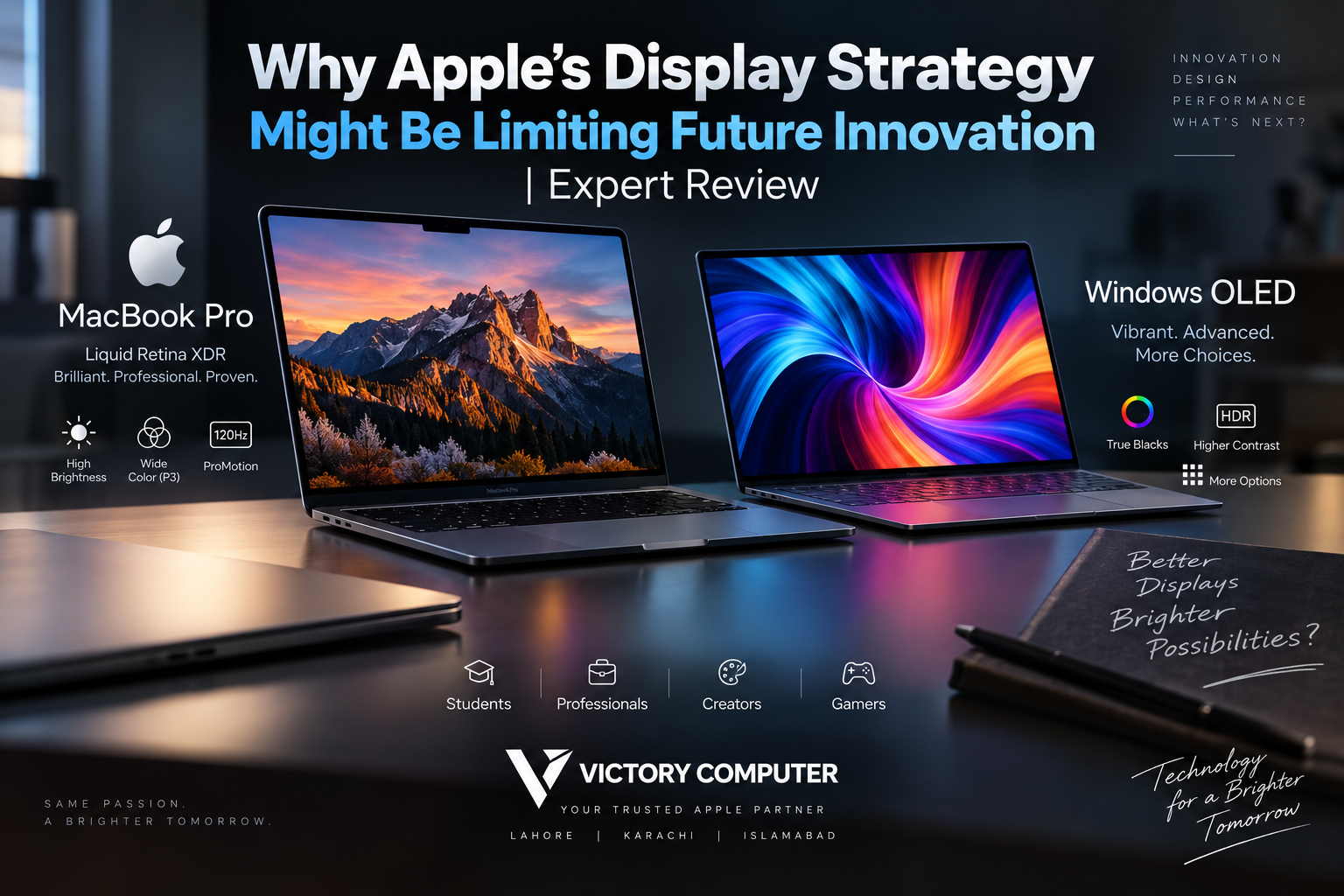
Why Apple’s Display Strategy Might Be Limiting Future Innovation
Apple’s display strategy prioritizes display quality, efficiency and controlled technology transitions rather than adopting every new panel technology first. That approach has produced excellent MacBook screens, but it also creates limitations: OLED adoption has been slower than on many Windows laptops, touchscreen Macs have remained absent, and advanced display features are concentrated in higher-end models.
What Display Technology Does Apple Currently Use?
Apple does not use the same display technology across every MacBook. Current MacBook Air models use Liquid Retina displays, while higher-end MacBook Pro models use Liquid Retina XDR displays with mini-LED backlighting.
The MacBook Pro approach remains technically strong. Liquid Retina XDR provides high contrast, strong HDR performance, wide P3 color support and ProMotion adaptive refresh rates up to 120Hz. These characteristics make the MacBook Pro particularly capable for photography, video editing and other color-sensitive professional work.
The important criticism of Apple’s display strategy, therefore, is not that MacBook screens are poor. The issue is the speed at which Apple introduces alternative technologies and interaction methods across the Mac lineup.
Why Does Apple Move Slowly With MacBook Displays?
Apple generally appears to favor technologies that can meet several requirements simultaneously rather than competing on a single specification. Display quality has to work alongside battery life, chassis thickness, heat, software behavior and manufacturing scale.
This strategy can benefit buyers because mature technology tends to provide predictable performance. However, it can also mean competitors introduce technologies such as OLED laptop panels or touchscreen interfaces earlier.
That distinction matters. Being first and delivering the best overall implementation are not the same objective, and Apple’s display strategy has historically leaned toward the latter.
How Apple’s Display Strategy Can Limit Future Innovation
The biggest limitation is that a cautious product roadmap can leave Mac users waiting for display technologies already available elsewhere in the laptop market.
1. Slow OLED Adoption
OLED can control individual pixels without relying on a conventional backlight. This enables true blacks, extremely high contrast and precise pixel-level light control.
Premium Windows laptops have already made OLED a common option across several price and performance classes. MacBook users, meanwhile, have continued using LCD-based Liquid Retina or mini-LED Liquid Retina XDR technology.
For a deeper technical comparison, Victory Computer’s guide to Mini-LED vs OLED for MacBooks explains why neither technology is automatically superior in every situation.
2. No Touchscreen on Current MacBooks
Touchscreen Windows laptops have existed for years, particularly among convertible and 2-in-1 systems. Current MacBooks still rely primarily on the keyboard and trackpad for direct interaction with macOS.
Not every Mac user needs touch input, but its absence removes an interaction option that can be useful for drawing, navigation, presentations and certain creative workflows.
3. Advanced Features Are Concentrated in MacBook Pro
The difference between MacBook Air and MacBook Pro displays is substantial. MacBook Air prioritizes portability and efficiency with Liquid Retina, while MacBook Pro adds the more sophisticated Liquid Retina XDR system and ProMotion.
This segmentation makes sense commercially, but it means buyers wanting Apple’s most advanced laptop display generally have to move into the Pro range.
4. Competitors Can Experiment Faster
Windows laptop manufacturers collectively offer a much wider range of display configurations, including OLED, high-refresh gaming panels, touchscreens and different resolutions and aspect ratios.
That diversity creates more experimentation. Our comparison of MacBook displays vs high-end Windows laptops explores why the best choice depends heavily on whether the buyer prioritizes battery life, HDR work, gaming, touch input or OLED contrast.
Mini-LED vs OLED: Is Apple Actually Behind?
Not necessarily. Calling every OLED panel superior to Apple’s Liquid Retina XDR technology would oversimplify the comparison.
| Display Area | Mini-LED / Liquid Retina XDR | OLED |
|---|---|---|
| Black Levels | Excellent, but uses local dimming zones | True black from individually controlled pixels |
| Contrast | Very high | Exceptional |
| HDR | Excellent on MacBook Pro | Excellent on premium implementations |
| Pixel Response | Fast | Typically extremely fast |
| Burn-in Risk | No OLED-style burn-in concern | Long-term image retention remains a consideration |
| Laptop Availability | Limited mainly to selected premium systems | Available across many Windows laptop families |
The criticism of Apple’s display strategy is therefore more about choice and adoption speed than basic display quality. Liquid Retina XDR remains a highly capable display technology even as OLED offers advantages of its own.
Pros and Cons of Apple’s Display Strategy
Pros
- Strong display consistency: Apple controls a relatively small number of display configurations, making the MacBook lineup easier to understand.
- Excellent professional displays: MacBook Pro Liquid Retina XDR offers strong HDR, wide color support and adaptive refresh rates.
- Battery-conscious design: Apple balances display features against the portability and battery expectations of MacBook users.
- Mature technology: Apple often waits before moving an important product family to a different display architecture.
- Clear product segmentation: MacBook Air emphasizes portability while MacBook Pro targets users who need more advanced display performance.
Cons
- Slower OLED transition: MacBook buyers have had fewer OLED options than buyers in the Windows laptop market.
- No touchscreen on current Macs: Users who want direct screen interaction have to consider other device categories or competing laptops.
- Premium features cost more: ProMotion and Liquid Retina XDR are associated with higher-end MacBook models.
- Less hardware variety: Windows buyers can choose among a broader range of OLED, IPS, mini-LED, touch and high-refresh configurations.
Why We Recommend Looking Beyond the Panel Name
Buyers should choose a laptop based on the complete display implementation rather than simply selecting OLED, mini-LED or Retina branding. Resolution, brightness, refresh rate, color reproduction, reflections, battery consumption and the intended workload can matter as much as the underlying panel technology.
Are OLED MacBooks Finally Coming?
OLED is the area where Apple’s display strategy could change most significantly. Industry reporting in 2026 continues to point toward OLED technology reaching future high-end MacBook models, although Apple has not made every reported roadmap detail an official product announcement.
Recent reports suggest redesigned high-end MacBook models could adopt OLED technology, while LCD/mini-LED MacBook Pro configurations may continue alongside OLED models for longer than previously expected. Because these details concern unreleased products, specifications and launch timing should be treated as reports rather than confirmed Apple specifications.
This distinction matters for buyers. A rumored OLED MacBook should not automatically stop someone from buying a current MacBook Pro if a computer is needed now.
Could OLED Actually Strengthen Apple’s Display Approach?
Yes. Waiting can have an advantage if Apple eventually introduces OLED only after the technology meets its targets for brightness, efficiency, longevity and professional image quality.
Apple already has experience with advanced tandem OLED technology in another professional product category, so future MacBook implementations could focus on more than simply replacing mini-LED with OLED.
The question is therefore not only when Apple adopts OLED, but what Apple does with the technology once it reaches MacBooks.
Should You Buy a MacBook Now or Wait for OLED?
Buy now if you need a laptop for work, study or professional production and the current MacBook already meets your requirements. MacBook Pro’s Liquid Retina XDR display remains highly capable despite not being OLED.
Consider waiting if OLED, touch functionality or the next major MacBook display redesign is central to your purchase decision and you are comfortable waiting for Apple to officially announce future hardware.
Buyers comparing overall value should also consider our analysis of MacBook pricing and value, because display technology is only one part of the buying decision.
What Does Apple’s Display Strategy Mean for Buyers in Pakistan?
Pakistani buyers should pay particular attention to the exact MacBook model rather than assuming every Retina-branded display offers the same capabilities. MacBook Air and MacBook Pro displays differ significantly, and even models within the broader Mac family can target different workloads.
For current laptop options and purchasing guidance, visit Victory Computer. Buyers can also contact Victory Computer on WhatsApp at 0300 9466881 or visit the Lahore store for model-specific information.
Before purchasing, confirm the exact model, display size, panel specifications, warranty terms and current availability. Avoid making a buying decision solely because a future OLED MacBook has been reported but not officially released.
Final Verdict: Is Apple Limiting Display Innovation?
Apple’s display strategy can limit how quickly MacBook users receive technologies such as OLED and touch, but describing Apple as simply “behind” misses the bigger picture.
Current MacBook Pro displays remain highly competitive for professional work. The weakness is choice: Windows manufacturers offer more display technologies, form factors and configurations, while Apple maintains a tightly controlled lineup.
For users who value OLED contrast, touch input and hardware experimentation, that strategy can feel restrictive. For users who prioritize a carefully integrated display, battery life and macOS experience, Apple’s slower approach can still make sense.
The arrival of future OLED MacBooks could narrow that gap considerably. Until Apple officially announces those products, however, current MacBook purchases should be judged on the displays available today rather than future rumors.
Frequently Asked Questions
Why doesn’t Apple currently use OLED across all MacBooks?
Apple has not publicly reduced the decision to one simple reason. Current MacBooks use Liquid Retina or Liquid Retina XDR technology, while industry reports indicate OLED adoption is planned for future Mac models.
Is Liquid Retina XDR better than OLED?
Neither technology wins in every category. OLED provides pixel-level light control and true blacks, while Apple’s mini-LED Liquid Retina XDR implementation provides excellent brightness, HDR performance and professional image quality.
Does the MacBook Air use mini-LED?
No. Current MacBook Air models use Liquid Retina displays. Mini-LED-backed Liquid Retina XDR technology is used in current higher-end MacBook Pro models.
Will Apple release an OLED MacBook Pro?
Multiple industry reports point toward OLED high-end MacBooks, but unreleased product timing and specifications should remain classified as reported information until Apple officially announces the hardware.
Should I wait for an OLED MacBook?
Wait if OLED or the expected display redesign is essential and you do not urgently need a laptop. Otherwise, current MacBook Pro Liquid Retina XDR models already provide strong professional display performance.
Are OLED Windows laptops automatically better than MacBooks?
No. OLED provides important advantages, but panel technology alone does not determine display quality. Brightness, color accuracy, refresh rate, reflections, battery efficiency and the intended workload should all be considered.

About Victory Computer Editorial Team
Victory Computer Editorial Team The Victory Computer Editorial Team publishes informative, research-based content about laptops, computers, monitors, printers, hardware, and technology trends in Pakistan. Our goal is to help readers understand product specifications, compare available options, and make informed purchasing decisions.
View all posts by Victory Computer Editorial Team
2 thoughts on “Why Apple’s Display Strategy Might Be Limiting Future Innovation | Expert Review”