
AI-assisted coding environments like Cursor AI on Mac | Expert Review

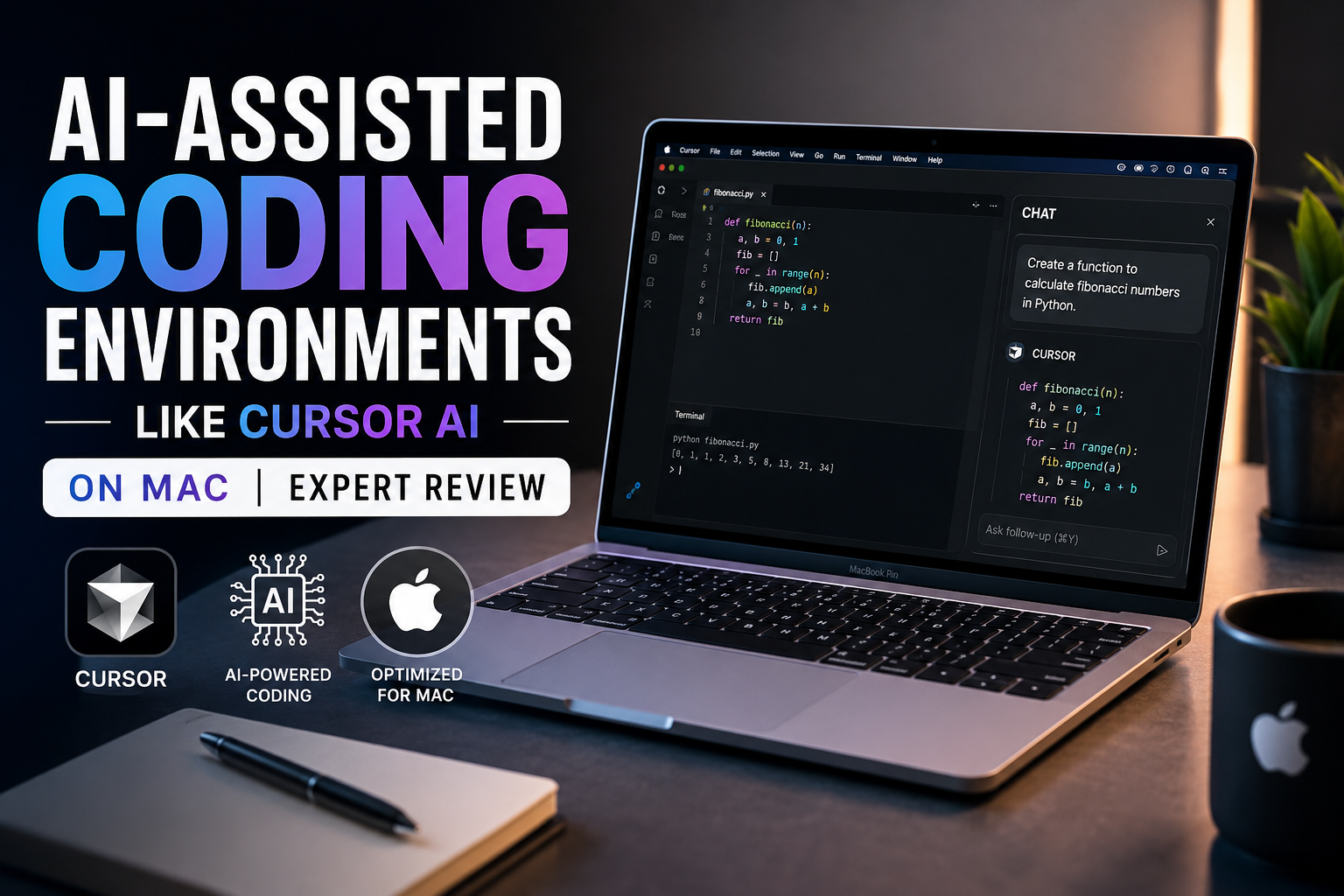
AI-Assisted Coding Environments on Mac: Cursor AI Expert Review
AI-assisted coding environments on Mac can make software development faster by helping developers understand codebases, generate and edit code, debug errors, refactor files, and work with terminal commands from a single environment. Cursor is one of the strongest examples, but developers still need to review AI-generated changes, test code, and understand what is being shipped.
What Are AI-Assisted Coding Environments on Mac?
AI-assisted coding environments on Mac combine a conventional code editor with artificial intelligence that can analyze project context and help developers write, understand, modify, and debug software.
Instead of using AI only as an autocomplete system, modern coding agents can work across multiple files. Cursor’s Agent, for example, can search a codebase, edit files, run terminal commands, fix errors, write tests, and assist with larger development tasks.
This makes AI coding particularly useful when working with an unfamiliar repository, repetitive code, refactoring tasks, documentation, tests, or debugging. The developer still remains responsible for reviewing the output.
How Does Cursor AI Work on Mac?
Cursor AI on Mac combines a code editor with contextual AI tools. The environment can inspect relevant project files and use that context when responding to development requests.
A developer can ask Cursor to explain an unfamiliar function, locate code related to a feature, modify several files, create tests, investigate an error, or implement a clearly defined feature.
Cursor’s current Agent functionality can also execute terminal commands and work across multiple files. That moves the workflow beyond simple code completion and closer to task-based software development.
A typical workflow might look like this:
- Open an existing repository.
- Ask the AI to identify the files responsible for a feature.
- Request a plan or specific modification.
- Review the proposed changes and diffs.
- Run tests, linting, and application checks.
- Commit the verified changes through version control.
The biggest benefit is not simply typing fewer characters. The more meaningful advantage is reducing the time spent searching through code and performing repetitive development work.
Cursor AI vs Traditional Coding Environments
| Area | Cursor AI Workflow | Traditional IDE Workflow |
|---|---|---|
| Code completion | Context-aware AI generation | Autocomplete and extensions |
| Codebase questions | Natural-language interaction | Manual search and navigation |
| Multi-file edits | Agent can propose and perform changes | Usually developer-controlled editing |
| Debugging | AI can help investigate errors | Debugger, logs and manual diagnosis |
| Terminal | Agent-assisted commands | Developer runs commands directly |
| Control | Requires careful review of AI actions | More directly controlled by developer |
The comparison should not be interpreted as Cursor replacing traditional development tools. AI-assisted environments extend familiar editor workflows rather than removing the need for compilers, debuggers, Git, tests, package managers, terminals, and developer judgment.
Why Macs Work Well for Software Development
macOS is attractive for software development because developers have access to Unix-based command-line tooling while also being able to build software for Apple’s platforms.
For iPhone, iPad, macOS, watchOS, and visionOS development, Apple’s Xcode remains particularly important. Apple’s current Xcode releases include SDKs, Swift tooling, simulators, debugging tools, and Apple’s own coding-intelligence capabilities.
Apple has also expanded AI functionality inside Xcode. Current Xcode documentation describes coding-intelligence features for generating code, tests and documentation, fixing errors, refactoring implementations, and navigating projects.
For web development, Python, JavaScript, TypeScript, Node.js, backend development, Git workflows, Docker-related development and general programming, developers can combine macOS with tools such as Cursor, VS Code, terminals and browser-based development services.
MacBook Air vs MacBook Pro for AI Coding
The best Mac depends more on the development workload than on the presence of Cursor itself. Most cloud-backed AI editor features do not automatically require the most expensive MacBook configuration.
MacBook Air
A MacBook Air can be a practical choice for students, web developers, programmers and freelancers whose work mainly involves code editors, browsers, terminals and moderate development workloads.
Portability and battery-focused design can also matter for university and mobile work. Readers comparing portable laptops can also review Victory Computer’s laptop battery life comparison before choosing a system.
MacBook Pro
A MacBook Pro becomes more relevant when the development workflow involves sustained CPU/GPU workloads, larger builds, multiple demanding development tools, virtualized environments, professional media work alongside development, or heavier local AI workloads.
Developers considering an older professional machine should examine hardware condition, battery health and configuration carefully. Victory Computer’s used MacBook Pro buying guide covers several of those purchasing considerations.
The key rule is simple: choose hardware for the complete development workload, not simply because the editor contains AI.
Privacy and Security With Cursor AI on Mac
Privacy deserves attention whenever AI tools are given access to proprietary source code. Cursor states that when AI functionality is used, prompts and relevant code context can be sent to model providers. Cursor also provides a Privacy Mode designed to prevent code from being used for model training.
Developers working with company repositories should therefore review organizational policies before providing an AI coding system with project access.
Agentic coding introduces another consideration: AI can make actual changes rather than merely suggesting text. Cursor’s security documentation warns about issues including prompt injection and unexpected AI behavior, and recommends retaining protective controls.
Practical safeguards include:
- Use Git or another version-control system.
- Review diffs before accepting important changes.
- Keep secrets and credentials out of source files.
- Use appropriate privacy settings.
- Run tests after AI-generated modifications.
- Review terminal commands before allowing sensitive operations.
Limitations of AI-Assisted Coding on Mac
AI-assisted coding environments on Mac can reduce repetitive work, but AI-generated code can still contain incorrect logic, insecure patterns, outdated APIs or unnecessary complexity.
Pros
- Fast codebase exploration
- Useful assistance with repetitive coding tasks
- Natural-language explanations of unfamiliar code
- Multi-file editing and refactoring assistance
- Helpful support for debugging and test generation
Cons
- Generated code can be wrong
- AI features may send project context to external services
- Agents can modify multiple files quickly
- Overreliance can weaken understanding of the underlying code
Why We Recommend It
Cursor and similar tools make the most sense for developers who treat AI as an engineering assistant rather than an unquestioned source of correct code. Experienced developers can use AI to reduce repetitive work, while students can use explanations to support learning as long as they still understand and verify the resulting code.
Who Should Use Cursor AI on Mac?
AI coding on Mac is particularly useful for web developers, app developers, software engineers, computer science students, freelancers and programmers maintaining larger repositories.
For developers targeting Apple’s platforms, a Mac has an additional advantage because Xcode and Apple’s development ecosystem are directly available on macOS.
For general web and backend programming, however, the choice between Mac and Windows should depend on the developer’s required software, budget, hardware needs and preferred operating environment. Cursor itself is not a reason to claim that macOS is universally better than Windows.
Buyers in Pakistan comparing development laptops can explore Victory Computer’s current computer and laptop selection and supporting technology guides before deciding which hardware configuration fits their workload.
Frequently Asked Questions
Is Cursor AI good on Mac?
Yes. Cursor provides macOS support and its AI features can work with development repositories, codebase search, multi-file editing and terminal-assisted workflows.
Is a MacBook Air enough for Cursor AI?
For many students, web developers and general programmers, a MacBook Air can be sufficient. More demanding local workloads, large builds or sustained professional development may justify a MacBook Pro.
Does Cursor replace Xcode on Mac?
No. Developers building for Apple’s platforms may still need Xcode for Apple’s SDKs, simulators, signing, debugging and platform-specific development tools.
Is AI-generated code always safe to use?
No. AI-generated code should be reviewed, tested and checked for security, correctness and maintainability before production use.
Is Cursor AI private?
Cursor offers Privacy Mode, but AI functionality can involve sending prompts and code context to model providers. Developers handling confidential repositories should review the current privacy documentation and organizational requirements.
Which Mac is best for software development?
There is no universal best Mac. A MacBook Air can suit lighter and portable development, while a MacBook Pro is more appropriate when sustained performance, larger builds or heavier local workloads matter.
Final Verdict
AI-assisted coding environments on Mac are worth considering because tools such as Cursor can help developers understand repositories, generate and modify code, investigate bugs and automate repetitive development tasks. macOS also provides a strong development environment, particularly for programmers working with Apple’s platforms.
The main trade-off is control. AI-generated changes still require human review, testing and security checks. Choose a MacBook based on the complete workload, use version control, protect sensitive source code and treat AI as an assistant rather than a replacement for software engineering knowledge.

About Victory Computer Editorial Team
Victory Computer Editorial Team The Victory Computer Editorial Team publishes informative, research-based content about laptops, computers, monitors, printers, hardware, and technology trends in Pakistan. Our goal is to help readers understand product specifications, compare available options, and make informed purchasing decisions.
View all posts by Victory Computer Editorial Team
2 thoughts on “AI-assisted coding environments like Cursor AI on Mac | Expert Review”