
ASUS LED VY279HGR 27 IPS 120Hz FHD | Expert review

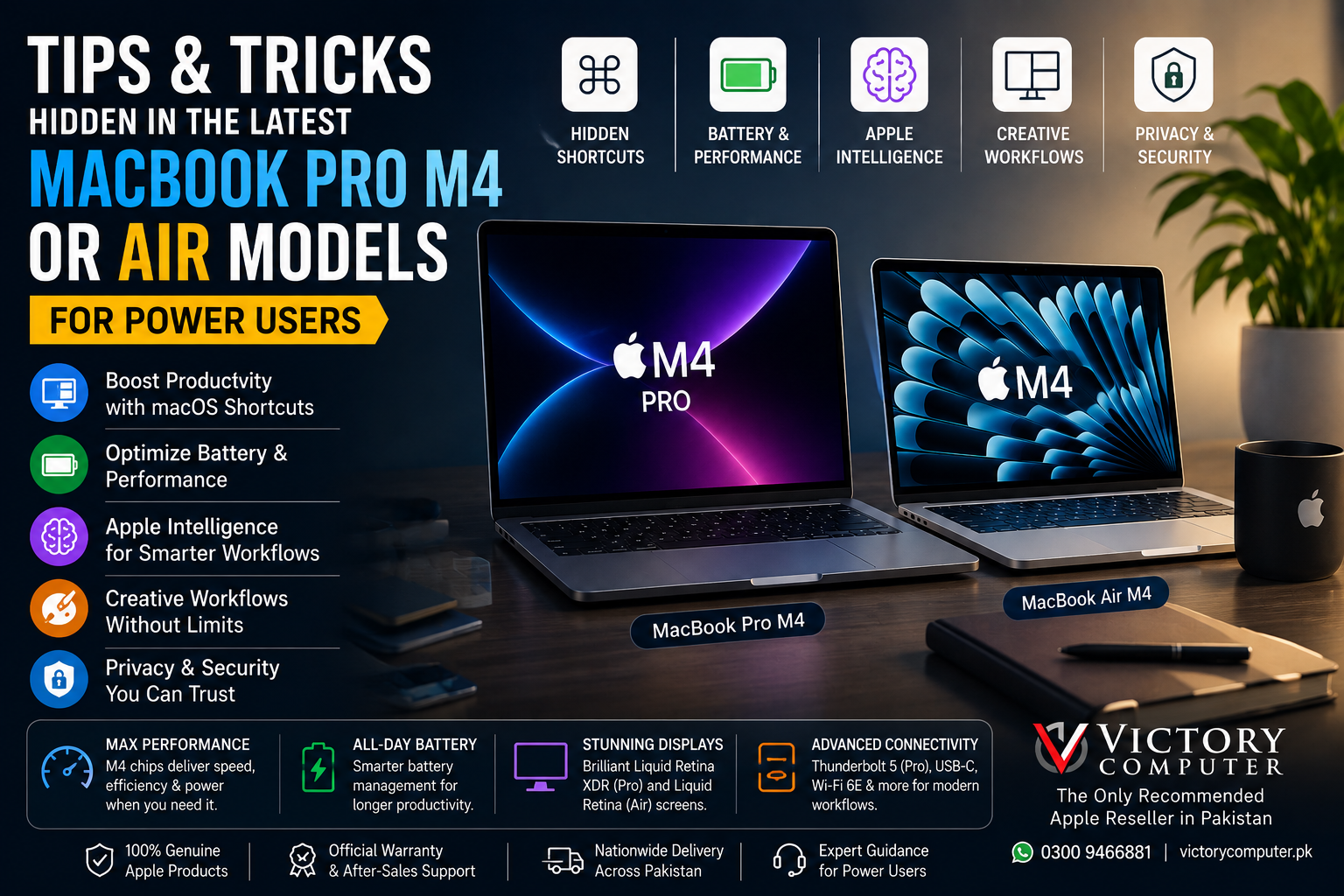
Tips and tricks hidden in the latest MacBook Pro M4 or Air models for power users.
MacBook Pro M4 and MacBook Air M4 users can work faster by combining macOS window management, power modes, external displays, Continuity features, Apple Intelligence, and better battery settings. The biggest difference is that MacBook Air prioritizes portability and quiet operation, while MacBook Pro adds pro-display controls, more ports, and higher sustained-performance options.
MacBook Air M4 vs MacBook Pro M4: What Matters for Power Users?
The MacBook Air M4 is the better fit for users who value low weight, silent operation, and everyday mobility. The MacBook Pro M4 is better suited to heavier creative, engineering, development, and multi-display workloads where sustained performance, advanced display options, and additional connectivity matter more.
| Area | MacBook Air M4 | MacBook Pro M4 Family |
|---|---|---|
| Best for | Mobile work, study, office tasks, coding | Editing, development, heavier professional workflows |
| Cooling | Fanless, silent design | Active cooling |
| External displays | Up to two external displays plus built-in display | Varies by chip and configuration |
| Pro display tools | Standard Liquid Retina controls | Liquid Retina XDR reference modes |
| Connectivity | Compact port selection | More pro-focused I/O; Thunderbolt 5 on M4 Pro/Max |
For a broader buying decision, read our MacBook Air vs MacBook Pro comparison.
1. Use Stage Manager as a Project Workspace
Stage Manager is useful when one project requires several apps at once. Group your browser, Notes, Finder, and communication app together, then create another group for editing or development. This reduces window hunting without forcing every application into full-screen mode.
For MacBook Pro M4 users working with external monitors, Stage Manager can be particularly useful because related windows stay organized while the main workspace remains focused on the active task.
2. Turn Spotlight Into a Faster Launcher
Use Spotlight for more than opening applications. Search files, settings, messages, calculations, and available system actions directly from the keyboard. Newer macOS releases have made Spotlight increasingly useful for keyboard-first workflows.
Power users can reduce repeated trips through Finder, System Settings, and application menus by learning to search first.
3. Use Universal Control and Sidecar for Different Jobs
Universal Control lets one keyboard and trackpad control nearby Mac and iPad devices while each device keeps its own applications. Sidecar instead turns an iPad into an additional Mac display.
Use Universal Control when you need to move naturally between devices. Use Sidecar when you need additional desktop space for timelines, reference material, communication, or creative tools.
4. Choose the Right Power Mode for the Job
Low Power Mode reduces energy consumption when maximum performance is unnecessary. On supported MacBook Pro M4 configurations, High Power Mode can help with demanding workloads where performance matters more than additional fan activity or battery consumption.
Automatic mode remains appropriate for normal daily work. Switching modes based on workload makes more sense than keeping maximum performance enabled throughout the day.
5. Protect Battery Health Without Micromanaging Charging
Keep Optimized Battery Charging enabled. macOS can delay charging beyond 80% in certain situations to help manage long-term battery health.
If you need a completely charged battery before travel, use the temporary “Charge to Full Now” option instead of permanently disabling battery optimization.
Reducing unnecessary display brightness and identifying applications creating constant background activity can also improve runtime. For additional context, see our M4 vs M3 MacBook battery comparison.
6. Use Reference Modes for Color-Sensitive Work
The Liquid Retina XDR display on supported MacBook Pro models includes reference modes designed for workflows such as HDR and video production. This is one of the more useful differences between MacBook Air and MacBook Pro M4 for professional editors.
Reference modes can configure factors such as color gamut, white point, luminance, and transfer function. They are especially useful when content must be reviewed under more controlled display conditions.
7. Take Advantage of MacBook Air M4 External Displays
Apple’s M4 MacBook Air supports up to two external displays while its built-in display remains active. That makes the Air much more practical for desk-based productivity and multi-monitor offices.
A useful arrangement is to keep the main task on the MacBook, communication or project management on one monitor, and research or reference material on the second.
Users who depend heavily on peripherals can also read our MacBook Pro Thunderbolt and connectivity guide.
8. Build Apple Intelligence Into Repetitive Tasks
Apple Intelligence can assist with writing, summarization, communication, image-related tasks, and other system features, depending on macOS version, language, region, and individual feature availability.
The useful approach for power users is to apply AI to first-pass summaries, rewriting, information organization, and repetitive communication while continuing to review important output before publishing or sending it.
9. Check Activity Monitor Before Blaming the Hardware
If a MacBook Pro M4 or MacBook Air suddenly feels slow, open Activity Monitor and check CPU, Memory, Energy, and Disk usage.
A browser tab, cloud-sync utility, renderer, development process, or memory-heavy application can create performance problems that look like a hardware limitation.
Mobile creators can also review our MacBook Air content-creation workflow guide.
Pros and Cons of MacBook Pro M4 and MacBook Air M4
Pros
- Strong performance for everyday and professional Apple-silicon workflows.
- Excellent integration with iPad, iPhone, iCloud, Universal Control, and Sidecar.
- MacBook Air M4 supports two external displays while keeping its built-in display active.
- MacBook Pro M4 provides stronger professional display and connectivity options.
- Useful built-in battery management and productivity features in macOS.
Cons
- M4 is no longer Apple’s newest MacBook chip generation in 2026.
- Advanced connectivity differs by configuration; Thunderbolt 5 is available on M4 Pro and M4 Max MacBook Pro models, not every M4 model.
- MacBook Air’s fanless design prioritizes silence and portability rather than active cooling during long heavy workloads.
- Apple Intelligence features can vary according to macOS version, language, region, and availability.
Why We Recommend It
Choose MacBook Air M4 when portability, silent operation, battery life, and mainstream productivity matter most. Choose MacBook Pro M4 when your work benefits from sustained performance, Liquid Retina XDR reference modes, more connectivity, or heavier creative workloads.
Because M4 is now an older generation, buyers should compare its price and configuration against newer MacBook models before purchasing.
Buying an M4 MacBook in Pakistan
Pakistan buyers should focus on the exact model, unified memory, storage capacity, keyboard layout, charger, warranty terms, and seller support. The configuration matters considerably because two laptops carrying the same MacBook family name can have different memory, storage, chip, and connectivity options.
Do not use “PTA approved” as a MacBook buying requirement. Current MacBooks are not cellular handsets requiring normal PTA mobile-device approval.
You can browse computers through Victory Computer or contact the Lahore store to confirm current MacBook configuration, price, availability, and warranty terms before ordering.
Frequently Asked Questions
What are the best MacBook Pro M4 tips for power users?
The most useful MacBook Pro M4 tips include Stage Manager, Power Modes, Activity Monitor, reference modes, external displays, Universal Control, Sidecar, and Apple Intelligence.
Is MacBook Air M4 good for professional work?
Yes. MacBook Air M4 is suitable for office work, programming, writing, research, and many creative workloads. MacBook Pro is generally more appropriate for prolonged demanding workloads.
Can MacBook Air M4 use two external monitors?
Yes. Apple states that MacBook Air M4 supports up to two external displays in addition to its built-in display.
Does every MacBook Pro M4 have Thunderbolt 5?
No. Thunderbolt 5 applies to MacBook Pro configurations using M4 Pro or M4 Max. The base M4 MacBook Pro uses Thunderbolt 4.
Is M4 still worth buying in 2026?
It can be, particularly when an M4 configuration costs meaningfully less than newer alternatives while still meeting your workload. Compare memory, storage, warranty, condition, and current-generation pricing before deciding.

About Victory Computer Editorial Team
Victory Computer Editorial Team The Victory Computer Editorial Team publishes informative, research-based content about laptops, computers, monitors, printers, hardware, and technology trends in Pakistan. Our goal is to help readers understand product specifications, compare available options, and make informed purchasing decisions.
View all posts by Victory Computer Editorial Team