
Windows vs Linux PCs: Which Should You Choose | Expert review

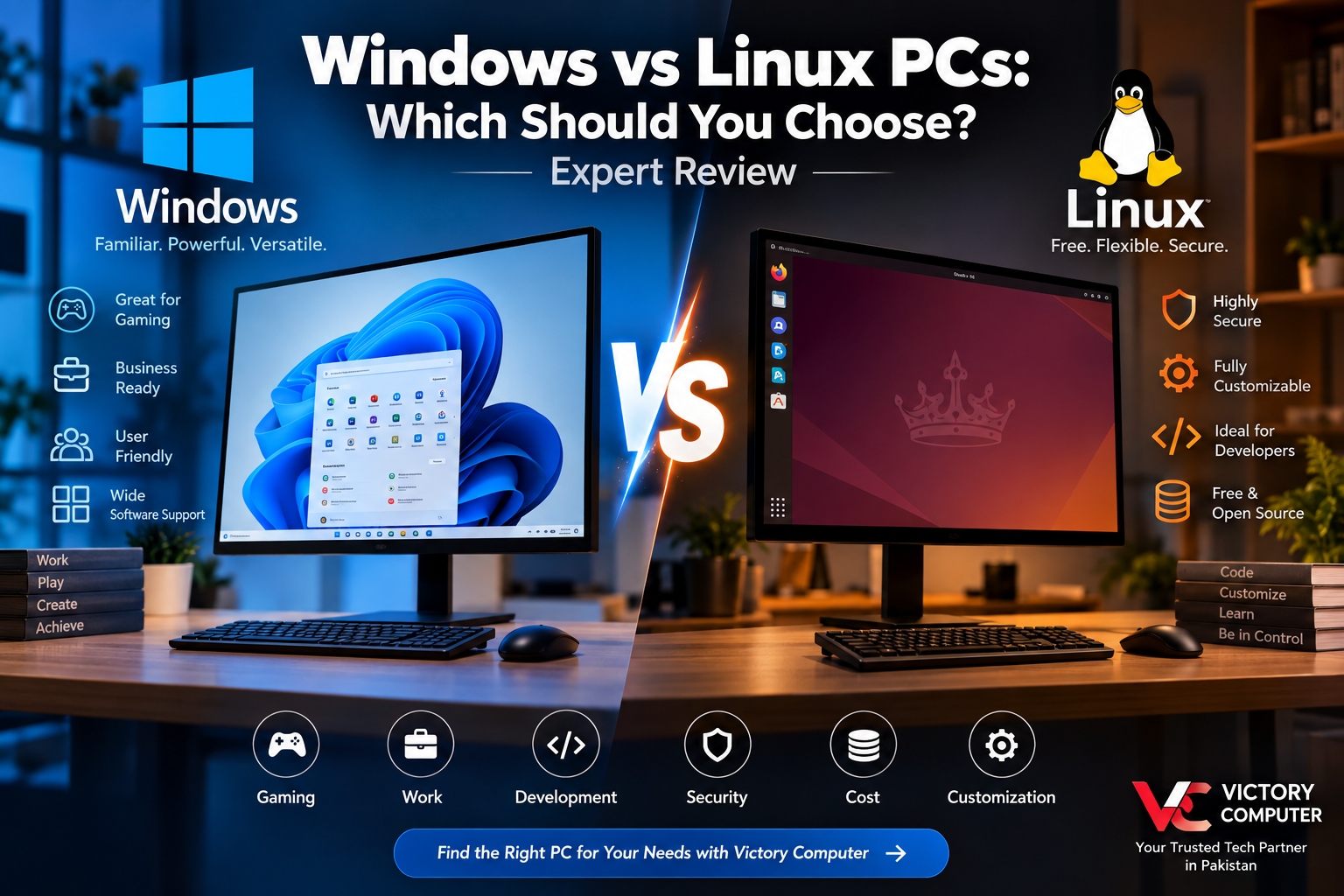
Windows vs Linux PCs
Windows vs Linux PCs is not a contest with one winner for everyone. Windows is generally the easier choice for gaming, mainstream business software and users who want broad hardware and application compatibility. Linux makes more sense for many developers, system administrators, technical users and people who value customization and open-source software.
For buyers in Pakistan, the right choice depends less on which operating system is considered “better” and more on what you actually plan to do with your PC. This guide compares Windows and Linux across usability, gaming, software, security, development, performance and cost.
Windows vs Linux PCs: Quick Comparison
| Feature | Windows PC | Linux PC |
|---|---|---|
| Ease of Use | Familiar interface and straightforward setup for most users | Depends on the distribution; beginner-friendly options are available |
| Software Compatibility | Excellent support for mainstream commercial desktop applications | Strong open-source ecosystem but some commercial apps lack native versions |
| Gaming | Generally the safest choice for broad PC game compatibility | Much improved through native games and compatibility technologies such as Proton |
| Customization | Good, but relatively controlled | Extensive control over desktop environment and system components |
| Security | Strong modern security features but remains a major malware target | Strong permission model and security ecosystem, but still requires updates and safe practices |
| Cost | Usually requires a Windows licence, often included with a new PC | Most desktop Linux distributions are free to install |
| Best Fit | Gaming, office work, general users and mainstream applications | Development, servers, customization and technical workflows |
Windows PCs: Why Choose Windows?
Windows remains the practical default for a large percentage of desktop and laptop buyers because hardware manufacturers and software developers commonly design their consumer products around it. Applications, peripherals, gaming accessories, printers and specialist business software are therefore often easiest to configure on Windows.
Windows 11 also has defined hardware requirements including a compatible 64-bit processor, at least 4GB RAM, 64GB storage, UEFI/Secure Boot capability and TPM 2.0. Buyers considering an older PC should check compatibility before assuming that it can officially run Windows 11.
Windows is especially convenient for users whose work depends on Microsoft 365 applications, Adobe software, specialist corporate tools or games that officially target Windows.
Pros of Windows PCs
- Broad software compatibility: A huge range of commercial, educational, creative and business applications is built for Windows.
- Excellent gaming support: Windows remains the safest option when maximum compatibility with PC games, launchers, drivers and gaming peripherals is a priority.
- Easy hardware support: Most mainstream PC components and peripherals provide Windows drivers and setup tools.
- Familiar interface: Many students, offices and home users already know the Windows environment.
- Strong business ecosystem: Windows integrates naturally with many Microsoft-based corporate environments.
Cons of Windows PCs
- Licence cost: A legitimate Windows licence can add to the cost when it is not already included with the computer.
- Less system-level customization: Windows gives users less control over some parts of the operating system than Linux.
- Higher malware exposure: Its enormous user base makes Windows an attractive target for malicious software, so updates and sensible security practices remain important.
- Hardware requirements: Some older PCs do not officially satisfy Windows 11 requirements.
Why We Recommend Windows
Choose Windows if you want a PC that can handle mainstream work, study, gaming and entertainment with minimal compatibility concerns. It is particularly suitable when you depend on Windows-specific applications or want the broadest possible PC gaming support.
Linux PCs: Why Choose Linux?
Linux is not a single desktop operating system in the same sense as Windows. It is available through many distributions, including Ubuntu, Linux Mint, Fedora and others, each offering a different combination of interface, software management and system configuration.
Users who are new to Linux do not need to start with a complicated command-line environment. Modern desktop distributions can provide graphical installers, app stores, automatic updates and familiar desktop interfaces. If you are considering Linux for the first time, see our guide to beginner-friendly Linux distributions.
Linux is particularly attractive to programmers and IT professionals because development tools, package managers, command-line utilities, containers and server technologies fit naturally into Linux-based workflows. Long-term-support distributions can also provide years of security maintenance; for example, Ubuntu’s LTS releases receive multi-year standard security support.
Pros of Linux PCs
- Free and open source: Most popular Linux distributions can be installed without purchasing an operating-system licence.
- Highly customizable: Users can change desktop environments, system services and many other components.
- Excellent development environment: Linux is well suited to programming, DevOps, servers, containers and system administration.
- Can work well on modest hardware: Lightweight distributions and desktop environments can make Linux useful for some older computers.
- Greater user control: Experienced users can control updates, packages, services and system configuration in considerable detail.
Cons of Linux PCs
- Some commercial applications are unavailable: Certain Adobe, Microsoft and specialist industry applications do not have native Linux versions.
- Gaming compatibility varies: Linux gaming has improved substantially, but not every Windows game or anti-cheat implementation works as expected.
- Hardware support can vary: Certain specialist peripherals or newly released hardware may require additional configuration.
- Learning curve: Troubleshooting and advanced configuration may require familiarity with the terminal and Linux concepts.
Why We Recommend Linux
Linux is a strong choice for developers, technical students, system administrators and experienced users who value control and open-source software. Users dependent on specific Windows-only applications or games should check compatibility before switching completely.
Windows vs Linux for Gaming
For most dedicated PC gamers, Windows is still the safer recommendation. Games, GPU drivers, launchers, anti-cheat systems and gaming peripherals are generally designed with Windows support as a priority.
Linux gaming, however, is far more practical than it once was. Steam’s Linux ecosystem and Proton compatibility layer can allow many Windows games to run on Linux. Compatibility is not universal, so a gamer should check the exact titles they play rather than assuming their complete library will work.
If gaming is the primary purpose of an expensive PC and you do not specifically need Linux, Windows usually involves fewer compatibility compromises.
Windows vs Linux for Programming and Development
Linux has a major advantage for workflows closely related to web servers, cloud infrastructure, DevOps, cybersecurity labs, containers and open-source development. Its terminal environment, package management and Unix-style tooling make it a natural platform for many programmers.
Windows should not be dismissed for development, though. Modern Windows systems support extensive development tooling, and Windows Subsystem for Linux allows developers to use a Linux environment while keeping Windows as their main desktop OS.
That creates a useful middle ground: you can keep Windows compatibility for normal applications while using Linux tools for development.
Windows vs Linux for Security and Privacy
The statement that “Linux is secure and Windows is insecure” is too simplistic. Both operating systems can be used securely when they are properly configured, updated and maintained.
Windows includes modern security technologies and receives regular security updates, but its enormous desktop footprint also makes it a frequent malware target. Windows users should keep the operating system and applications updated and use appropriate security controls. You can also review our guide to antivirus options for Windows 11.
For sensitive local data, Windows users can also learn how to encrypt folders and USB drives in Windows.
Linux offers strong permissions, software repositories and extensive administrative control, but Linux systems are not immune to vulnerabilities or attacks. Updates, strong passwords, trusted software sources and correct configuration matter on either platform.
Windows vs Linux for Students and Businesses in Pakistan
For most general students, Windows is the simpler option because educational institutions frequently rely on Microsoft Office formats, browser-based learning systems and Windows-compatible specialist software. Engineering, design and business students should check the exact applications required by their institution before selecting an operating system.
Linux becomes more attractive for computer science students, programmers, networking learners and users studying server administration or cybersecurity. It provides direct exposure to tools and environments widely used in technical infrastructure.
Businesses should make the decision based on their existing software. A company relying heavily on Microsoft applications, accounting software, vendor-specific utilities or Active Directory-based workflows may find Windows easier to manage. Linux can be highly effective for development machines, infrastructure and server workloads.
Which OS Is Faster: Windows or Linux?
There is no useful universal answer because operating-system performance depends on the hardware, drivers, desktop environment, background services and workload.
A lightweight Linux distribution can consume fewer resources than a feature-rich Windows installation, which may make Linux attractive for certain older PCs. That does not mean Linux automatically makes every computer faster. A properly configured modern Windows PC with suitable hardware can deliver excellent performance.
For gaming and GPU-heavy applications, driver and application compatibility can matter more than the operating system’s idle resource usage.
Can You Use Windows and Linux on the Same PC?
Yes. Users who need both environments have several options.
- Dual boot: Install Windows and Linux on separate partitions and select an operating system when the computer starts.
- Virtual machine: Run one operating system inside another using virtualization software.
- Windows Subsystem for Linux: Developers can access a Linux environment directly from Windows without maintaining a traditional dual-boot setup.
Dual boot provides native access to the hardware for both operating systems, while virtualization and WSL can be more convenient when you frequently switch between Windows applications and Linux tools.
Windows vs Linux PCs: Final Verdict
| Your Main Requirement | Recommended Choice |
|---|---|
| PC gaming | Windows |
| Microsoft Office and mainstream business applications | Windows |
| General home and student use | Windows for most users |
| Programming and web development | Linux or Windows + WSL |
| Server administration and DevOps | Linux |
| Maximum customization | Linux |
| Older or resource-limited PC | Lightweight Linux may be preferable |
| Windows-only specialist applications | Windows |
The practical answer: choose Windows if compatibility, gaming and ease of use are your main priorities. Choose Linux if development, customization, open-source software and system-level control matter more. Advanced users do not necessarily need to choose only one—dual boot, virtualization and WSL can provide access to both environments.
Buying a Windows or Linux PC in Pakistan
The operating system is only one part of choosing the right computer. Processor performance, RAM, SSD capacity, graphics hardware, upgradeability and display requirements should match the applications you plan to use.
If you are shopping for a complete desktop setup, explore desktop PCs in Pakistan and compare hardware based on your actual workload rather than choosing a PC solely because it ships with a particular operating system.
You can also visit Victory Computer for laptops, desktops, gaming systems and computer hardware in Pakistan.
Frequently Asked Questions
Is Linux better than Windows?
Linux is better for some development, server and customization workloads, while Windows is generally better for mainstream application compatibility and PC gaming. The better choice depends on what you need to run.
Is Linux completely free?
Most popular Linux distributions are free to download and use. Paid enterprise support and additional commercial services are available for organizations that need them.
Can Linux run Windows applications?
Some Windows applications and games can run through compatibility technologies such as Wine or Proton, but compatibility is not guaranteed. Check essential software individually before replacing Windows.
Is Linux safer than Windows?
Linux has several security advantages and is targeted differently from Windows, but neither operating system is automatically secure. Updates, configuration, trusted software and good security practices remain necessary.
Is Linux good for gaming?
Linux gaming has improved considerably, especially through Steam and Proton, but Windows still provides broader compatibility. Competitive games, anti-cheat systems and particular launchers should be checked individually.
Can I install Windows and Linux on the same PC?
Yes. You can dual-boot both operating systems, run one inside a virtual machine, or use Windows Subsystem for Linux when a Linux development environment is all you need.

About Victory Computer Editorial Team
Victory Computer Editorial Team The Victory Computer Editorial Team publishes informative, research-based content about laptops, computers, monitors, printers, hardware, and technology trends in Pakistan. Our goal is to help readers understand product specifications, compare available options, and make informed purchasing decisions.
View all posts by Victory Computer Editorial Team